Follow a collision surface
Swipe the table to read every column.
| Parameter | Default / type | Effect and use |
|---|---|---|
| Snap To Surface | true / boolean | Requires an eligible nearby surface anchor and keeps subsequent growth supported by collision. Disable for free path generation without surface snapping. |
| Allow Horizontal Surfaces | false / boolean | Opt into floor and curved-surface anchoring with tangent direction carried across supported surface changes. Requires Snap To Surface. False preserves the original wall anchor and roof-stop behavior. |
| Surface Trace Channel | WorldStatic / collision channel | The target must block this trace channel. This setting is independent of the character's Climb Trace Channel. |
| Trace Complex | true / boolean | Uses complex collision for growth traces. Disable to follow simple collision where provided; the result follows collision geometry, which may differ from visible triangles. |
| Surface Trace Distance | 150 cm / float, minimum 10 | Search reach for the initial anchor. Local follow probes also limit their reach using stem radius and step distance. |
| Surface Offset | 3 cm / float, minimum 0 | Offsets procedural leaf quads and influences the instanced leaf attachment offset. Stem surface clearance is computed from stem radius, root flare and radius noise. |
| World Exclusion Boxes | Empty / Box array | World-space axis-aligned regions that block stem paths and reject overlapping leaf bounds. |
| Exclusion Padding | 12 cm / float, minimum 0 | Expands each exclusion for foliage. Stem path checks add further clearance from Trunk Radius and Stem Root Flare. |
With Allow Horizontal Surfaces disabled, the anchor search rejects faces with an absolute world normal Z greater than 0.8, and the original growth path stops at horizontal tops. Enable it to accept floor and curved anchors and carry the growth heading along changing surface tangents. The actor must still start outside collision. Other procedural vine actors and this actor's owner are ignored by growth traces.
With Edge Drape Length = 0, snapped growth stops when it cannot find supported continuation. A positive value can append an eligible hanging tip as described below. Paths are generated relative to the vine actor. Moving a target mesh afterward does not bind the vine to it, and skeletal deformation is not followed. Reposition or regenerate deliberately when the environment changes. The new surface option does not change the separate Character climbing component or its slope limits.
Hang a tip over an edge
Vine Growth → Edge Drape Length allows a supported strand to continue past a ledge as a drooping tip. Start with P_HangingCurtain, or tune one actor with Snap To Surface enabled.
- Place the actor beside a supported ledge or arch face. First inspect a single strand with leaves disabled and Edge Drape Length = 0.
- Choose a direction that reaches the edge laterally or downward. Strongly upward climbing strands still stop instead of starting a hanging tip.
- Set a positive Edge Drape Length, for example 80 cm, then Regenerate. The tip leaves along its heading and bends toward world down; collision and exclusions can stop it earlier.
- Check the entire tip for clearance, then restore leaves and branching. Return the value to 0 to restore stop-at-edge behavior.
The value is an upper limit, not a guaranteed length. Remaining path steps and usable surface orientation also limit the result. A hanging tip does not search for or reattach to another support, and it is not a physics cable or a way to bridge arbitrary unsupported gaps.
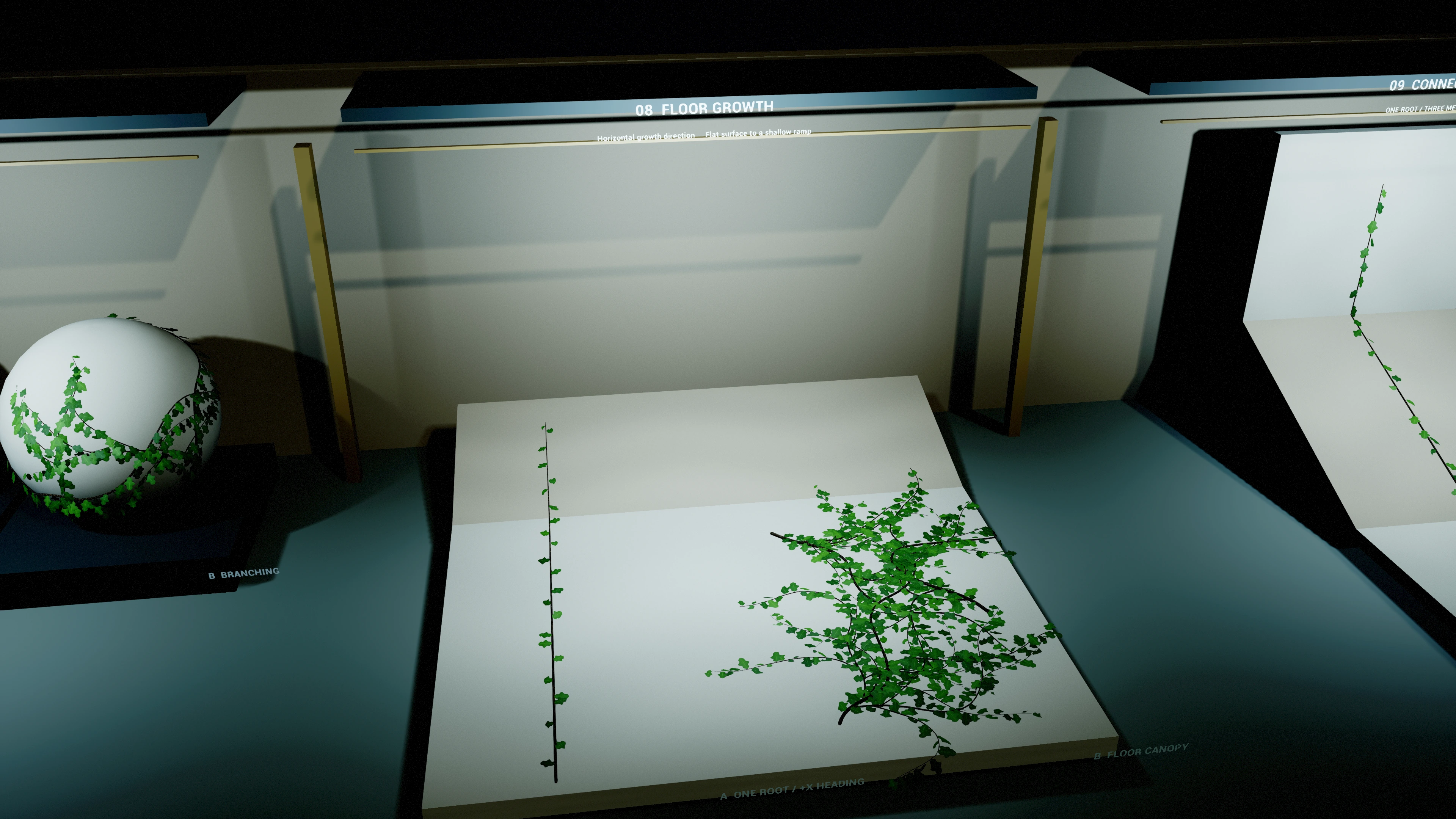
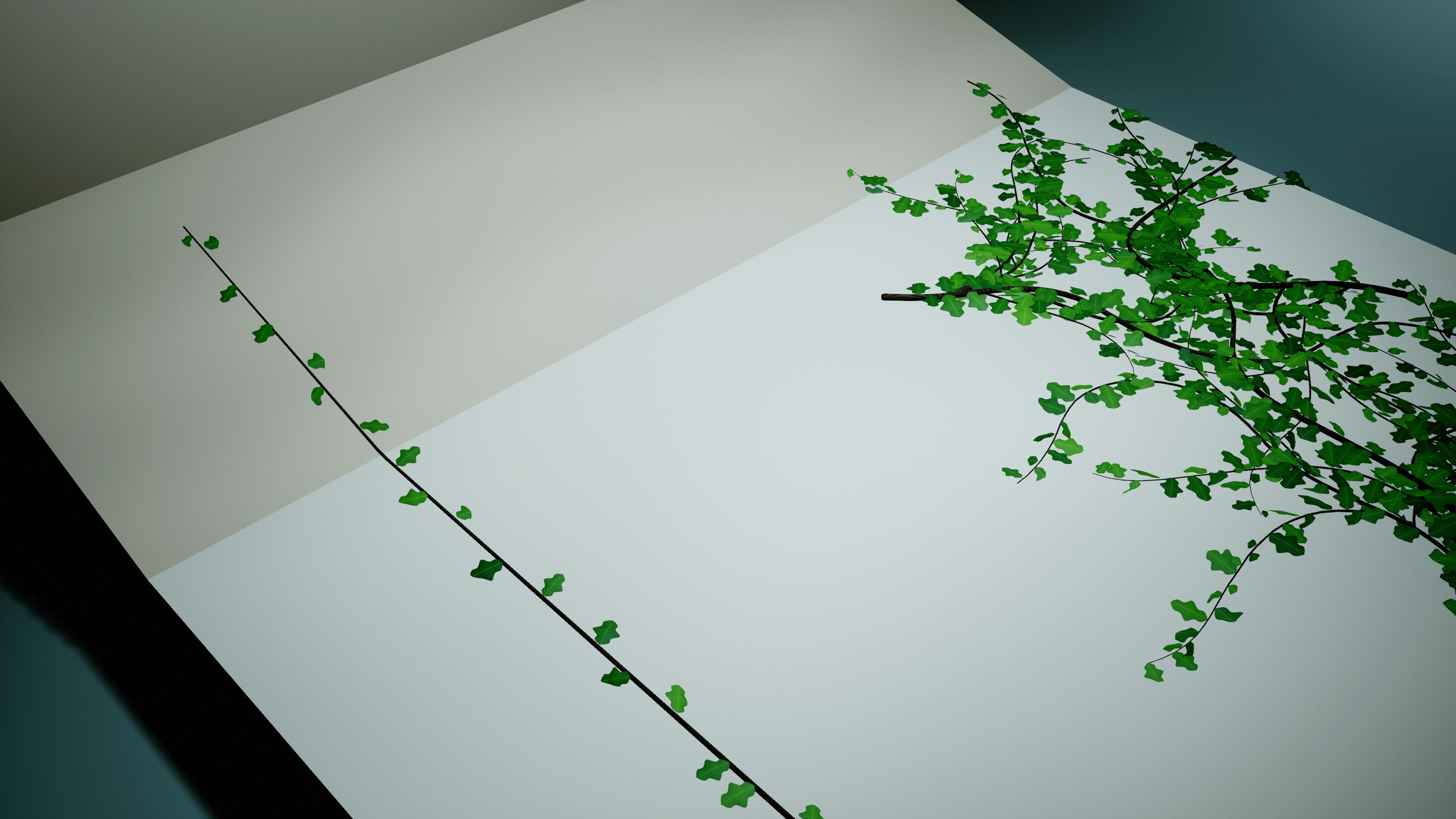
Grow across a floor or ramp
- Use a floor mesh with blocking collision on Surface Trace Channel. Place the vine actor just above its surface and leave actor scale at (1, 1, 1).
- Enable Snap To Surface and Allow Horizontal Surfaces in Vine Surface.
- Set Growth Direction = (1, 0, 0), Upward Bias = 0 and Gravity Sag = 0. Growth Direction uses the vine actor's local axes; rotating the actor changes its world heading.
- For an easy-to-inspect first path, set Seed Count = 1, Max Branch Depth = 0, Wander Strength = 0 and Spawn Leaves = false. These are example settings, not plugin defaults.
- Regenerate and wait for Is Generating to become false. Inspect the stem along the floor and any ramp seam before restoring branching and foliage.
The horizontal mode projects directional influences into the surface tangent. If that projection vanishes, it retains the previous tangent heading instead of pushing through the face. A starting heading parallel to the surface normal falls back to a projected local +X or +Y direction. Set an explicit tangent direction when layout matters.
Build lateral coverage
Use the one-strand floor setup first, then add roots and branches gradually. Spread roots with Seed Spread Radius or deliberate Extra Seeds, increase Max Branch Depth and Branch Probability, and reintroduce Wander Strength for irregular paths. Use a diagonal actor-local Growth Direction when a row of parallel paths is too uniform. Keep Upward Bias and Gravity Sag low when you want lateral travel along flat ground or around a curved object.
Compare one change at a time with a fixed Random Seed. Coverage follows local collision and the configured length/branch budgets; this is not a fill operation or a biological coverage solver. Inspect the supporting paths before increasing foliage density.
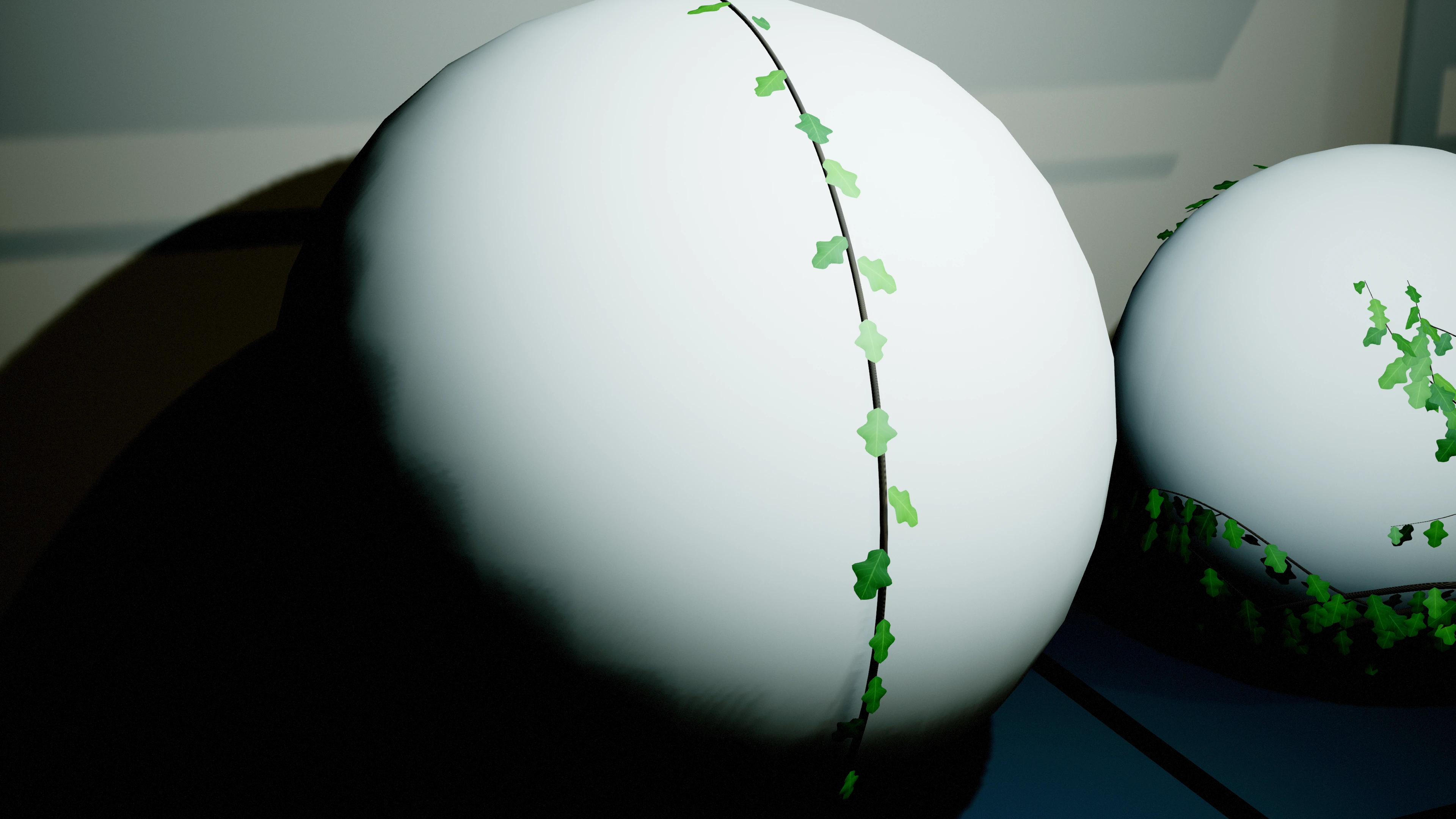
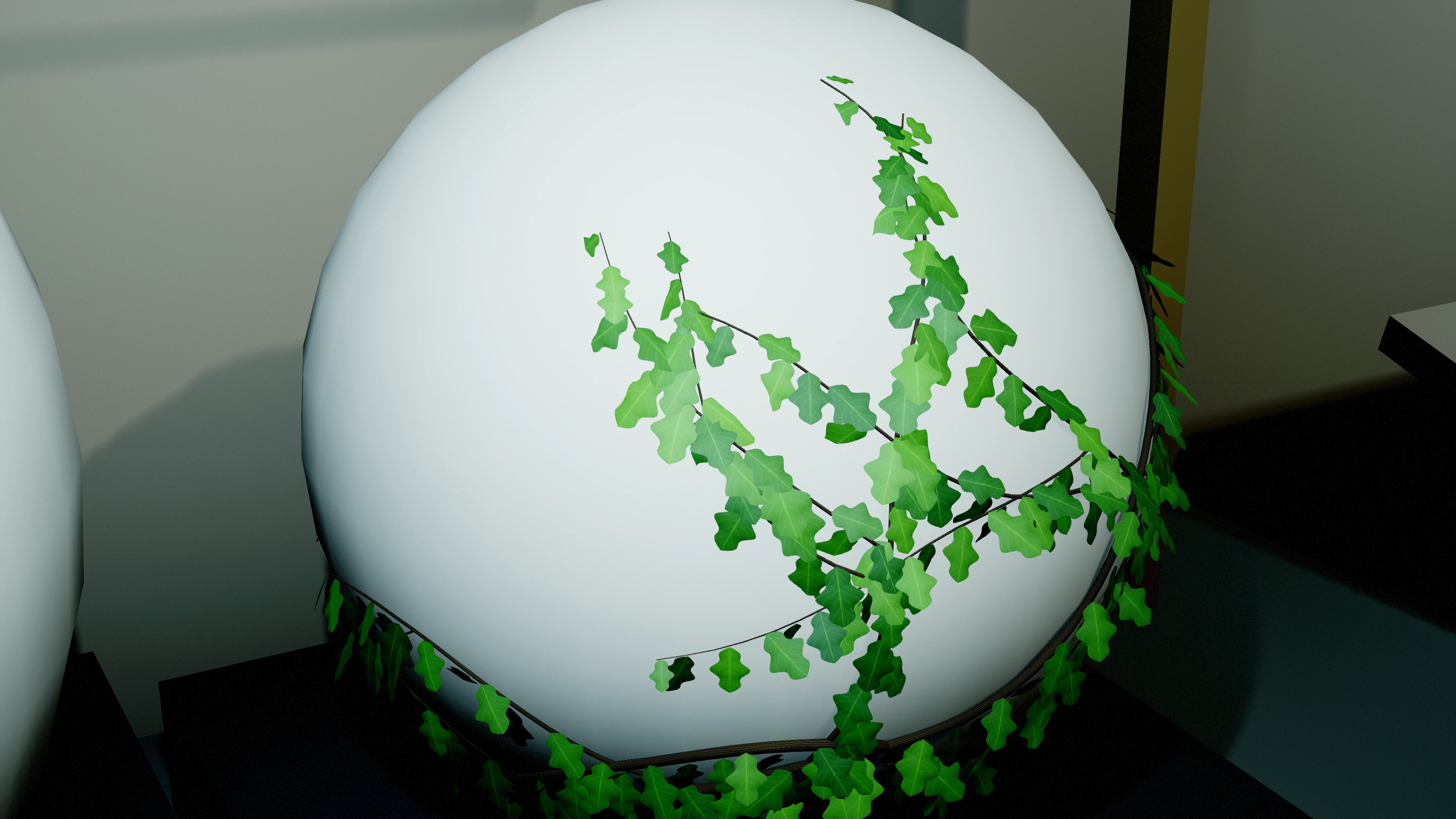
Follow a sphere or curved mesh
- Enable Allow Horizontal Surfaces and place the vine actor outside the curved mesh, within Surface Trace Distance of the desired root area.
- Use simple or complex collision that follows the intended shape. Coarse collision produces a coarser supporting path, even when the visible sphere looks smooth.
- Choose Growth Direction along the intended initial tangent. Begin with Upward Bias = 0 and Gravity Sag = 0 to study the curved path without these directional influences.
- Reduce Step Distance when tight curvature needs closer samples. Regenerate and inspect the full route before increasing branch depth or leaf density.
The growth heading is carried between sampled surface normals as the strand continues. This is local collision following, not a prescribed orbit around the sphere. Max Length, collision, exclusions and supported continuation determine where a strand ends.
Continue across connected meshes
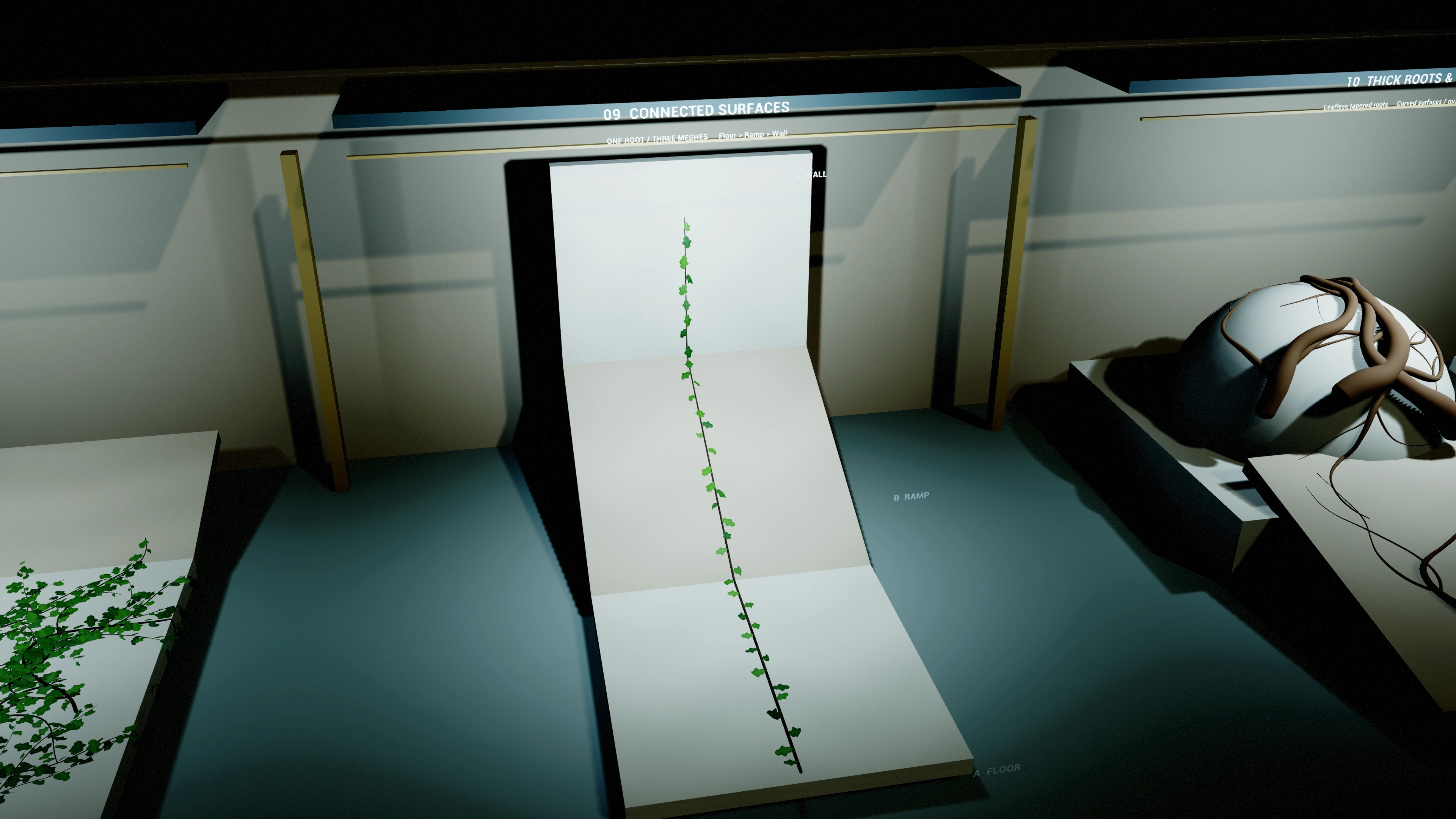
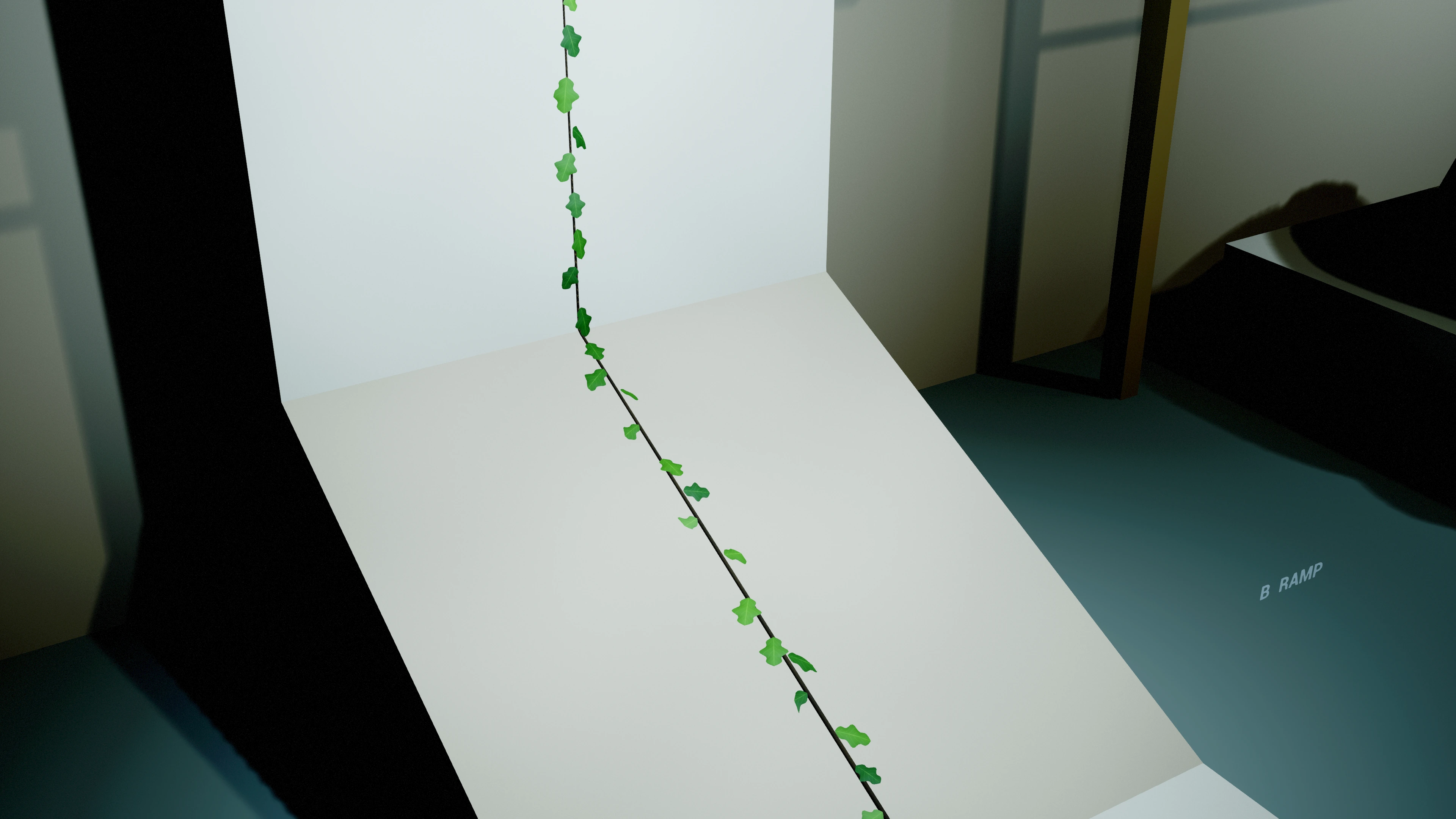
- Place neighboring collision meshes with touching or closely aligned supporting surfaces. Confirm every mesh blocks the same Surface Trace Channel and provides the chosen trace collision mode.
- Enable Allow Horizontal Surfaces on one vine actor and aim its Growth Direction toward the seam. A continuous strand can use support from different mesh components or actors; no second vine actor or new root is required at the seam.
- Start with one unbranched, leafless strand. Inspect the collision seam and tune Step Distance for the local curvature and change in surface normal.
- Keep Surface Trace Distance large enough to find nearby support, then regenerate. Increasing trace reach does not make an unsupported gap a valid connection.
- Restore branch and leaf settings once the path remains supported across the intended route. World Exclusion Boxes continue to block reserved areas.
Each step checks support at its candidate endpoint and midpoint and may retry with a shorter step. A large change in normal, missing collision, exclusion or unsupported interval can stop the strand. These finite samples do not guarantee every arbitrary topology or detect every sub-step gap. This feature does not provide free-air spans, continuous tracking of moving geometry or a validated ceiling workflow.
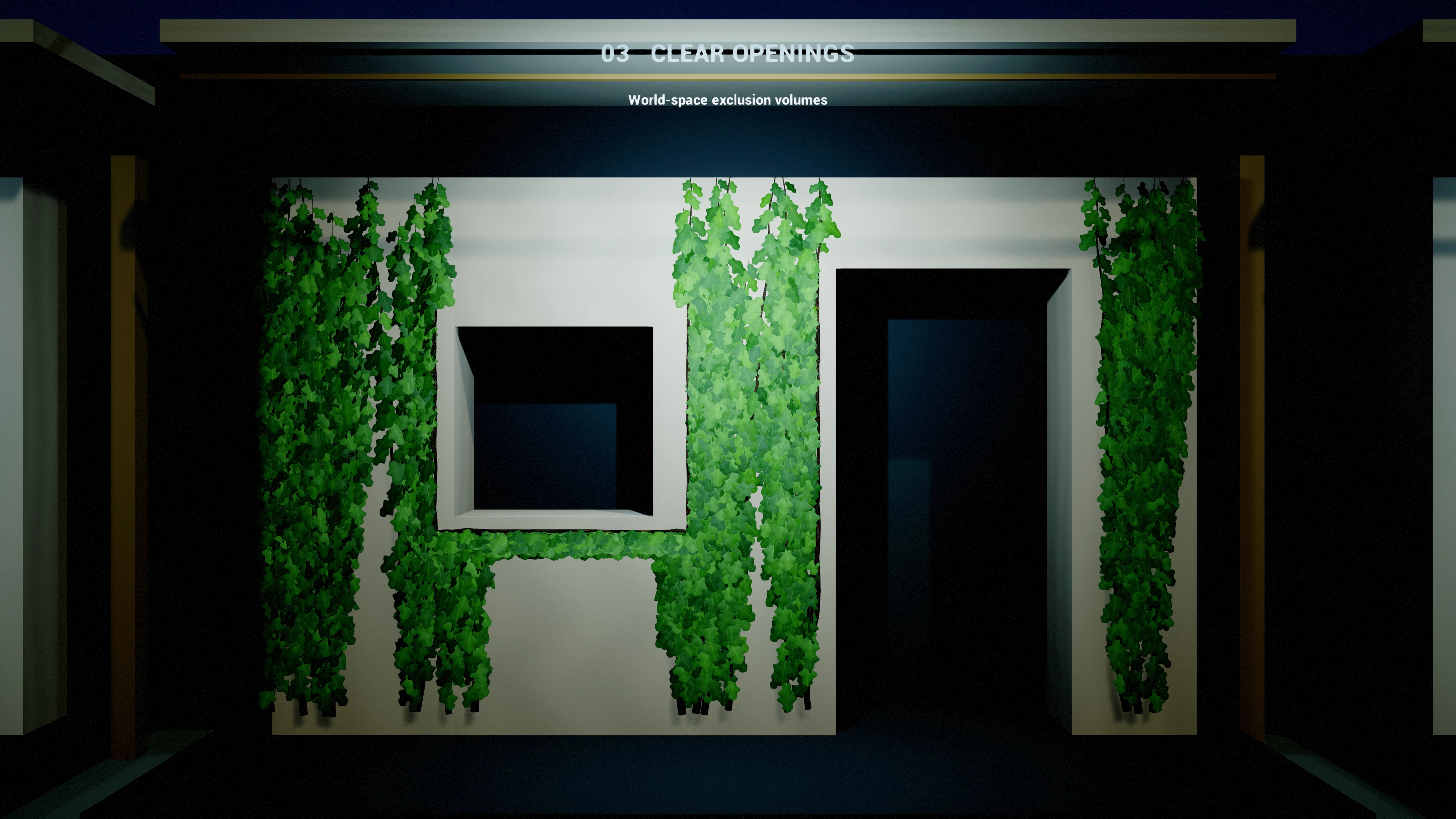
Keep a window or doorway clear
- Select the vine actor and add an element to World Exclusion Boxes.
- Set the Box Min and Max to the opening's world bounds. Min must be smaller than Max on every axis. Give the box depth through the wall and out into the foliage area. Use a valid box; Blueprint setups should use Make Box.
- Set Exclusion Padding for the extra border you want to preserve. These coordinates remain fixed in the world when the vine actor moves.
- Press Regenerate and inspect both stems and leaf bounds near the opening. Widen the box or increase padding if a border needs more clearance.
- Copy the world box coordinates to other vine actors on the same building when they share the opening. Exclusions are stored per actor.
The generator tries alternate directions beside a blocked path and may terminate a strand when no route remains. Leaf mesh bounds intersecting an exclusion are omitted; this is a conservative bounding-box check and can leave a larger gap around wide or diagonally oriented leaves. Boxes do not auto-detect windows or resize when the building changes.