Choose the active rendering path
Swipe the table to read every column.
| Actor setup | Result |
|---|---|
| Leaf Variation Meshes contains valid meshes | Each leaf randomly selects a valid entry. This array takes precedence over Leaf Static Mesh; empty entries are ignored. |
| No valid variation meshes, Leaf Static Mesh assigned | Uses instances of the single static mesh. |
| Neither source provides a mesh | Builds procedural diamond-shaped quads. |
| Spawn Leaves disabled | No leaves are generated, regardless of mesh assignments. |
Instanced meshes use their authored geometry and UVs. Flat meshes are oriented using their thin and long bounds axes; volumetric meshes use a different orientation basis. Inspect a new mesh at low density before filling the surface. Leaf Material overrides material slot 0 of instances when assigned; other slots belong to the mesh. Without an override, use the static mesh's own materials.
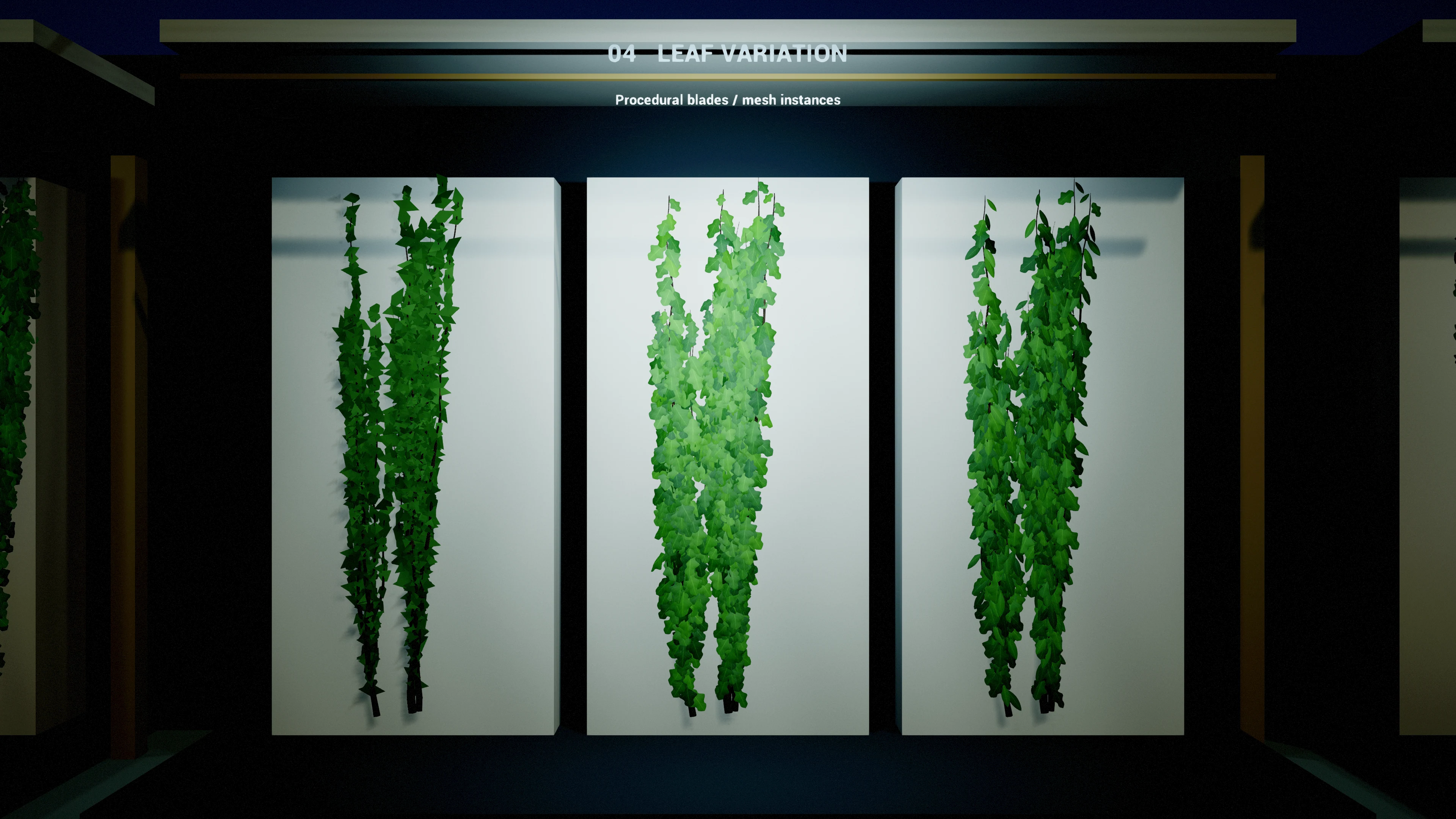
Shared leaf distribution
Swipe the table to read every column.
| Parameter | Default / type | Effect and use |
|---|---|---|
| Spawn Leaves | true / boolean | Enables leaf geometry or leaf instances. |
| Root Leaf Free Length | 40 cm / float, minimum 0 | Leaves the first portion of root strands bare. It does not clear the bases of side branches. |
| Leaf Spacing | 45 cm / float, minimum 5 | Base spacing budget along the rendered strand before Leaves Per Node and random step variation. |
| Leaves Per Node | 2 / integer, range 1–4 | Density multiplier for both paths. Leaves are distributed along the strand at roughly Leaf Spacing ÷ Leaves Per Node, not stacked at one point. |
| Leaf Spawn Chance | 0.85 / float, range 0–1 | Probability of keeping each candidate leaf before exclusion tests. A lower value produces a sparser result. |
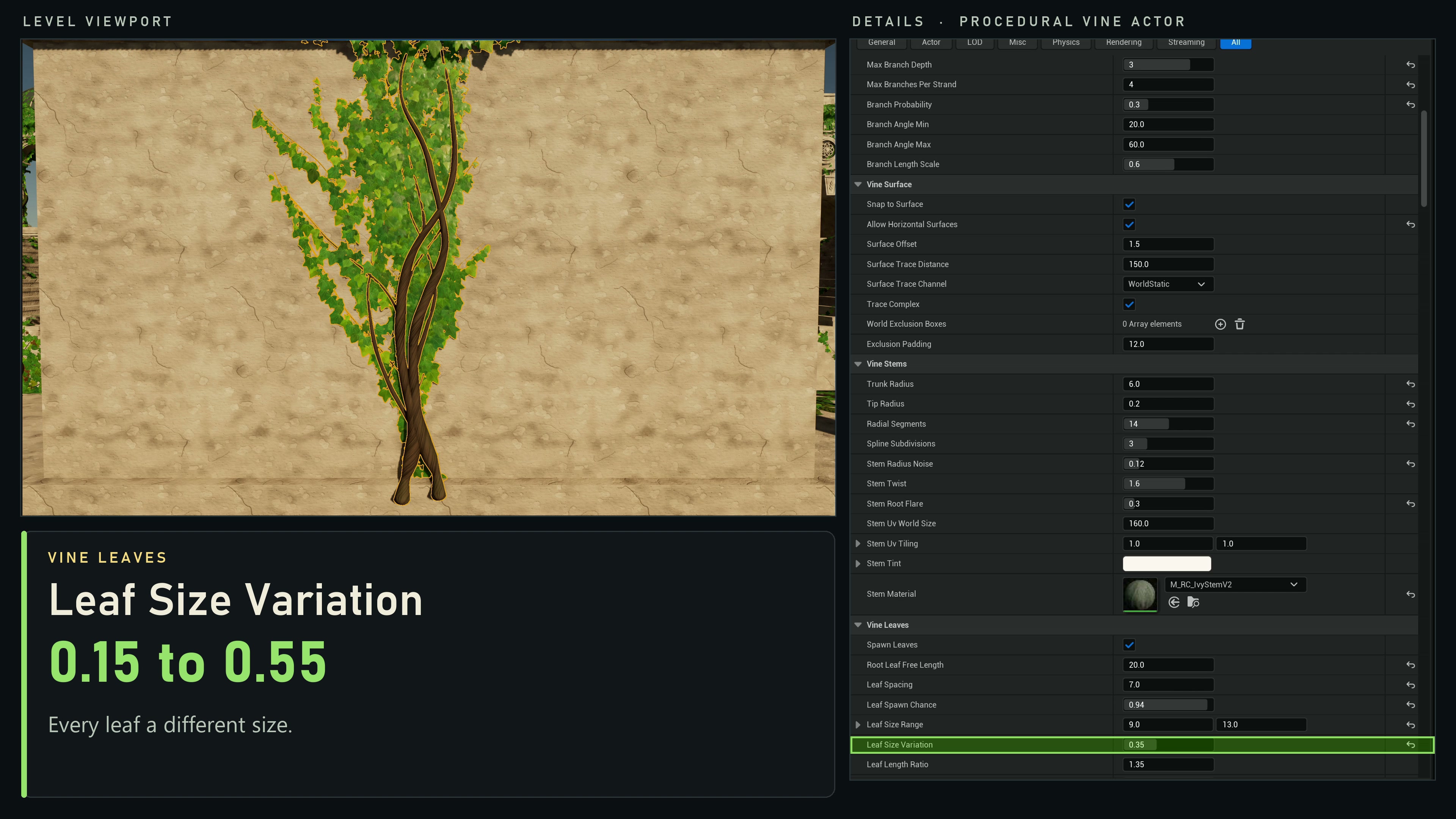
| Leaf Size Variation | 0.38 / float, range 0–0.9 | Random size spread around the selected size, ±38% by default. Reduce for a uniform design. |
| Leaf Gravity Bias | 0.7 / float, range 0–1 | Turns tips toward gravity on walls, slopes and hanging stems; floors are unaffected. |
| Leaf Petiole Length | 0 cm / float, minimum 0 | Adds visible stalks with the stem material. Keep zero when the source mesh includes a stalk. |
| Leaf Surface Lift | 0.6 cm / float, minimum 0 | Mature leaf attachment height above the support. Keep low to avoid floating foliage. |
| Leaf Density Variation | 0.35 / float, range 0–1 | Thins stretches along each stem into patches. Zero gives more even spacing. |
| Leaf Material | None / material | Procedural quad material or material slot 0 override for instanced meshes. Quad fallback uses the default surface material. |
Procedural quad controls
Swipe the table to read every column.
| Parameter | Default / type | Effect and use |
|---|---|---|
| Leaf Size Range | (7, 12) cm / vector2 | Base size for procedural cards and size-normalized mesh instances. Age, strand vigour and Leaf Size Variation also affect final size. |
| Leaf Length Ratio | 1.35 / float | Quad length = sampled size × this ratio; quad width = sampled size × 0.62. Also multiplies the uniform size of mesh instances; it does not stretch their authored blade shape. |
| Leaf Pitch Range | 30° / float | Maximum procedural-card lift away from the supporting surface; instances use Leaf Instance Tilt. |
| Leaf Tint Dark | Linear RGB (0.055, 0.14, 0.03), A 1 | Dark endpoint of the randomized quad vertex-color range. |
| Leaf Tint Light | Linear RGB (0.16, 0.34, 0.06), A 1 | Light endpoint of the randomized quad vertex-color range. A material must read Vertex Color to show the tint. |
Use a suitable two-sided leaf material if both faces should be visible. Quad tint and dimensions do not replace the authored appearance of an instanced static mesh.
Curved leaves for close views
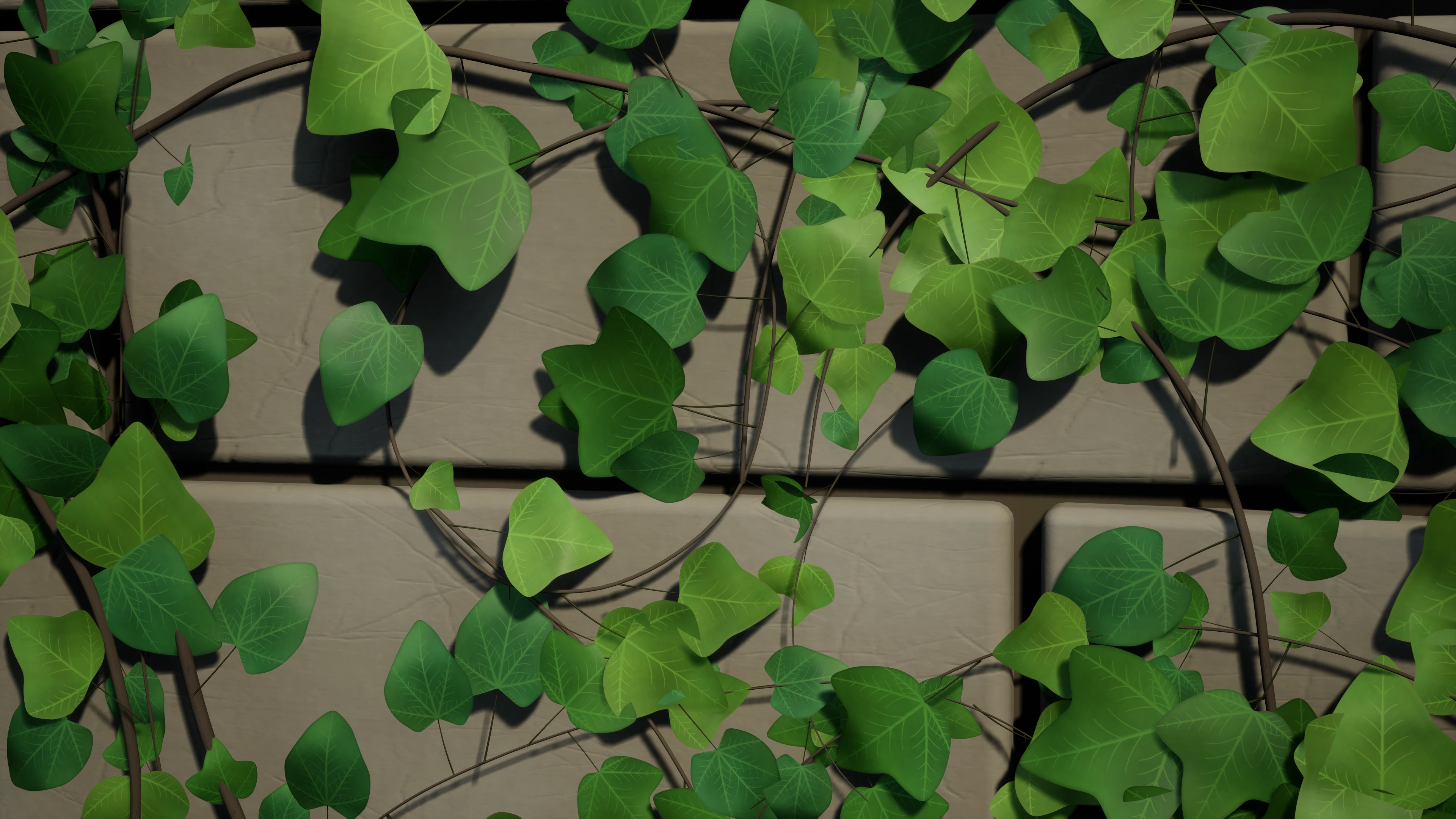
Enable Show Plugin Content and open Procedural Vines Content → Meshes → RealismR3. The six curved variants are SM_Hedera_R3_B1, SM_Hedera_R3_B2, SM_Hedera_R3_G1, SM_Hedera_R3_G2, SM_Hedera_R3_K1 and SM_Hedera_R3_K2. Their blades have cupping, curled edges and connected petioles. They retain the existing Hedera 4×3 atlas layout.
- Add the desired variants to Leaf Variation Meshes. A valid variation array overrides Leaf Static Mesh; applying a preset with a single leaf mesh clears that array, so assign the mix after applying the preset.
- Assign Materials → RealismR3 → M_HederaInstances_R3 to Leaf Material. Its two-sided foliage shading adds softened veins and stable local color/roughness variation while retaining age tint and optional wind.
- Keep Leaf Petiole Length = 0 when using the meshes' own stalks. Begin with sparse leaves, inspect the attachment and blade clearance, then adjust Leaf Instance Scale, Leaf Instance Tilt and density.
- Create a material instance to tune LeafNormalStrength (0.08), LeafVeinSoftening (0.72) and LeafRoughness (0.72). These are the R3 material defaults, not actor settings. Roughness blends with the texture and surface variation, so the scalar is not the final per-pixel roughness.
Each source leaf has 1,628 triangles at LOD0. Use these meshes selectively for close views: instancing does not remove their mesh, material or shadow cost. Compare against the lighter Hedera meshes at your gameplay camera and reduce leaf density where the extra curvature is not visible. The legacy meshes and materials remain available.
Compare leaf size variation
Keep the seed, Leaf Size Range and source mesh fixed, then adjust Vine Leaves → Leaf Size Variation. Lower values make leaf sizes more uniform; larger values create a stronger size spread. Check mature leaves and the growing tip separately because age also affects size.
Instanced mesh controls
Swipe the table to read every column.
| Parameter | Default / type | Effect and use |
|---|---|---|
| Leaf Instance Scale | 1 / float, minimum 0.01 | Multiplier on size-normalized Leaf Size Range for mesh instances. Young leaves near the growing tip are smaller. |
| Leaf Instance Tilt | 10° / float, range 0–90 | Tilt away from the supporting surface, with randomized variation. |
Instanced leaves do not receive procedural quad vertex colors. Per-instance custom data 0 contains leaf age measured behind the currently revealed growth front: young leaves begin smaller and mature as that front advances, while retraction reverses the age progression. Custom data 1 contains stable per-leaf variation. The included instance material uses these channels so colour stays stable during growth and retraction. Adjust the source mesh material or Leaf Material for their color. Use Leaf Instance Scale and Leaf Instance Tilt for primary size and angle adjustments; Leaf Size Range and Leaf Length Ratio affect both paths, with Leaf Length Ratio scaling mesh instances uniformly. Leaf Pitch Range only tilts procedural cards.
- Assign one Leaf Static Mesh with a recognizable shape. Regenerate and tune Leaf Instance Scale.
- Populate Leaf Variation Meshes to mix source shapes. Regenerate to replace the single-mesh path.
- Adjust Leaf Spacing, Leaves Per Node and Leaf Spawn Chance with a fixed Random Seed.
- Inspect tip size, surface orientation and openings. Use a compatible source mesh and material before raising density.