Code Plugins
Procedural Vines
Surface-following ivy and roots, free-space curling tendrils, reusable presets, leaf wind and cached growth playback.
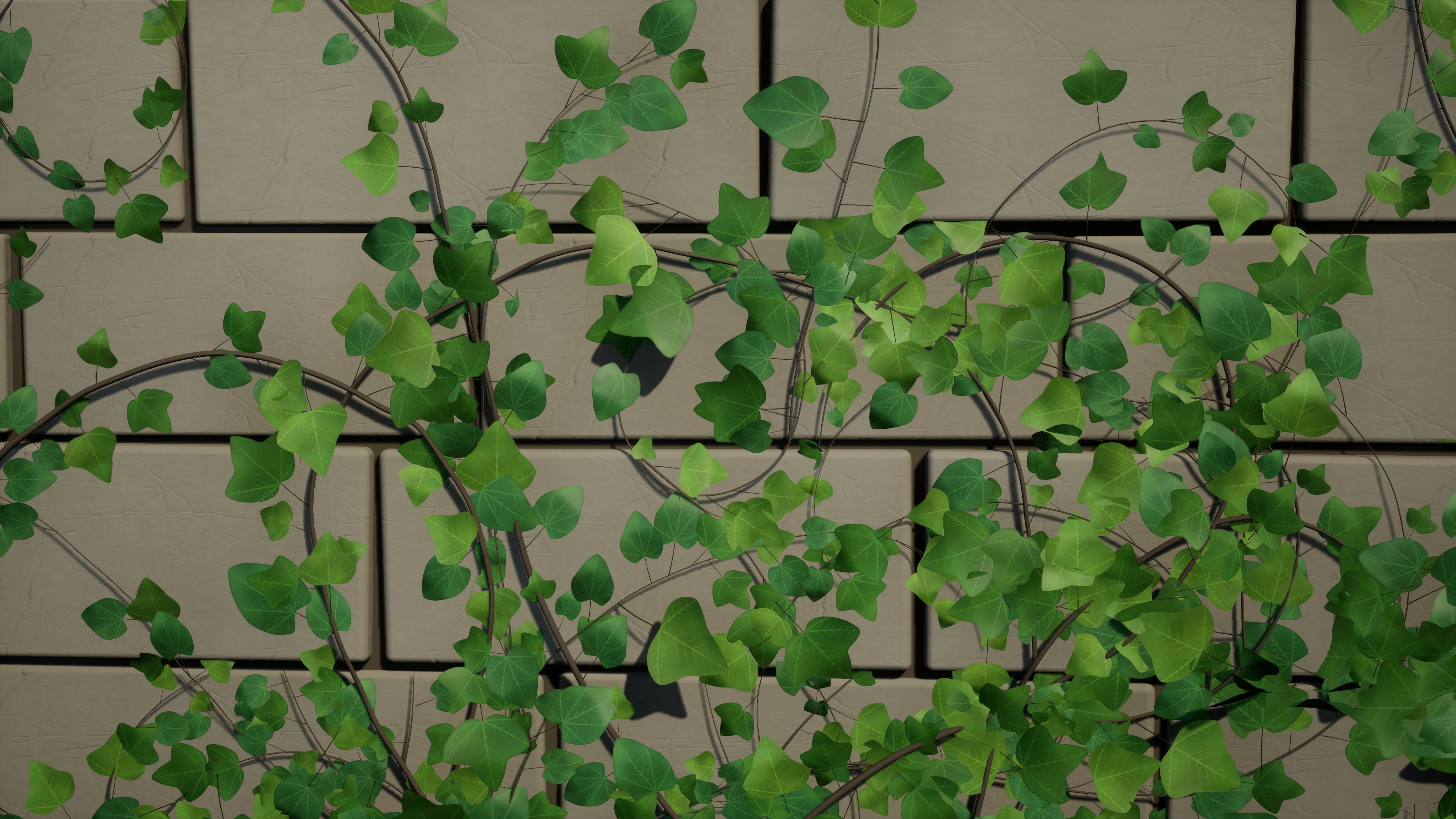
Feature cards use AI-polished lighting, color and typography from native Unreal captures of the included scenes. The courtyard overview is an unchanged native capture. Select a feature card below to inspect its original capture; growth playback reveals cached paths and does not deform a tentacle skeleton.
Gallery
1 / 5
About This Product
Procedural Vines creates branching vine geometry beside collision surfaces. Start with the default wall mode, or enable Allow Horizontal Surfaces for floors, spheres, ramps and supported transitions between connected meshes. Choose a seed and tune branching, taper, smoothing, root flare and foliage. World-space exclusion boxes keep architectural openings clear. In the opt-in surface mode, one strand can continue across supported seams between separate collision meshes. Set an initial local growth direction and tune the step distance to the geometry. The route needs nearby collision support; it does not bridge unsupported air gaps or follow moving geometry automatically. Save a Vine Settings Preset to reuse growth settings and optional materials. Keep the current actor seed or explicitly override it. Tune Stem Twist and Leaf Size Variation in Details. The supplied wind materials animate leaves; generated stems stay rigid and the surface route is unchanged. Use procedural leaf quads, one instanced static mesh or a collection of leaf variations. Rebuild in the editor or request regeneration from Blueprint, then check completion and measured generation timings. Reveal or retract generated paths with growth progress, forward/reverse playback, pause and speed controls. Leaves keep their deterministic placements as the cached geometry is revealed. Disable foliage and tune radius, taper and root flare for thick roots. With Snap To Surface disabled, Tip Curl Angle and Tip Curl Start shape a free-space tentacle-like tip; growth playback follows that bent cached path. The separate Vine Climb Component gives a Character collision-based vertical and lateral traversal, release, jump-off and a top-edge mantle attempt. Connect your own inputs and animation logic. The component can climb any compatible blocking geometry, including the supporting walls. Explore the separate Overgrown Sanctuary example environment, with original stone architecture, ivy meshes and materials. Walk its terraces and stairs, try growth playback on the selected pier ivy, and inspect the editable camera sequence. Growth playback reveals cached geometry; it does not simulate biological growth or skeletal tentacle deformation. Material wind is a separate visual effect. Character animation, IK and network replication are not included.
Features
AI-polished presentation · Select to view original capture.
Grow over architecture
Build seeded branching coverage against nearby blocking collision. Use wall growth or opt into supported floors and curved surfaces, and reserve openings with world-space exclusion boxes.
Learn More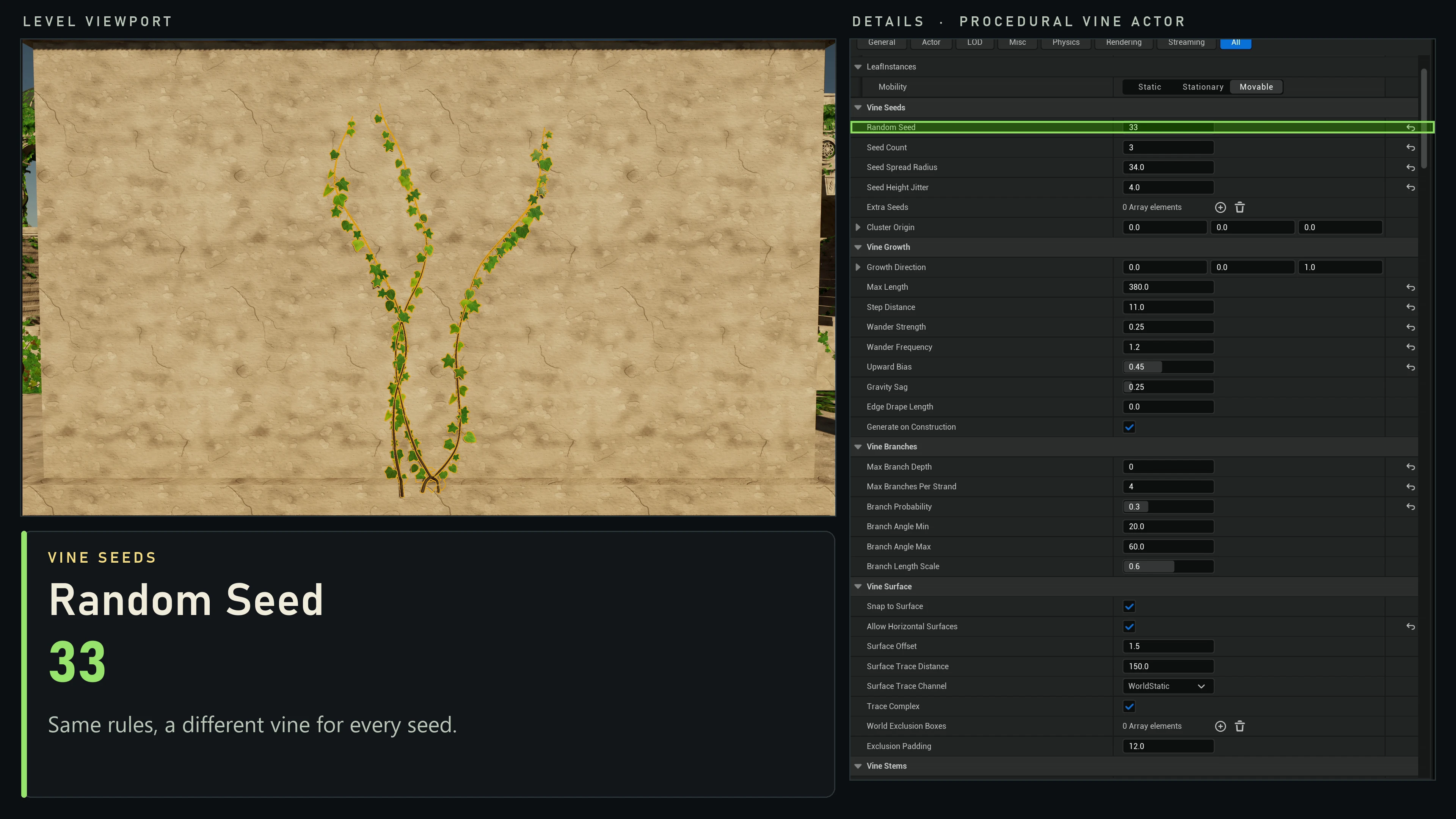
Select image to view full size.
Reuse seeded settings
Tune growth in the actor's Details panel, save a Vine Settings Preset and reuse its shape, materials and foliage. Keep the actor seed or explicitly override it for repeatable variation.
Learn More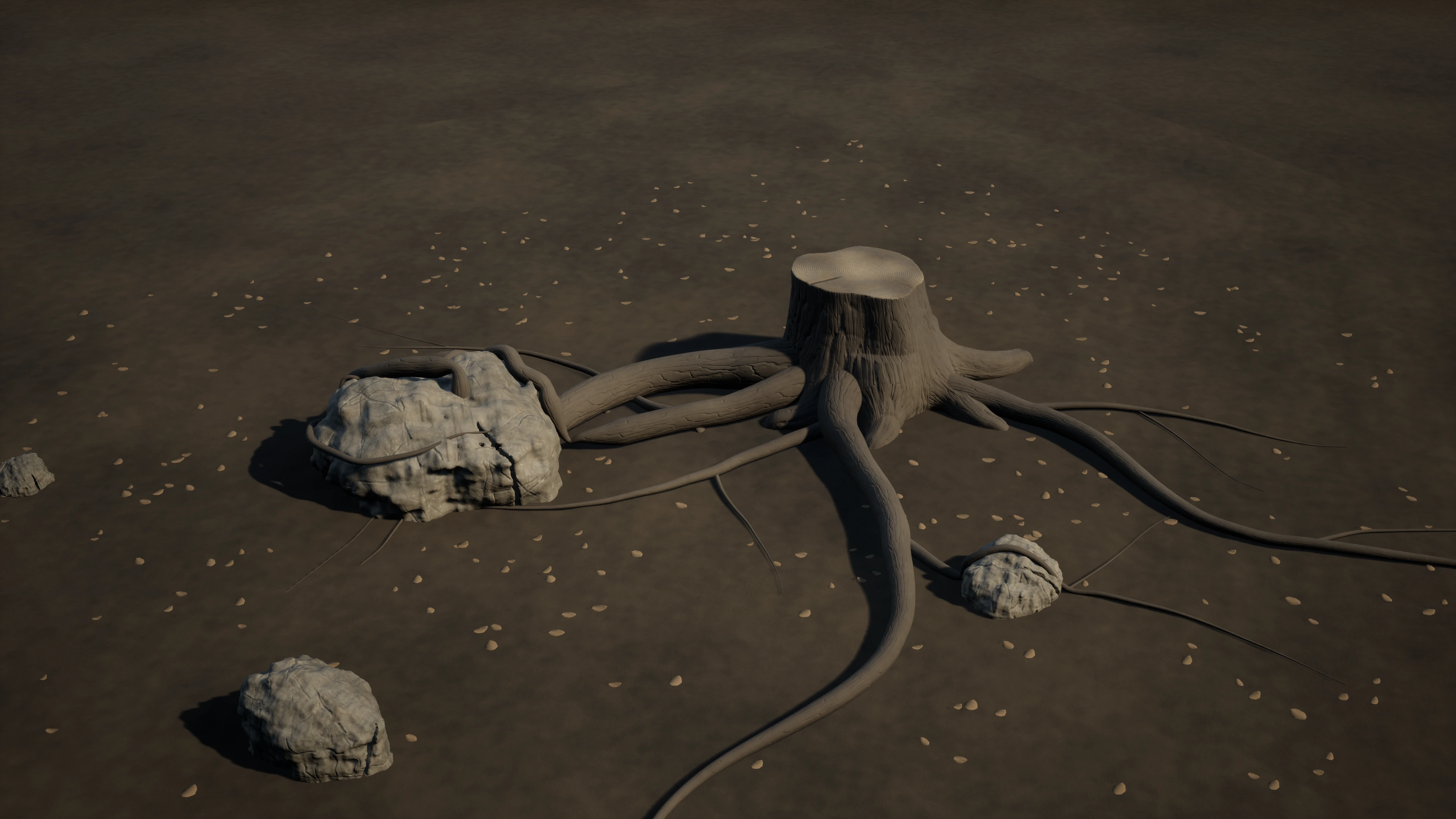
AI-polished presentation · Select to view original capture.
Shape vines and thick roots
Start with the Ground Roots preset, then tune branches, taper, smoothing and root flare. Follow supported ground and rock collision with leafless stems; balance step distance against the root's radius and clearance.
Learn More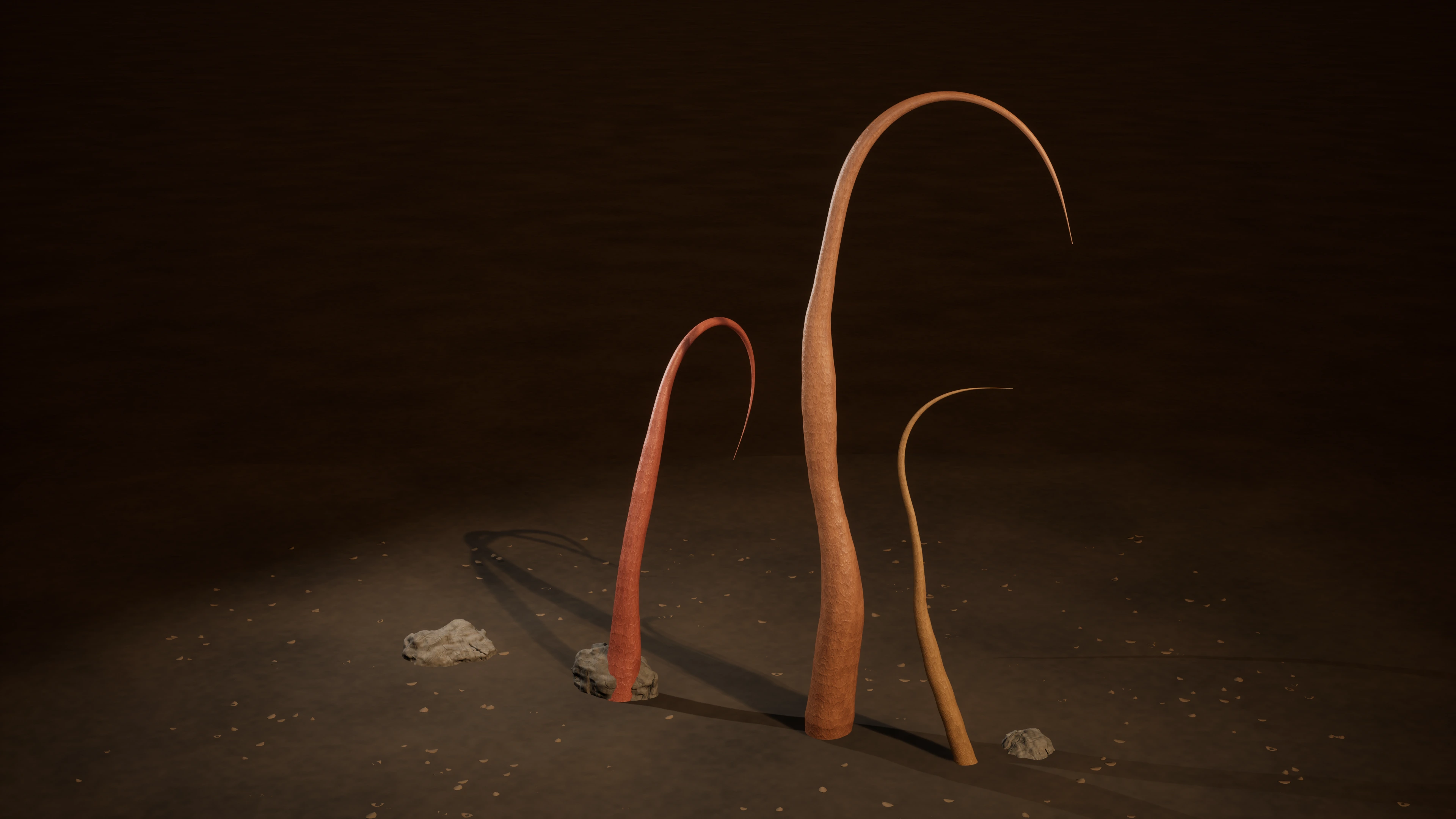
AI-polished presentation · Select to view original capture.
Curl free-space tendrils
Disable surface snapping and foliage, then shape a tapered strand with Tip Curl Angle and Tip Curl Start. Reveal or retract its bent cached path with Growth Progress; the already revealed body stays rigid.
Learn MoreAI-polished presentation · Select to view original capture.
Play, pause and reverse growth
Reveal or retract cached paths from Blueprint or Sequencer, change playback speed and inspect applied progress. Branches appear after their parent attachment; leaf choices stay stable along the same route.
Learn More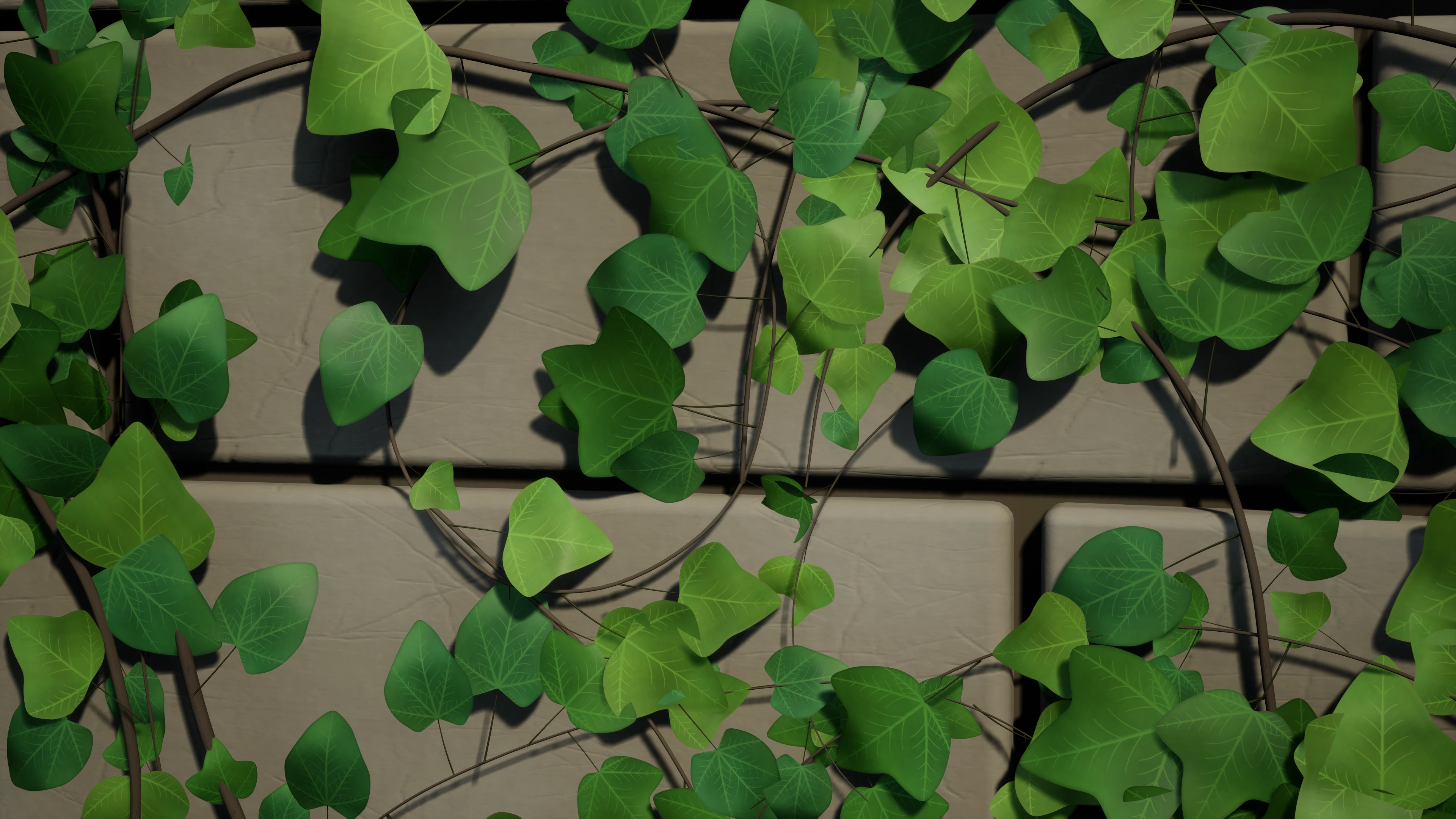
AI-polished presentation · Select to view original capture.
Organic leaf detail
Choose curved ivy leaf meshes for close views, lighter leaf meshes, procedural quads or your own variations. Leaves mature behind the growing tip while seeded placement stays stable. Tune spacing, scale and material wind; balance mesh detail against density and shadow cost.
Learn MoreRelated Products
More plugins from Athian Games.
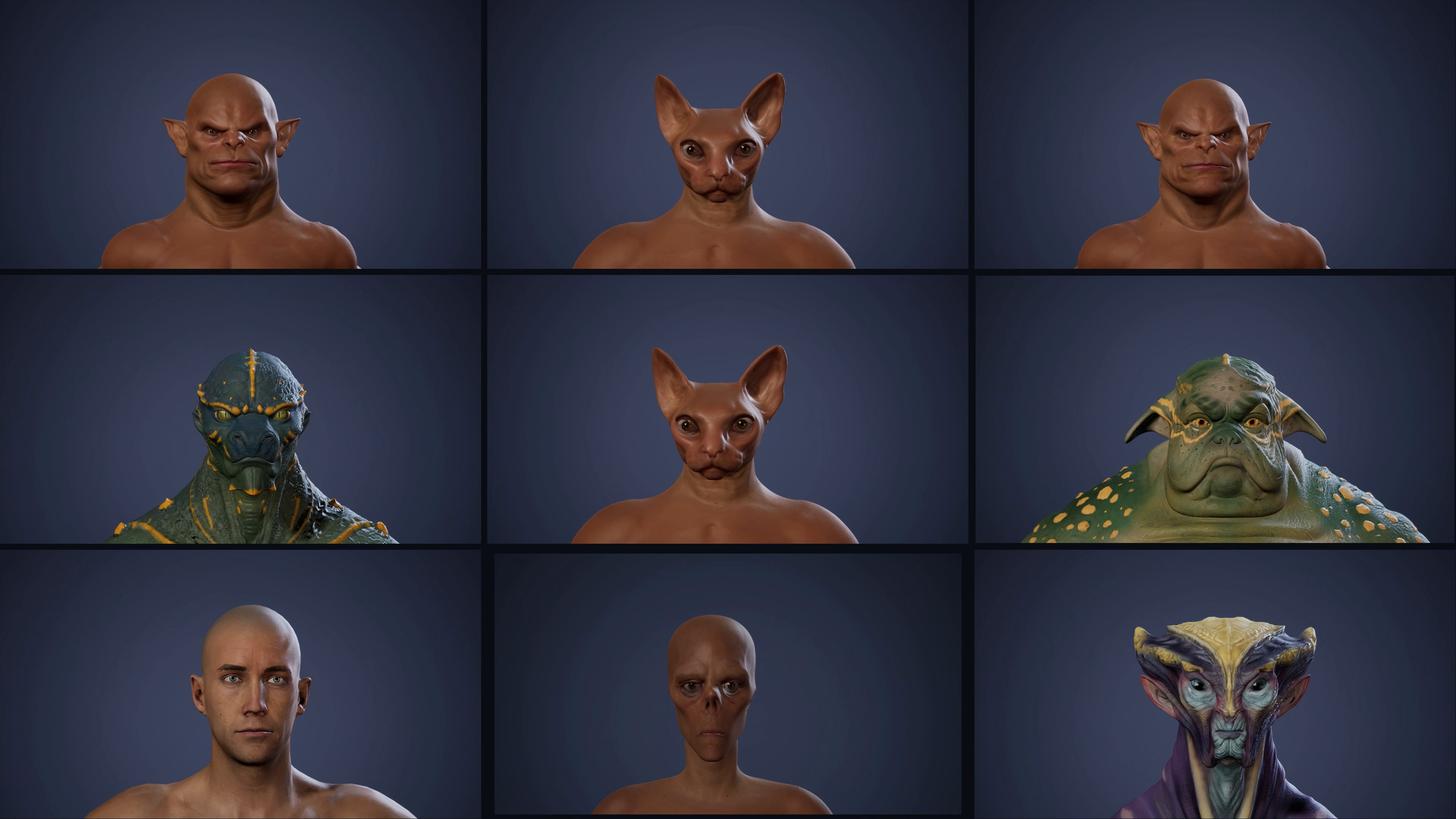
Morph Builder
Author skeletal mesh morph targets with sculpt brushes, reference fitting, landmarks and painted masks, directly in Unreal Editor.
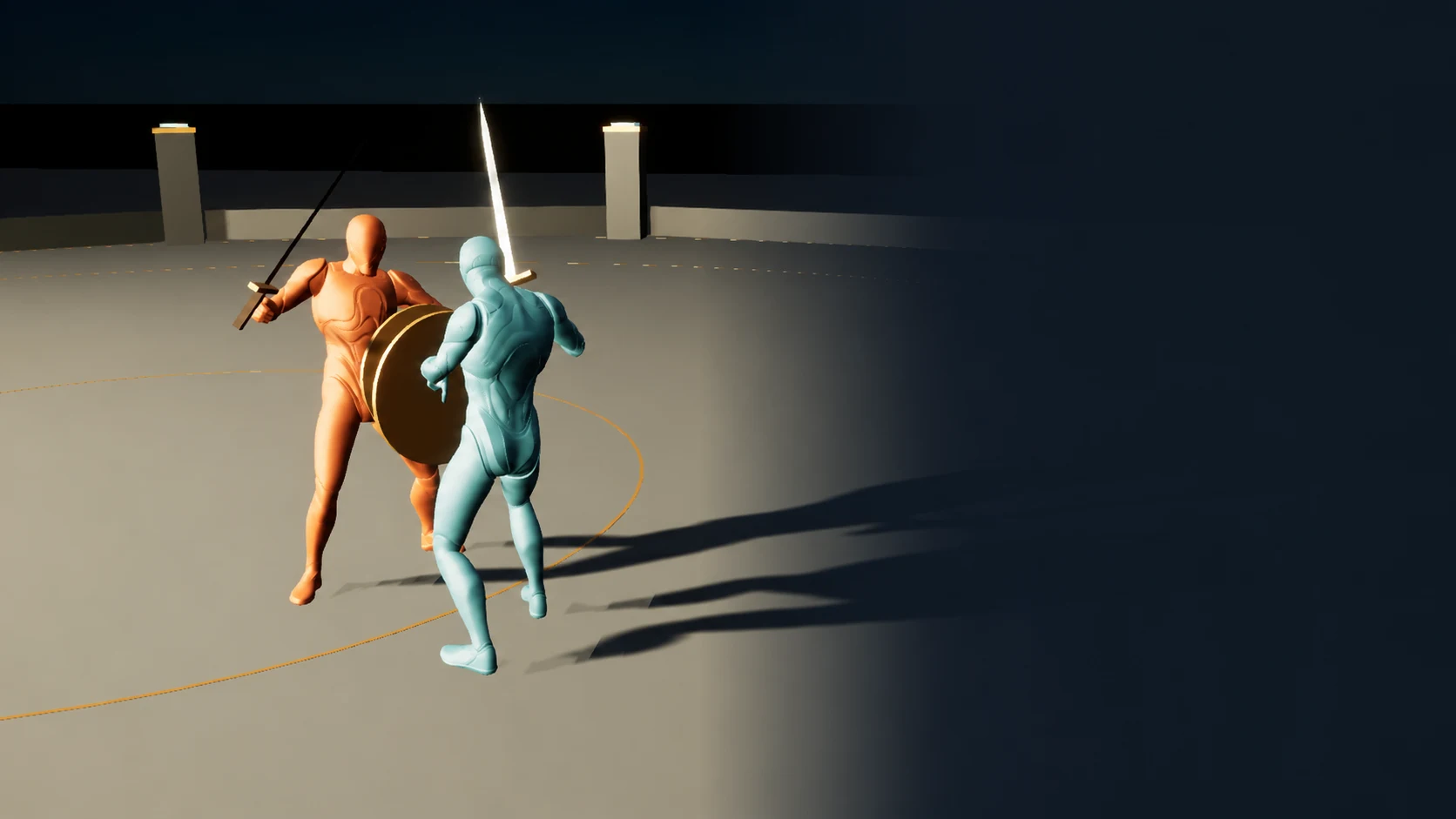
Fabric Motion Studio
Generate motion, shape trajectories and contacts, then export native animation sequences. Explore buffered runtime generation with an offline fallback in the example project.
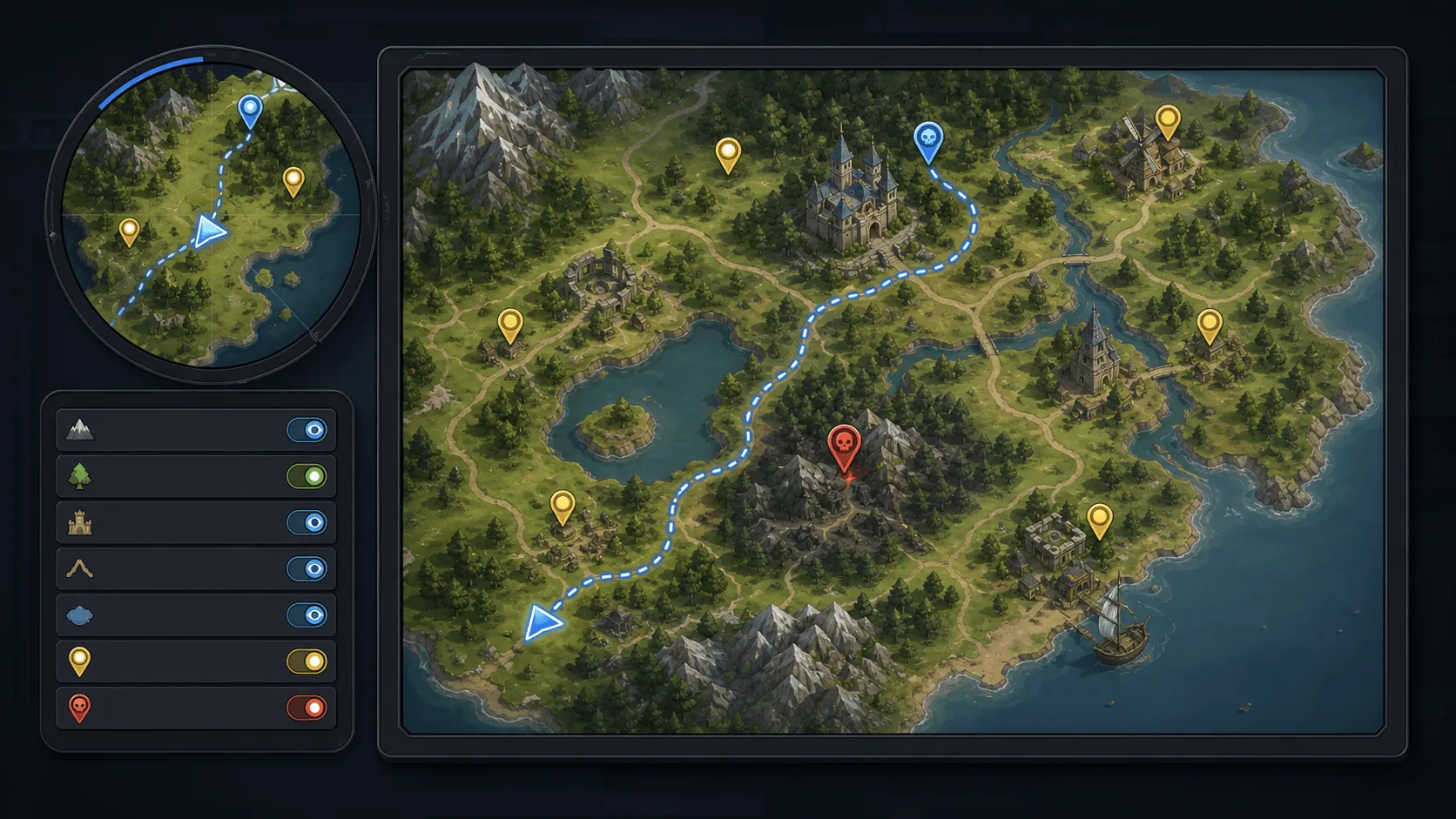
Minimap, Map and Navigation System
Build a fully customized and texture based Minimap, Map and Navigation System for your next big title.
Need Help?
Our support team is here to help you get the most out of Procedural Vines. Whether you have technical questions, need integration assistance, or want to report an issue, we're ready to assist.