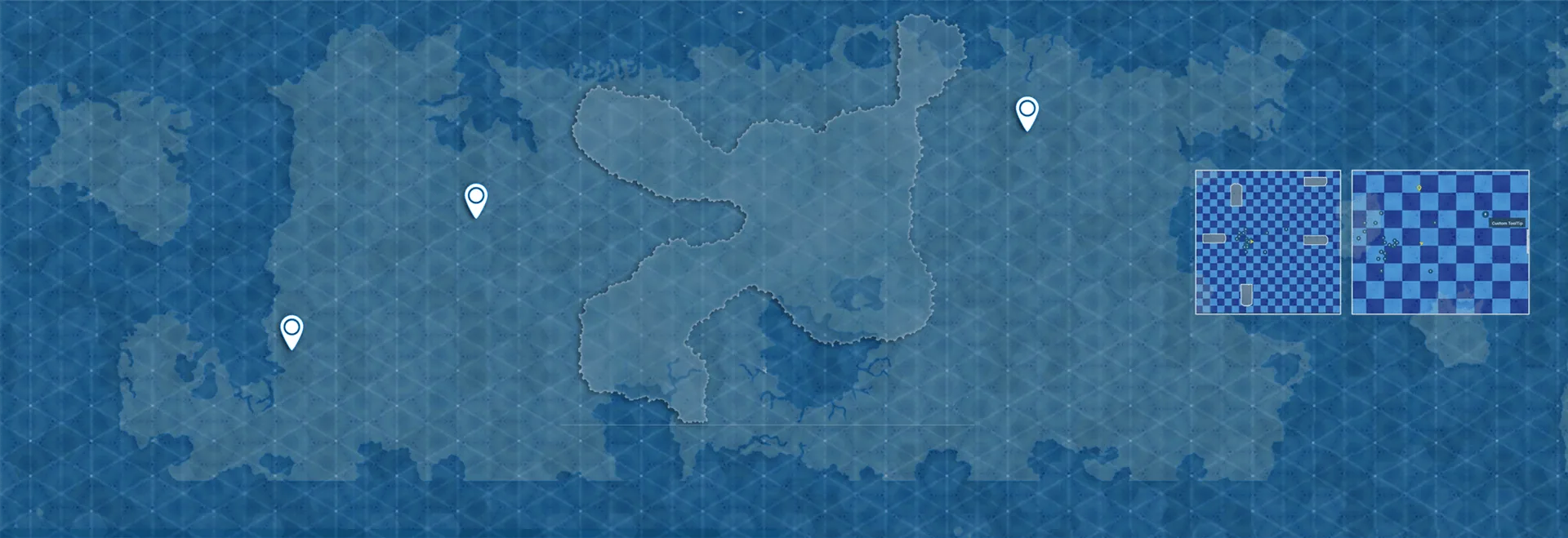
Back to Products
Minimap, Map and Navigation System
Build a fully customized and texture based Minimap, Map and Navigation System for your next big title.
About This Product
MInimap, Map and Navigation System is a plugin designed to create customizable and optimized texture based Minimaps and Maps for your next big title. Forget dealing with the limitations of RenderTargets to design your Minimaps, which are performance heavy for larger worlds. This system can handle thousands of Points of Interest at a time without affecting the performance, and is designed keeping Open World RPGs in mind, however the flexibility and ease of implementation allows you to use this system in any kind of game you want, from archviz projects to real time strategy games. Actors represented as Points of Interest in the Minimaps and Maps are implemented via Datatable and each POI Actor class added to the Datatable has its own set of unique properties, making it simple to add a variety of different POI having different functionalities.
Athian Games on YouTube
See it in action
Explore the workflow, follow a tutorial, or watch a demo. Play here or open on YouTube.
Features
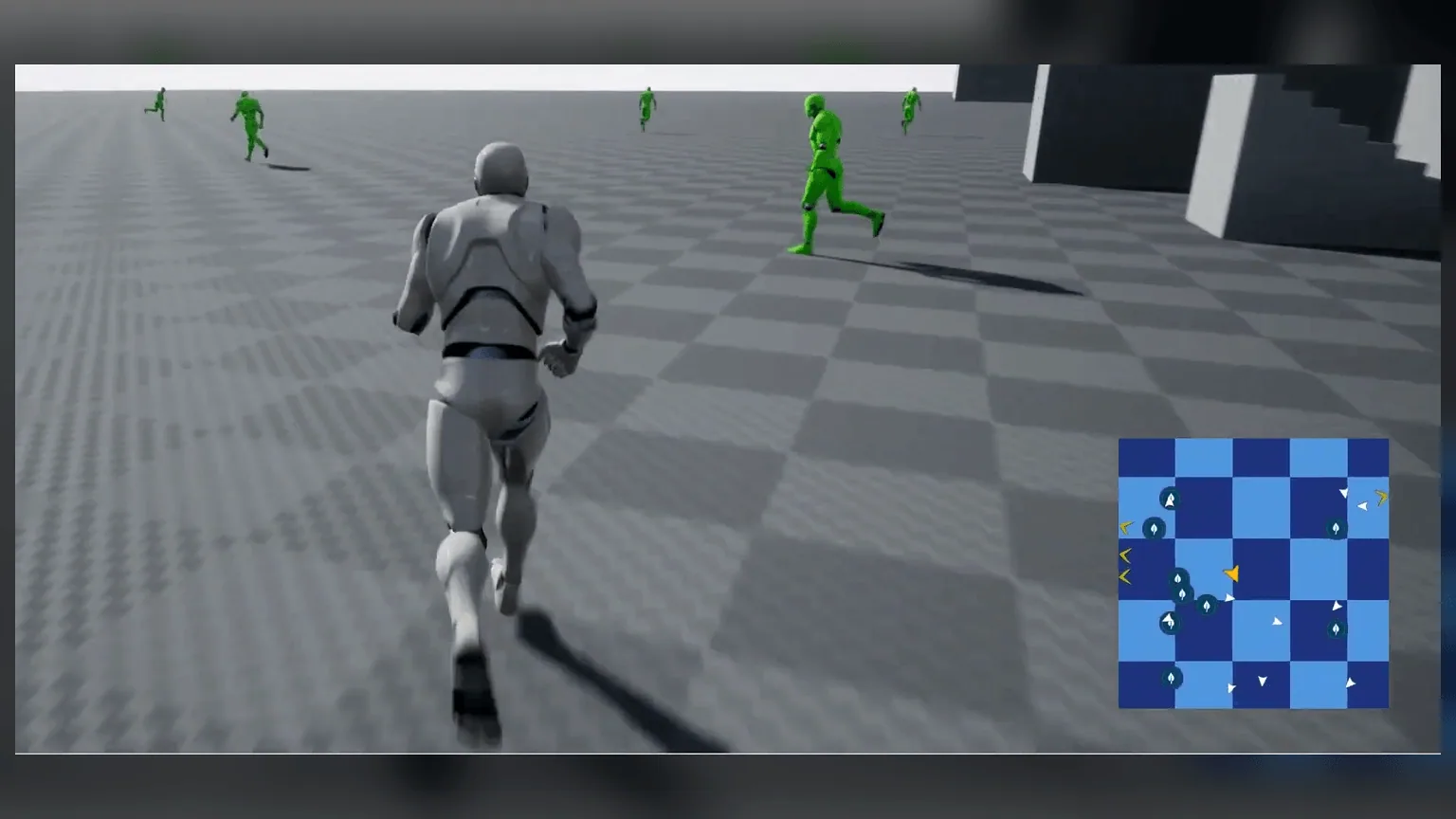
Texture Based Minimap System
Your map is mapped to a custom texture that you can either design externally or take a snapshot of the topview of your bounds area. Either way, Texture based minimap ensures fastest performance as it eliminates the need of using a scene capture component.
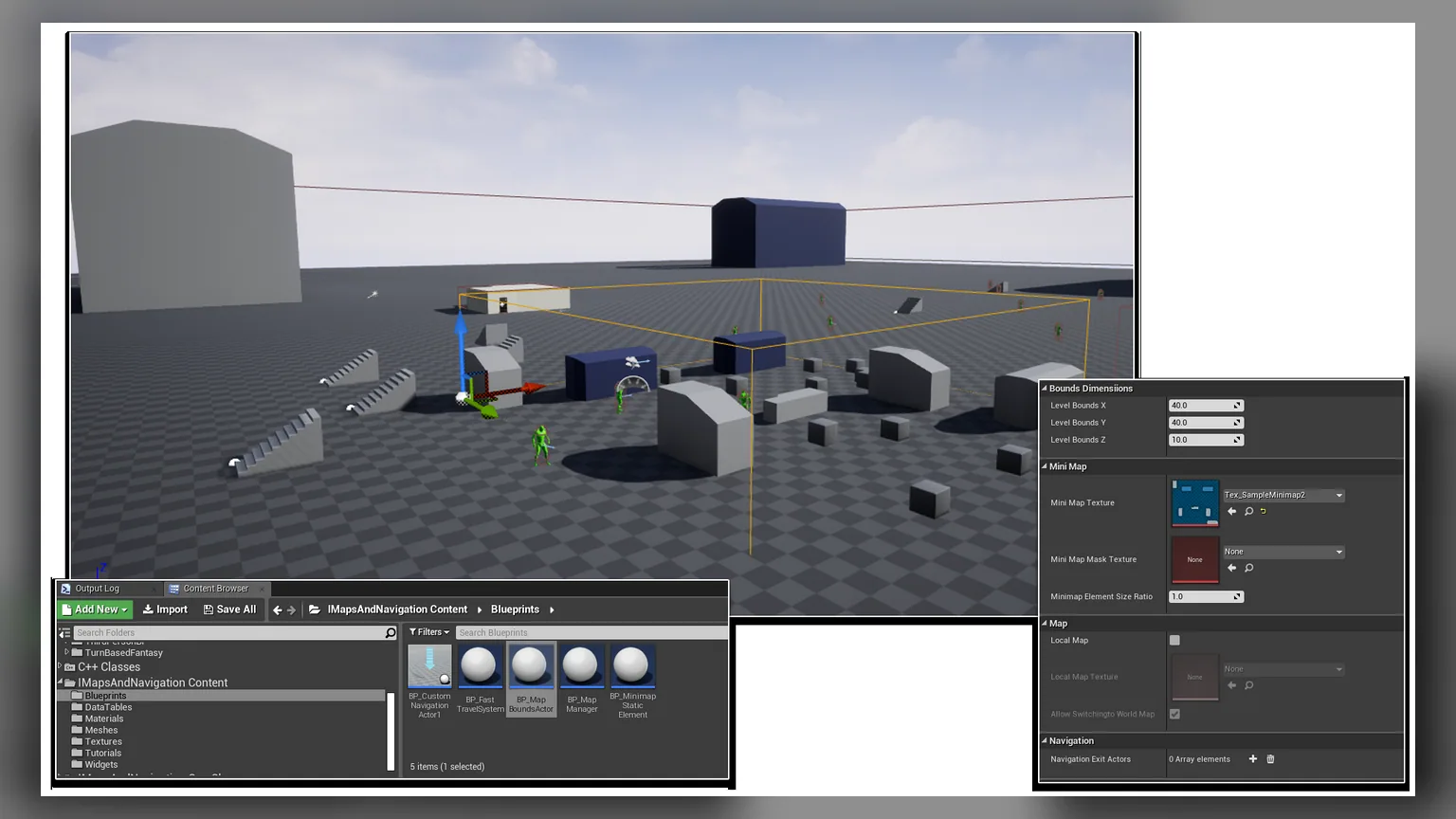
Transition between multiple Map regions in same level
The MapBounds Actor represents Bounds area corresponding to a given Minimap. So having more than one MapBounds in a scene indicates switching between multiple Minimaps depending on position of the player. This is very useful for large or open world scenes, where you often need to switch your Minimap while moving inside a different Bounds, like a cave, or a house interior.
Learn More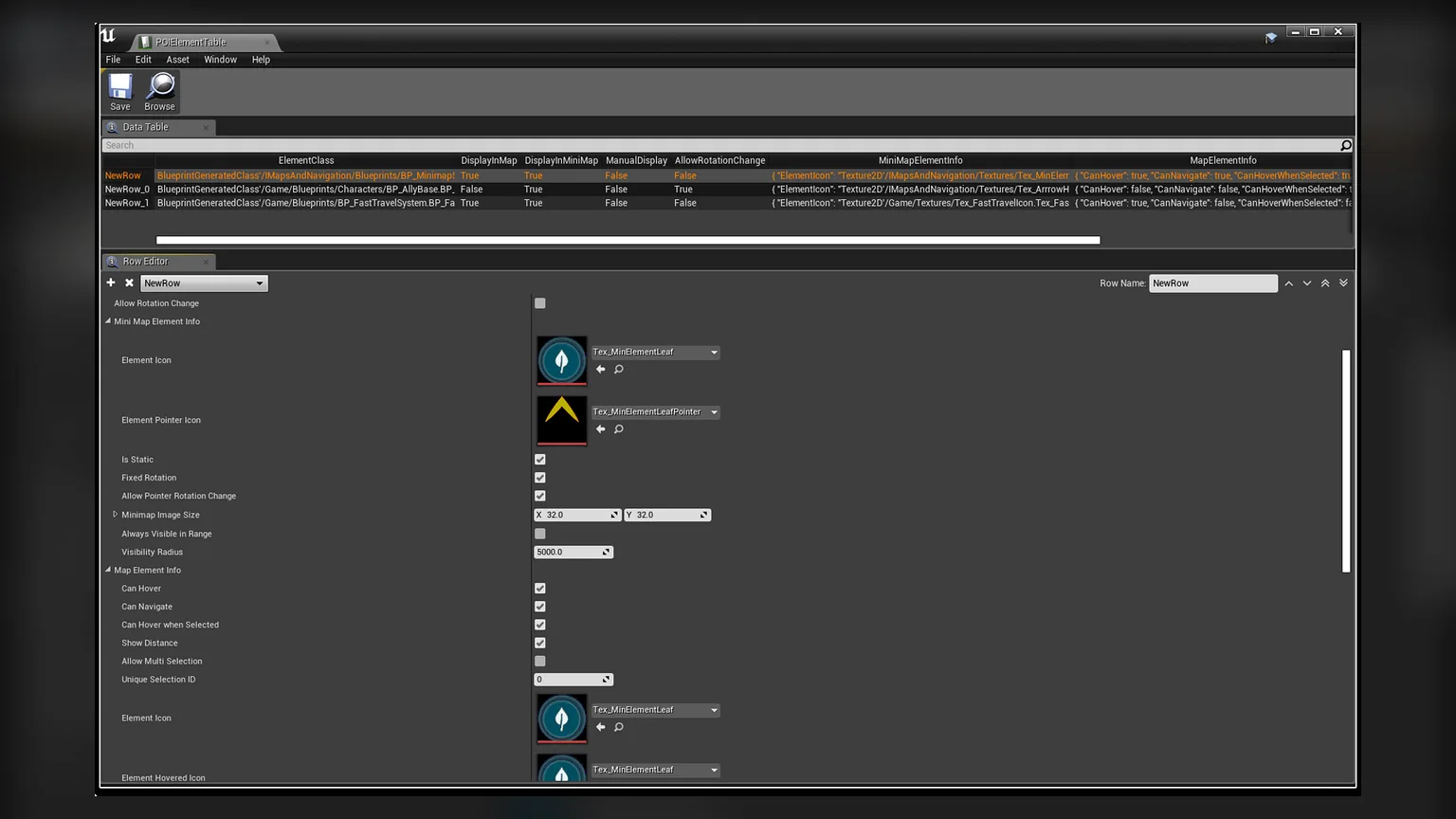
Datatable driven Static and Dynamic Points of Interest
The actors which are displayed as Icons in Minimap as well as Map, also known as the Points of Interest(POI), are defined in a Datatable, derived from the structure POIElement. The POIActors can either be static or dynamic, and is not limited to what it can represent. It can be a pickup item, an NPC, enemies, or simply a Fast Travel system, the applications are infinite.
Learn More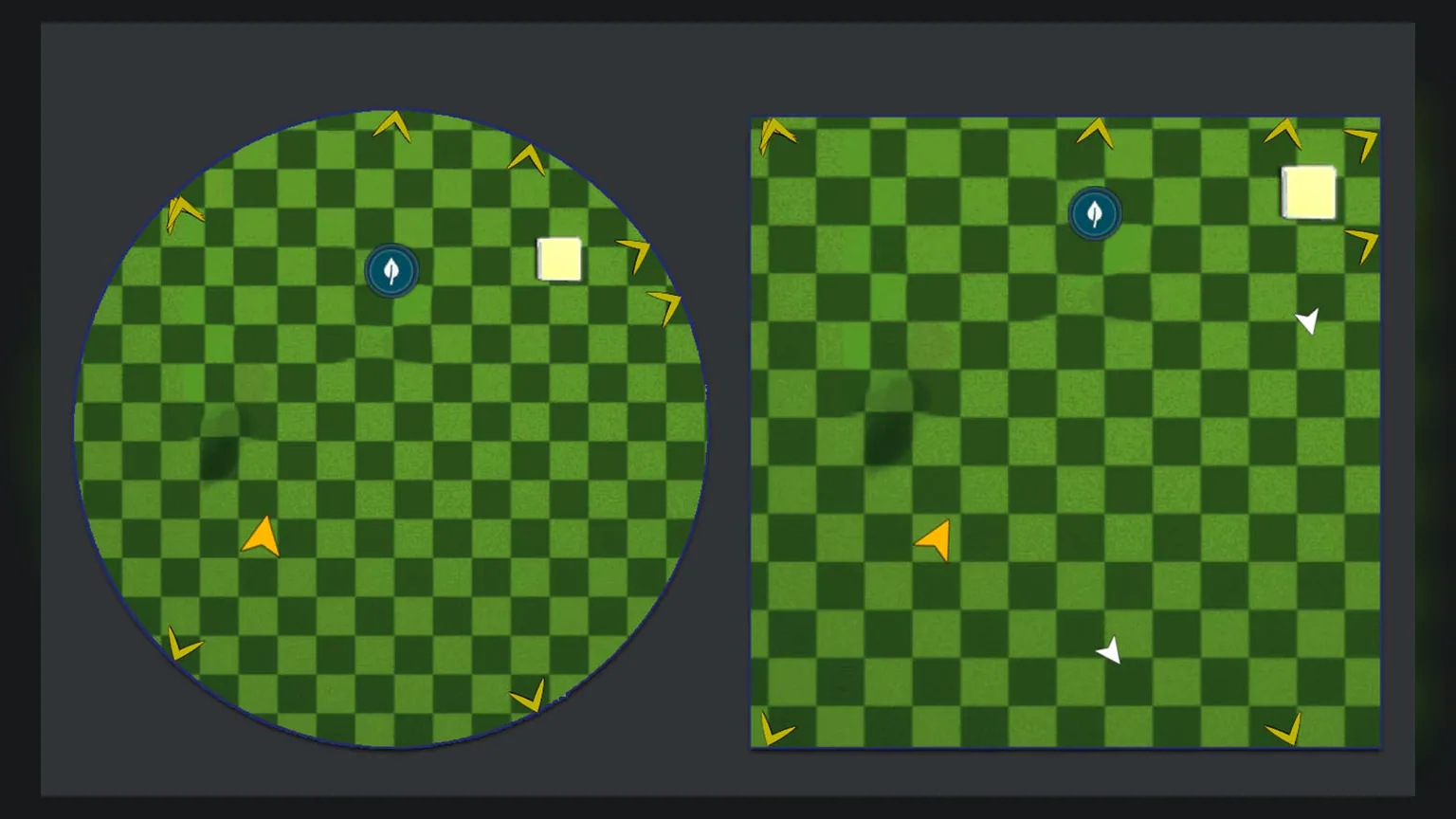
Rectangular and Circular Minimap, with AutoRotate feature
Control the Shape of your MInimap using the AllowCircleMask parameter in your Minimap UMG. This not only uses a circular opacity mask in the material, but it adjusts the positions of the Players and the Points of Interest accordingly, ensuring they stay within the bounding region of the minimap. The Auto Rotate feature allows the minimap to rotate along with the player camera.
Learn More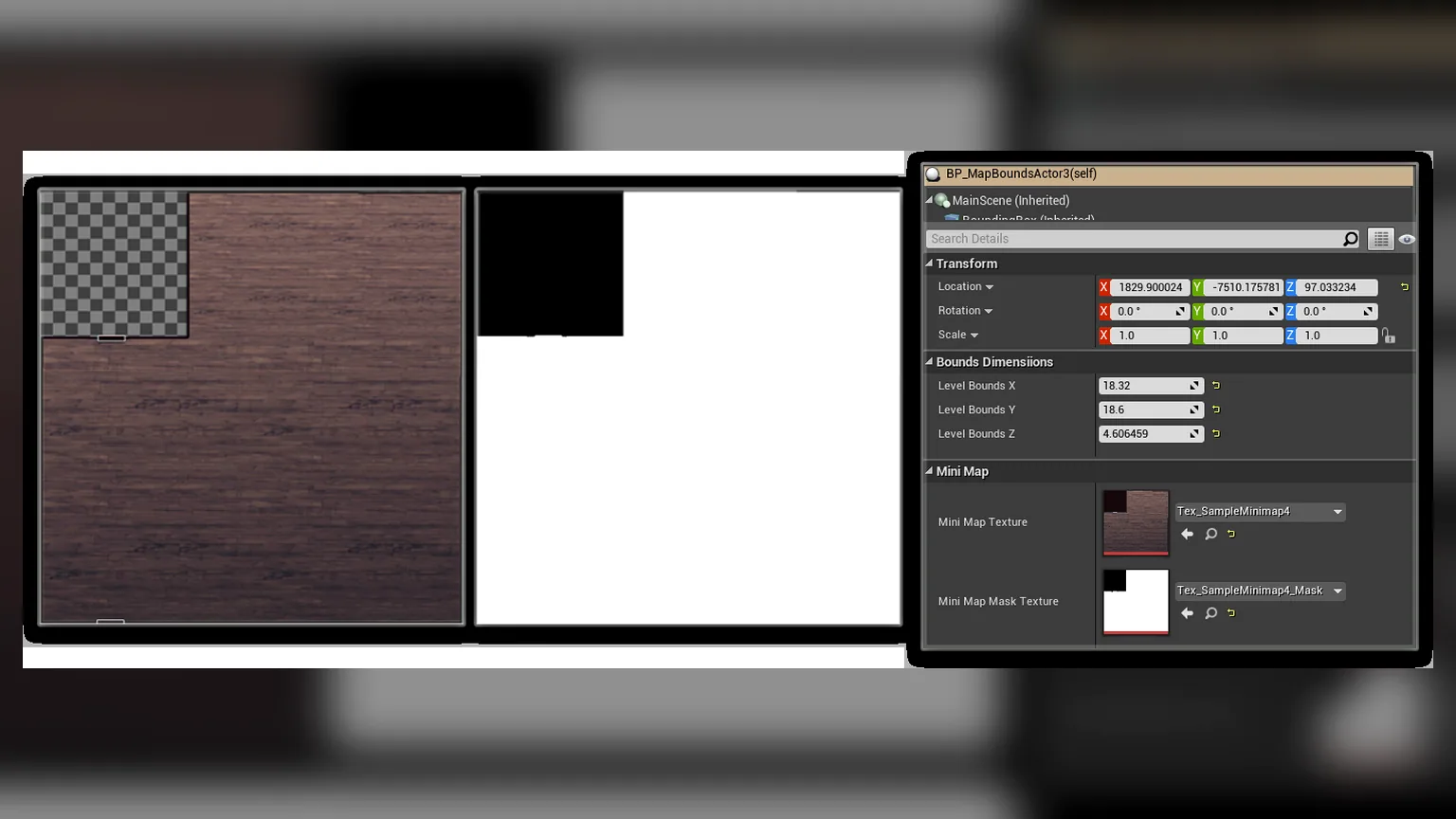
Minimap Texture masking for non rectangular Bounds
Minimap Texture Masking ensures that your minimap can transition smoothly when player navigates in and out of it, and can be added to the corresponding MapBoundsActor placed in the Scene.
Learn More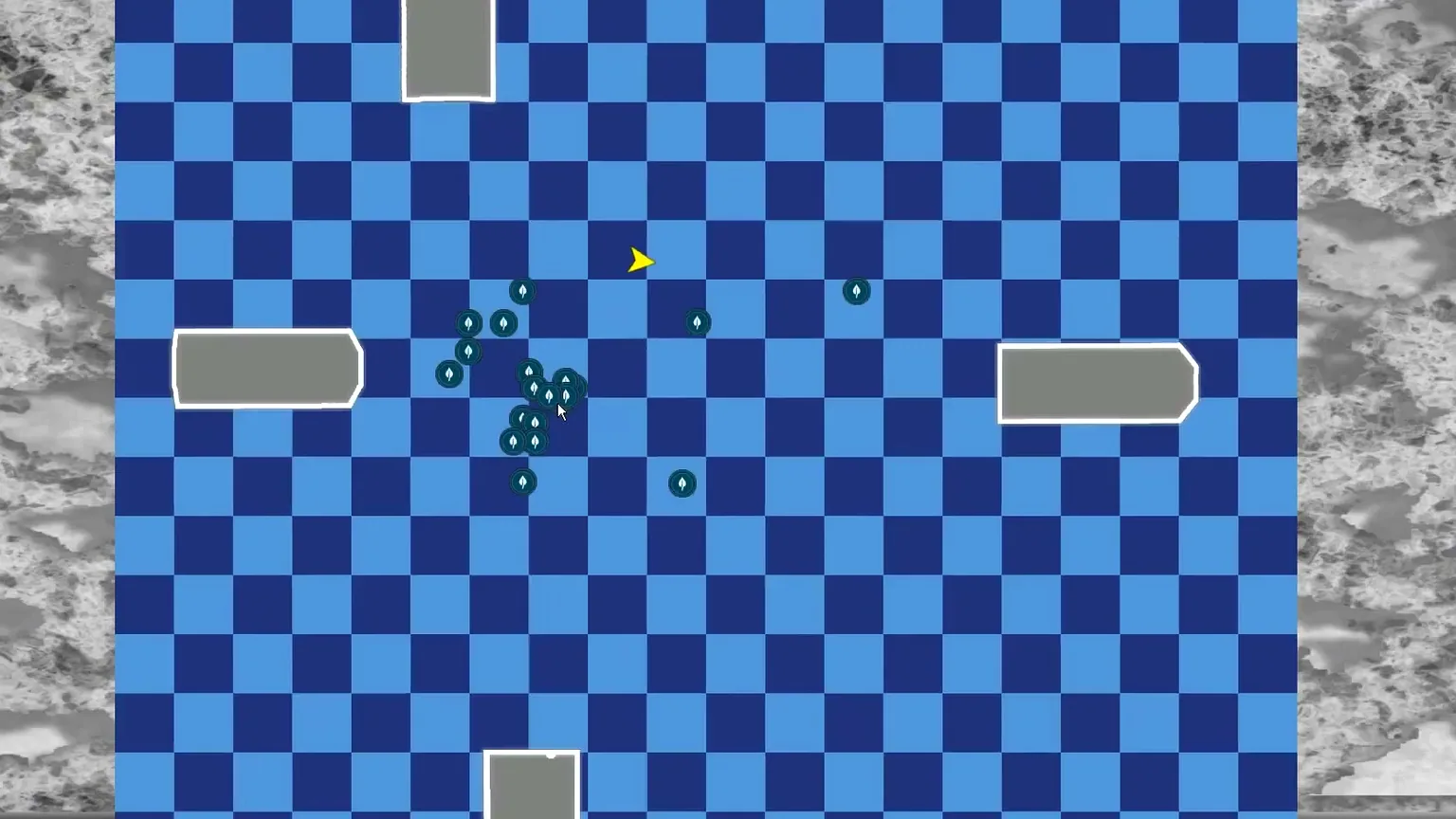
Interactive Map, with Zoom and Pan functionalities
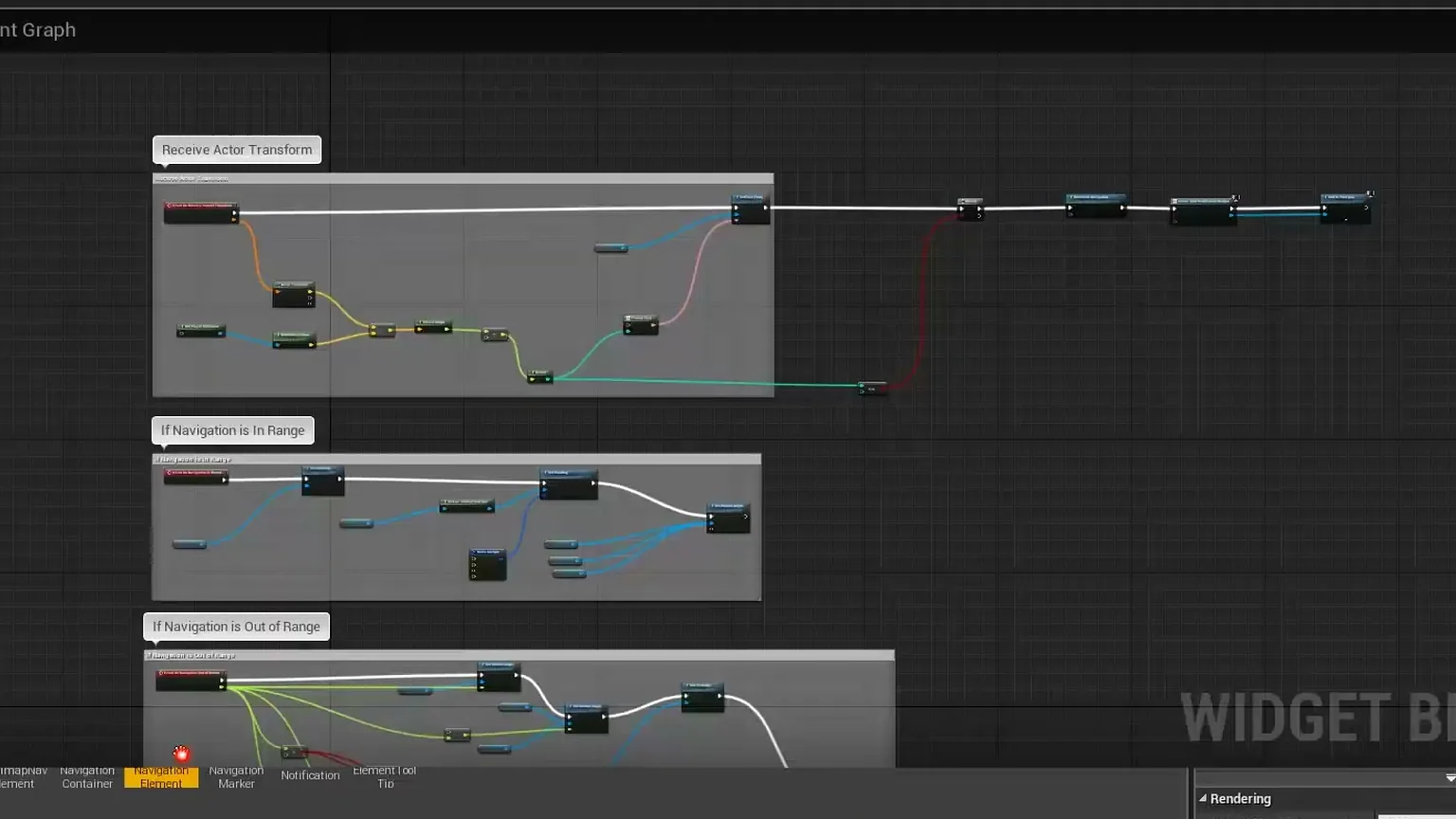
Customizable Navigation system, allowing user to add one or many Navigation Markers in the world, to display the location of the destination
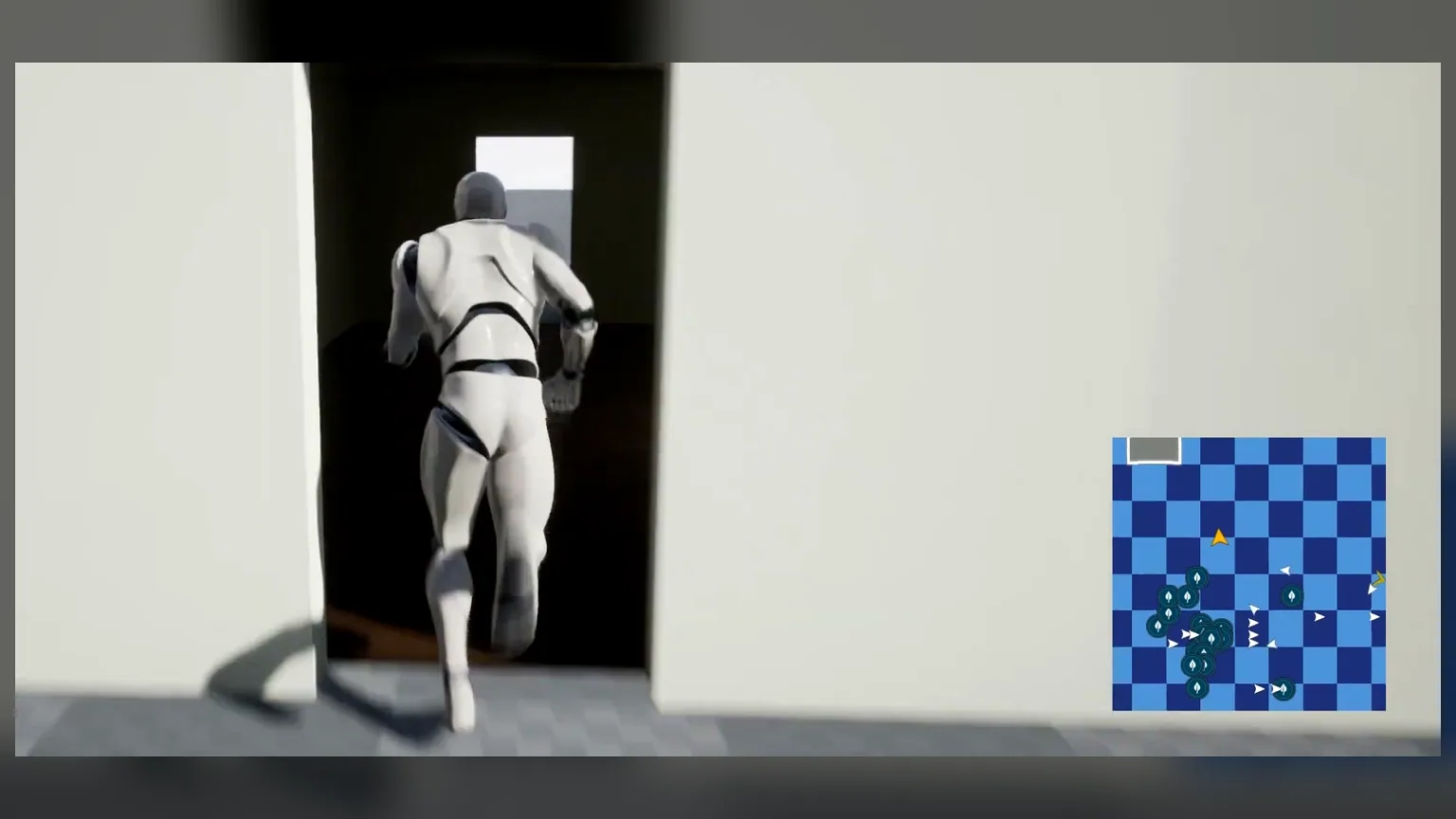
Navigation Out of Bounds notification, to display custom markers when player camera view is not looking at the destination
Related Products
More plugins from Athian Games.
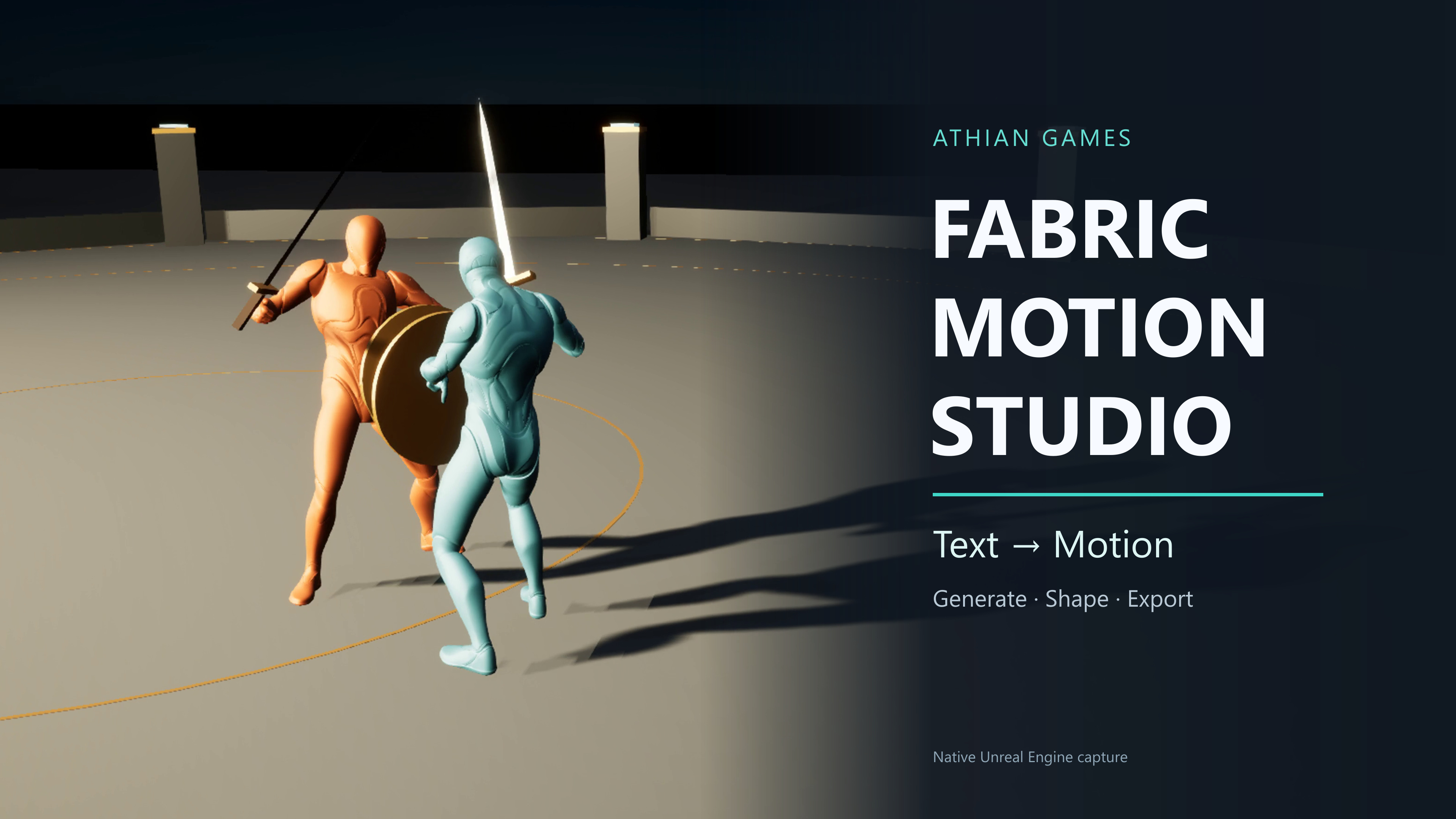
Fabric Motion Studio
Generate motion, shape trajectories and contacts, then export native animation sequences. Explore buffered runtime generation with an offline fallback in the example project.
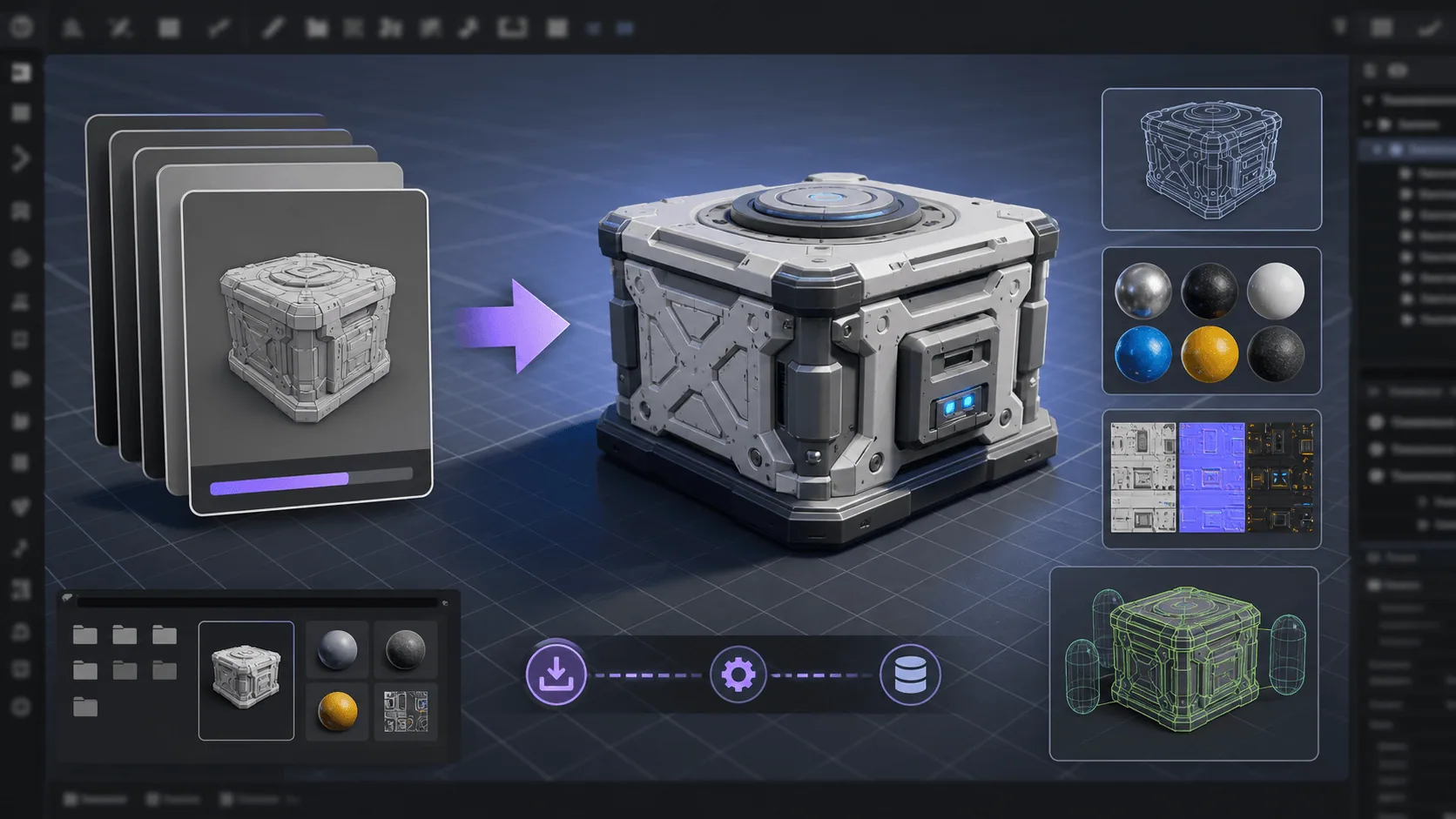
Runtime FBX Import for Unreal Engine
Asynchronously Import FBX files in your Unreal projects, in runtime

Dynamic Mesh Occluder
Trim hidden body and inner garment triangles, build runtime outfits, and restore the original meshes through Blueprint nodes.
Need Help?
Our support team is here to help you get the most out of Minimap, Map and Navigation System. Whether you have technical questions, need integration assistance, or want to report an issue, we're ready to assist.