Advanced Features

Texture Masking

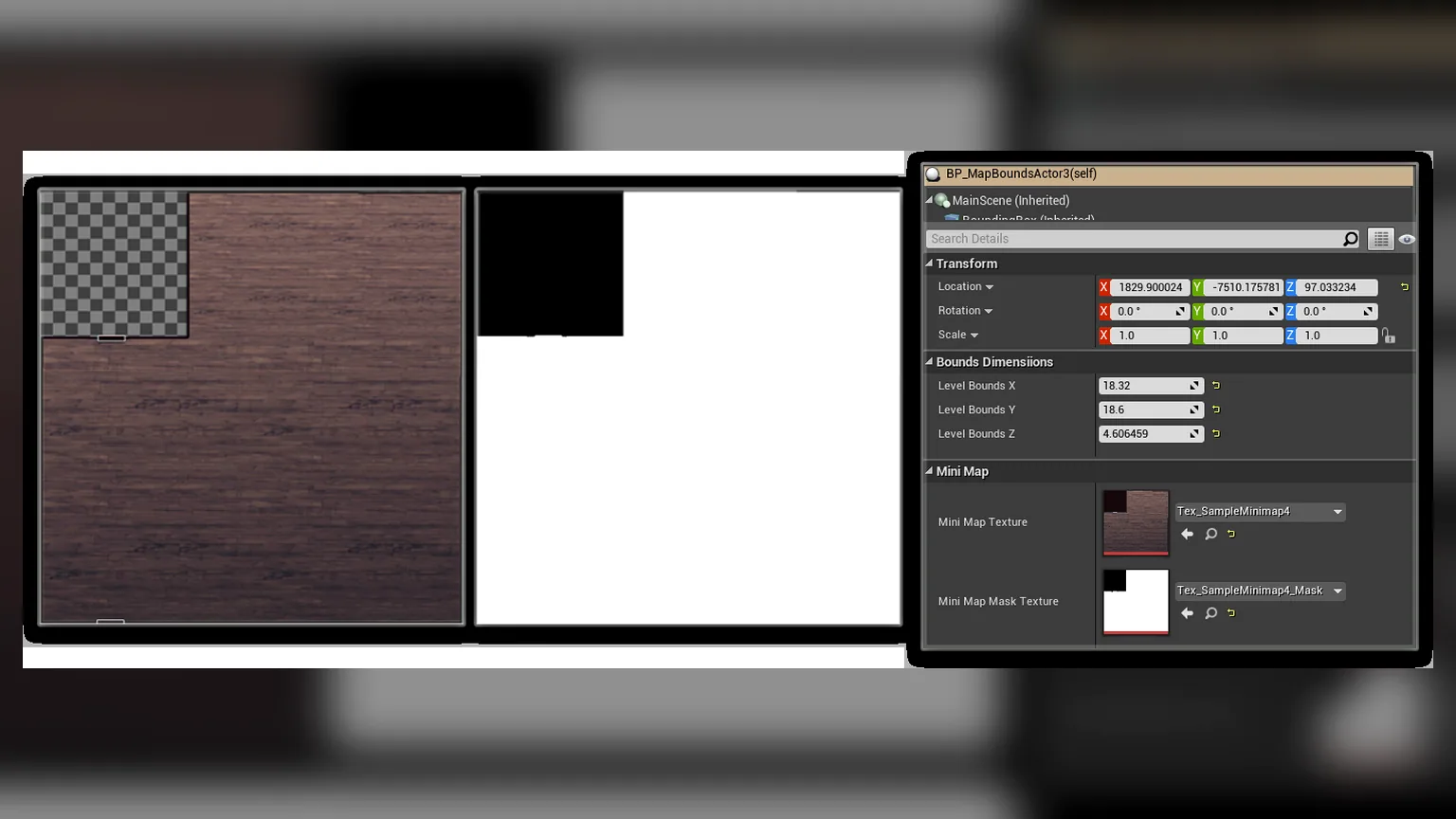
For non-rectangular map areas, you can use texture masking to create custom shapes:

  1. Create a black and white mask texture (white = visible, black = hidden)
  2. Assign the mask to the MapBounds actor
  3. The minimap will smoothly transition when entering/exiting the masked area

Interactive Map

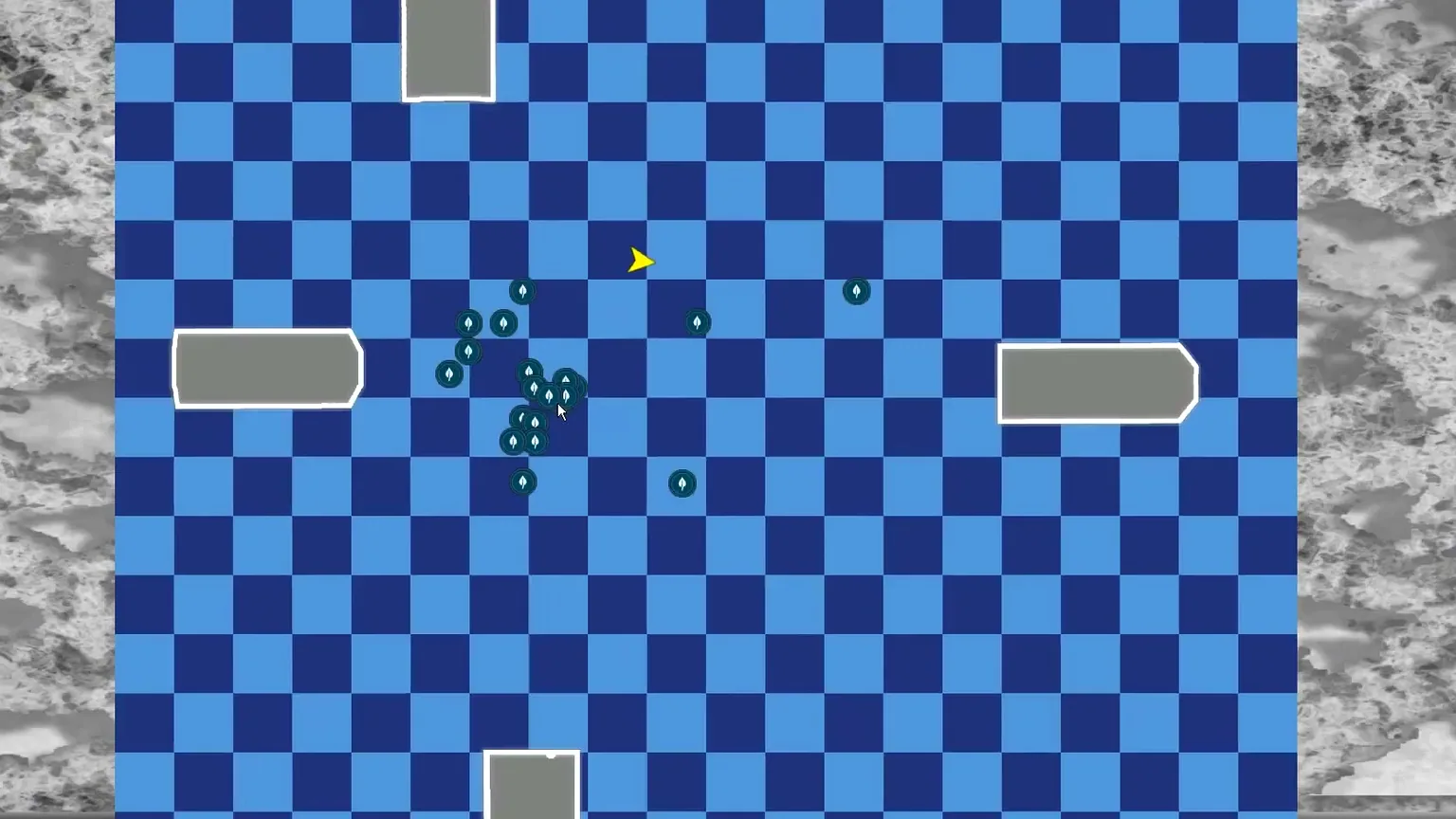
The full map view supports:

  • Zoom: Mouse wheel or pinch gestures
  • Pan: Click and drag to move around the map
  • Click to Navigate: Set waypoints by clicking on the map
  • POI Details: Hover over POIs to see information

Performance Optimization

  • Use texture-based system instead of RenderTargets
  • Limit POI update frequency for distant objects
  • Use LOD for POI icons based on zoom level
  • Cull POIs outside the visible map area

Multi-Level Support

Handle level streaming and transitions:

  1. Each level can have its own MapBounds actors
  2. POI datatable can reference actors across levels
  3. System automatically handles level loading/unloading

Integration with Other Systems

  • Quest System: Show quest objectives as POIs
  • Fast Travel: Click map locations to fast travel
  • Fog of War: Reveal map areas as player explores
  • Team Markers: Show party members on multiplayer maps
Minimap, Map and Navigation System - Documentation | Athian Games