Navigation System

Navigation Overview

The navigation system allows players to set waypoints and markers in the world, with visual indicators showing the direction and distance to destinations.

Setting Navigation Markers

  1. Call the "Set Navigation Target" function
  2. Provide the target location (world coordinates)
  3. Optionally specify a custom marker icon

Navigation Features

  • World Markers: 3D markers placed at the destination
  • Minimap Indicator: Icon showing destination on minimap
  • Distance Display: Shows distance to target
  • Direction Arrow: Points toward the destination
  • Out of Bounds Notification: Indicator when target is off-screen

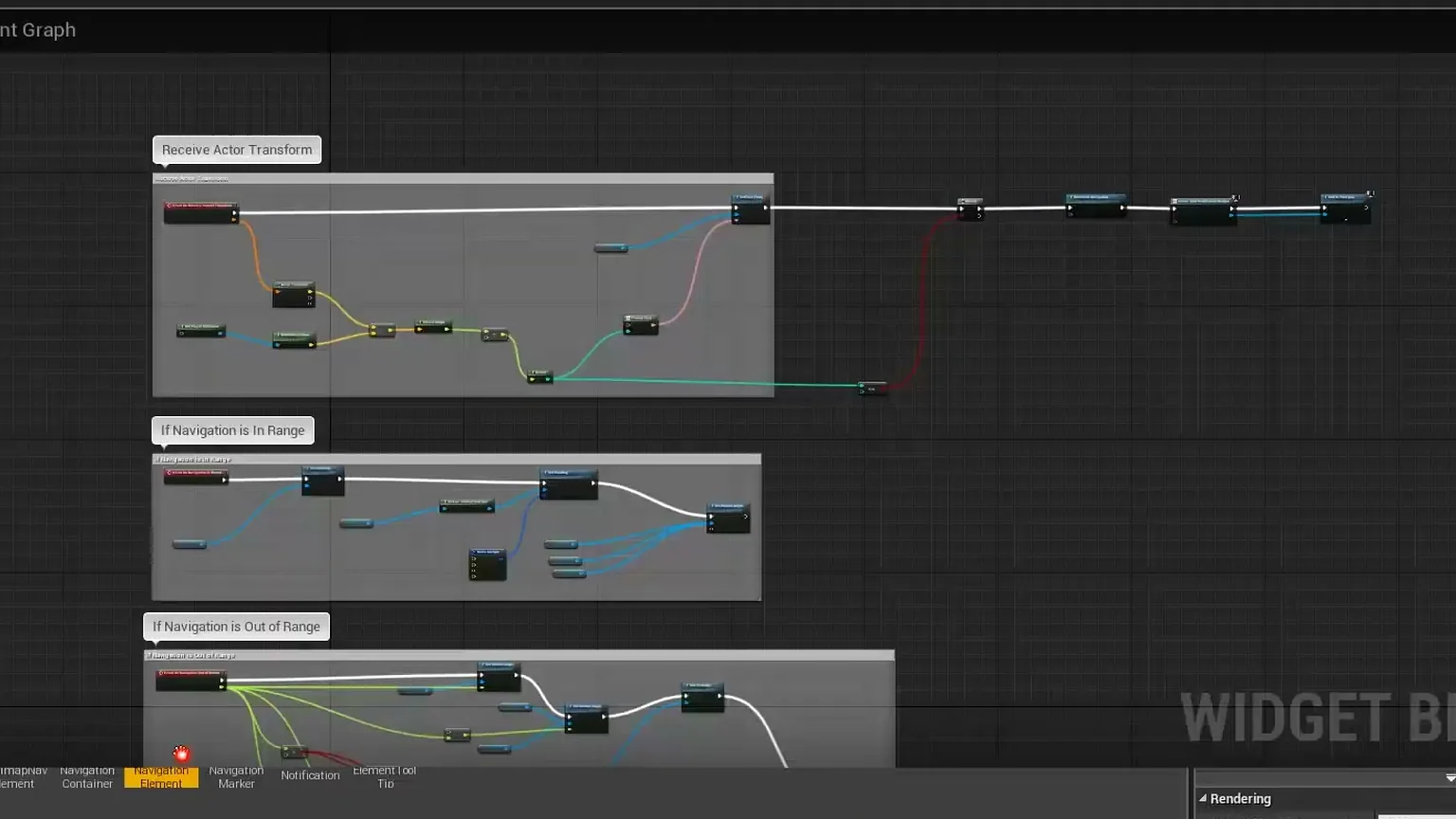
Out of Bounds Markers

When the navigation target is not visible on screen, a special marker appears at the edge of the screen pointing in the target's direction.

Customization

You can customize:

  • Marker appearance and colors
  • Distance calculation units (meters, miles, etc.)
  • Out of bounds indicator style
  • Multiple simultaneous navigation targets

Blueprint Example

// Set a navigation target
Set Navigation Target
  - Target Location: Vector (X, Y, Z)
  - Marker Icon: Texture 2D
  - Show Distance: Boolean

// Clear navigation
Clear Navigation Target
Minimap, Map and Navigation System - Documentation | Athian Games