Add the Widget
- Open your HUD or player UI widget.
- Add the minimap widget from the plugin content.
- Position it in your layout.
- Assign the player reference and POI datatable if required by your setup.
- Play the level and confirm the player marker appears inside the bounds.
Shape and Rotation
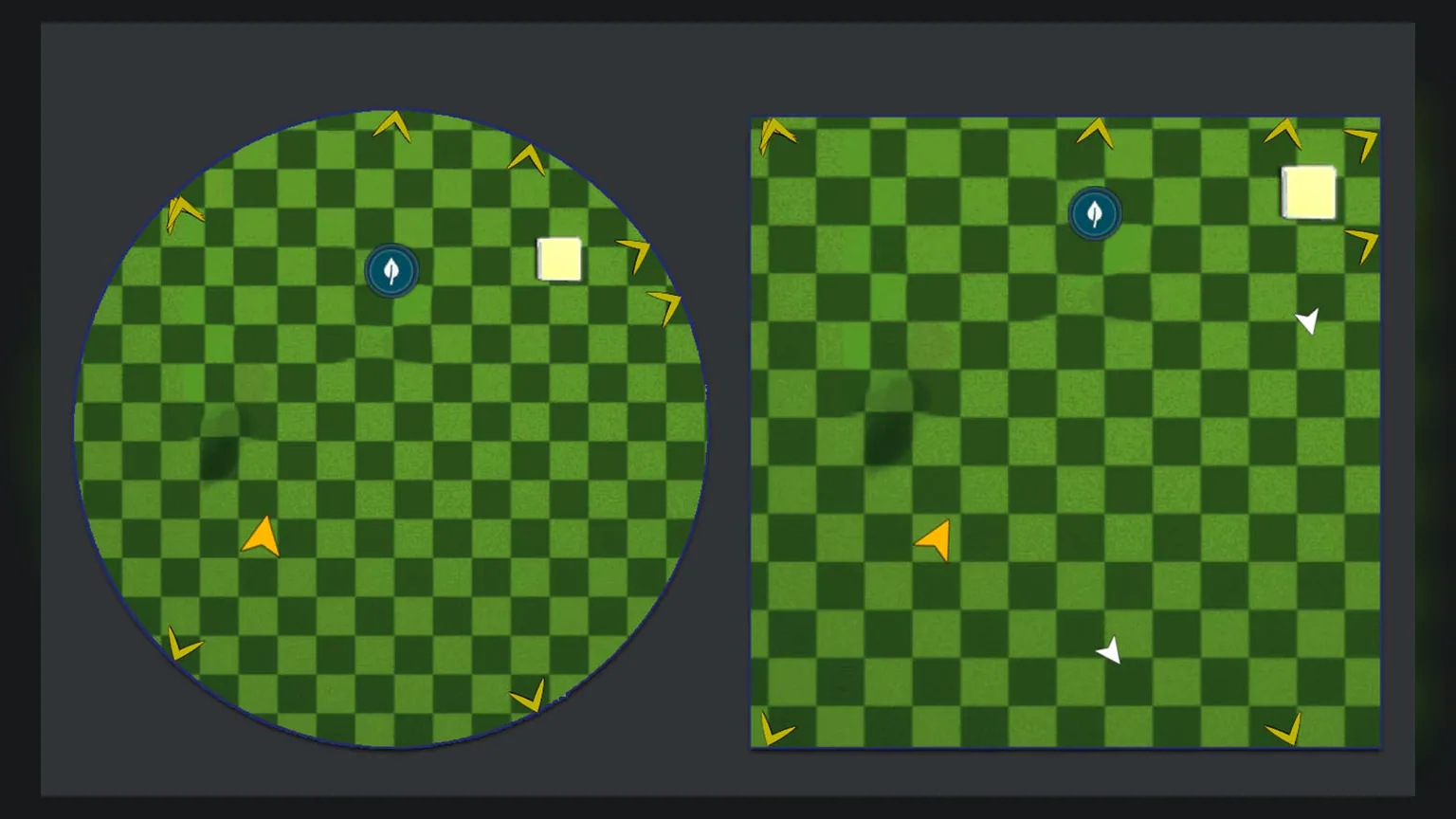
Use the widget settings to choose between circular and rectangular minimap presentation. When auto-rotate is enabled, the map can rotate with the camera while keeping the player marker centered.
Zoom
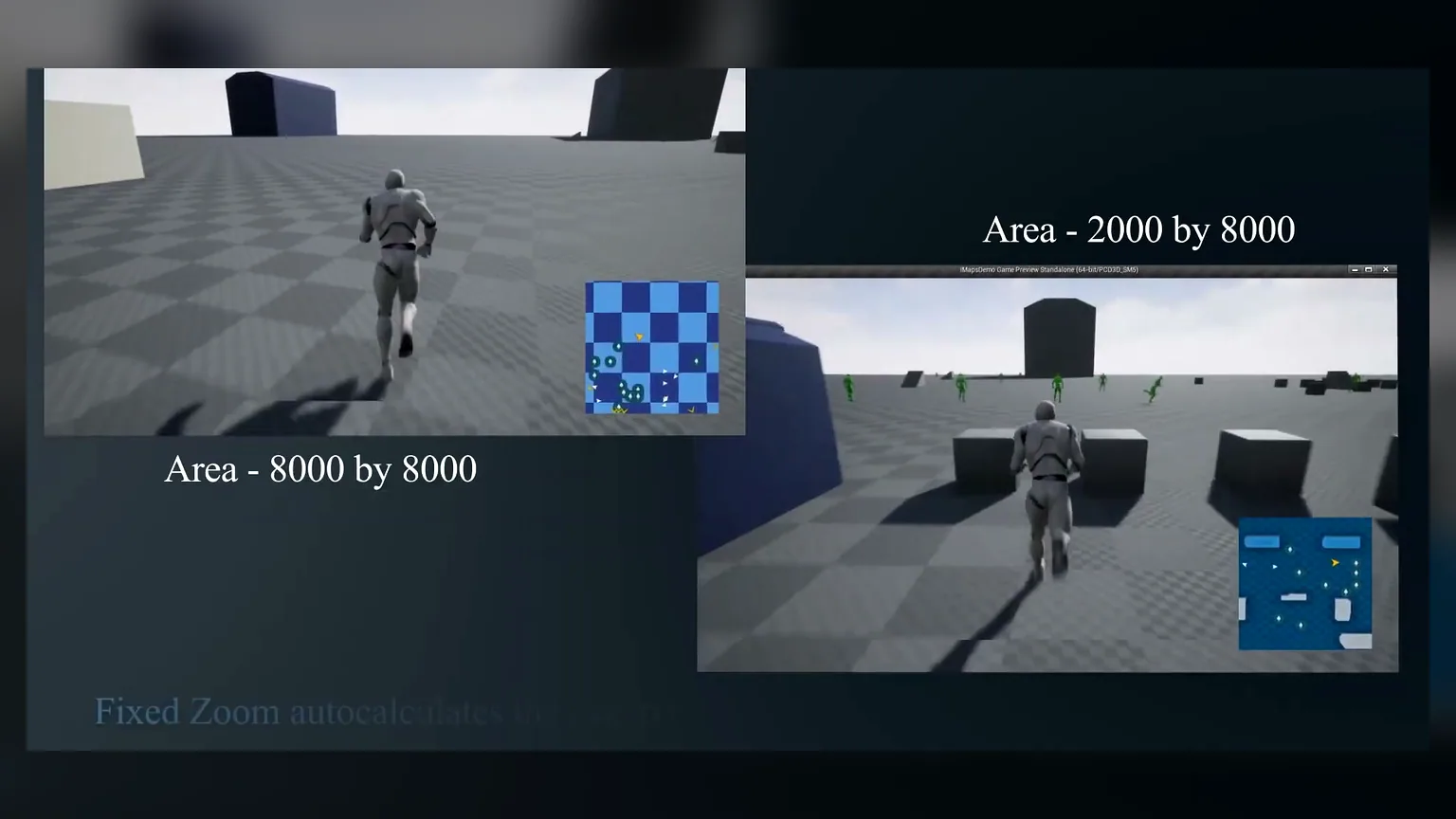
Zoom settings decide how much of the MapBounds area is visible around the player. Larger areas show more context, while tighter zoom makes nearby POIs easier to read.