Getting Started

Installation and initial setup instructions

Installation

After purchasing from the Unreal Engine Marketplace, install the plugin through your Epic Games Launcher:

  1. Open the Epic Games Launcher
  2. Navigate to your Library
  3. Find Minimap, Map and Navigation System in your Vault
  4. Click "Install to Engine" and select your engine version

Enabling the Plugin

Once installed, you need to enable the plugin in your project:

  1. Open your Unreal Engine project
  2. Go to Edit → Plugins
  3. Search for Minimap Map Navigation
  4. Check the "Enabled" box
  5. Restart the editor when prompted
⚠️ Important: Make sure to restart the editor after enabling the plugin for changes to take effect.

Quick Setup

Follow these steps to get your minimap system running:

  1. Create a new level or open an existing one
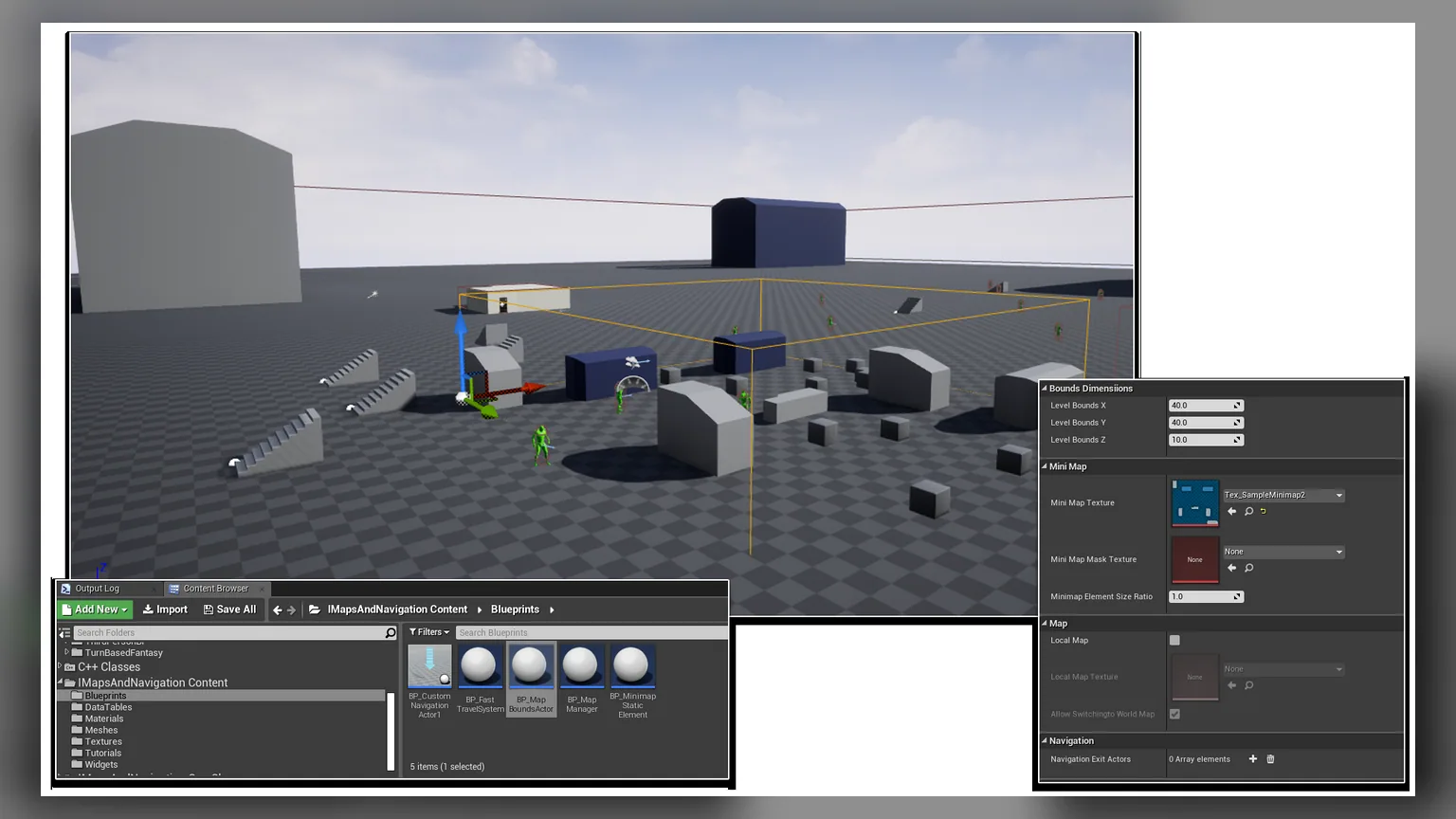
  2. Place a MapBoundsActor in your level (found in the plugin's content folder)
  3. Configure the bounds to match your level area
  4. Add the Minimap widget to your player's HUD
  5. Configure your POI datatable
💡 Quick Start: Check out the example level included with the plugin for a working implementation!
Minimap, Map and Navigation System - Documentation | Athian Games