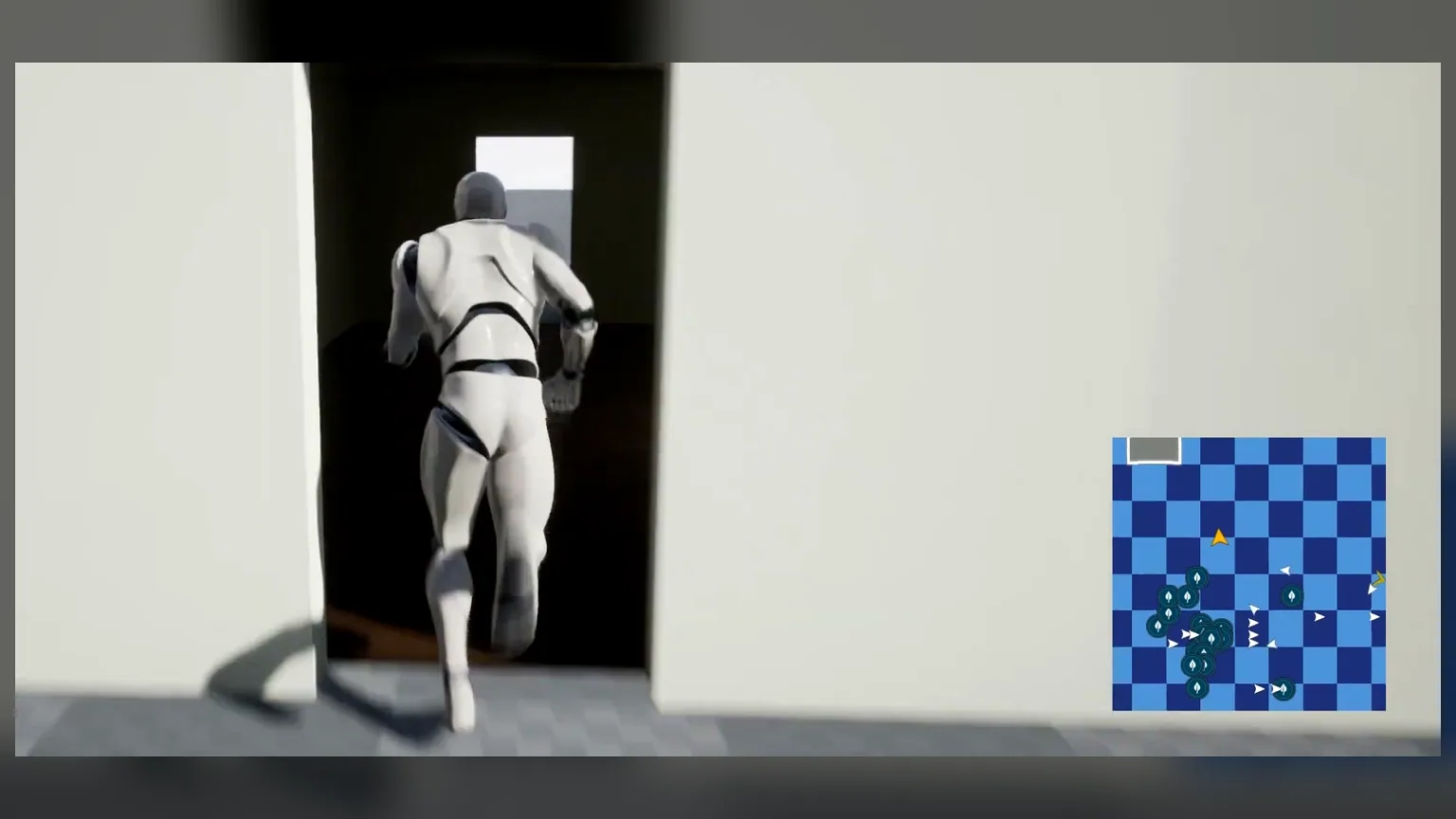
What the Actor Does
The MapBounds actor defines the world area that a minimap texture represents. The system uses the actor location, scale, and texture settings to convert world positions into map positions.
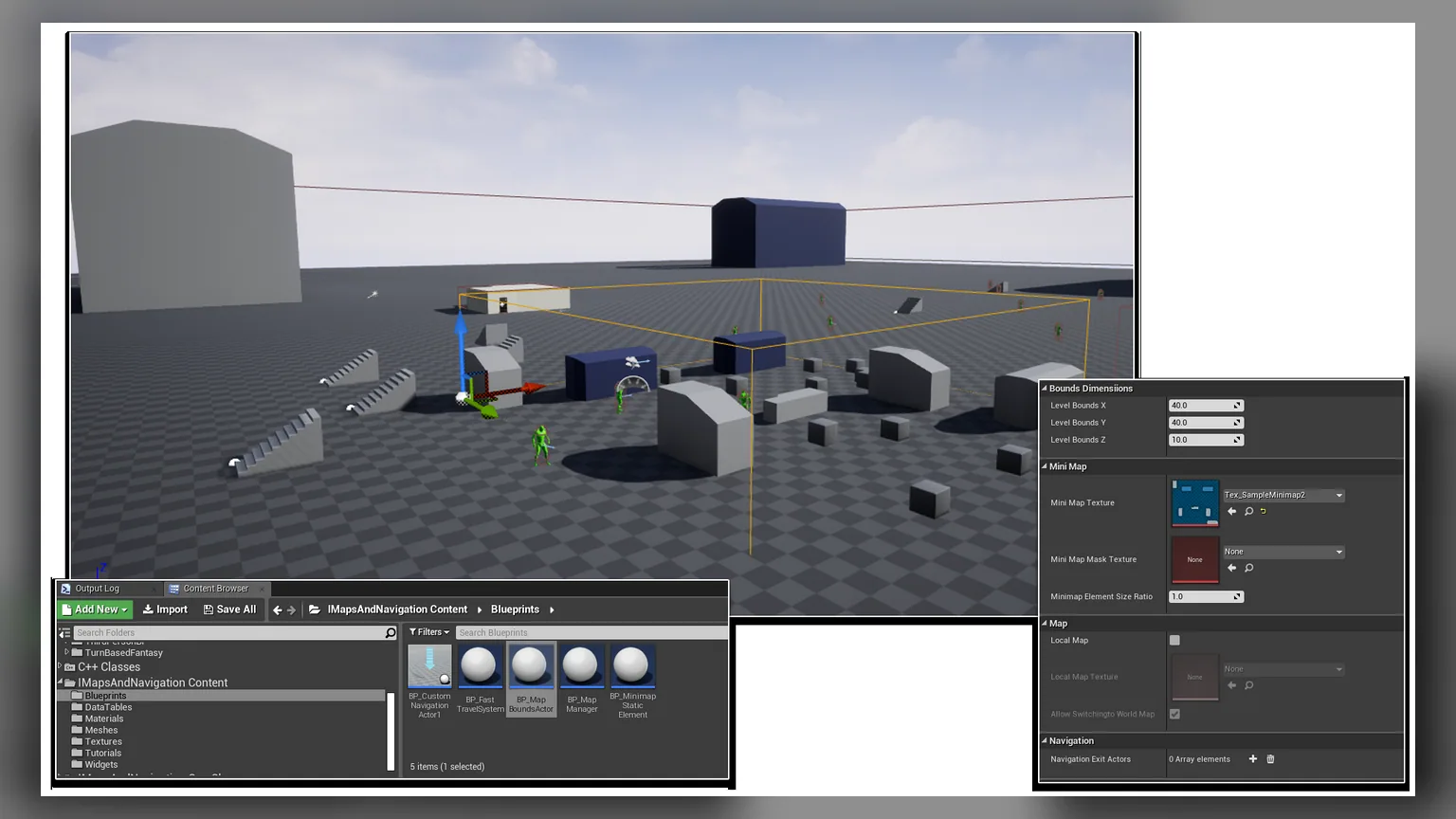
Place a MapBounds Actor
- Find the MapBounds actor in the plugin content.
- Drag it into the level.
- Move it to the center of the area represented by your map texture.
- Scale X and Y until the bounds match the playable space.
- Set Z high enough to include the relevant vertical range for the player.
Main Settings
| Setting | Use |
|---|---|
| Level Bounds X / Y / Z | Controls the world area that maps into the minimap texture. |
| Mini Map Texture | The texture shown in the minimap widget. |
| Mini Map Mask Texture | Optional black-white mask for irregular map shapes. |
| Minimap Element Size Ratio | Adjusts marker scale for this bounds region. |
| Local Map | Use when a region needs its own local map behavior. |
| Navigation Exit Actors | Optional exits used by navigation and region transitions. |
Multiple Regions
Use multiple MapBounds actors when your project has caves, interiors, multi-floor areas, or separate zones. When the player moves into a different bounds actor, the minimap can switch to that region's texture and marker rules.