Points of Interest (POI)

Configure and manage Points of Interest on your minimap

POI Overview

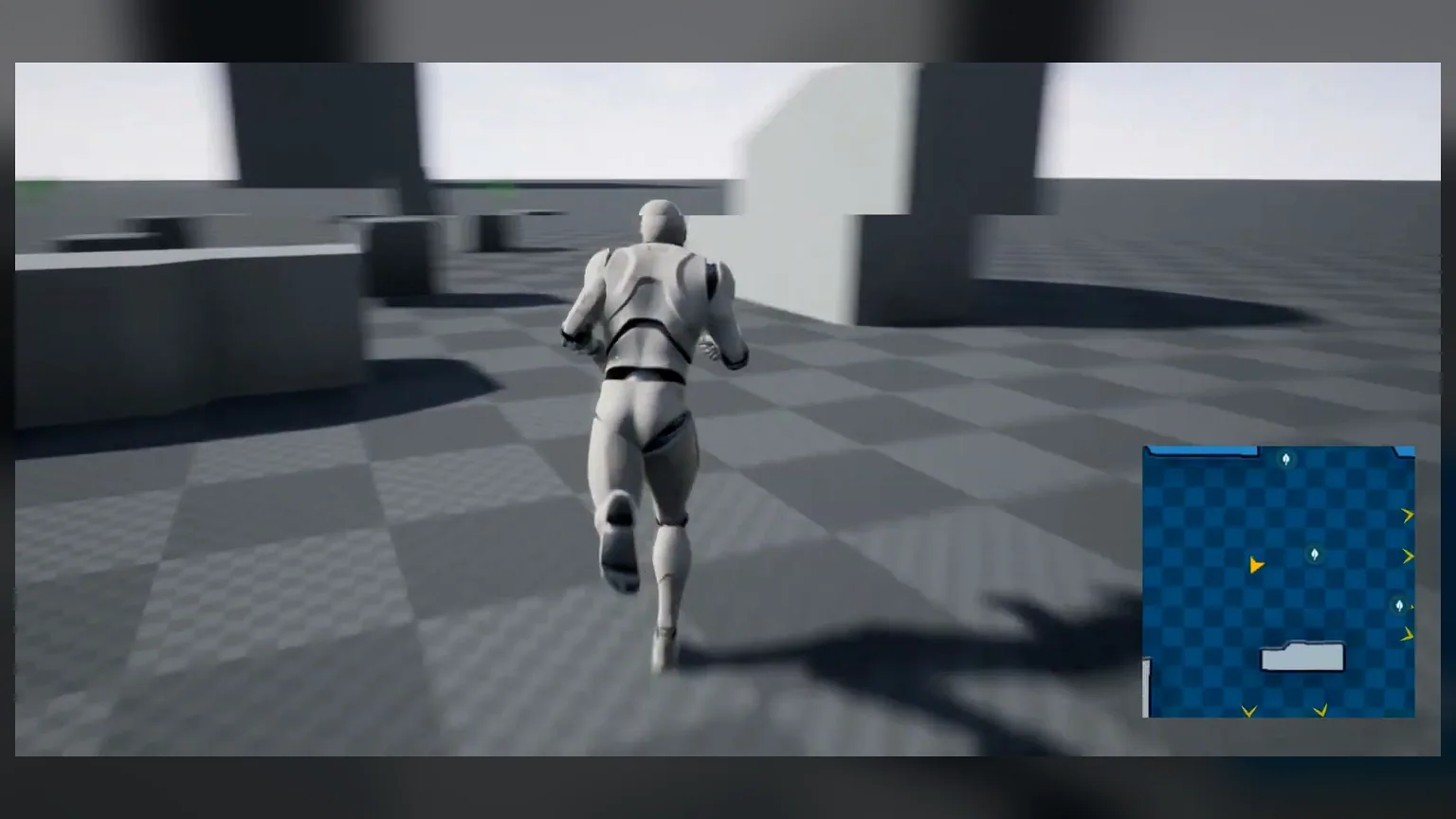
Points of Interest (POI) are actors that appear as icons on your minimap and map. They can represent enemies, pickups, NPCs, quest markers, or any other important location.

ℹ️ Flexibility: The POI system is datatable-driven, making it easy to add, modify, and manage different types of markers without changing code.

POI Element Datatable

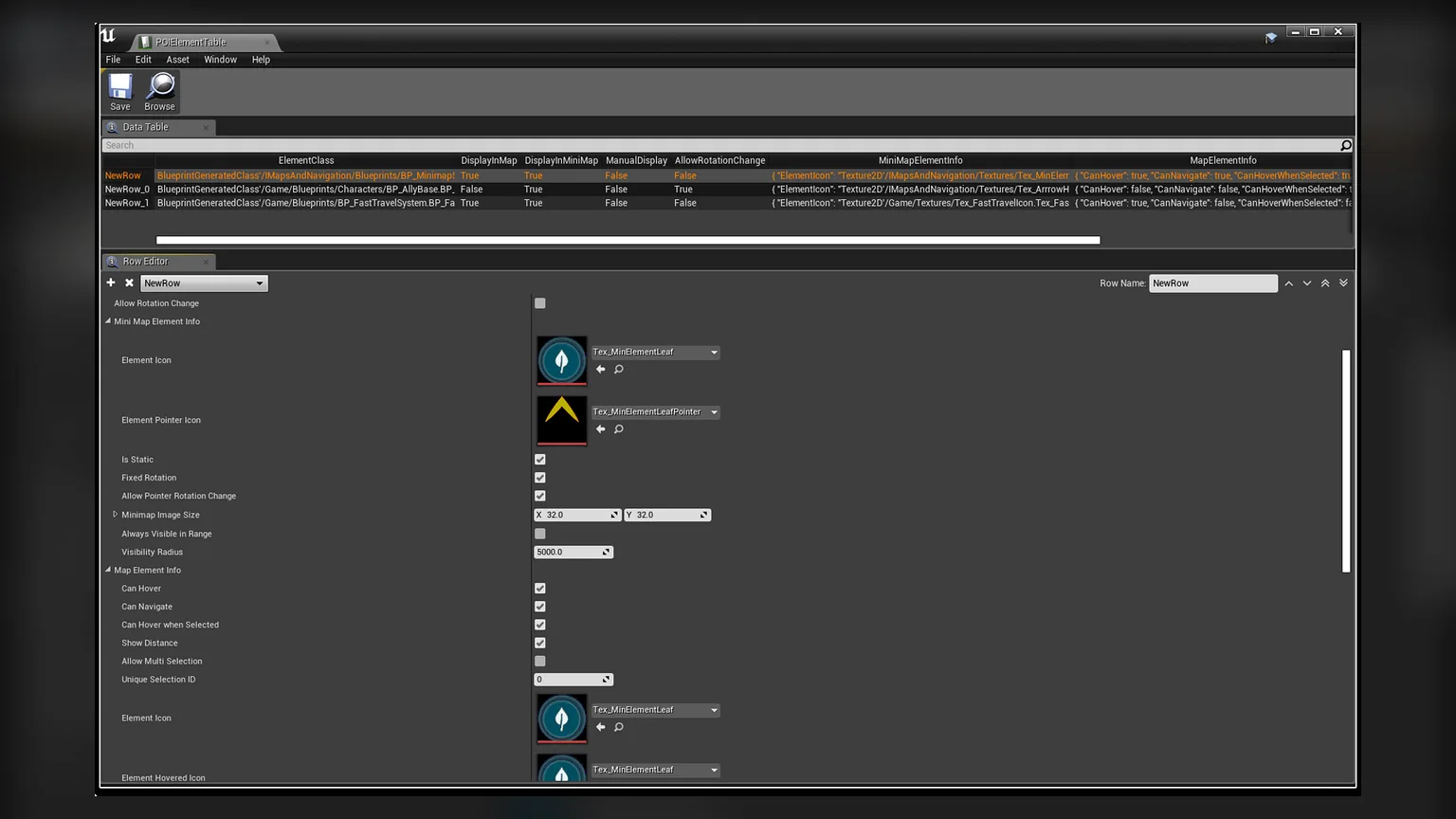
POIs are defined in a datatable derived from the POIElement structure. This allows you to configure different types of POIs with unique properties.

Creating POI Actors

  1. Create a new datatable based on POIElement structure
  2. Add rows for each POI type you want
  3. Configure the properties for each POI type
  4. Reference this datatable in your minimap widget

POI Properties Reference

Property Type Description
Actor Class Class The class of actors to represent as POI
Icon Texture Texture The icon displayed on the minimap
Icon Size Vector2D Size of the icon on the minimap
Icon Color Color Tint color for the icon
Is Dynamic Boolean Whether the POI updates position in real-time
Distance Range Float Maximum distance to show this POI

Static vs Dynamic POI

Static POI

Fixed location markers that don't move. Perfect for:

  • Treasure chests and collectibles
  • Landmarks and locations
  • Fast travel points
  • Quest objectives

Dynamic POI

Moving markers that update in real-time. Ideal for:

  • Enemies and hostile NPCs
  • Friendly NPCs and companions
  • Vehicles and moving platforms
  • Other players in multiplayer
⚠️ Performance Note: Dynamic POIs have a slight performance overhead. Use static POIs when possible for best performance.
Minimap, Map and Navigation System - Documentation | Athian Games