Introduction
Minimap, Map and Navigation System is built around texture-based maps, so your HUD does not need a live scene capture for the minimap. You prepare or capture a map texture, assign it to a MapBounds actor, then let Blueprint-friendly widgets display the player, POIs, navigation targets, and map regions.
The same system can be used for open worlds, indoor areas, RTS-style maps, archviz walkthroughs, and gameplay HUDs that need many icons without a heavy render target setup.
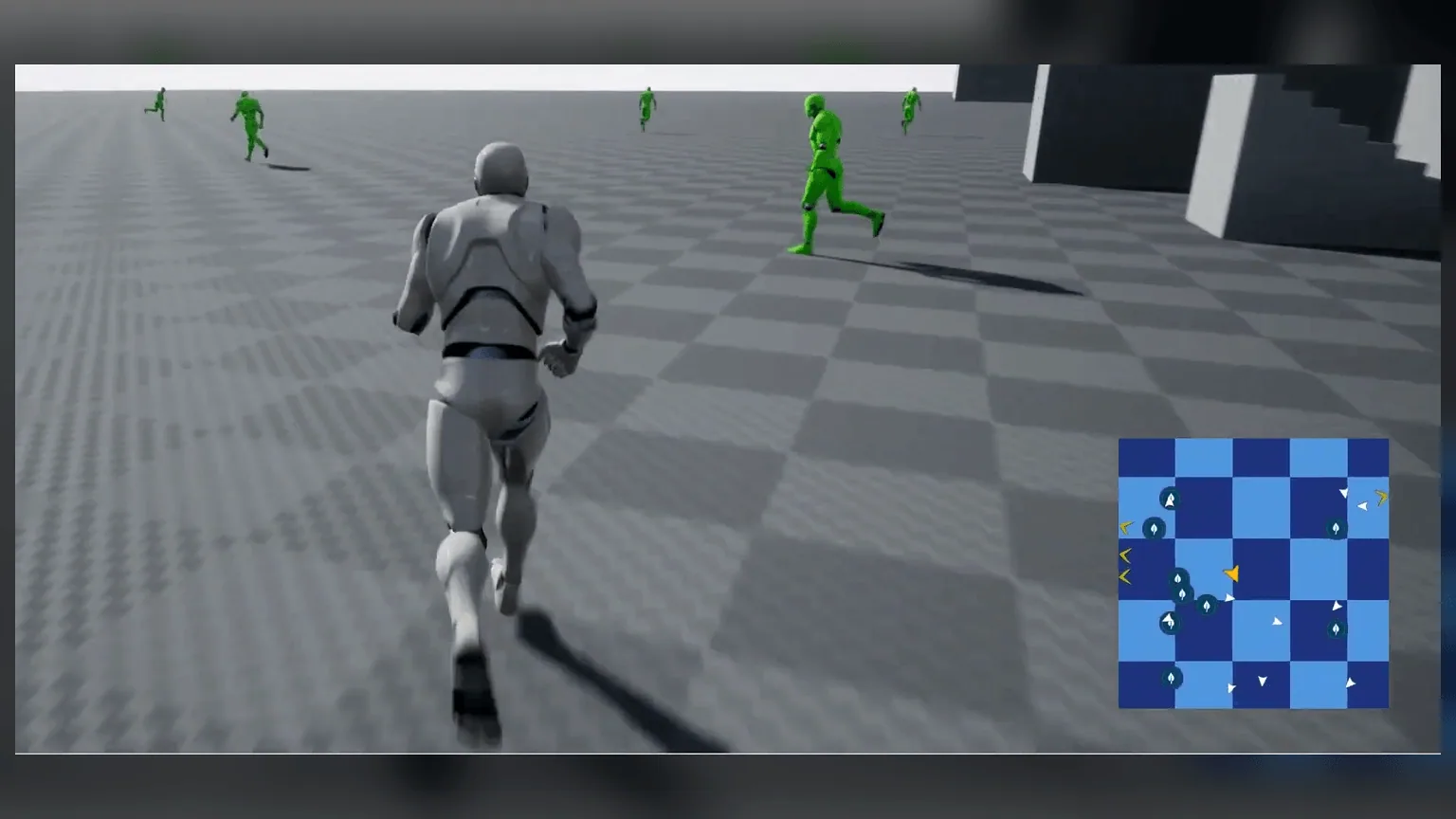
Core Features
Texture-Based Minimap
Use a map texture or top-down screenshot instead of a live render target.
MapBounds Regions
Switch maps automatically when the player enters a different area.
POI Datatable
Define icon, pointer, display range, static/dynamic behavior, and map interaction from rows.
Circle or Rectangle
Choose the minimap shape and keep markers clamped correctly.
Texture Masks
Support non-rectangular interiors, caves, rooms, and custom map silhouettes.
Navigation Markers
Show destination pointers, distance, and out-of-bounds indicators.
What You Need
- A project with UMG and Blueprint support.
- A player pawn or character that can own the minimap widget.
- A map texture, top-down screenshot, or custom map art for each region.
- One or more MapBounds actors placed around the playable areas.