Add the component and inputs
- Open your Character Blueprint and add Vine Climb Component. The owner must be an ACharacter with its Character Movement component.
- On your grab/interact input, call Try Start Climb and use the returned boolean to confirm attachment. Face the target; the forward probe uses horizontal controller-facing direction when a controller is present.
- While Is Climbing is true, route movement to Set Climb Input: X = vertical (positive up), Y = lateral (positive right). Send the current values each frame and send (0, 0) when input ends. Climb Up and Climb Right are individual-axis alternatives.
- Gate your normal walking movement and rotation while climbing, so they do not fight component movement. Axis values are clamped to −1 to +1; diagonal input is normalized.
- Call Stop Climb with Jump Off = false to release, or true to launch away and upward. Listen to On Climb State Changed to update your gameplay UI or your own animation logic.
- Test a plain collision wall first, then curved surfaces and ledges. The default probe uses simple collision and the configured Climb Trace Channel.
The component accepts any blocking geometry whose normal is within its allowed slope range. It does not require vines and does not query Vine Climbable Interface. Use a dedicated trace channel and collision responses when only selected surfaces should be climbable. World exclusion boxes affect vine generation, not character movement.
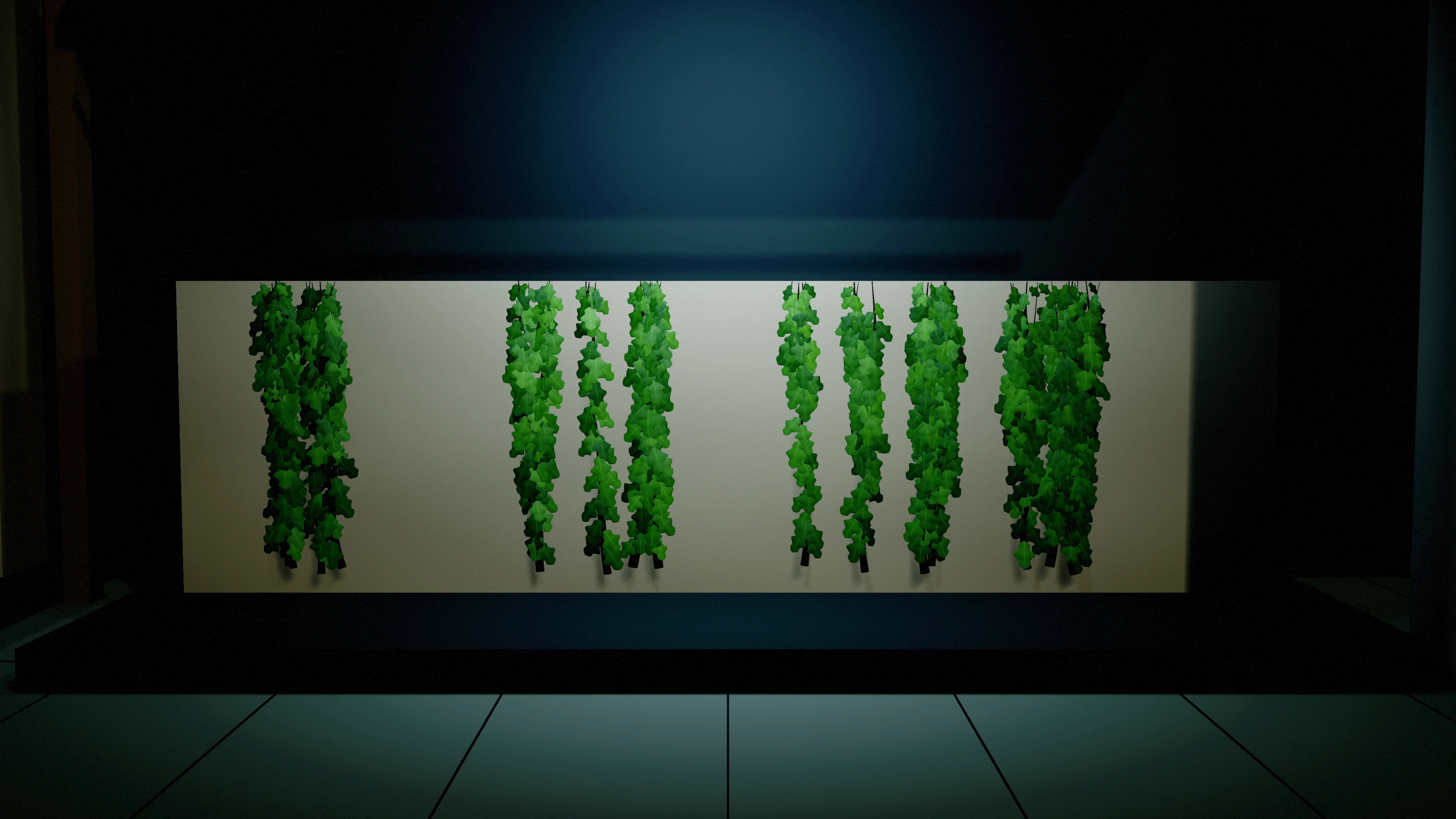
Climb settings
Swipe the table to read every column.
| Parameter | Default / type | Effect and use |
|---|---|---|
| Climb Trace Channel | WorldStatic / collision channel | Selects which blocking geometry can be grabbed. Separate from the vine actor's Surface Trace Channel. |
| Detection Reach | 120 cm / float, minimum 10 | Forward grab reach from character probes. |
| Climb Speed | 170 cm/s / float, minimum 10 | Movement speed when vertical input is the dominant axis. |
| Lateral Speed | 140 cm/s / float, minimum 10 | Movement speed when lateral input is dominant. |
| Reattach Distance | 90 cm / float, minimum 10 | Probe distance used to find the surface again during movement, including curved surfaces. |
| Surface Padding | 5 cm / float, minimum 0 | Gap added beyond the character capsule radius. |
| Max Surface Normal Z | 0.6 / float, range −1–1 | Normals above this are rejected as floor-like. |
| Min Surface Normal Z | −0.4 / float, range −1–1 | Normals below this are rejected as strong overhangs. |
| Face Wall | true / boolean | Turns character yaw toward the surface. |
| Rotation Interp Speed | 10 / float, minimum 0 | Interpolation speed for facing the wall. |
| Enable Mantle | true / boolean | Attempts a top-edge reposition while climbing upward. This is not an animation montage. |
| Mantle Probe Height | 90 cm / float, minimum 10 | Height above the head used to search downward for the top edge. |
| Lost Surface Grace Time | 0.25 s / float, minimum 0 | Time without a valid reattachment before release. |
| Jump Off Impulse | 420 / float, minimum 0 | Launch velocity away from the last surface normal on Stop Climb(true). |
| Jump Off Up Impulse | 260 / float, minimum 0 | Additional upward launch velocity on jump-off. |
Movement behavior and integration limits
Attachment temporarily switches Character Movement to Flying, stops normal movement velocity and disables movement-driven rotation. Release restores the cached mode and rotation flags; a cached Flying mode restores as Walking. Ensure those mode changes fit your character controller.
Climb position updates are direct and unswept. Mantling requires clearance for the full capsule above the edge and onto the top; blocked routes keep the character attached. The mantle checks swept upward and over-edge movement. Repositioning is immediate; no animation is provided. Validate corners, narrow passages, wall thickness and top-edge clearance with your capsule dimensions. There is no supplied network prediction or replication, animation, IK, root-motion integration or moving-platform attachment.
Get Climb Surface Point and Get Climb Surface Normal return the latest world-space collision result. The vine actor also exposes an optional Vine Climbable Interface for your own logic: Is Climbable, Get Climb Surface and Get Climb Range. Its Climb Attach Radius defaults to 150 cm and limits the actor's point query. It does not change the component's Detection Reach.
The optional actor interface only offers complete paths at applied growth progress 1. During partial reveal, Is Climbable and Get Climb Surface return false, and Get Climb Range returns the actor location for both endpoints. The separate Character component still uses its own scene collision queries.