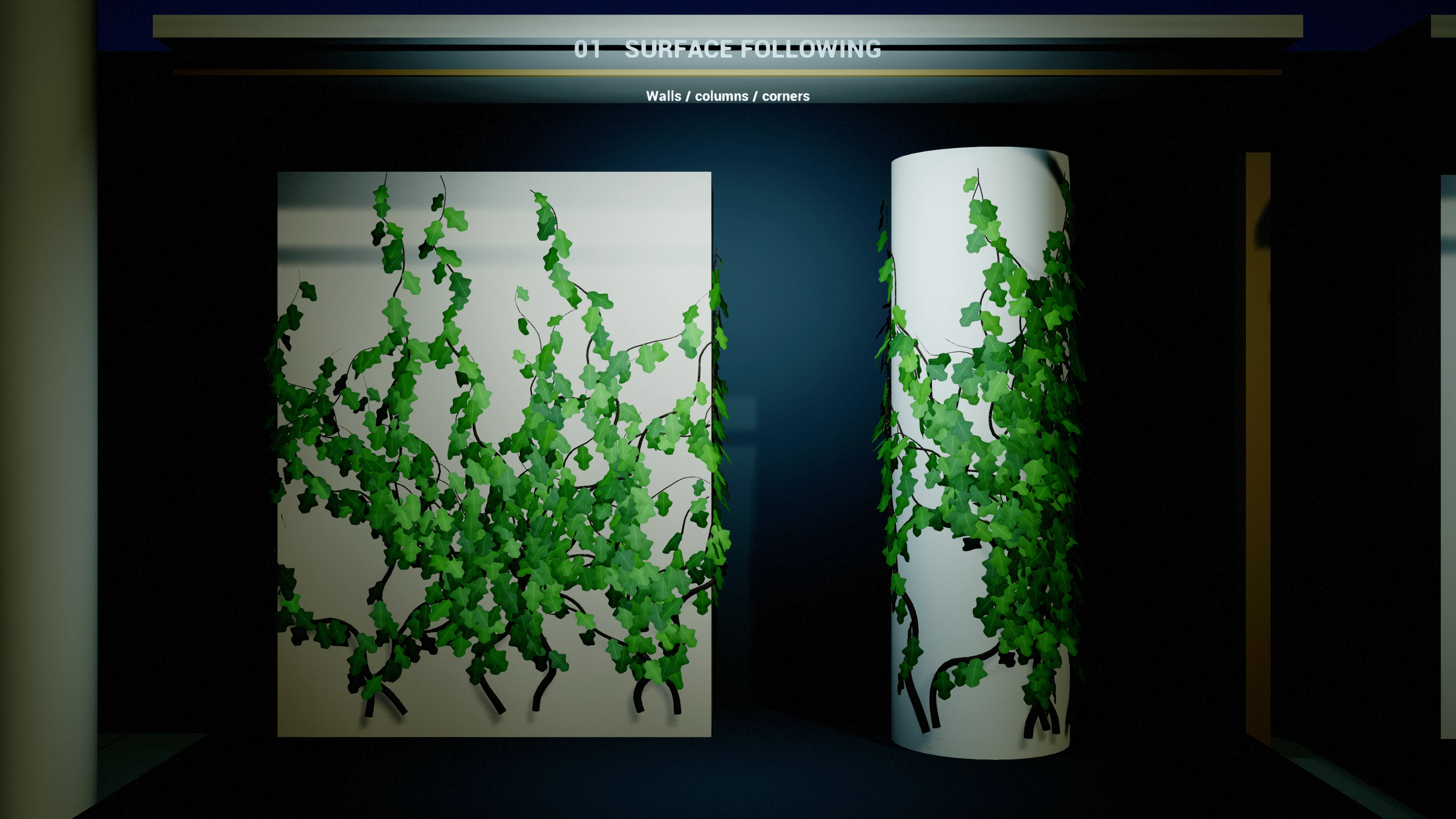
Create the actor
- In Place Actors, search for Procedural Vine Actor and place one beside a collision surface. Start with a wall for the default mode, or enable Vine Surface → Allow Horizontal Surfaces for floors, spheres and connected surface transitions. Keep its scale at (1, 1, 1) while tuning dimensions.
- The target mesh must block the actor's Vine Surface → Surface Trace Channel (default WorldStatic). Its collision must support the selected simple or complex trace mode.
- Position the actor origin just outside the supporting face, within Surface Trace Distance (default 150 cm). Do not bury the origin inside collision. With Allow Horizontal Surfaces = false, the initial anchor search rejects floor-like surfaces.
- Select the actor itself in Details. Expand the Vine Seeds, Vine Growth, Vine Branches, Vine Surface, Vine Stems and Vine Leaves groups. For a clear first test, use Seed Count = 1, Max Branch Depth = 0, and Spawn Leaves = false. These are example values.
- Press Regenerate. Rebuilding is asynchronous; let Is Generating become false before reading final strand counts or saving the completed result.
- Restore branching and leaves gradually. In the Content Browser settings, enable Show Plugin Content and open Procedural Vines Content → Materials. Assign M_VineBark to Stem Material. Use M_ProceduralLeaves for procedural quads, M_LeafInstances for compatible full-leaf-UV meshes, or M_HederaInstances with the supplied SM_Hedera_B/G/K atlas meshes. Assign the matching material manually or through a preset; unassigned procedural materials use Unreal's default surface material.
- Save the level after generation finishes. Duplicate the actor to reuse settings; change Random Seed for a different arrangement. Recheck surface placement on the duplicate.
Manual and automatic rebuilds
Swipe the table to read every column.
| Parameter | Default / type | Effect and use |
|---|---|---|
| Generate On Construction | true / boolean | Editor placement, movement and property changes request generation. Disable for several edits in a row, then press Regenerate. |
| Regenerate | Editor button / Blueprint call | Cancels any queued job and starts a fresh generation request. Existing geometry remains during path and geometry generation; application occurs in stages. |
| Clear | Editor button / Blueprint call | Cancels generation and removes stored strands, stem geometry and leaves. A later automatic rebuild or Regenerate can create them again. |
| Is Generating | Blueprint boolean | True while a generation request is queued or running, including waiting for geometry application. |
Disabling Generate On Construction is an authoring convenience. Loading the actor reconstructs render data from saved paths when available; Begin Play also queues reconstruction. It is not a bake or a guarantee that no runtime setup occurs.
Which edits rebuild the route?
With Generate On Construction enabled, foliage changes reuse completed paths. They rebuild leaves alone unless drawn petioles require stem geometry too. Radial segments, subdivisions, twist, UVs and stem-material changes also reuse the path; subdivisions resample its render detail. Direction, surface and placement changes request new routes. In Blueprint, edit the Settings struct and explicitly call Regenerate after a batch of changes.
Read the result
Get Strand Count reports completed stored strands. Get Total Strand Length sums their stored path lengths. The visible mesh is smoothed between those path samples. The Details panel exposes Generated Strands with points, normals, radii, branch depth and total length for inspection.
Same seed, settings, actor transform and surrounding collision produce the same randomized choices. Changing supporting geometry, collision, exclusion boxes or the actor transform changes the sampled environment and may change the final shape.