- Drag an
NS_SC_*system from Niagara/Systems into your level. - Place it between the camera and visible opaque scene content. Ensure its fixed bounds cover the effect and it remains visible to the camera.
- In the Niagara component's user parameters, enable User.UseOverrides when overriding the presets.
- Adjust User.Distortion (pixel offset), Rate (cycles per second), Opacity, Width/Height (centimeters), TimeOffset (cycles), and Offset.
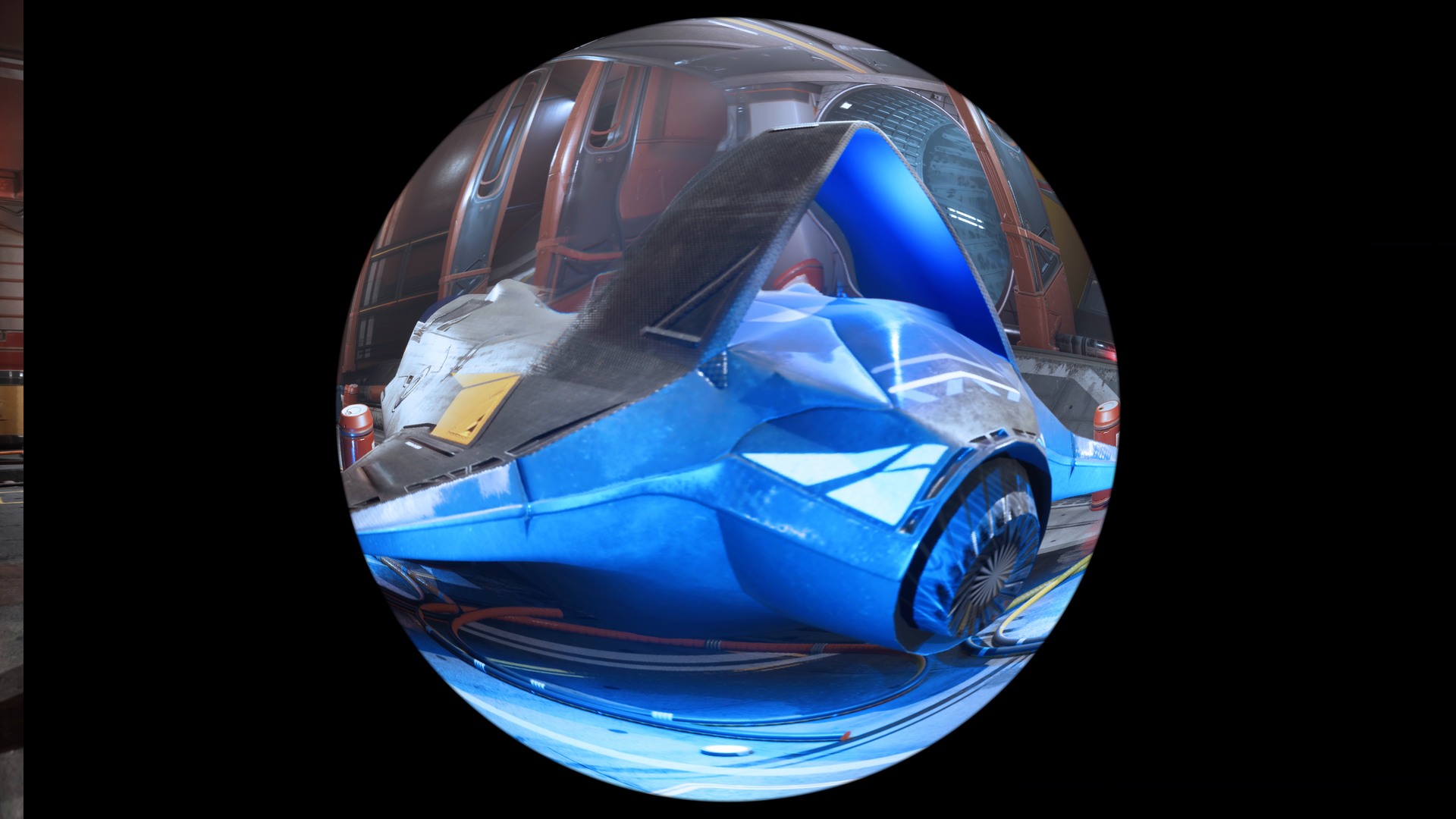
These translucent scene-color lenses are separate from the full-screen blendable materials. Do not add their surface material to the AOS post-process layer array. SceneColor does not include other translucent objects; off-screen or volumetric reconstruction is not provided. Keep engine Niagara enabled.