- Install the Fab plugin into Unreal Engine 5.7 or 5.8, or copy the supplied
ArtOfShaderUltimatePostProcessfolder into your project'sPluginsfolder for a source installation. - Enable Art of Shader Ultimate Post Process in Edit → Plugins and restart the editor when requested. Niagara is an engine dependency.
- In the Content Browser settings, enable Show Plugin Content. Open the ArtOfShaderUltimatePostProcess content folder.
- Open
Demo/Maps/L_PostProcess_Atlasfor the collection overview. Play and move with WASD, mouse look, and Space to jump. - Use
L_EditorSetupfor a clean level where you can drag in an actor yourself. UseL_WeightedLayersfor a configured two-layer stack andL_LocalizedEffectsfor world-sphere masking.
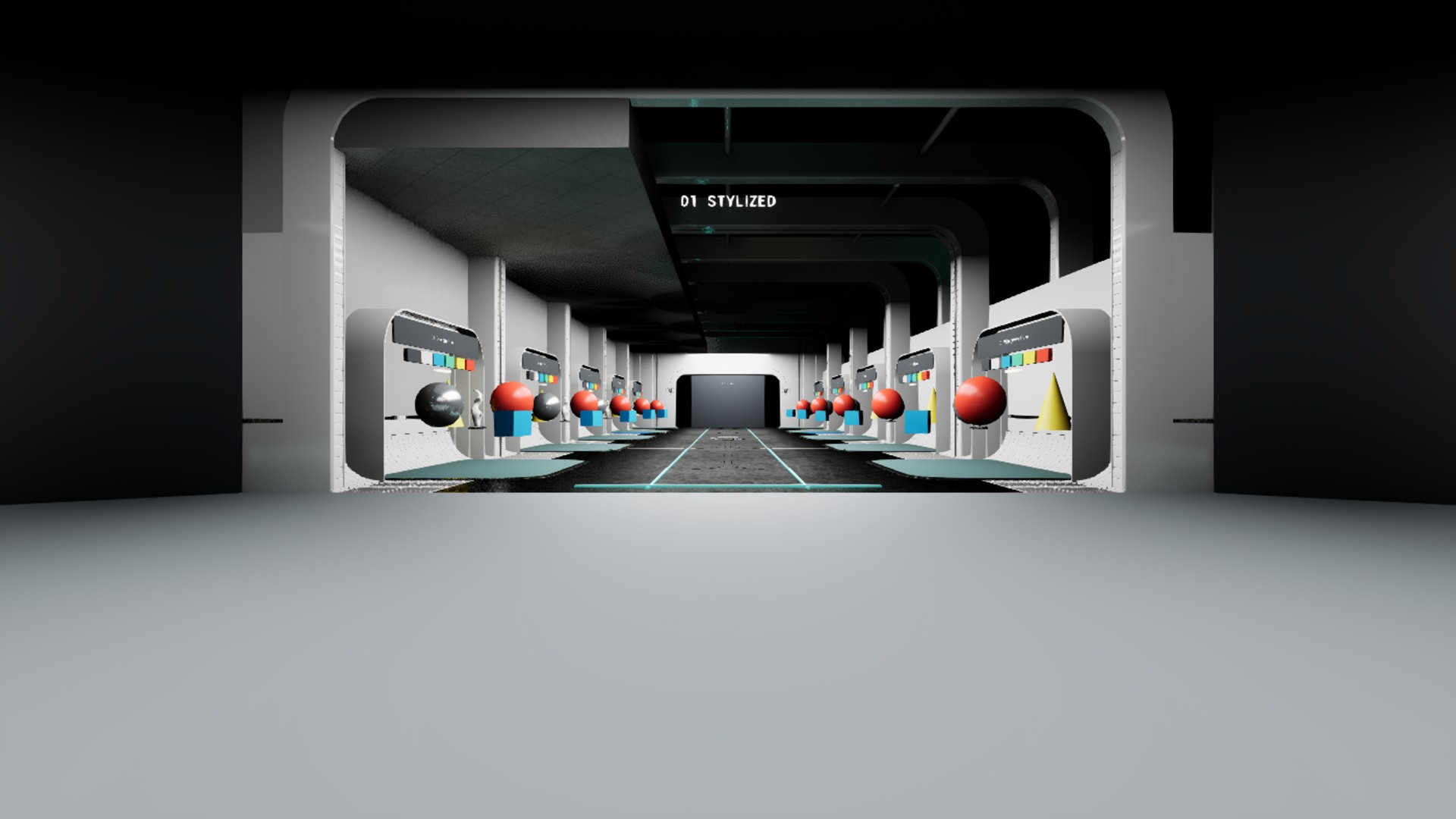
Example map lighting: Enable Extend default luminance range in Auto Exposure settings in Edit → Project Settings → Engine → Rendering → Default Settings, then restart the editor if prompted. This setting is required by the included example lighting and is not enabled automatically by installing the plugin.
Source installations require the Unreal-supported C++ toolchain to build the module. The example character registers its own local input bindings and needs no copied project input mappings.
For stencil examples, set Project Settings → Rendering → Postprocessing → Custom Depth-Stencil Pass: Enabled with Stencil. Configure target mesh components to Render CustomDepth Pass and assign the matching stencil value.