- Duplicate a shipped material instance into a folder in your own project.
- Open the duplicate and enable the parameter override checkboxes for the values you want to change.
- Start with Strength, then the recipe's grouped palette, outline, pattern, lens, grain, or scan controls. Strength 0 returns the source scene.
- Use Split and SplitPosition for the shader's built-in source/effect comparison.
- Assign your duplicate to the AOS actor. Enable realtime viewport rendering to see time-driven effects. AnimationSpeed 0 freezes patterns that use the common time input.
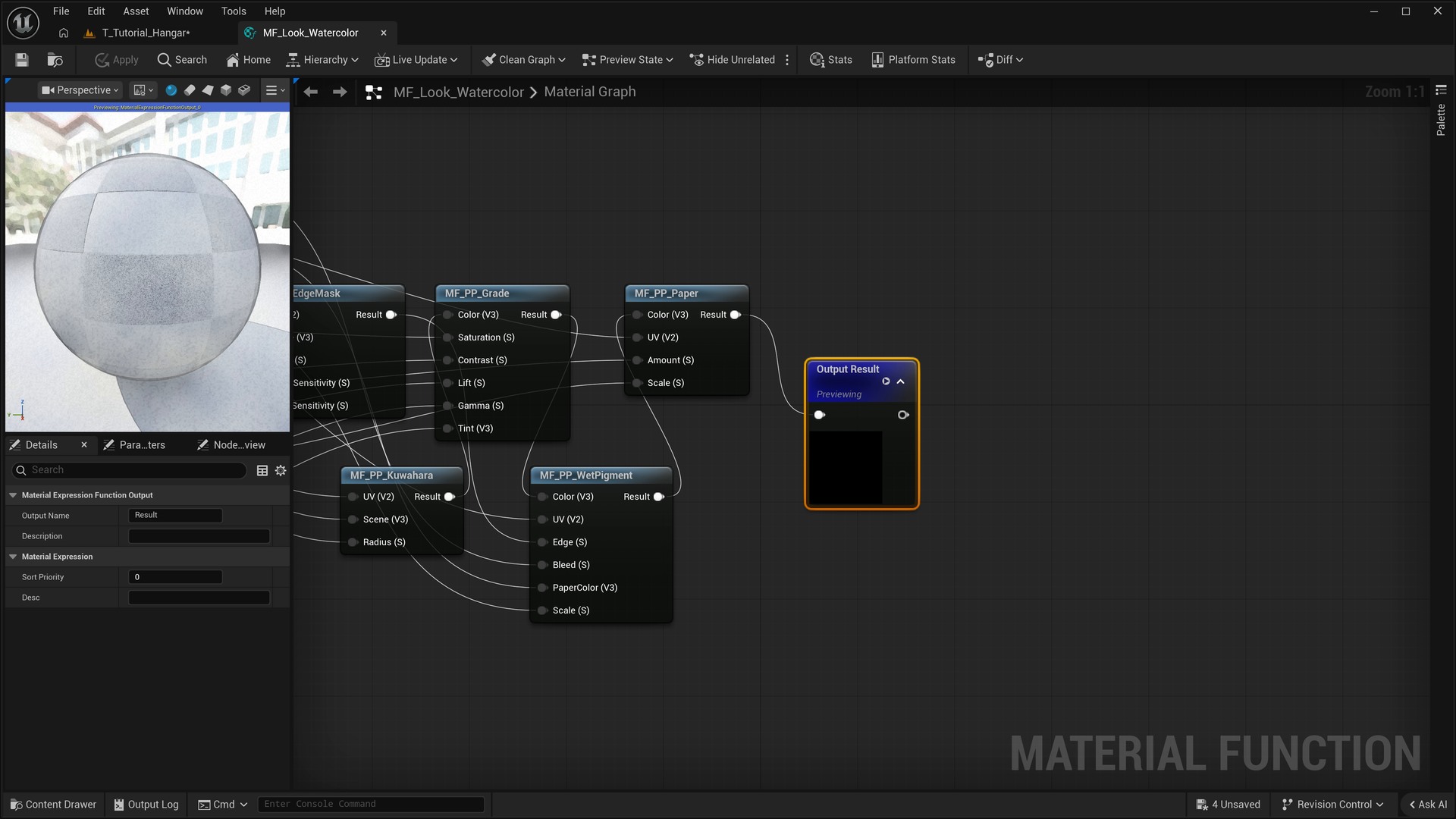
Material functions are ordinary Material Function assets, not Unreal Material Layer assets. Chain the preceding Color output into the next stage's Color input. Apply UV transformations before sampling the scene. Scene sampling filters read the original scene, not automatically the output of an earlier color stage; use an explicit color mix to combine those results.
All full-screen wrappers sample PostProcessInput0 after tonemapping. Keep the viewport-to-scene UV conversion in offset sampling functions when extending them.