Shaders
Art of Shader Ultimate Post Process
A modular Unreal shader library with weighted layers, localized effects, and controls that work in the editor and during play.
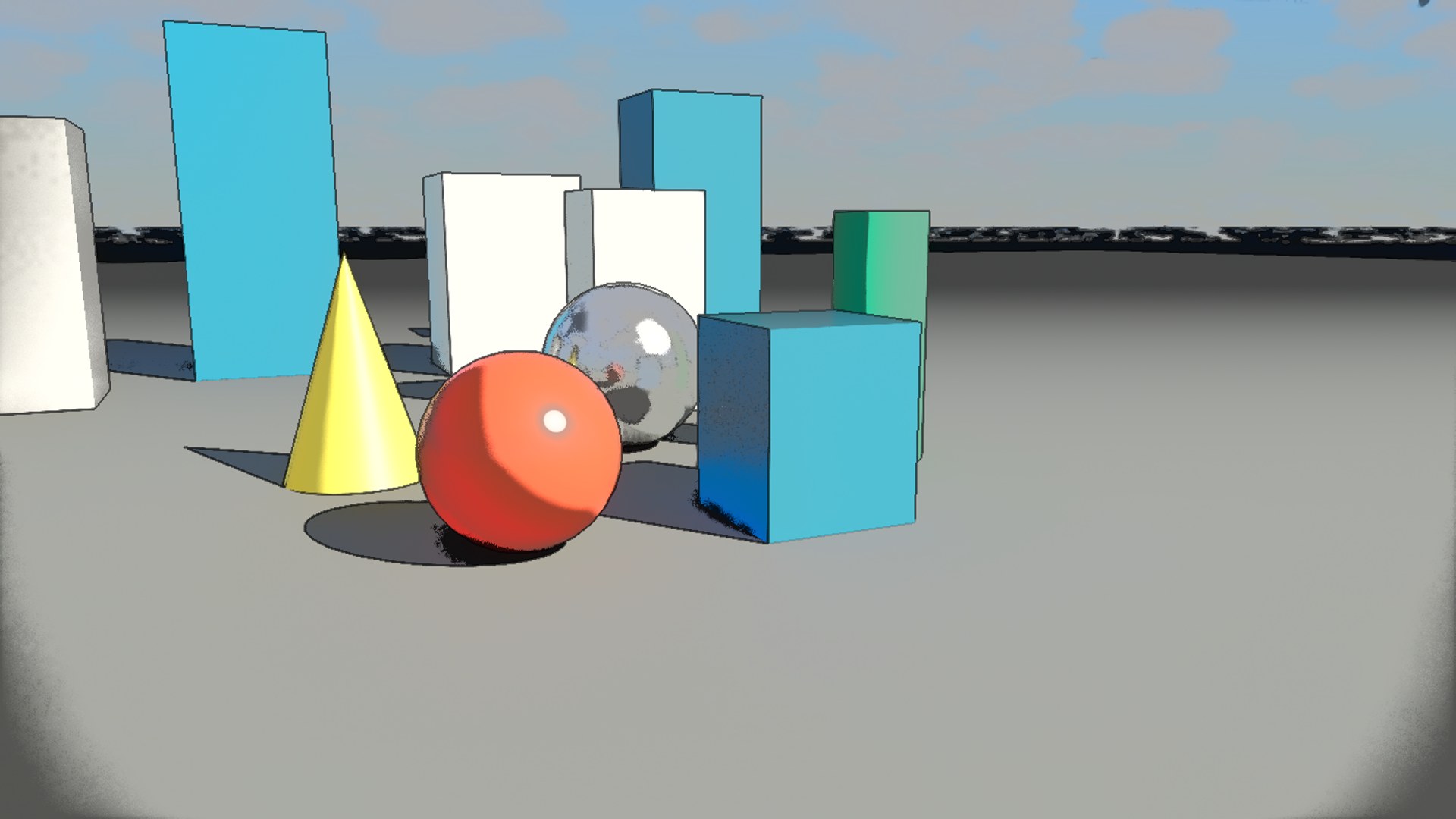
The shader library
Find your look. Make it yours.
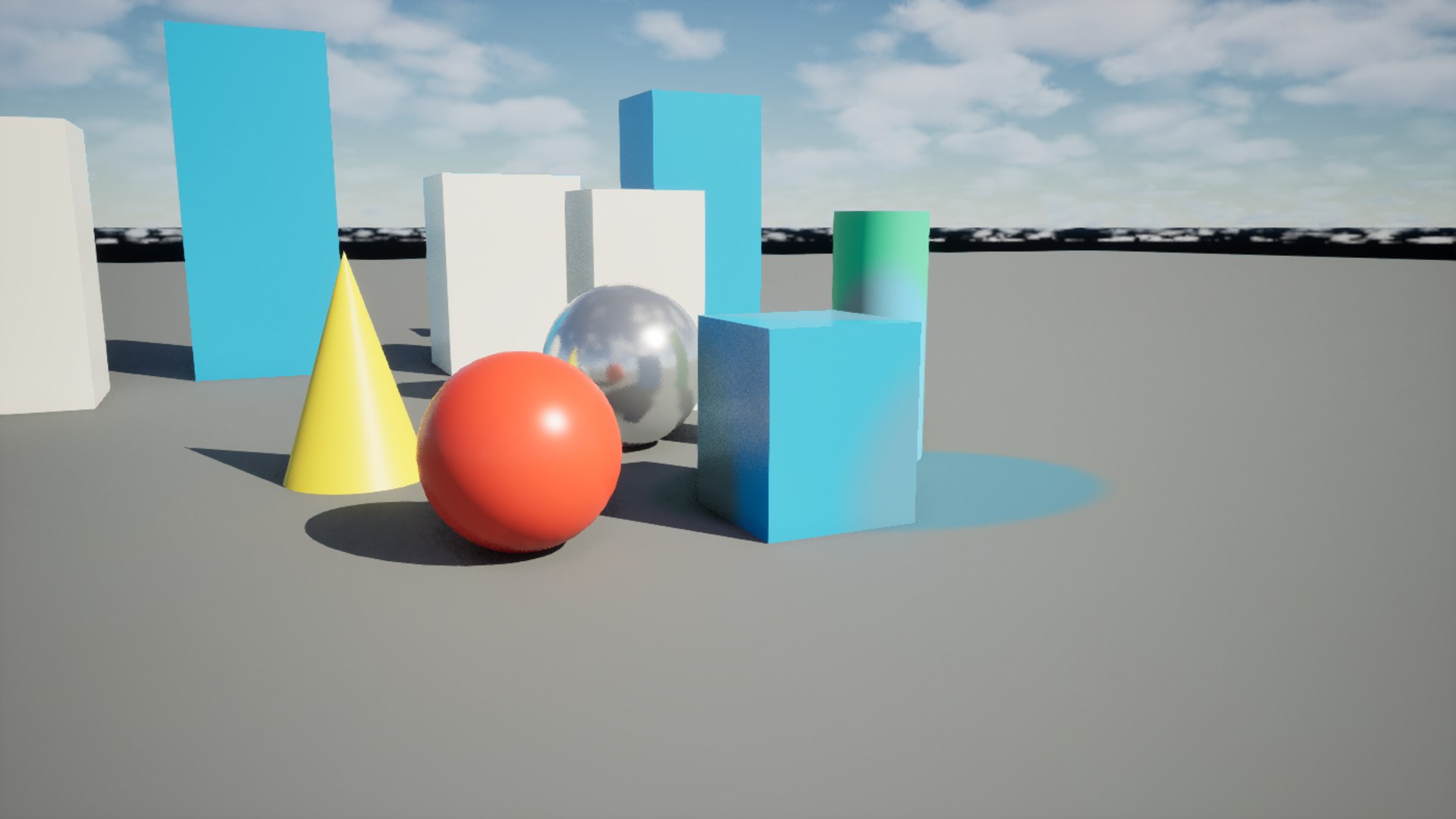
Pick a shader, compare the Unreal capture with the original scene, and customize its look in one place.
Combined Recipes
Printed Comic
Unreal capture
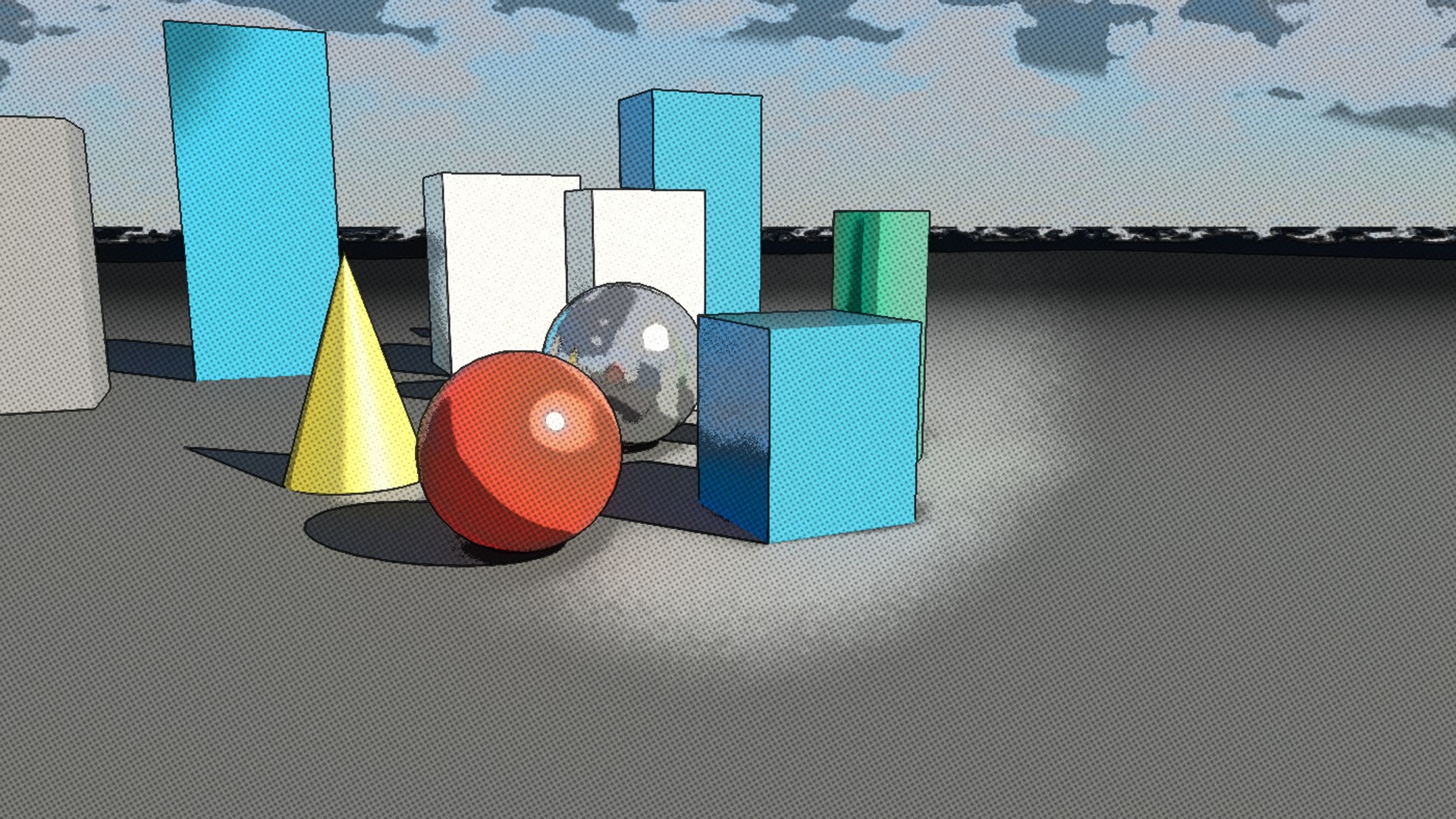
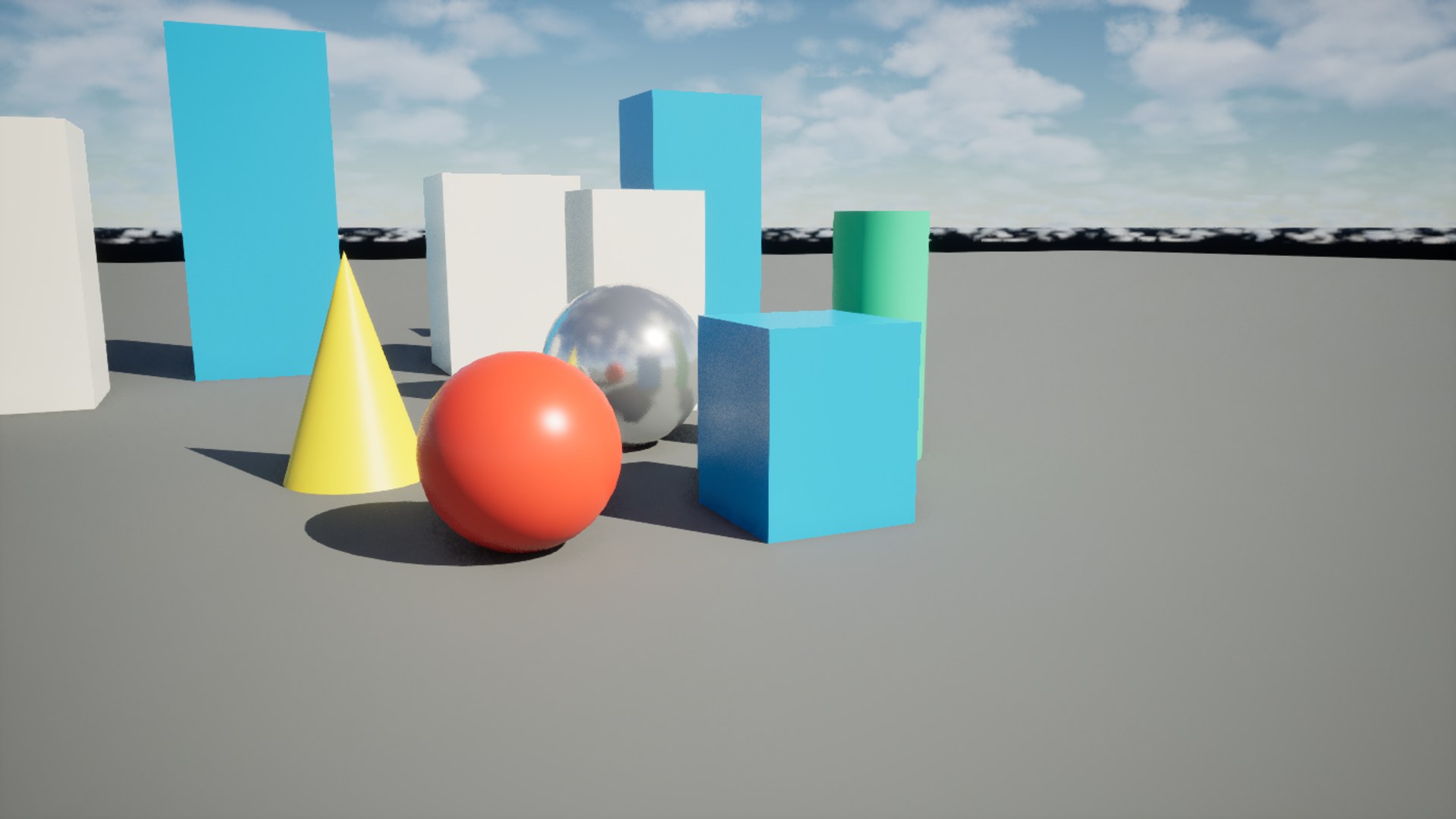 Unreal capture
Drag to compare your changes
StrengthAdjust the controls to customize the look. Reset returns to the Unreal capture.
Demo defaults
Copy exports named scalar and vector values as JSON for reference. World-space positions are centered on this demo scene.
Cel bands, ink edges, halftone dots, and paper texture combine into one printed comic look.
Stage order is authored inside the recipe; individual controls remain editable.
Parameter reference →Default views are captured in Unreal. Parameter changes use a browser adaptation; final rendering depends on your Unreal scene.
About This Product
Explore 66 core post-process looks, 12 object and screen mask variants, and 6 combined presets across stylized, toon, film, distortion, scan, special effects, and localization collections. Drag BP_AOSPostProcess into your level, add materials to its layer stack, and drag the independent weights to mix their contributions. Preview changes in the editor, then drive the same actor with Blueprint during play. Duplicate material instances to build your own palettes, outlines, lenses, grain, scan fields, and mask shapes. The plugin includes reusable material functions, an overview gallery, practical example scenes, runtime parameter exhibits, four GPU Niagara scene-color lenses, and source code for the layer actor. Use the interactive library to customize every post-process preset with live parameters, compare the result, and copy the named settings for your Unreal setup. Build your own combinations with fully editable materials, functions, Blueprints, and the included C++ layer actor.
Product videos
See it in action
Explore the workflow, follow a tutorial, or watch a demo. Play here or open on YouTube.
Features
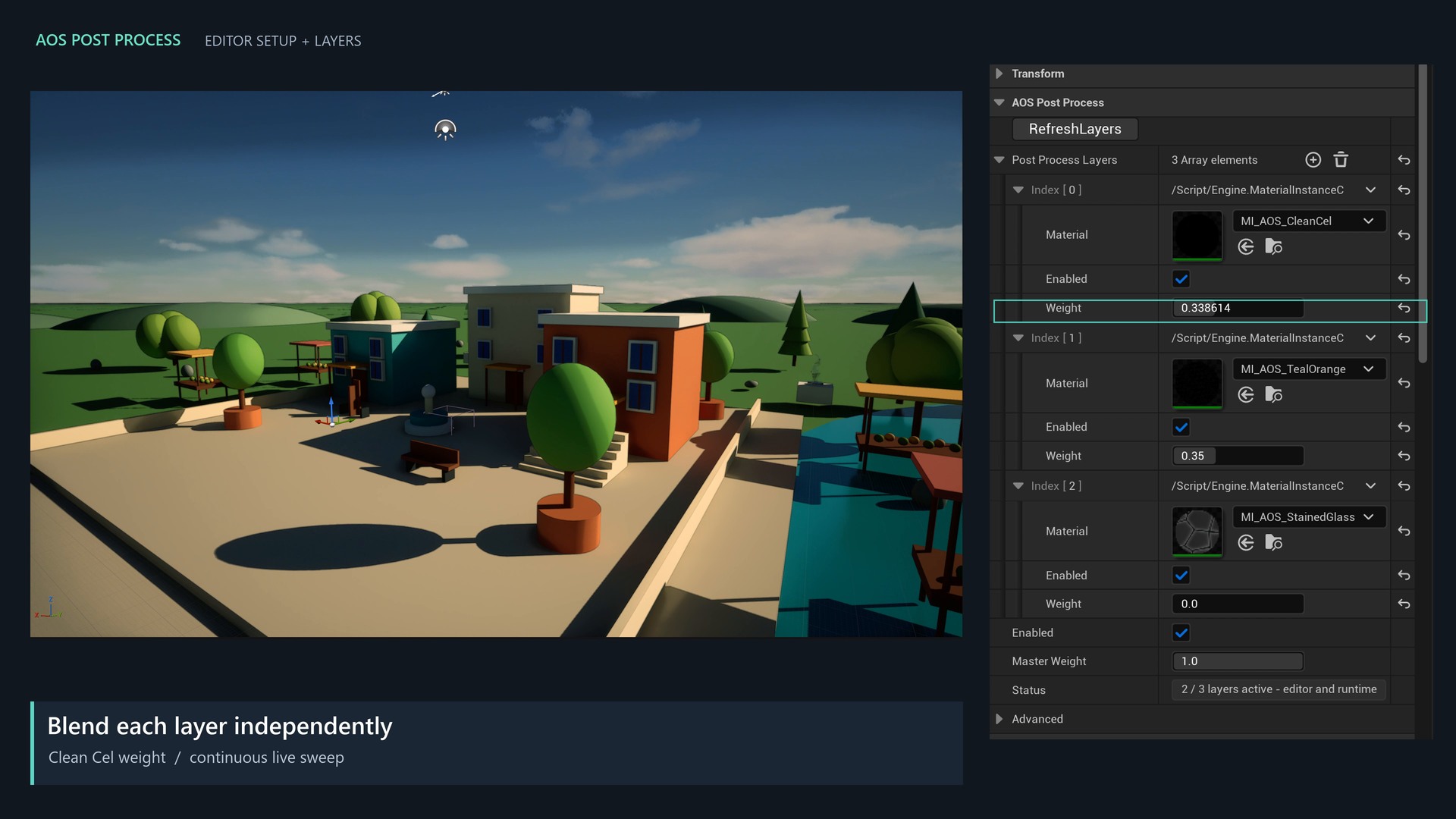
Editor and runtime layers
Stack multiple materials with an enable switch and weight for each, plus a master weight. Changes preview while you drag Details sliders.
84 ready-made presets
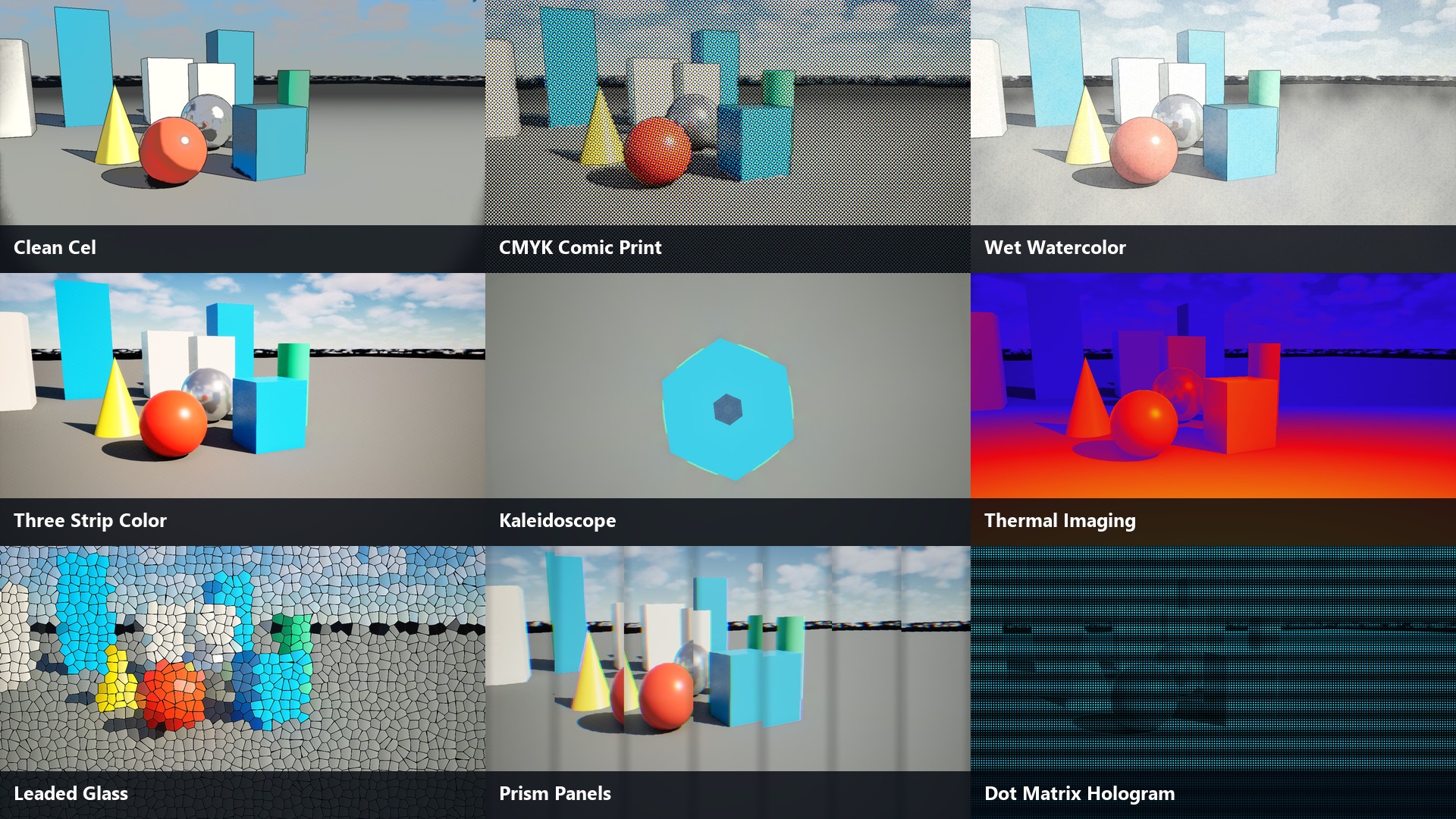
66 core looks, 12 localized variants, and 6 combined recipes. Inspect every preset in the comparison browser.
Object and screen masks
Include or exclude visible surfaces using world spheres, oriented boxes, custom stencil, screen circles, screen boxes, and wipes.
Reusable shader functions
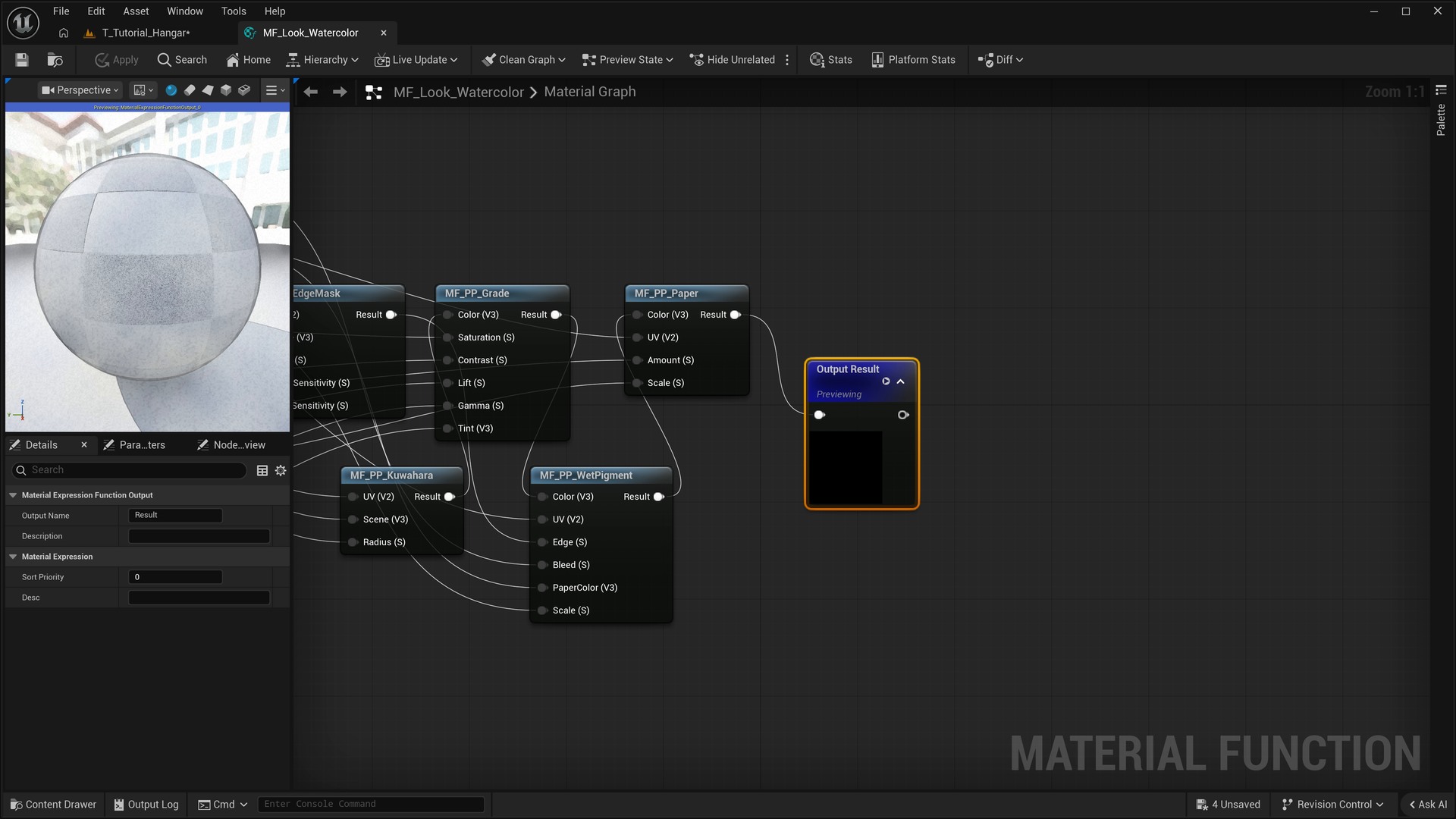
Editable functions separate palette, sampling, patterns, distortion, scan fields, masks, and compositing operations.
Scene-color Niagara lenses
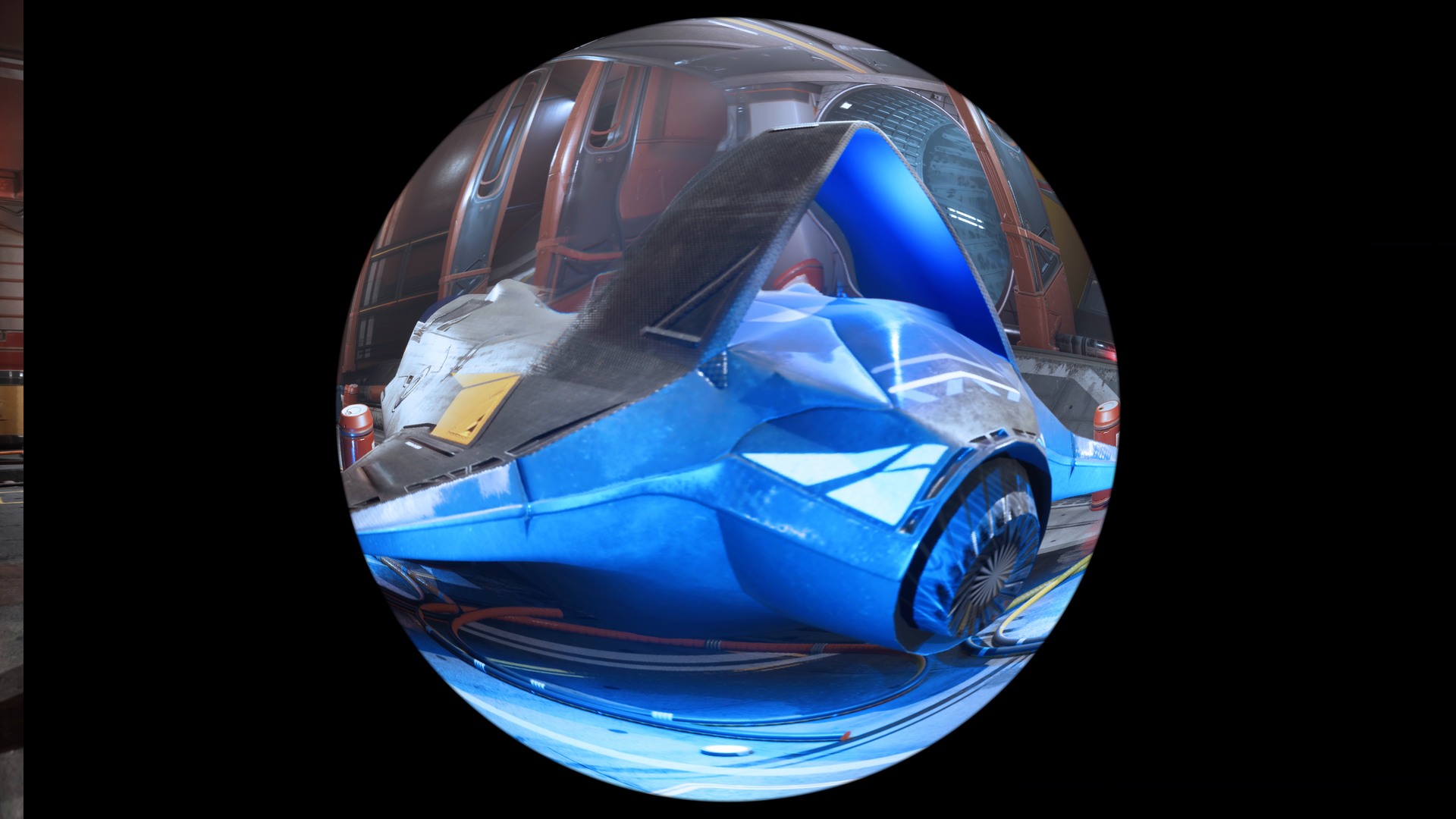
Heat Plume, Pressure Wave, Gravity Lens, and Chromatic Rift use translucent GPU sprites to refract the opaque scene.
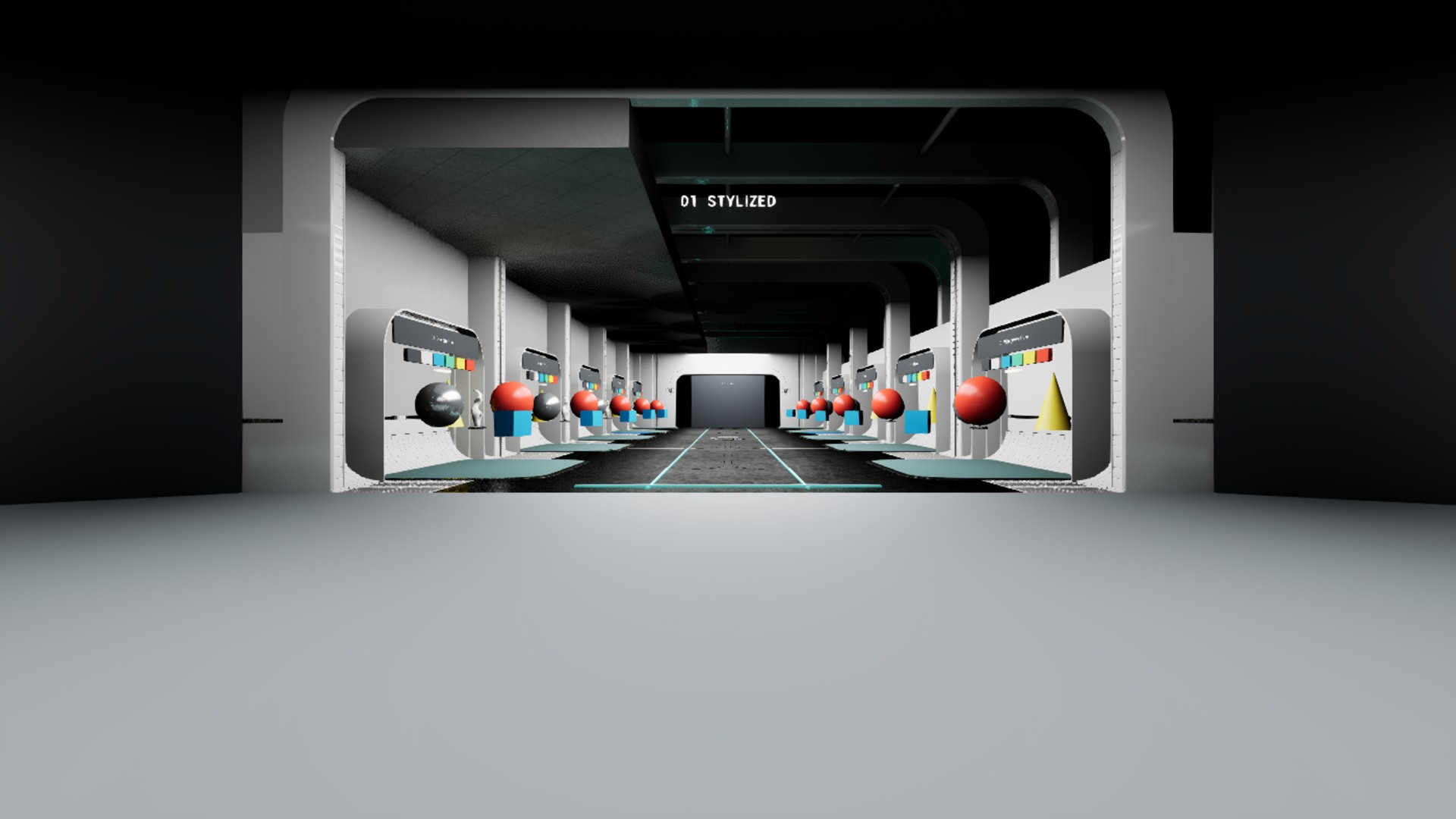
Examples and documentation
An overview gallery, editor setup, weighted-layer examples, and illustrated installation and Blueprint guides.
Related Products
More shader products from Athian Games.
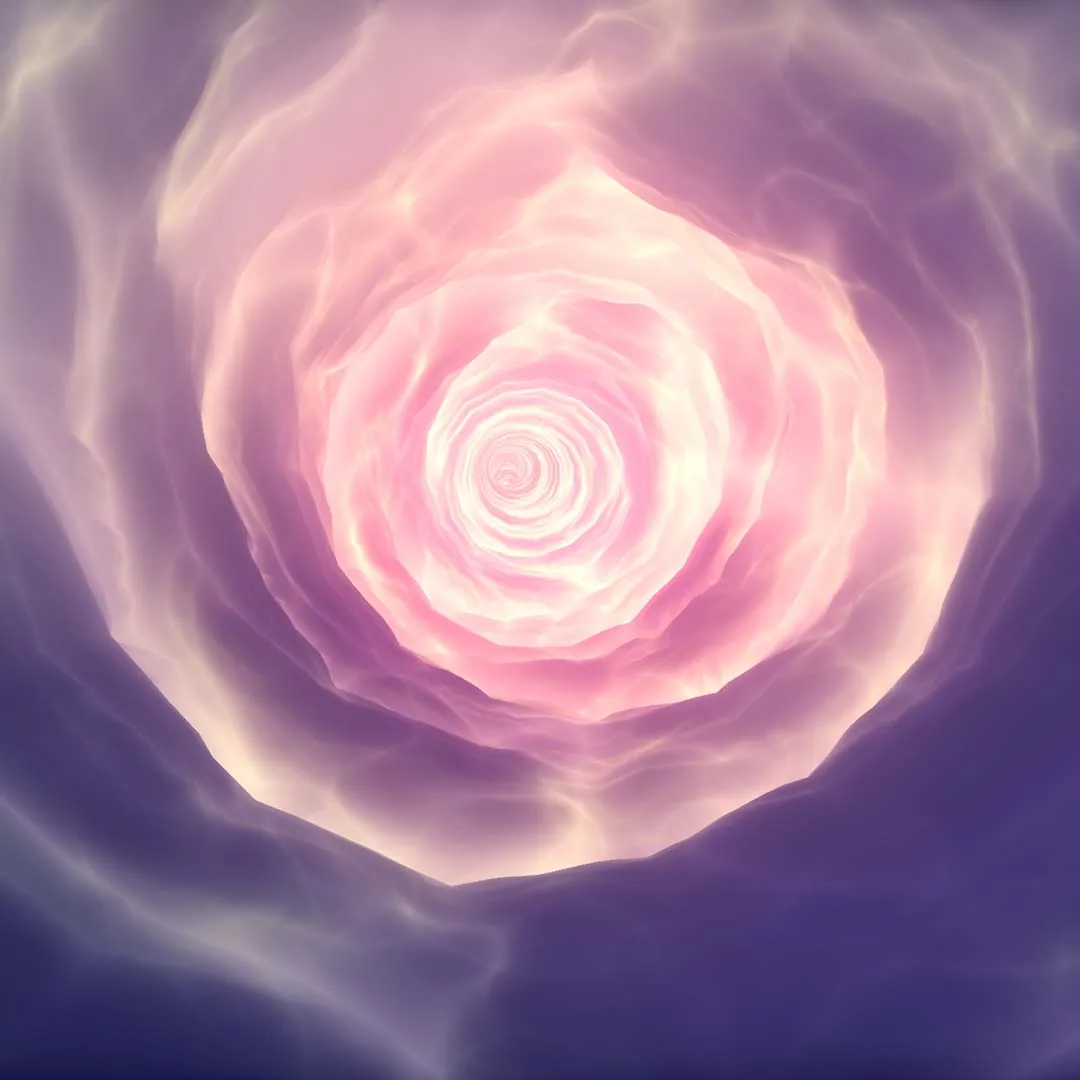
Procedural Vortex Tunnel
Redefine your imagination with this highly customizable Material Driven Vortex System along a given spline path.
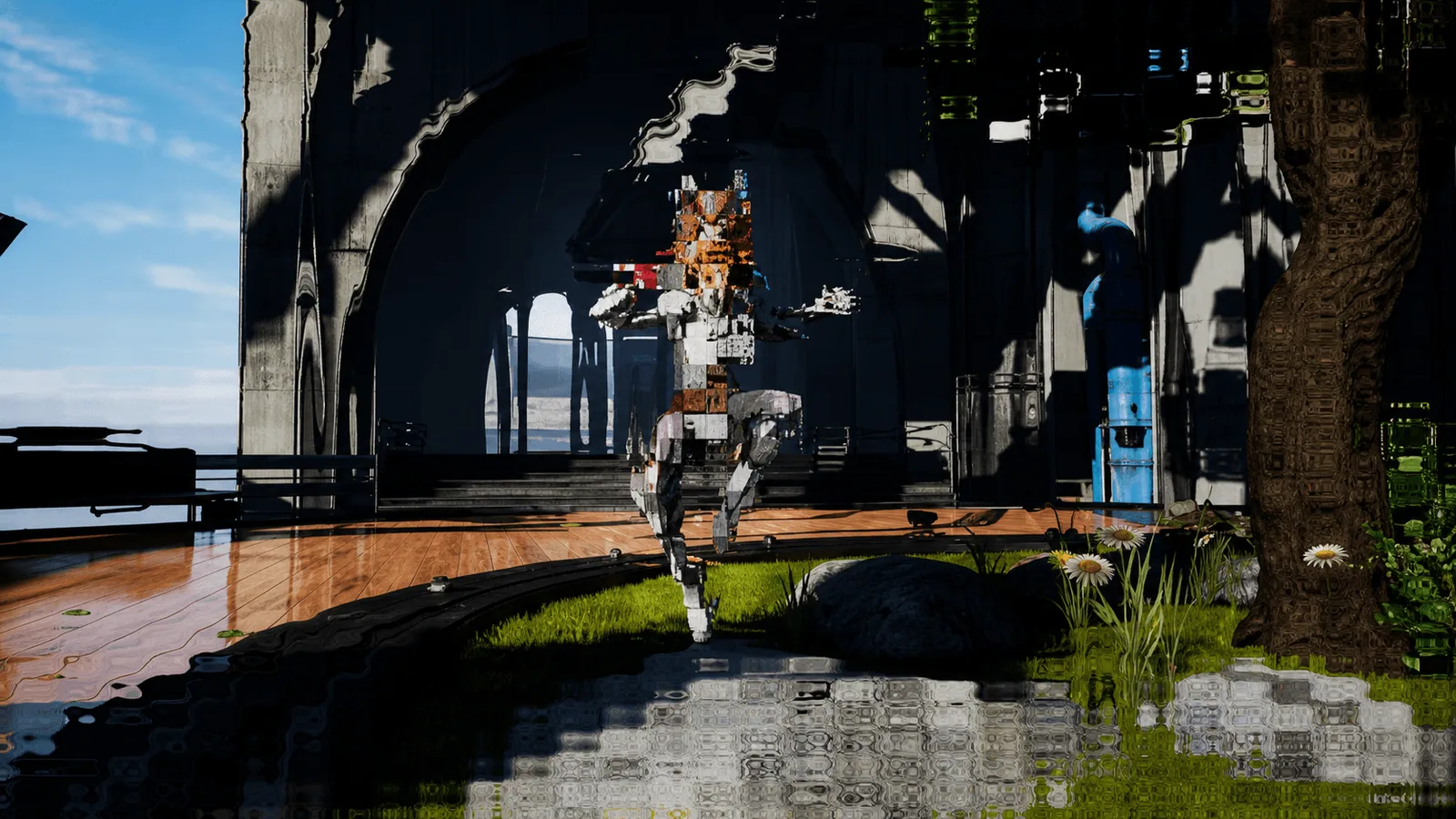
Art Of Shader - Distortion And Glitches
A series of customizable Shaders and Niagara FX that gives distorted and glitched effects to your actors and scenes.

Art Of Shader - Advanced Distortion
A series of customizable Shaders and Niagara FX that gives distorted and glitched effects to your actors and scenes.
Need Help?
Our support team is here to help you get the most out of Art of Shader Ultimate Post Process. Whether you have technical questions, need integration assistance, or want to report an issue, we're ready to assist.