Back to Products
Art Of Shader - Advanced Distortion
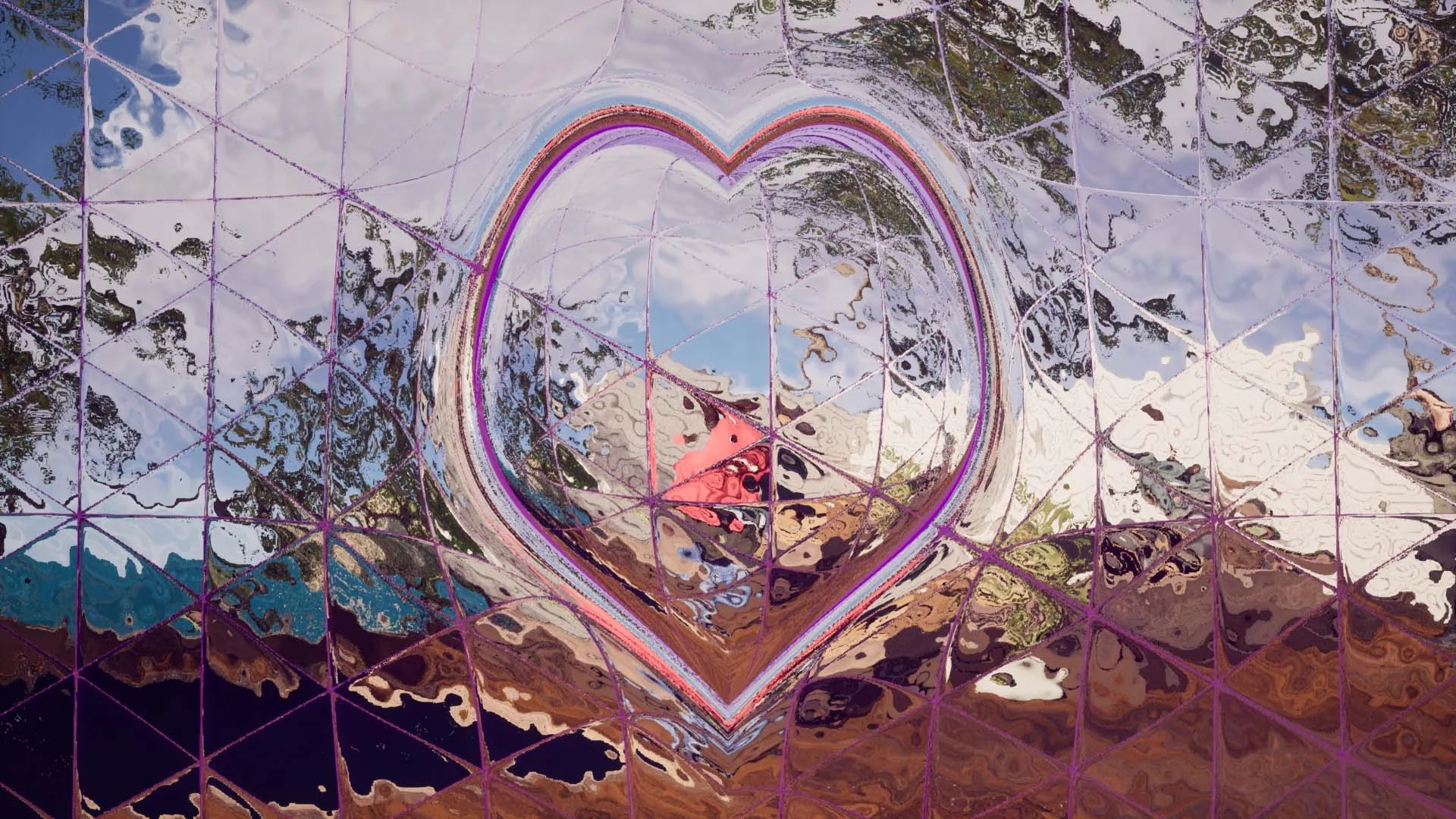
A series of customizable Shaders and Niagara FX that gives distorted and glitched effects to your actors and scenes.
About This Product
The Art of Shader - Advanced Distortion pack includes a wide range of effects, from subtle distortions to intense and chaotic effects, making it suitable for a variety of applications and genres. The pack features a powerful and intuitive interface, allowing you to easily adjust the distortion strength, color, noise, and other parameters with just a few clicks. Whether you're creating a futuristic sci-fi world, a creepy horror game, or just want to add a touch of style to your scenes, the Art of Shader - Advanced Distortion pack has got you covered. The materials are highly optimized and easy to use, allowing you to quickly apply the effects to your actors and scenes without sacrificing performance.
Athian Games on YouTube
See it in action
Explore the workflow, follow a tutorial, or watch a demo. Play here or open on YouTube.
Features
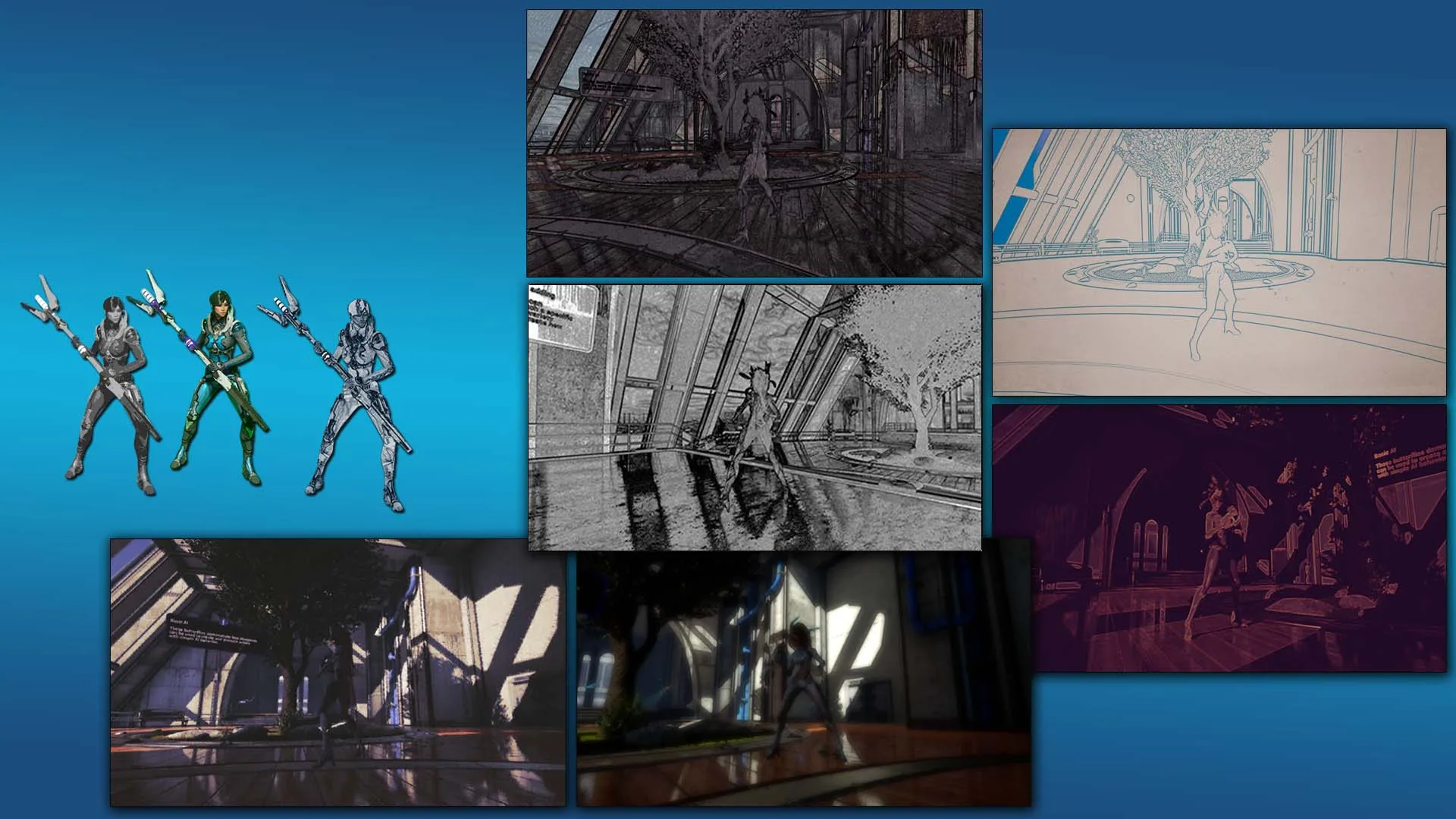
Customizable Post Process Shaders
40 Different Types of Parameterized Distortion And Glitched Effects.
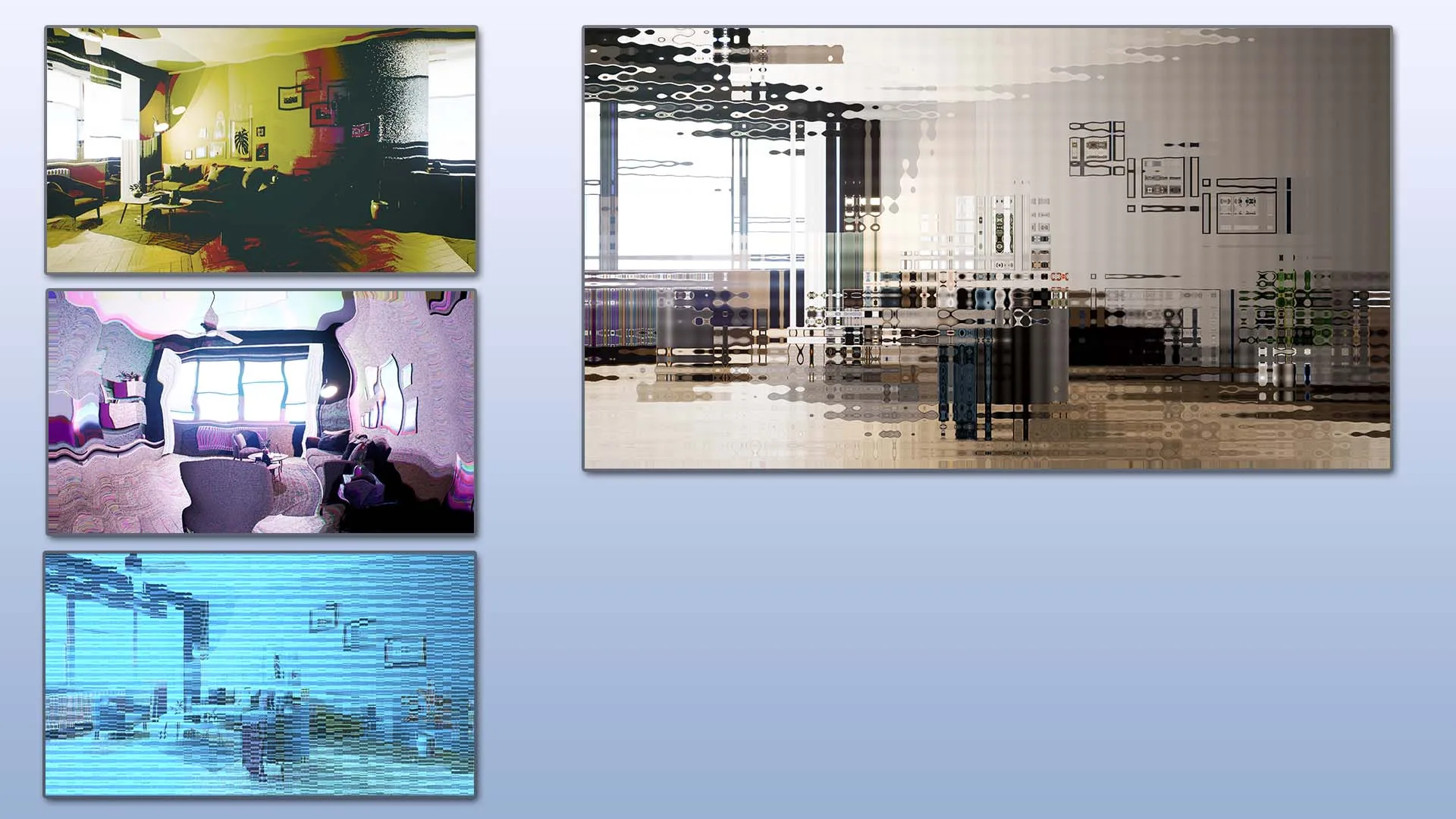
Multiple Functionalities and usecases for every shader
Each Effect can be used as Post Process Blendable Material, Niagara FX, and Mesh Material with World Displacement.
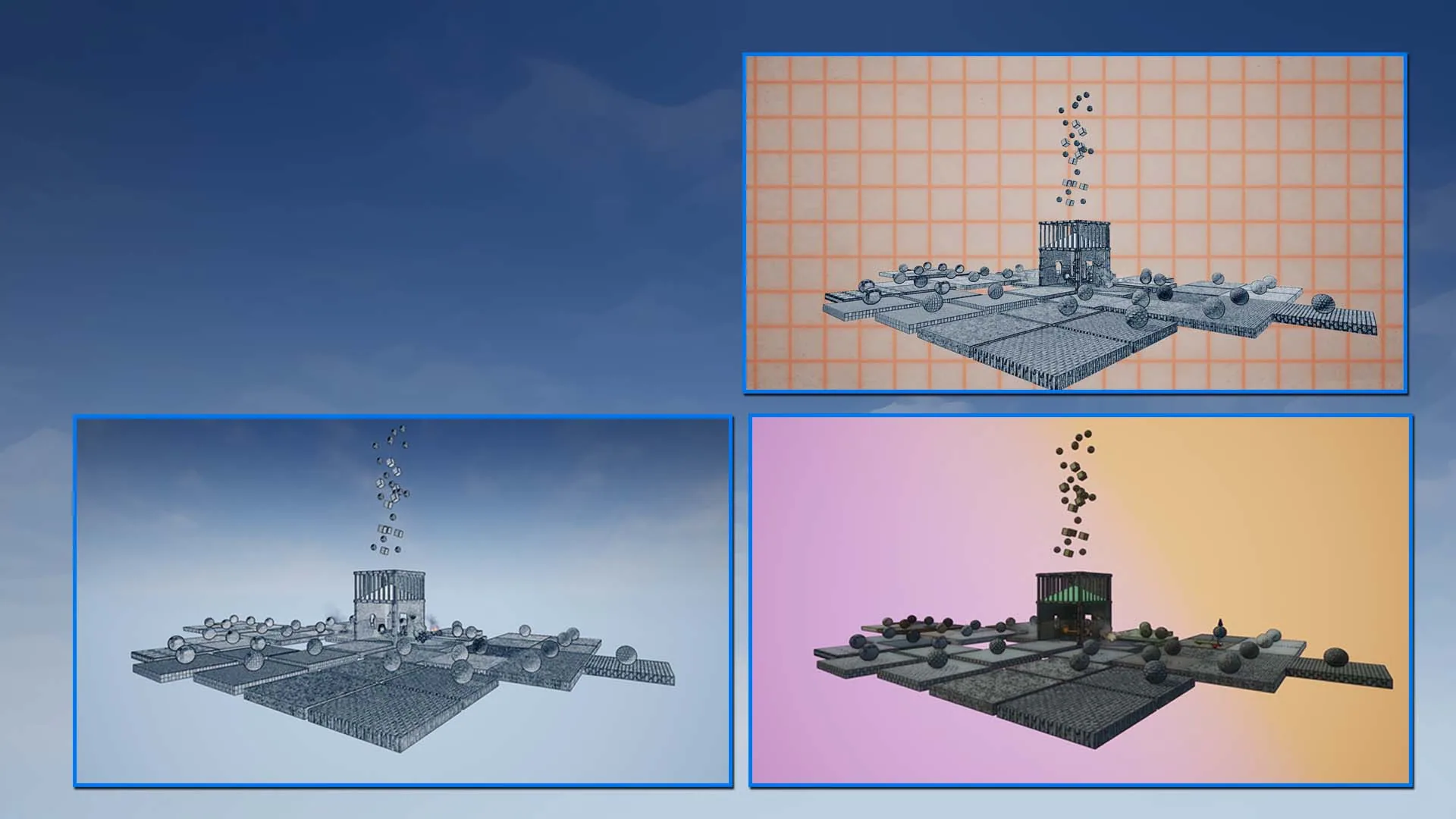
Background Shading via SceneDepth
Separate out the MainObjects placed in the environment from the Background via SceneDepth. Apply different shader combination simultaneously to your main environment and background scene.
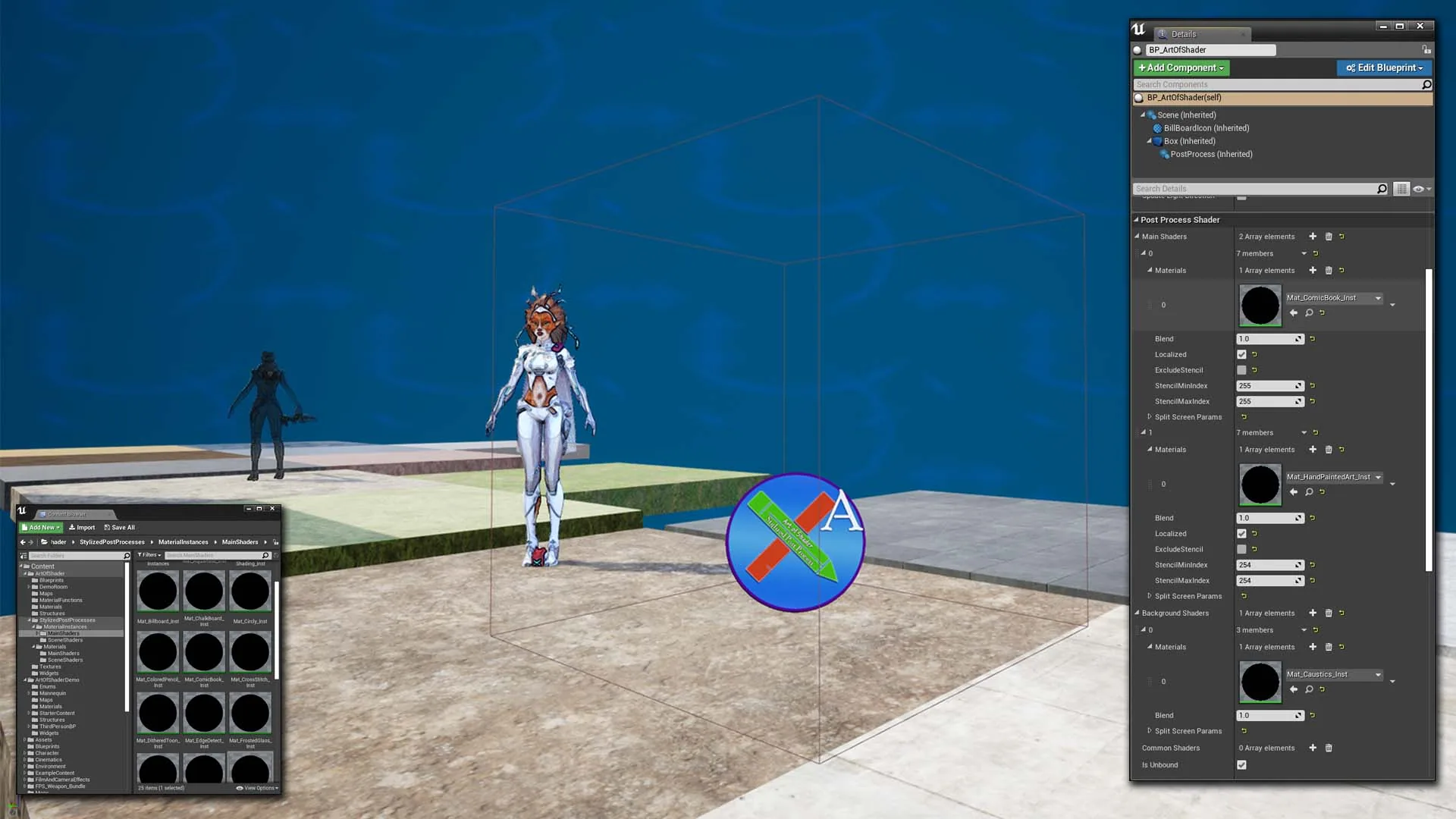
AOS Blueprint Actor for Grouping and Combining
The AOS Blueprint Actor for easily combining and grouping multiple Blendable Materials based on common properties
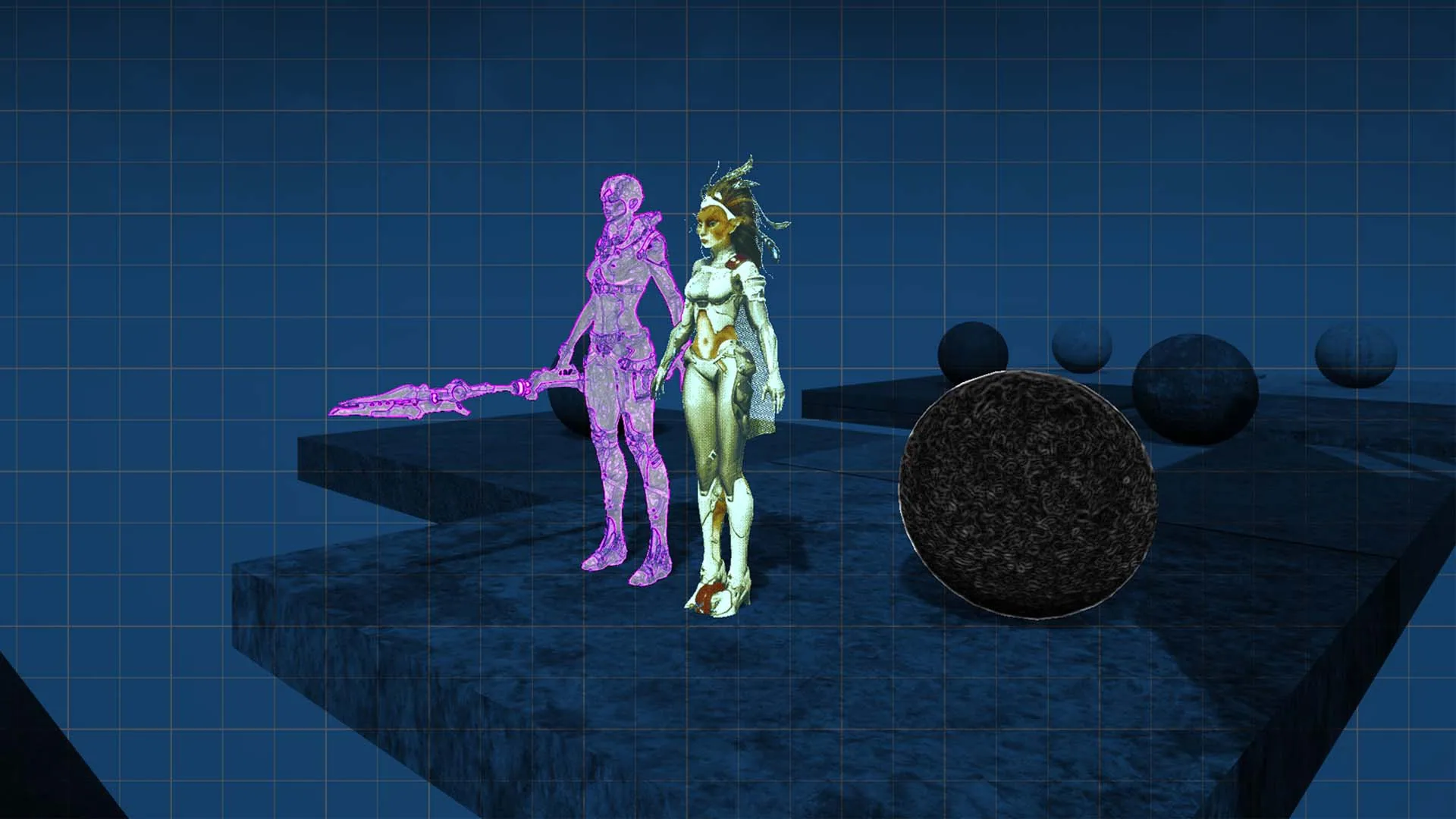
Object Space Localization via Depth Stencil
Object Space Localization allows you to apply the shaders only to certain objects, or exclude certain objects from given effects, via custom depth stencils
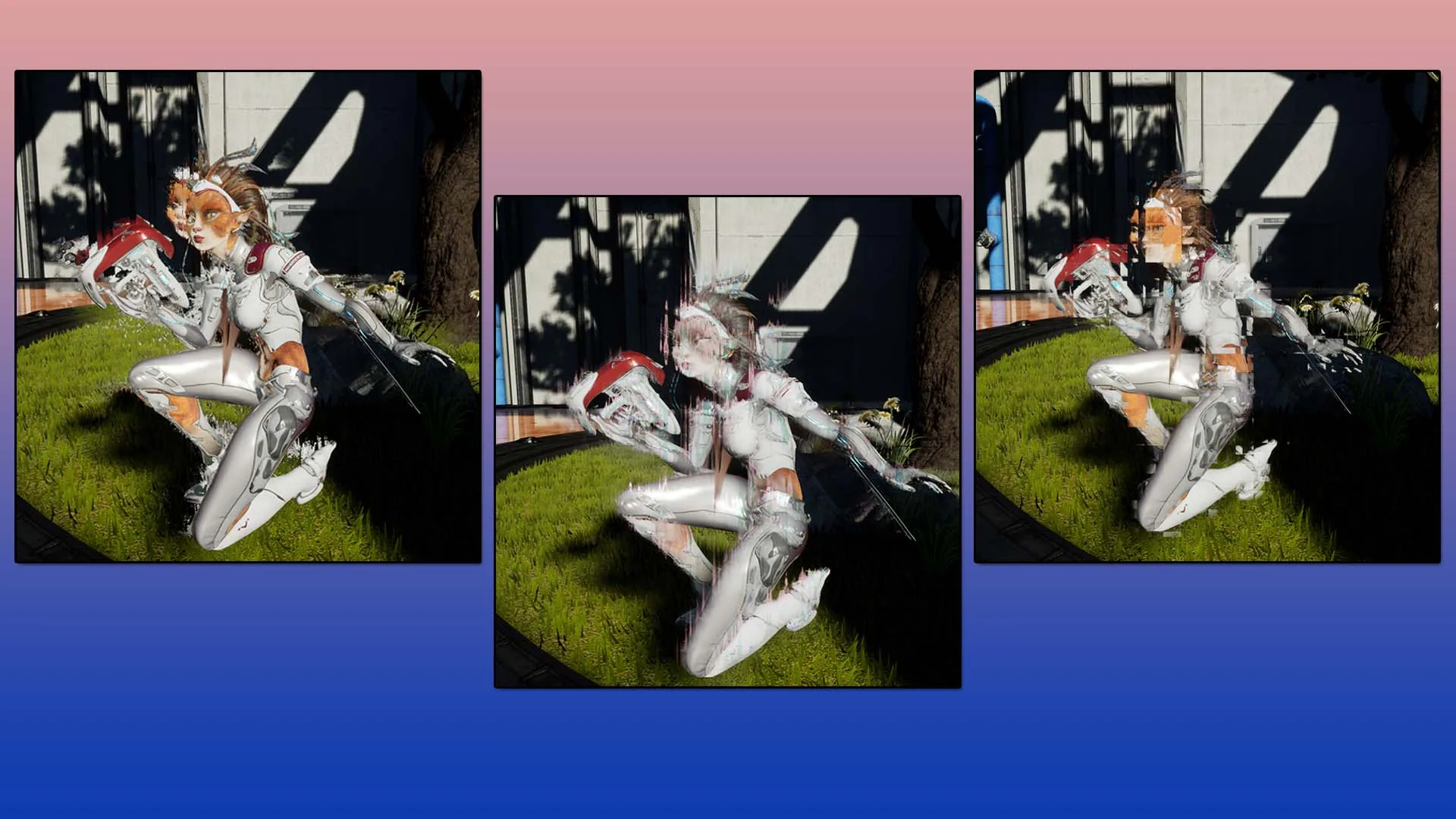
Object Space Localization with Niagara
Glitch and Distort individual Actors in Scene with the extremely powerful Niagara System
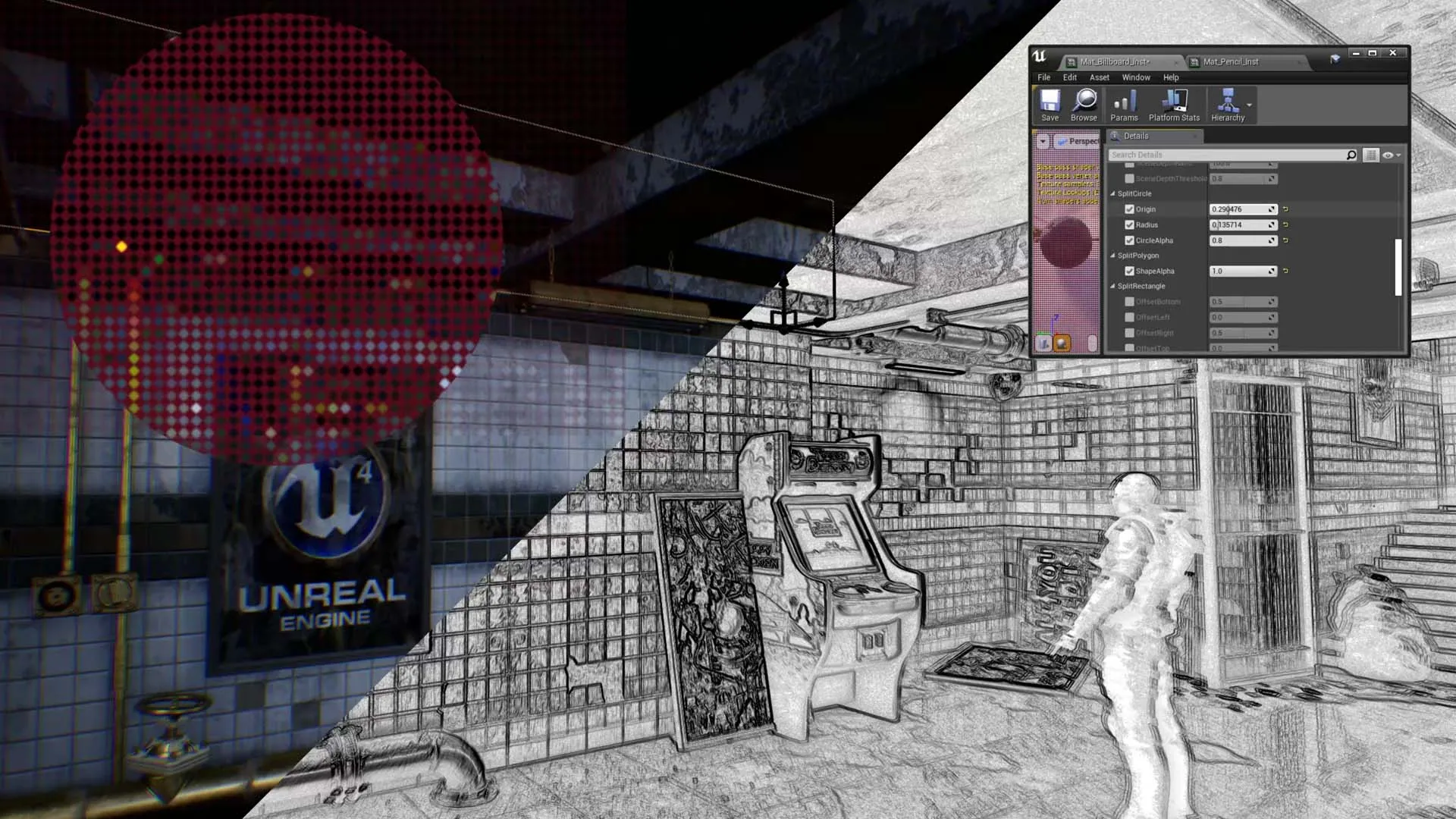
ScreenSpace Localization
ScreenSpace Localization lets you split the screen based on user defined shape and size, and apply multiple Blendable Materials simultaneously at different parts of the screen
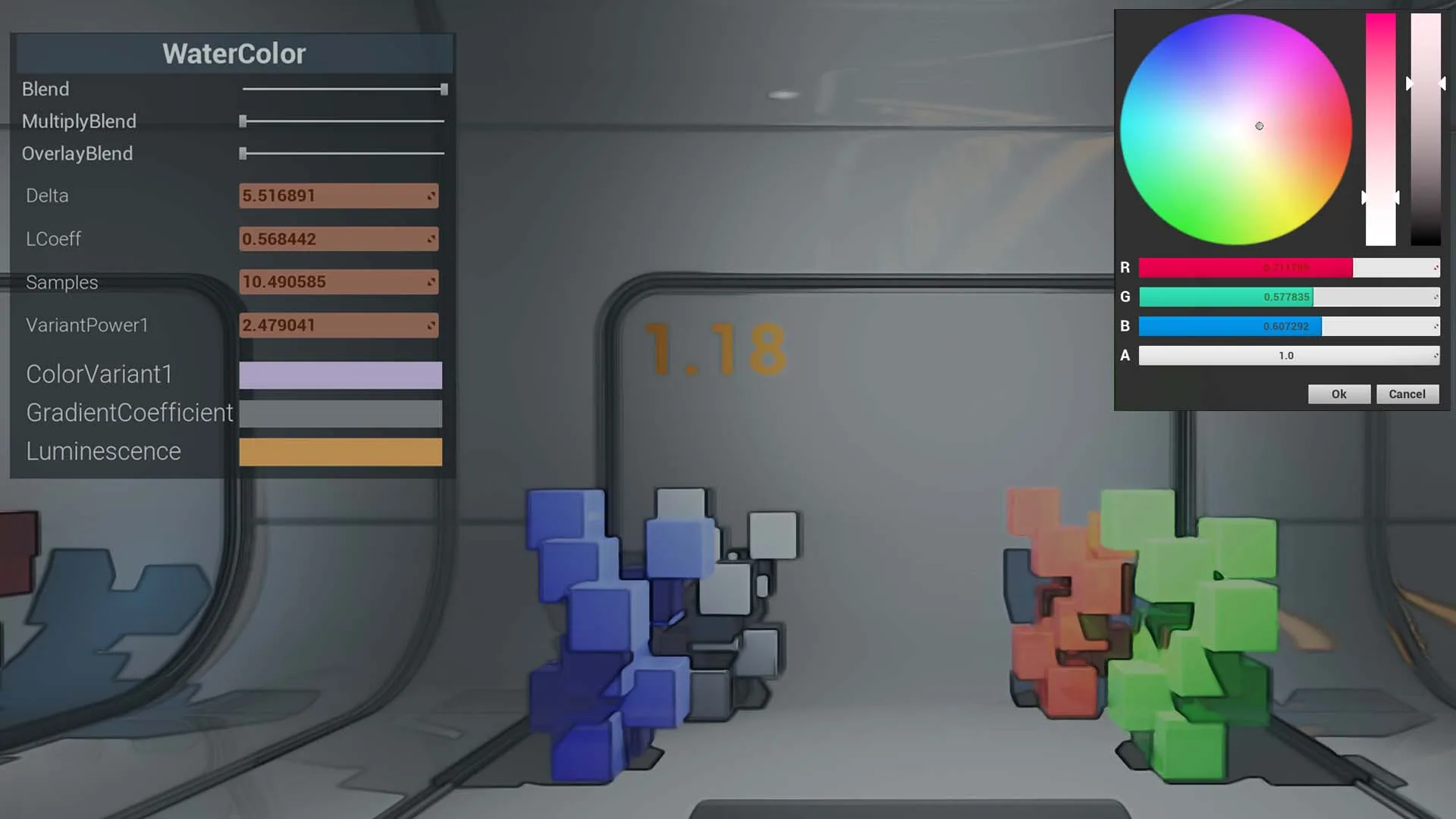
Runtime Examples
AOSRuntime Blueprints and Widgets, including Dynamic UMG Based Color Wheel allows you to tweak and modify the post process materials at runtime
Related Products
More shader products from Athian Games.
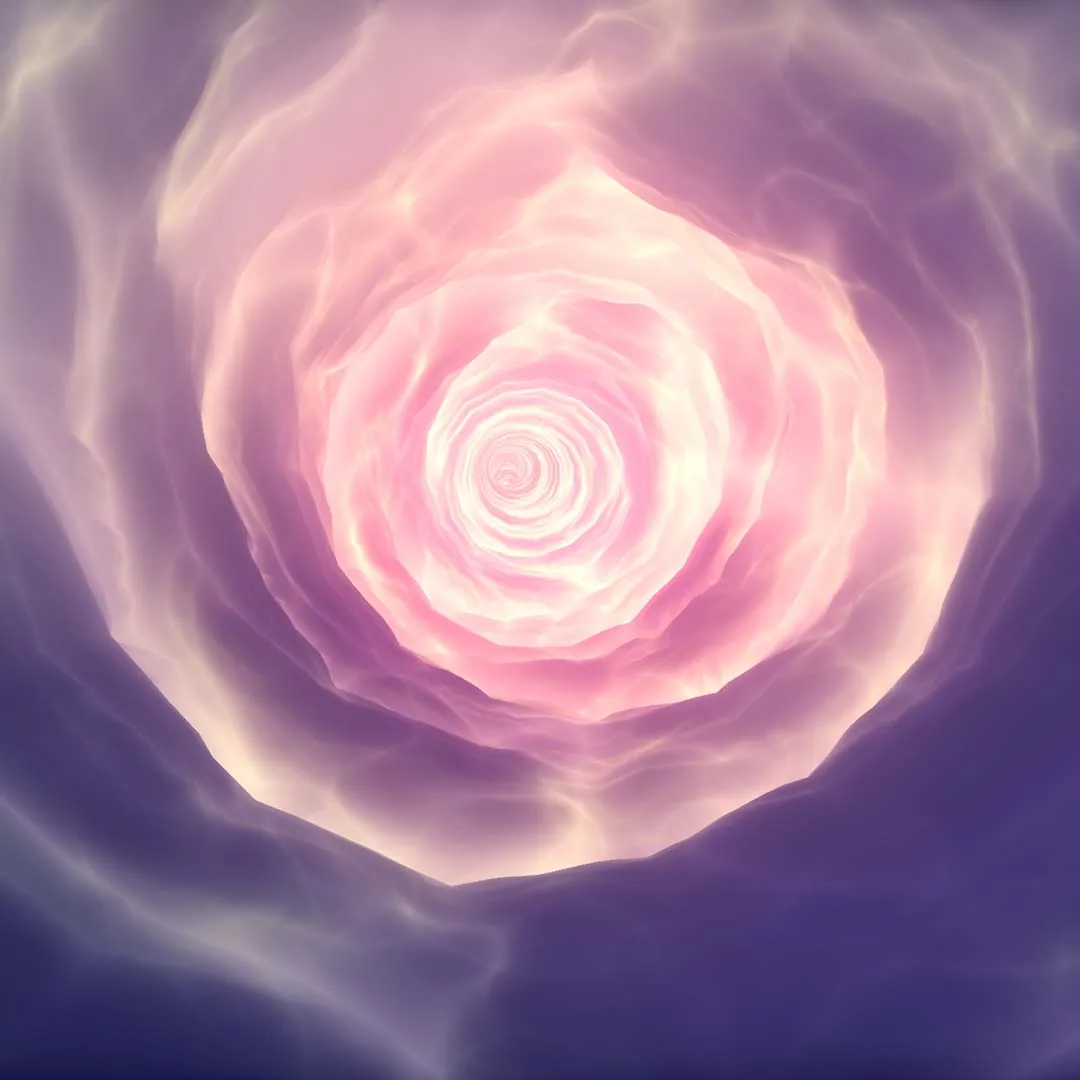
Procedural Vortex Tunnel
Redefine your imagination with this highly customizable Material Driven Vortex System along a given spline path.
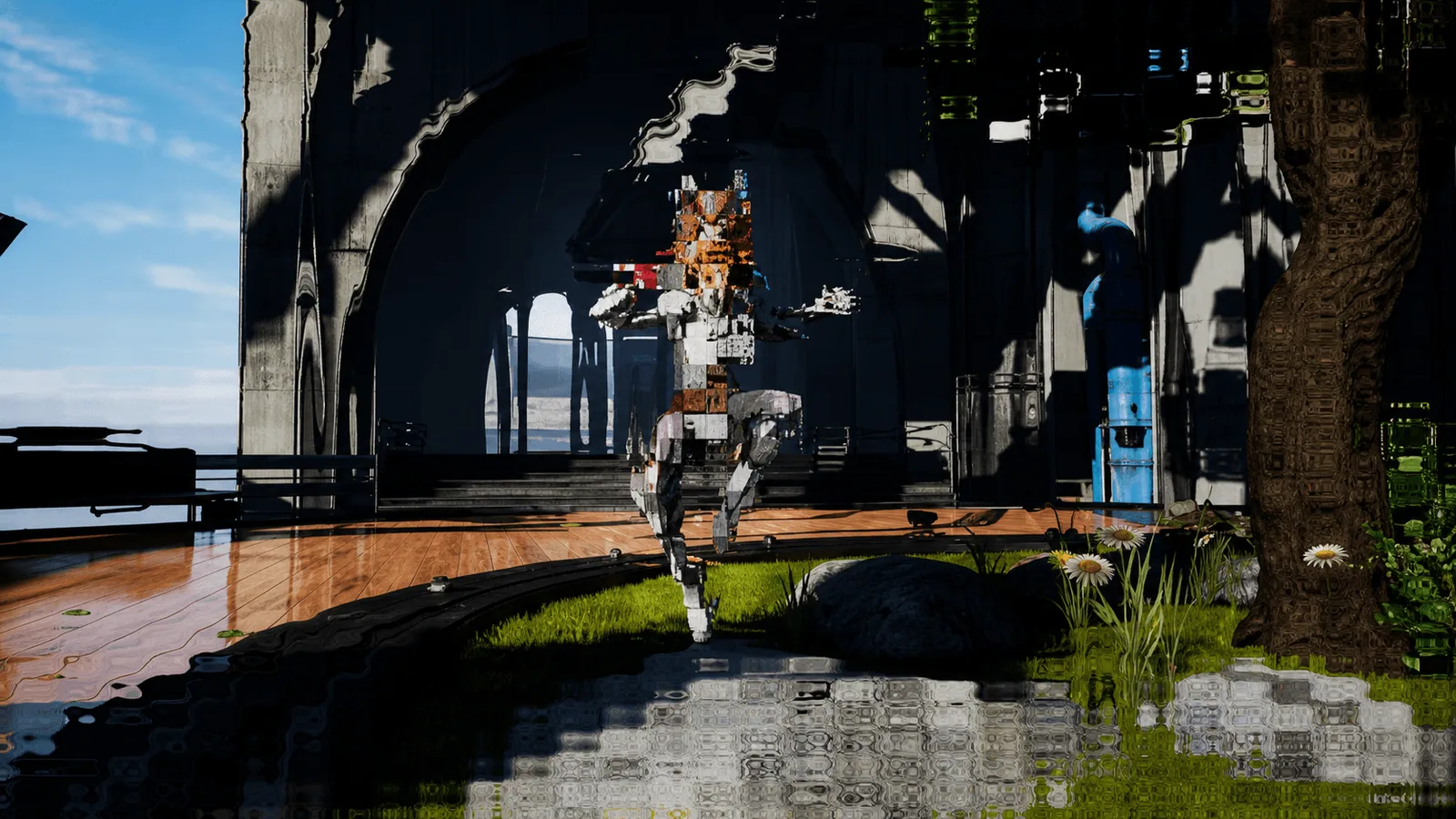
Art Of Shader - Distortion And Glitches
A series of customizable Shaders and Niagara FX that gives distorted and glitched effects to your actors and scenes.
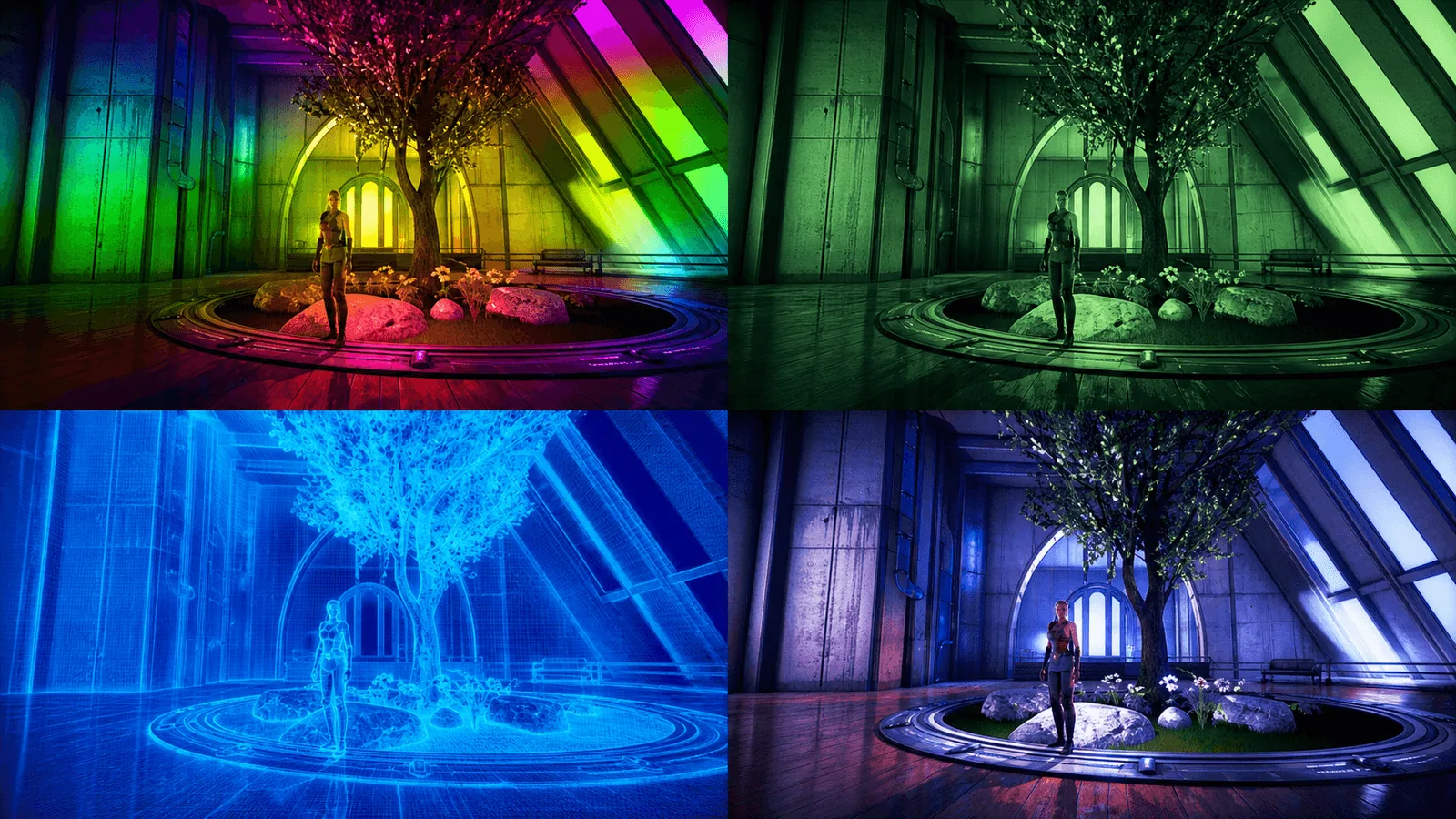
Art Of Shader - Film And Special Effects
Transform your scene into a cinematic visual experience with a series of highly customizable post process materials.
Need Help?
Our support team is here to help you get the most out of Art Of Shader - Advanced Distortion. Whether you have technical questions, need integration assistance, or want to report an issue, we're ready to assist.