| Function | Behavior |
|---|---|
| AddLayer(Material, Weight) | Returns the new slot index, or -1 for an incompatible surface material |
| RemoveLayer(Index) | Removes the slot; later indices shift down |
| SetLayerMaterial(Index, Material) | Switches the selected slot; null clears it |
| SetLayerWeight(Index, Weight) | Updates its contribution; values clamp to 0–1 |
| SetLayerEnabled(Index, Enabled) | Bypasses or restores that slot |
| SetMasterWeight(Weight) | Fades the whole stack |
| GetLayerMaterial(Index) | Returns the dynamic material instance for scalar/vector updates |
| RefreshLayers() | Rebuilds after direct edits to the array or public properties |
- Store a reference to your placed or spawned BP_AOSPostProcess actor.
- Bind a UMG Slider's On Value Changed to SetLayerWeight for the target index. This produces continuous changes during dragging.
- For a shader-specific control, call GetLayerMaterial, check that the result is valid, then call Set Scalar Parameter Value or Set Vector Parameter Value with the exact parameter name.
- Use AddLayer for another material and a separate slider for its weight. Store the returned indices, and update them when removing/reordering slots.
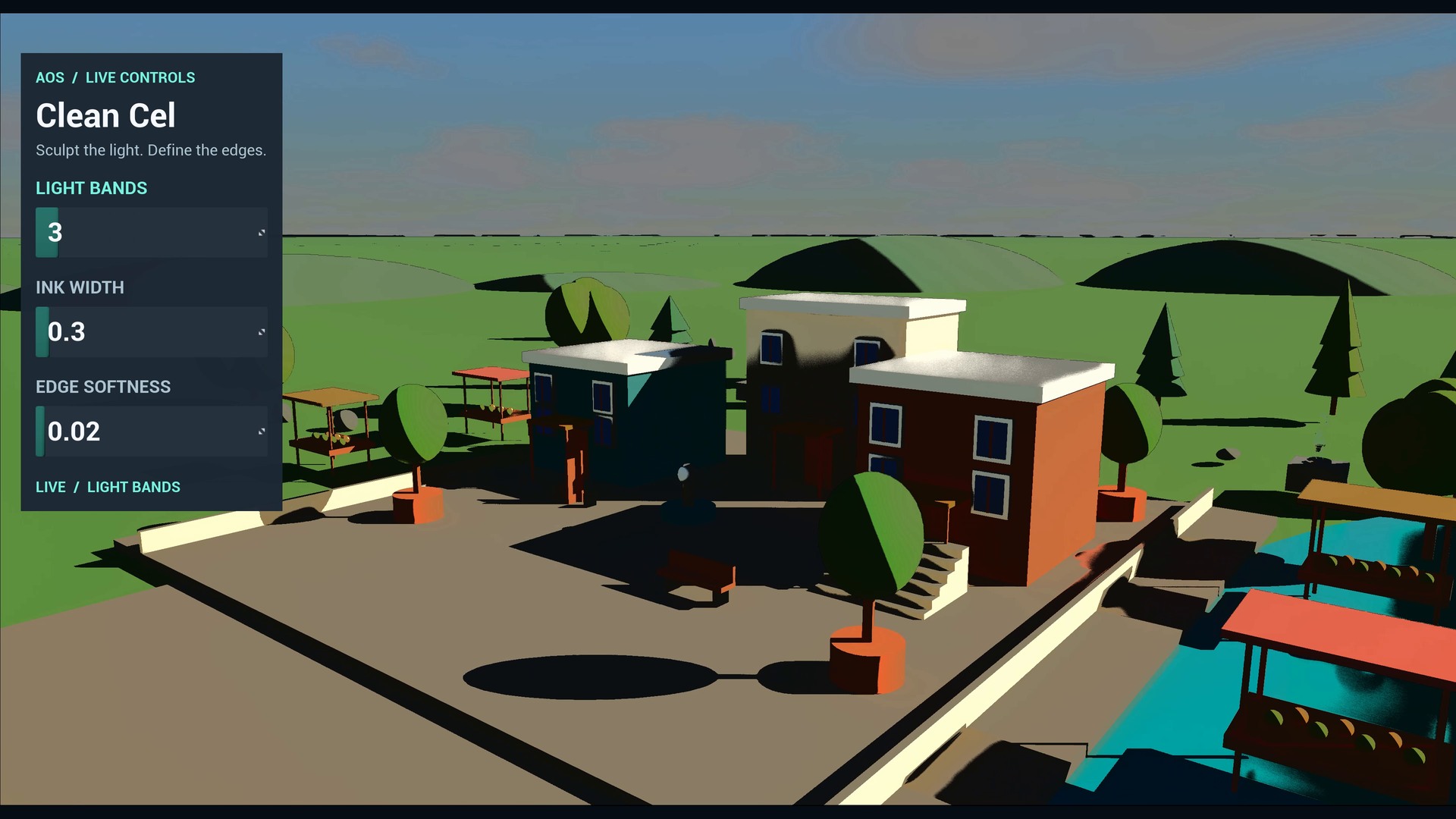
SetLayerMaterial creates a new dynamic instance when its source changes. Retrieve the MID again after changing materials. Weight updates preserve other parameter edits on that MID; the actor manages Strength for blending, so use the weight controls for fading. To change authored Strength persistently, use a separate material-instance source.
The overview's existing runtime exhibits use their bounded AOS runtime hosts and parameter widgets. The weighted BP_AOSPostProcess actor is the general setup path for your own UI; it does not automatically add a HUD to the player's screen.