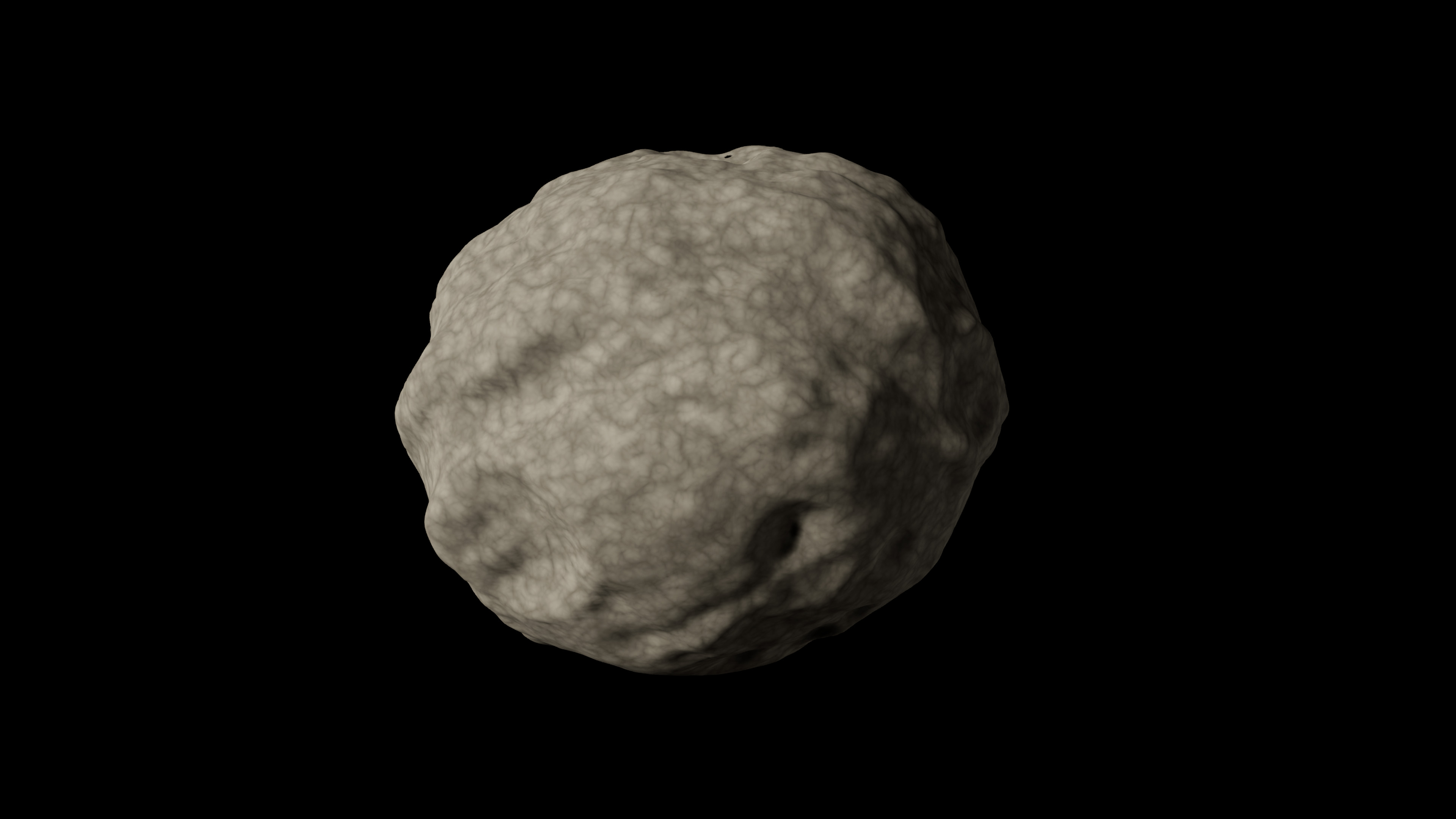
Layer noise on a placed asteroid
- Select AsteroidMesh and expand Asteroid → Noise → Noise Layers.
- Add an entry and choose a noise type. Available algorithms include Perlin, Simplex, Worley, Voronoi, Musgrave, Cellular, Curl and Ridged.
- Adjust its contribution and blend mode. Start with one layer and add a second after its effect is clear.
- Regenerate the component and inspect the silhouette and close surface. Keep the seed fixed while comparing settings.
Blend modes include Replace, Add, Multiply, Subtract, Max, Min, Power and Overlay. A strong layer can overwhelm earlier layers; reduce its contribution when the original shape disappears.
Crater controls on the component
| Parameter | Type / default or example | Effect | When to use |
|---|---|---|---|
| Min Craters / Max Craters | Integers · 5 / 15 | Seeded count between the bounds | Keep minimum ≤ maximum. Set both to zero to isolate noise. |
| Min / Max Crater Radius Ratio | Floats · actor 0.1 / 0.4 | Crater radius relative to Base Radius | Use small ratios for pitting, larger ratios for broad impacts. |
| Crater Depth Ratio Min / Max | Floats · actor −0.35 / −0.15 | Depth relative to crater radius | Negative values depress the surface; positive values raise it. |
| Micro Crater Count | Integer · actor default 50 | Adds small craters | Reduce while tuning the silhouette. |
| Micro Crater Max Radius | Float · actor default 8 cm | Maximum small-crater size | Match detail to camera distance. |
| Micro Crater Depth Ratio | Float · actor default −0.1 | Depth of micro-craters | Keep shallow for subtle pitting. |
| Crater Smoothness | Float · actor default 2; UI 1–4 | Smooths crater edges | Raise when edges become too sharp. |
The Asteroid Asset recipe has a single Crater Depth Ratio and a default maximum radius ratio of 0.3. It does not expose every component control.