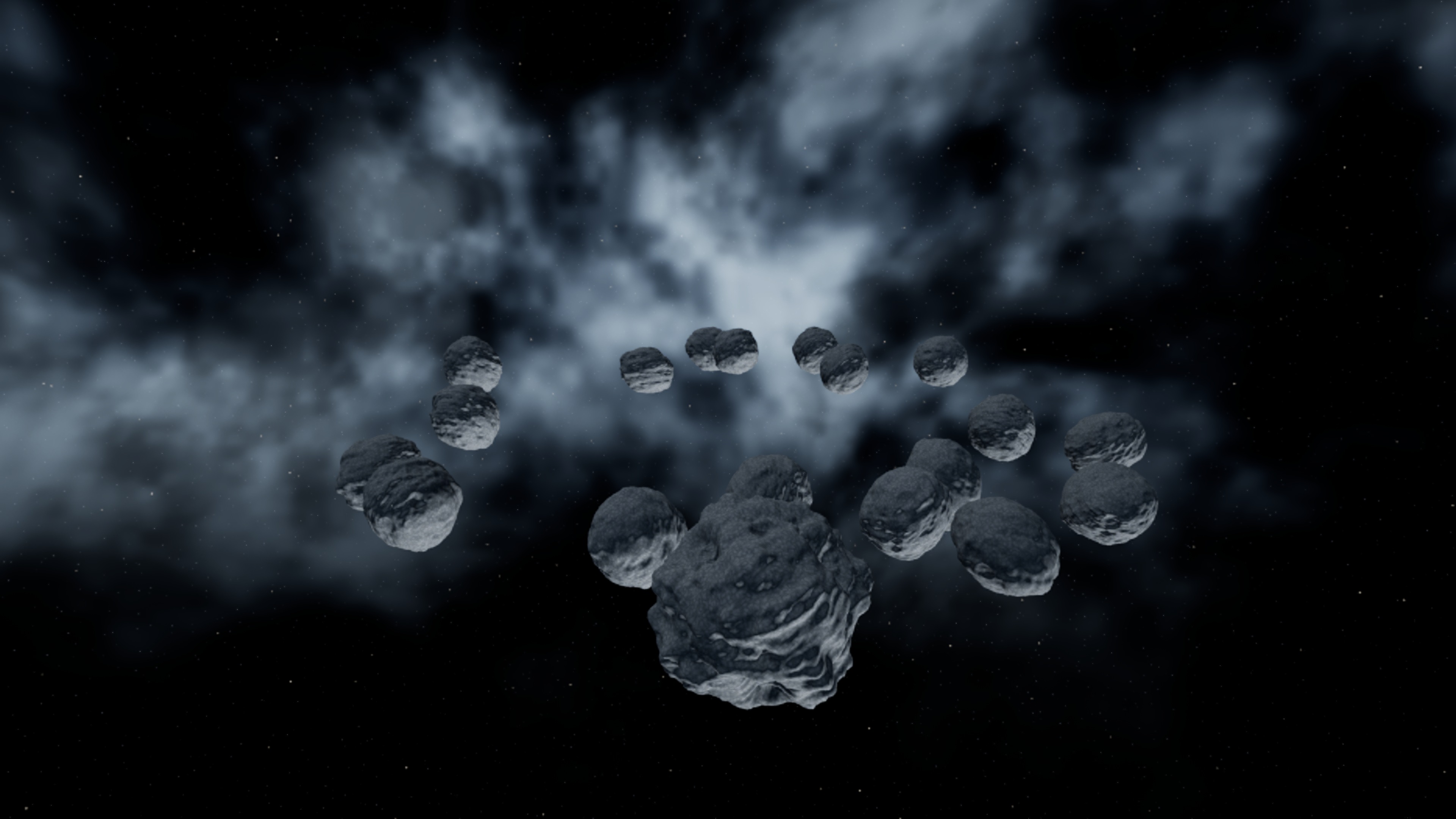
From one rock to an asteroid field
Procedural Asteroid builds editable rock meshes from noise, craters, seeds and mesh deformers. Use an Asteroid Actor for a single object, an Asteroid Asset for a reusable recipe, and an Asteroid Cluster Actor for a field.
The Asteroid Cluster editor mode arranges templates into spherical fields, ellipsoids, disks, rings, random scatter or a custom spline path. Component Editor selects and adjusts individual generated members. The Asteroid Asset editor has a dedicated preview and a Save Mesh action.
Choose your starting point
| Goal | Entry point | Result |
|---|---|---|
| One editable asteroid | Place Actors → Asteroid Actor | A procedural instance |
| A reusable shape family | Content Browser → Add → Procedural → Asteroid Asset | A saved recipe |
| A belt or debris trail | Asteroid Cluster mode | A template-based field |
| A finished static asset | Save Mesh or Convert To Static Mesh | A normal Unreal static mesh |
Requirements and example project
The current build targets Unreal Engine 5.8 on Win64 and requires the engine's Procedural Mesh Component plugin. The product contains runtime and editor modules plus a manual. The demo map and original texture-free procedural materials live in the separate example project.
Install the matching plugin into the engine before opening AsteroidExample.uproject. This content-only example opens DemoScene_Space and has no project C++ module. Select Asteroid_Hero or the cluster in the Outliner and press F to frame it. The example defaults to DirectX 11 with hardware ray tracing disabled.