Example project
Download the UE 5.8 nebula example ZIP
This content-only example contains DemoScene_Space, editable asteroid recipes and original procedural materials. The Procedural Asteroid plugin is required and is supplied separately.
- Install the matching Procedural Asteroid plugin for Unreal Engine 5.8.
- Extract the ZIP into a writable project folder.
- Open AsteroidExample.uproject. Enable the engine's Procedural Mesh Component dependency if prompted.
- In DemoScene_Space, select Asteroid_Hero or AsteroidClusterActor1 and press F to frame it.
- Follow Your First Asteroid to edit shape controls, or open a saved Asteroid Asset to adjust its recipe.
The map is in Content/Examples/ProceduralAsteroid/Maps. The example uses DirectX 11 with hardware ray tracing disabled. It contains no project C++ module or bundled plugin. Build the plugin first if installing from source instead of a matching precompiled distribution.
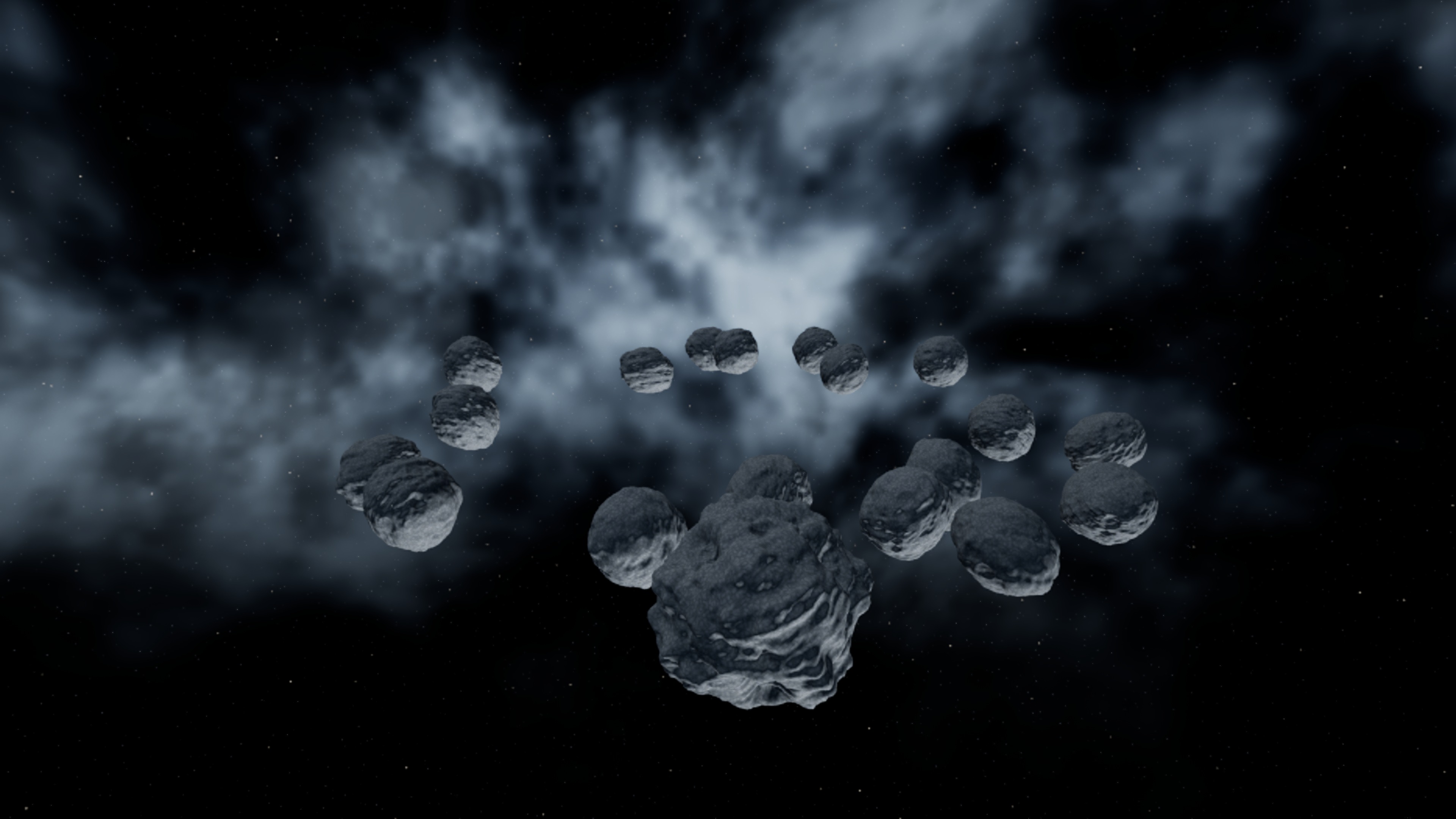
Adjust the space background
Select Space_Skybox to inspect its material assignment. Open MI_SpaceSky in Content/Examples/ProceduralAsteroid/Environment, enable a parameter's override checkbox, then change its value while viewing the map. This material instance controls the demonstration environment independently of the asteroid recipes.
| Parameter | Type / default or example | Effect | When to use |
|---|---|---|---|
| SmallDensity / BigDensity | Scalar; example 55 / 9 | Density of the small and large star layers | Increase gradually for a denser starfield. |
| SmallSize / BigSize | Angular radius in radians; example 0.00035 / 0.001 | Size of each star layer | Keep small stars near pixel size; increase the large layer for occasional brighter stars. |
| SmallBrightness / BigBrightness | Scalar; example 1.8 / 2.6 | Brightness of each star layer | Keep stars visible without distracting from the asteroid silhouettes. |
| NebIntensity | Scalar; example 2.4 | Strength of the procedural nebula | Lower for a restrained space background; set to 0 for stars only. |
| NebContrast | Scalar; example 1.8 | Falloff of the smooth cloud density | Increase for narrower cloud cores; lower for softer haze. |
| NebOctaves | Scalar; effective range 1–4 | Cloud detail layers evaluated by the example shader | Values above 4 are capped to limit sky shader cost. |
| NebColorA / NebColorB | Linear color parameters | Colors used by the nebula | Compare the two cloud colors in the viewport; bright values increase the HDR glow. |
The sky is a two-sided sphere with an unlit procedural material. Space_Exposure keeps the example at a fixed exposure: select that volume, then inspect Lens / Exposure. Its Metering Mode is Manual, Apply Physical Camera Exposure is disabled, and Exposure Compensation is 0. Adjust compensation to change scene brightness without changing the sky recipe. The example has no daytime sky atmosphere and uses no imported sky textures. Its environment assets are supplied in this separate example, rather than bundled in the plugin.