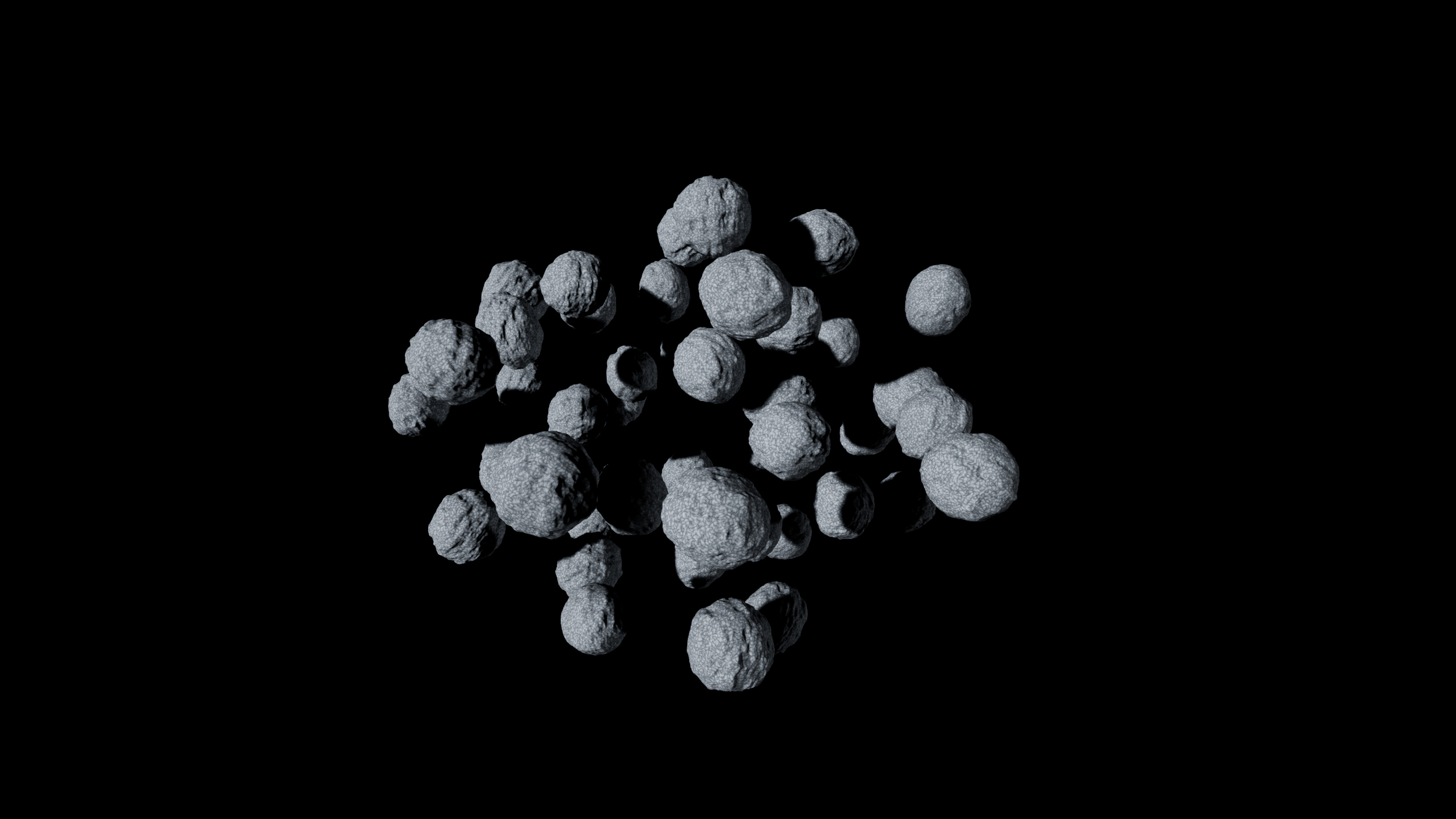
Generate a field
- Place and select an Asteroid Cluster Actor.
- Choose Asteroid Cluster from the editor's Modes selector, then open Cluster Settings.
- Choose Load from Selected Actor to begin with its settings. Add saved recipes to Asteroid Asset Templates.
- Set Asteroid Count, Distribution Type, Cluster Radius, Min Spacing and Cluster Seed.
- Choose Generate Cluster and wait for progress to finish.
- Change settings and choose Update Existing Cluster. Use Clear Cluster to remove generated members.
Begin with a small count and generous spacing. A crowded radius may not satisfy the requested placement constraints; inspect the result and Output Log before increasing density.
Field controls
| Parameter | Type / default or example | Effect | When to use |
|---|---|---|---|
| Asteroid Count | Integer · default 10; UI 1–1000 | Requested number of asteroids | Start small while testing templates. |
| Distribution Type | Enum · Spherical | Spherical, Ellipsoid, Disk, Ring, Random Scatter or Custom Spline Path | Choose the layout before density. |
| Cluster Radius | Float · default 5000 cm; UI 100–50000 | Extent of the field | Increase if placement runs out of room. |
| Min Spacing | Float · default 200 cm | Spacing used by placement | Raise for larger bodies; inspect irregular shapes for overlap. |
| Cluster Seed | Integer · default 0 | Layout and member variation | Keep fixed while comparing other controls. |
| Cluster Translation / Rotation / Scale | Transform values | Transforms the field | Flatten a layout or align a belt. |
| Num Sub Clusters | Integer · default 0; UI 0–10 | Creates denser groups | Use for clustered debris. |
| Outlier Fraction | Float · default 0.05 | Share outside the main region | Add sparse loose bodies. |
Follow a spline
- Place a Spline Path Actor and edit its spline points.
- Set Distribution Type to Custom Spline Path.
- Assign the actor under Custom Path → Spline Path.
- Set Spline Spread (default 500 cm), then generate or update.
The field follows the path with spread perpendicular to it. A missing spline reference cannot define a custom trail.
Edit one field member
Open Component Editor, select an asteroid in the viewport, adjust its General or Deformers controls, then choose Regenerate Selected Asteroid. Whole-cluster regeneration recreates members; save reusable changes in a template.