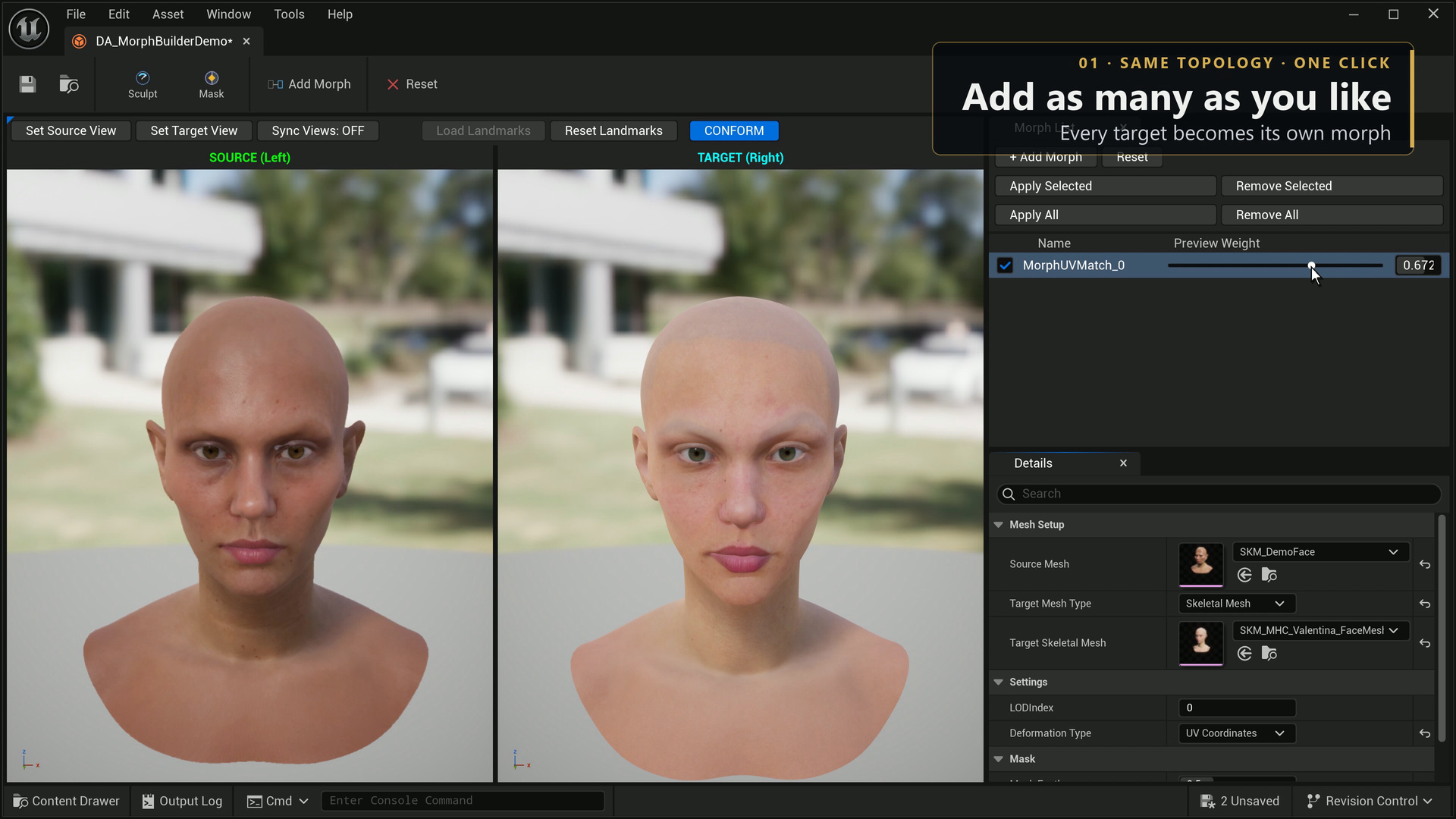
Keep named shapes in one MorphBuilder data asset for one source mesh and LOD. Enable entries and adjust their preview weights to inspect combinations. Apply only the entries you intend to save to the mesh.
| Action | Result |
|---|---|
| Add / Capture / Update | Create an editable entry or capture your current shape into the selected entry. |
| Rename | Change the authoring entry's name. An already-applied mesh target keeps its old name until you remove it explicitly. |
| Delete | Remove the editable entry from the data asset. |
| Remove From Mesh | Remove the named mesh morph while keeping its editable authoring entry and unrelated mesh targets. |
| Apply | Create or replace selected named targets on the skeletal mesh. |
| Save | Save the data asset and the modified mesh as separate assets. |
The writer validates target names, finite deltas, vertex indices and the source geometry identity before a mesh write. Keep the source mesh and authoring asset under version control. Reimporting or changing source geometry can invalidate stored deltas even if the mesh has a similar appearance.