- Duplicate
SK_MorphStudyandDA_MorphStudyinto your own project folder. Assign the copied mesh as the copied data asset's Source Mesh. - Open the data asset and choose its source LOD. Start with LOD 0.
- Add a named entry in the Morph List and select it.
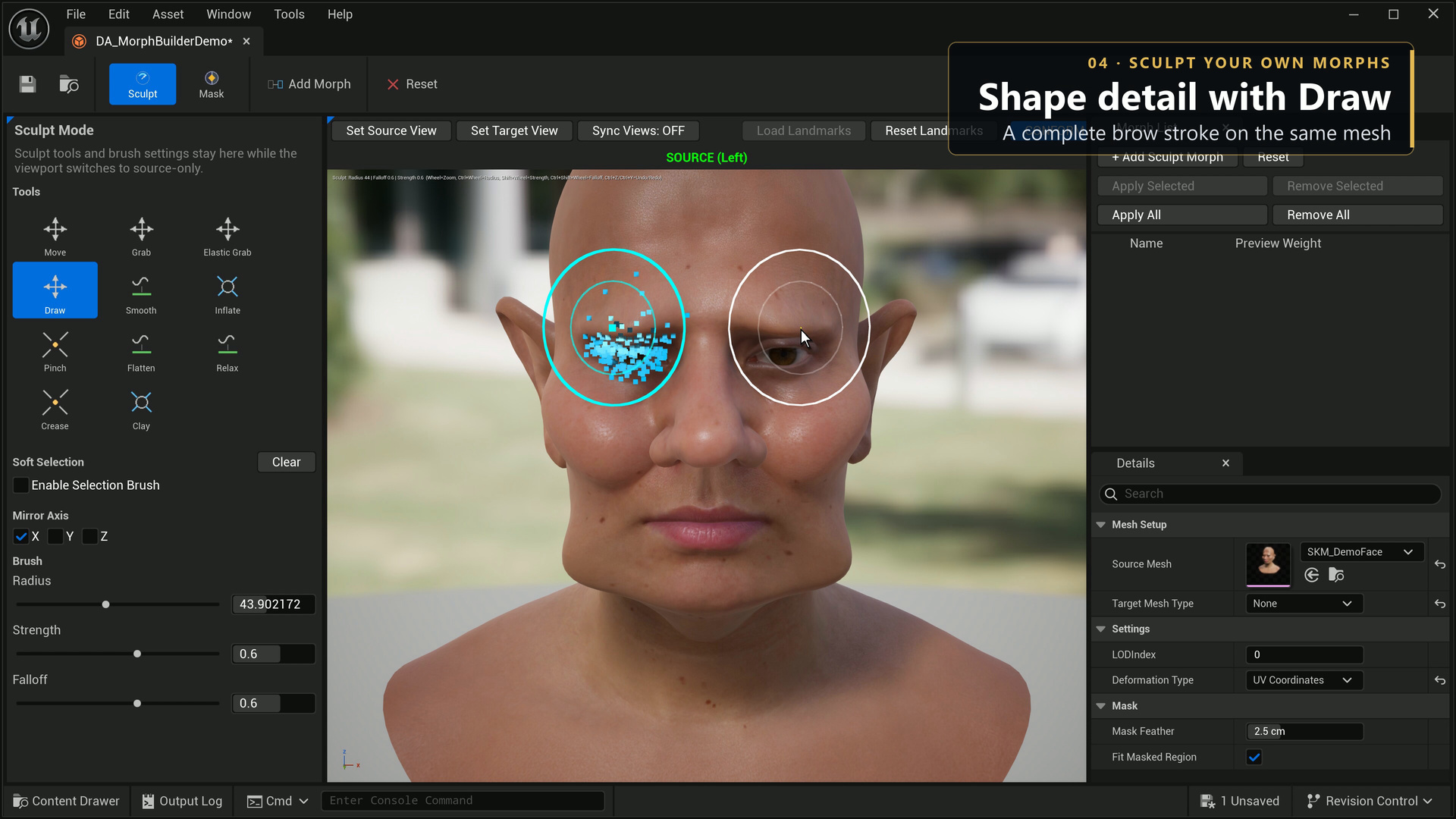
- Enter Sculpt mode, choose a brush, and make a small visible change. Start with a moderate radius and strength.
- Capture or update the selected morph from the current sculpt. Vary its preview weight between 0 and 1 and inspect the shape from several angles.
- Use Apply for the selected target, or the batch action for the desired entries. Check the result message.
- Save both the MorphBuilder data asset and the skeletal mesh.
- Reopen the mesh in Unreal's Skeletal Mesh Editor and verify that the saved target name and deformation are present.
A preview weight changes the authoring preview. It does not by itself save a mesh target. Applying an existing name replaces that mesh target's deltas; use a distinct name when you want to keep both versions.