Create a partial morph
- Assign your source and target reference.
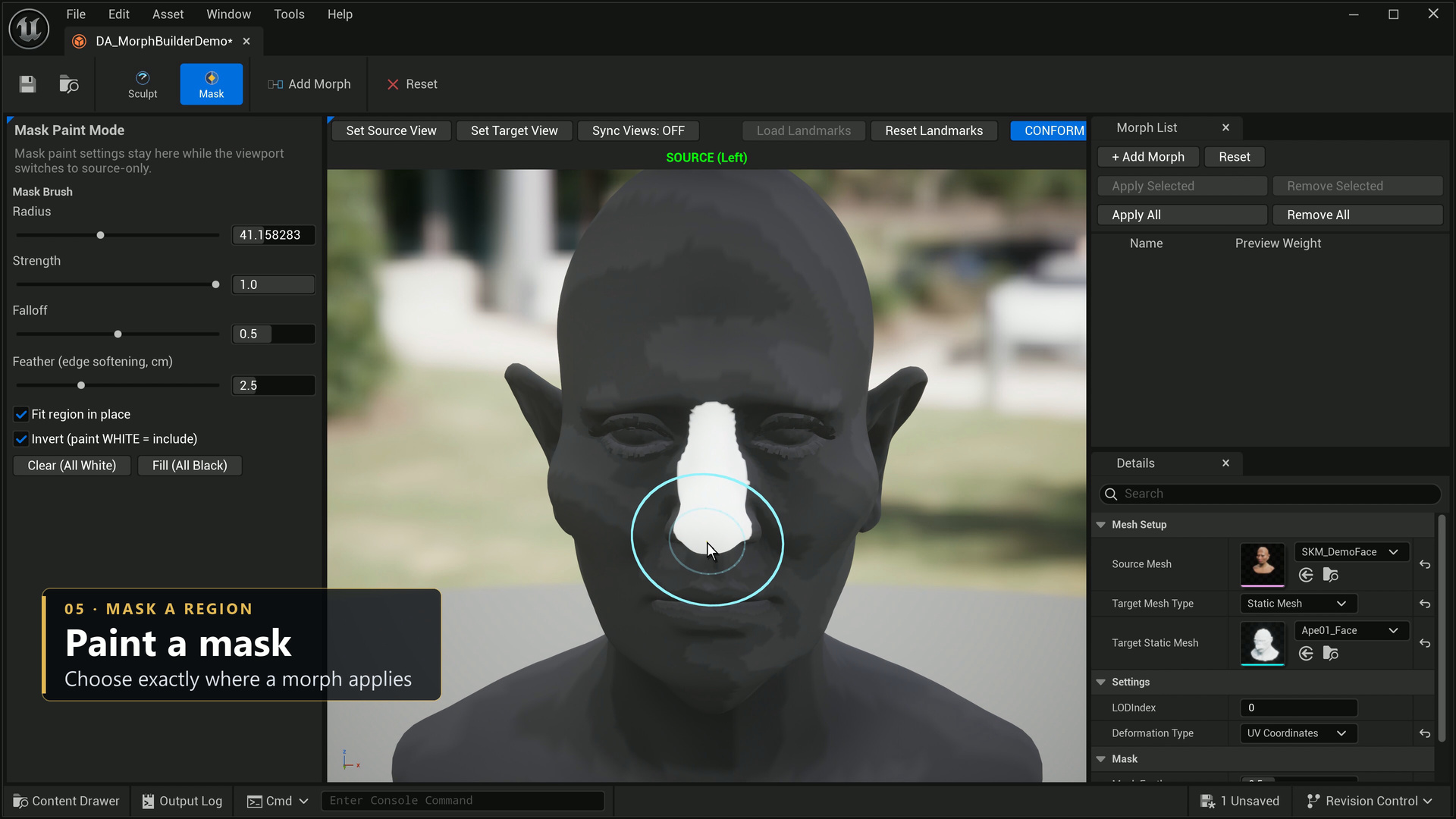
- Enter Mask mode. Use Fill (All Black), enable Invert, and paint white over the region that should change.
- Tune mask radius, strength and falloff while painting.
- Set Mask Feather to soften the boundary across the surface. Approximately 2–4 cm is a starting point for a face, depending on mesh scale.
- Leave Fit region in place enabled for a target with a different overall size or position.
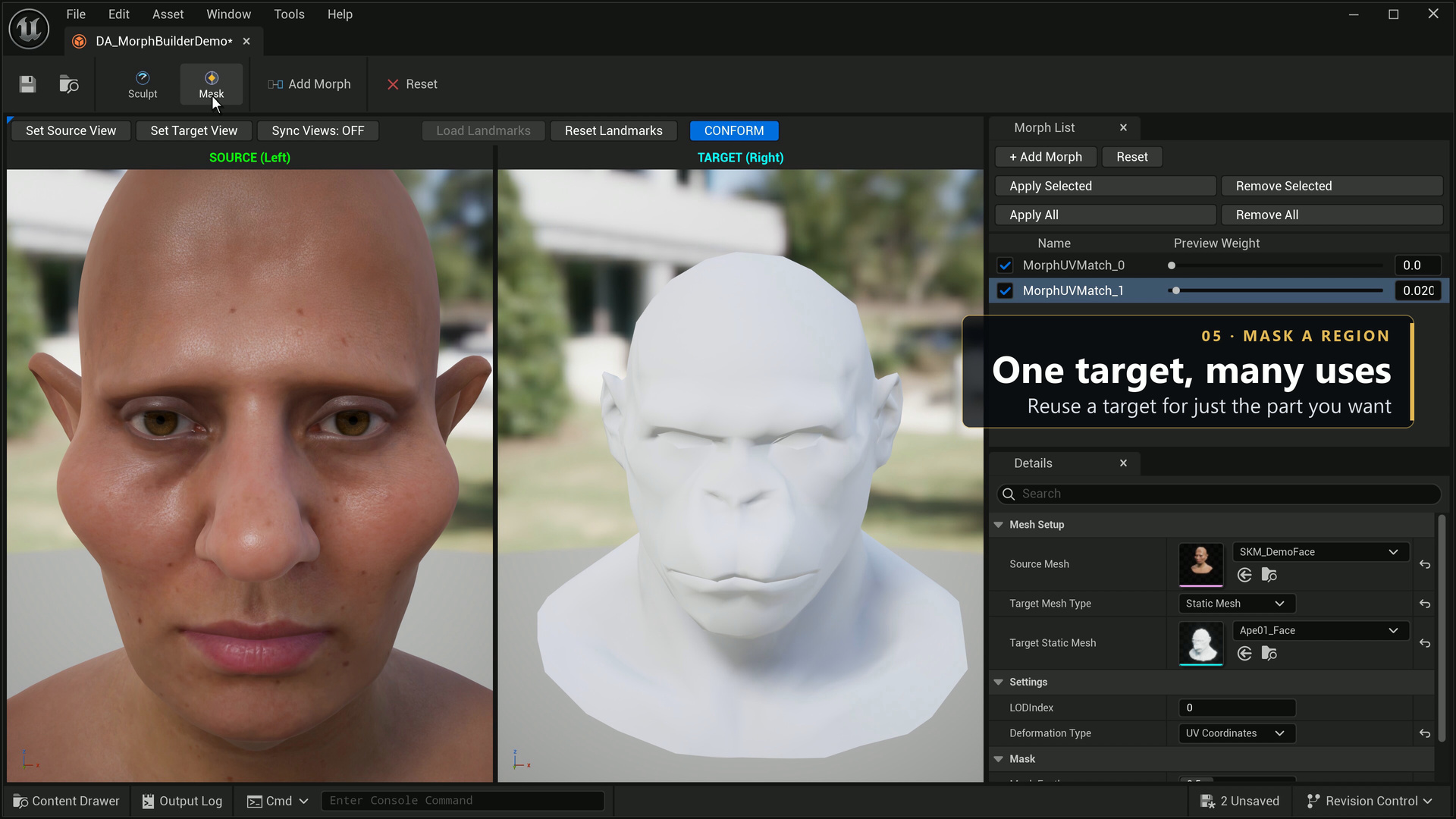
- Add the morph from the target, then preview its weight and inspect the border before applying.
Fit region in place aligns the target to the source and seats the painted region against its surrounding surface. This reduces the whole-head size and position offset carried by a localized morph. Feathering helps avoid an abrupt ridge at the mask boundary.
Inspect eyes, lashes and teeth as well as the main skin surface. A well-painted mask does not remove the need to review the final deformation.