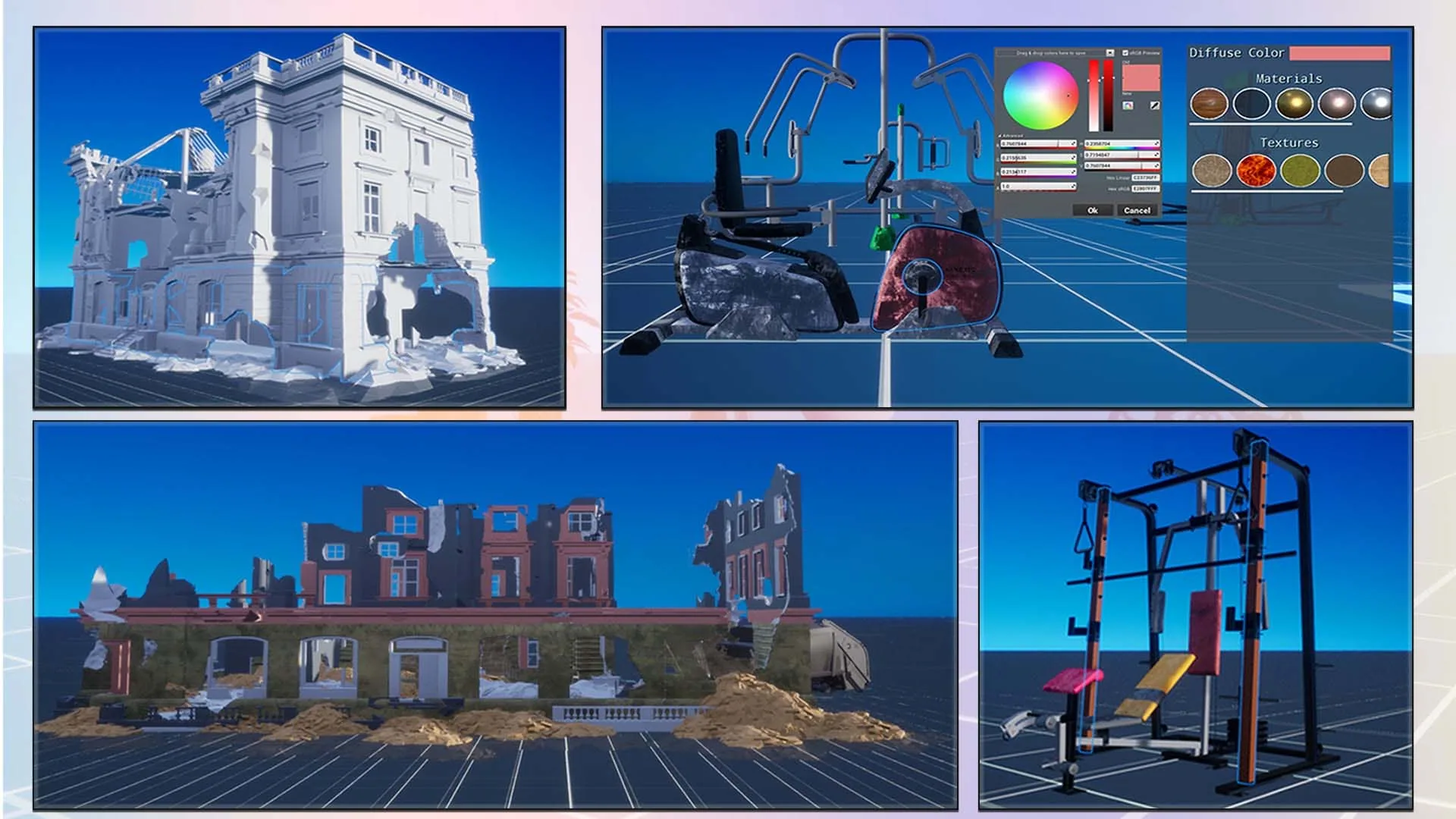
Material Import Settings Data Asset
Create a Material Import Settings Data Asset (UMaterialImportSettings) in the Content Browser and assign it to your FBX Import Manager's Material Import Settings slot. This asset controls how the plugin translates FBX material data into Unreal material instances.
Base Materials
The plugin creates dynamic material instances from three base materials you provide:
| Property | When it's used |
|---|---|
| Base Material Opaque | Used for meshes with no transparency |
| Base Material Masked | Used when an Opacity texture is detected (cutout transparency) |
| Base Material Translucent | Used when a semi-transparent material is detected in the FBX |
RuntimeFBXImport/Materials. Use those as a starting point or duplicate and customize them.
Texture Type Mappings
The FBX SDK reads texture types (Diffuse, Normal, Specular, etc.) and the plugin needs to know which parameter name inside your base material corresponds to each type. Fill in the Texture Type Mappings array:
| FBX Texture Type | Example Material Parameter Name |
|---|---|
Diffuse | BaseColor |
Normal | Normal |
Specular | Specular |
Opacity | Opacity |
Emissive | Emissive |
Height | Height |
Color and Scalar Mappings
FBX materials also carry color values and scalar factors. Map those to your material parameters using the Color Type Mappings and Scalar Type Mappings arrays. Common examples:
| Type | FBX Value | Material Parameter |
|---|---|---|
| Color | Color Diffuse | BaseColor |
| Color | Color Emissive | EmissiveColor |
| Scalar | Shininess | Roughness |
| Scalar | Opacity | Opacity |
Per-Node Material Override
Use the Node Material Mappings array to force a specific material onto a named FBX node, bypassing auto-generated materials entirely. Add entries with the exact node name from the FBX scene and the UMaterialInterface to apply.
Material Library (Runtime Picker UI)
The Material Library Asset (UMaterialLibraryAsset) is a separate data asset that stores grouped materials and textures for your runtime UI. Assign it to the Material Library slot on the FBX Import Manager.
At runtime, call these nodes on the manager:
| Node | Returns | Use |
|---|---|---|
| Load Materials From Type | Array of FMaterialInfo (name, thumbnail, material) | Populate a material picker scrollbox |
| Load Textures From Type | Array of FTextureInfo (name, texture) | Populate a texture picker list |
On each FBX Mesh Actor, set Material Library Type Name to filter which group from the library applies to that actor.