The Full Import Flow
1
Open file picker
›
2
Initialize FBX Load
›
3
Call Import FBX File
›
4
Handle events / UI
›
5
Actor spawns in world
Step 1 — Open the File Picker
Call Open FBX File Dialogue (from RuntimeMeshFunctionLibrary, Blueprint callable) to open the native Windows/Mac file dialog. It returns the full file path as a String. Store it in a variable.
// Blueprint
Open FBX File Dialogue → Out File Path (String)
Store → File Path Variable
Step 2 — Initialize FBX Load
Before importing, call Initialize FBX Load on your FBX Import Manager actor reference. This sets the coordinate system, scale, collision mode, and skeletal mesh detection for the upcoming import.
| Parameter | Type | Description |
|---|---|---|
| Collision Type | Enum | No Collision — no physics; Mesh Collision — auto complex collision; Mesh Collision From Source — use mesh geometry; Custom Collision From Source — use UCX_ meshes from FBX |
| Scale | Vector | Uniform scale applied to the imported mesh. Default (1, 1, 1). |
| Transform Vertex To Absolute | Boolean | When true, vertices are placed at their original world position from the FBX file. Leave true for most imports. |
| Coordinate | Enum | Right Handed (standard for Blender/Maya/3ds Max) or Left Handed. |
| Front Vector / Up Vector | Enum | Match the axis convention of the software that exported the file. Use Front / Up for most tools. |
| Auto Detect Skeletal Mesh | Boolean | When true, any mesh node that has bone data is automatically treated as a skeletal mesh. Leave enabled unless you want to force everything as static. |
Step 3 — Call Import FBX File
Call Import FBX File on your FBX Import Manager, passing:
- File Path — the string returned by the file dialogue
- Location — world position where the mesh should appear
- Spawn FBX Actor — leave
true(set tofalseonly if you want to manually control spawning)
💡 Call Initialize FBX Load first, then Import FBX File immediately after. Both are on the same actor reference.
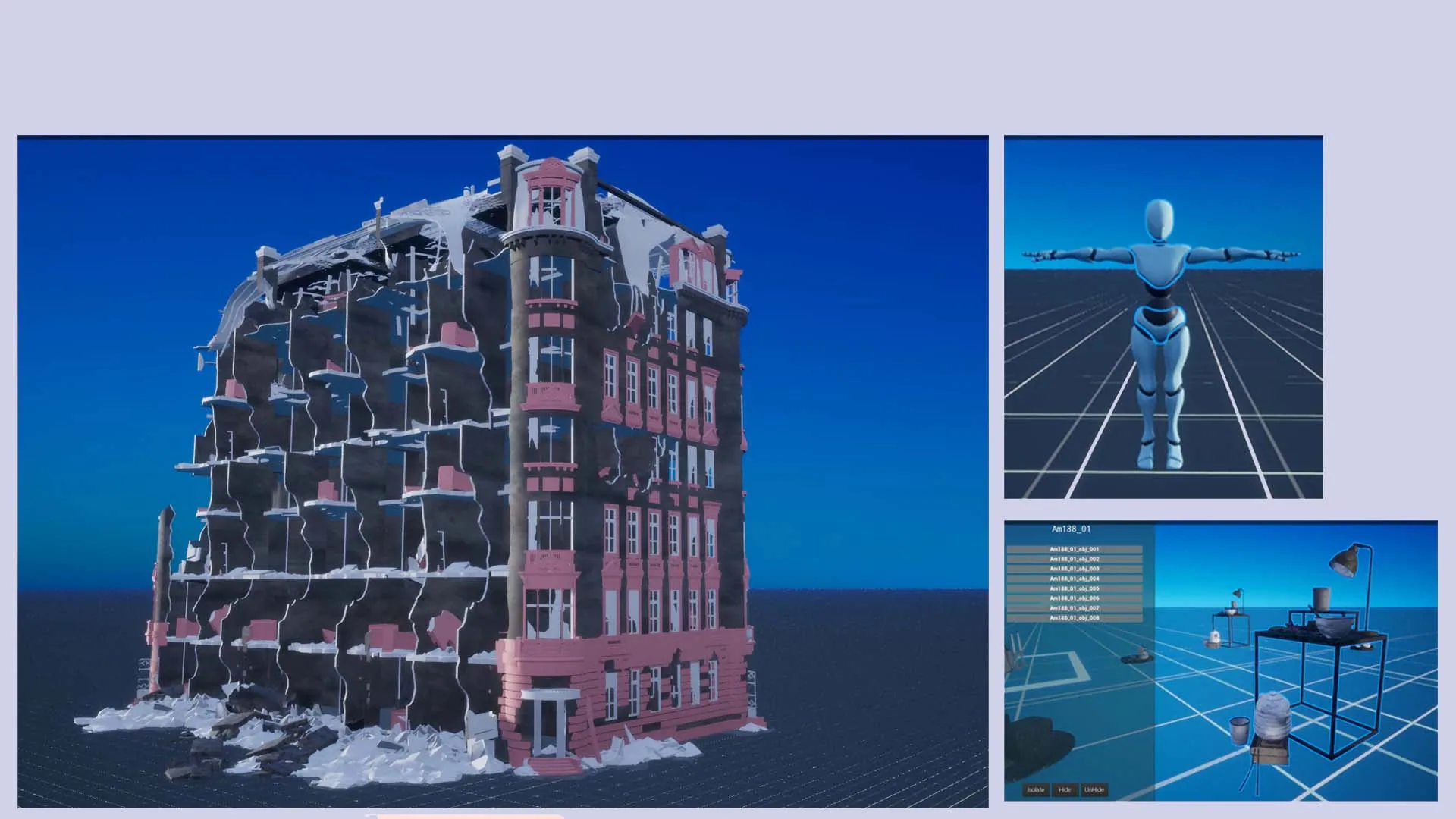
Step 4 — Handle Import Events
Override these events in your FBX Import Manager Blueprint to drive your UI:
| Event | When it fires | Typical use |
|---|---|---|
| On Import Started | Immediately when import begins | Show a loading screen or spinner |
| On Import Progress Changed | Repeatedly during import, passes a 0.0–1.0 float | Drive a progress bar |
| On Node Processing Changed | Each time a new mesh node starts processing, passes the node name | Show status text like "Importing Chair_01…" |
| On Mesh Processing Progress Changed | Per-mesh geometry progress during large files | More granular progress display |
| On FBX Actor Created | When the FBX Mesh Actor is first spawned in the world | Store a reference to the actor |
| On Import Completed | When everything is fully finished | Hide loading screen, enable UI |