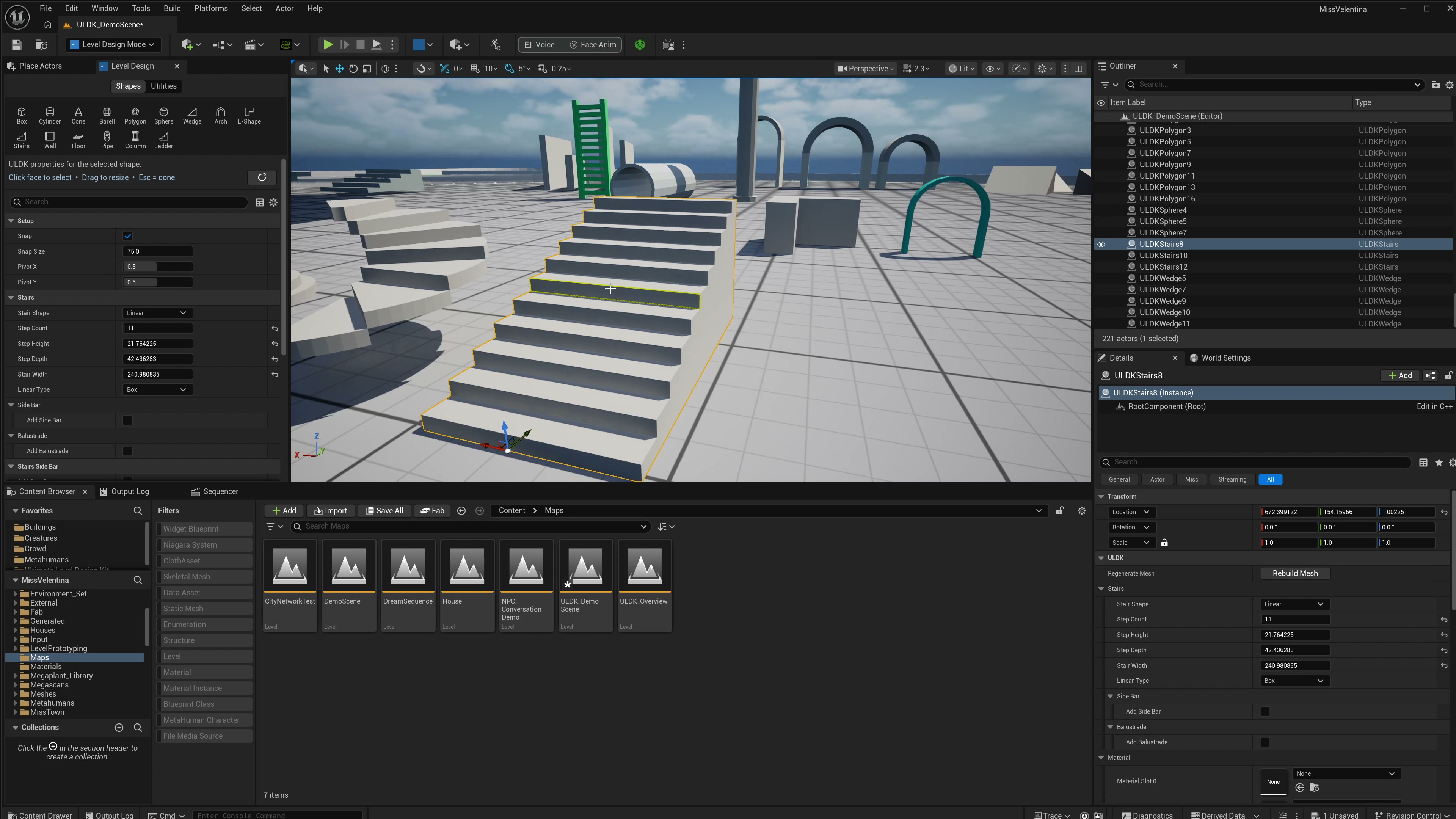
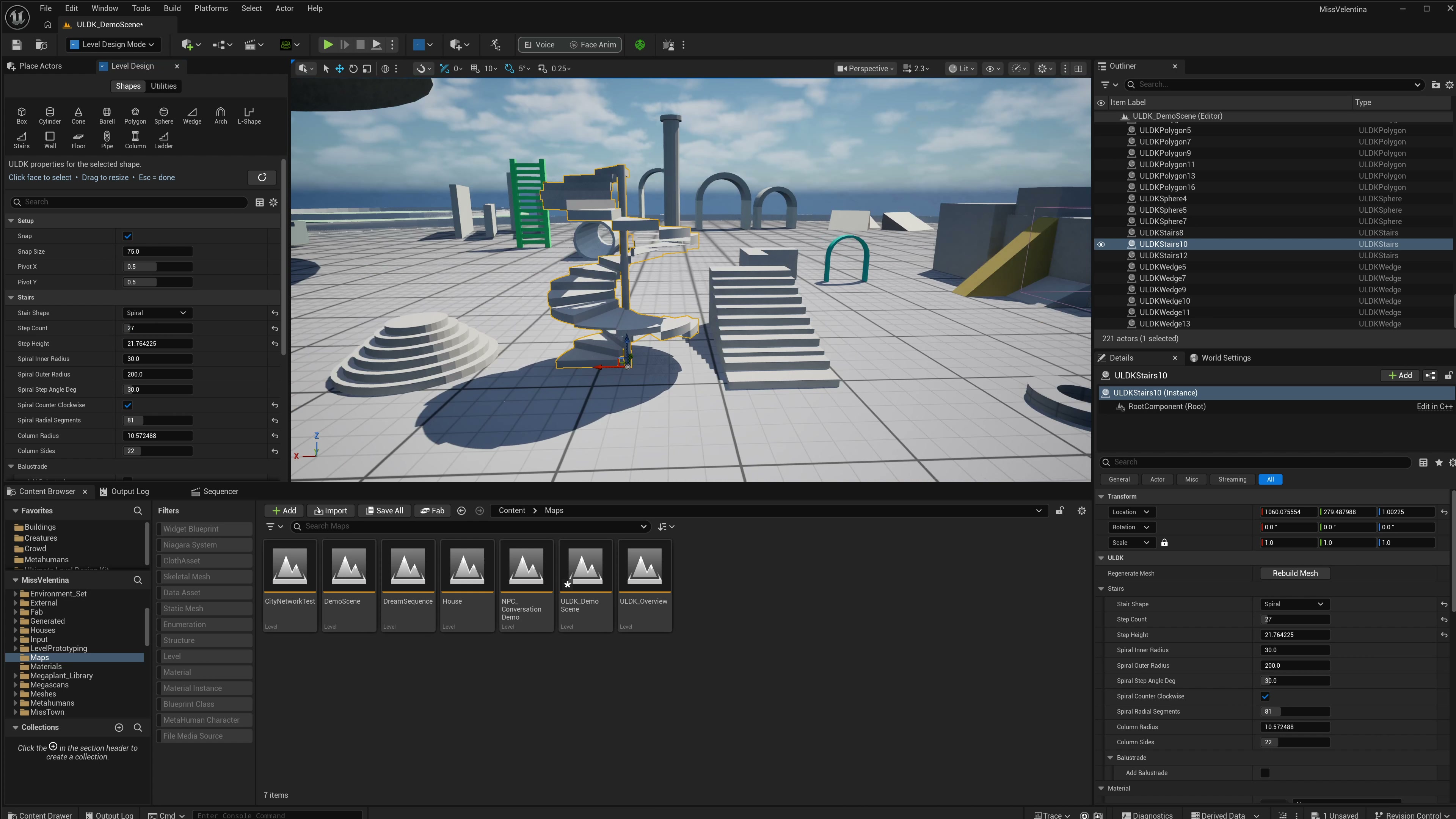
Box
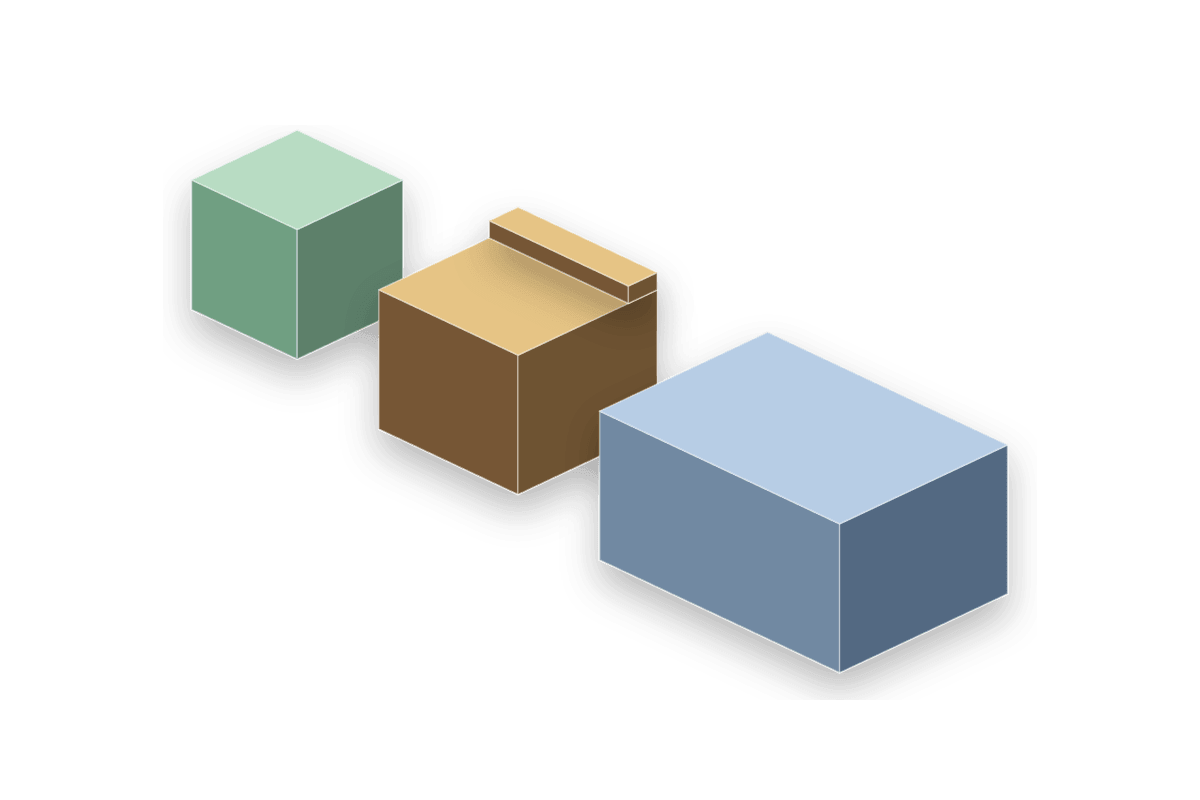
The Box is the general blockout solid and the only shape that owns the hollow-room workflow.
Parameter details
| Parameter / area | Current behavior |
|---|---|
| Is Hollow | Is Hollow creates a room/container form instead of a solid block. |
| Hollow Thickness | Hollow Thickness controls wall thickness around the interior. |
| Inner Floor Height raises only the hollow interior floor so shallow boxes keep visible inner side walls | Inner Floor Height raises only the hollow interior floor so shallow boxes keep visible inner side walls. |
| Subdivisions | Subdivisions is an X/Y/Z vector used for editable cell sizing and face workflow granularity. |
| The face API | The face API exposes the six outer faces plus the hollow inner floor when hollow is enabled. |
Use it when: use it for rooms, covers, platforms, blockout masses, hollow pits, and quick face-drag prototyping.
Wall
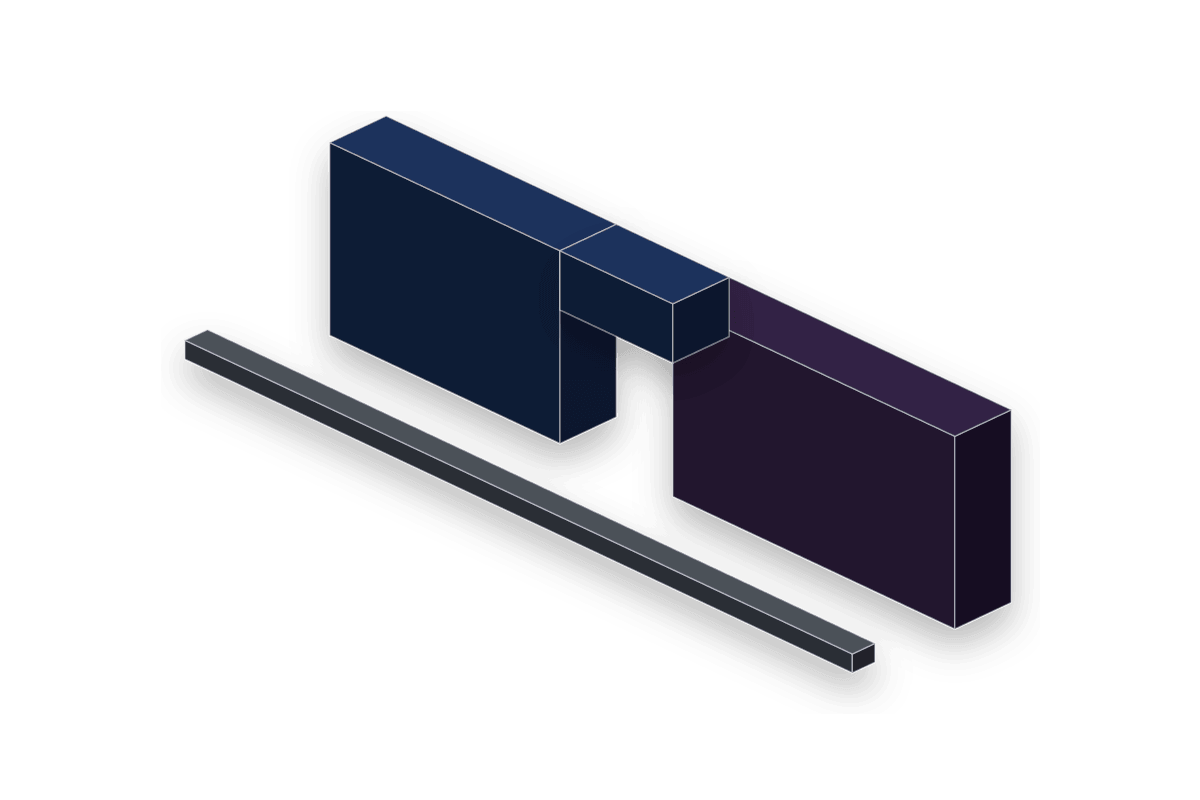
The Wall is a purpose-built partition actor with length, height, thickness, and opening arrays.
Parameter details
| Parameter / area | Current behavior |
|---|---|
| Wall Length, Wall Height, and Wall Thickness replace the generic dimensions workflow | Wall Length, Wall Height, and Wall Thickness replace the generic dimensions workflow. |
| Door Openings create zero-sill cutouts using Center X, Width, Height, and Bottom Height | Door Openings create zero-sill cutouts using Center X, Width, Height, and Bottom Height. |
| Window Openings use the same struct but keep a sill height | Window Openings use the same struct but keep a sill height. |
| Has Window Cutout offers a fast centered window without adding array elements | Has Window Cutout offers a fast centered window without adding array elements. |
| Snap points sit on the wall ends so wall segments connect end-to-end | Snap points sit on the wall ends so wall segments connect end-to-end. |
Use it when: use it for room walls, hallway blockers, cover partitions, window prototypes, and doorway planning.
Floor / Platform
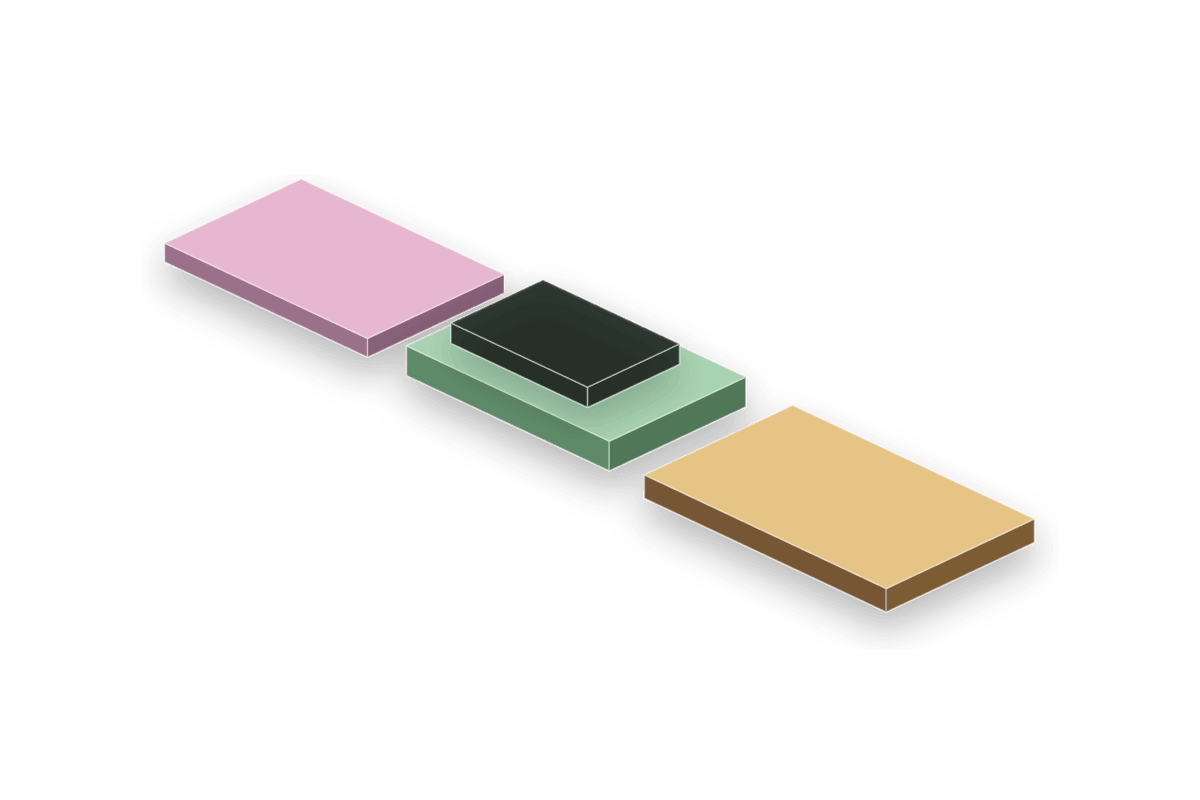
The Floor actor is a horizontal slab optimized for playable surfaces, holes, borders, and editable top cells.
Parameter details
| Parameter / area | Current behavior |
|---|---|
| Floor Length, Floor Width, and Floor Thickness define the slab directly | Floor Length, Floor Width, and Floor Thickness define the slab directly. |
| Has Border | Has Border adds a raised perimeter lip with Border Height and Border Thickness. |
| Floor Gaps cut rectangular holes through the slab | Floor Gaps cut rectangular holes through the slab. |
| Subdivisions X/Y expose individual top cells for per-cell height offsets | Subdivisions X/Y expose individual top cells for per-cell height offsets. |
| Sub Quad Height Offsets can raise cells or cut a cell through when pushed below the slab thickness | Sub Quad Height Offsets can raise cells or cut a cell through when pushed below the slab thickness. |
Use it when: use it for floors, balconies, roof decks, platforms, modular tiles, and gameplay holes.
Wedge / Ramp
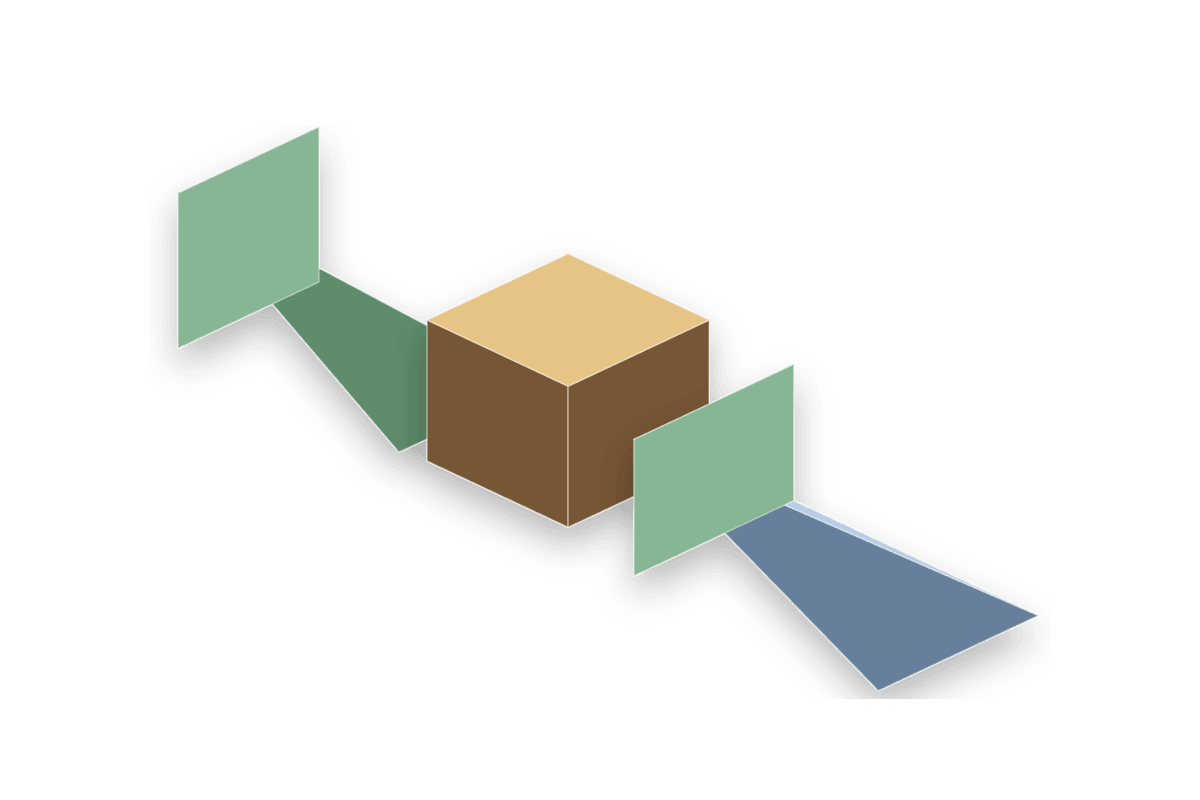
The Wedge is a triangular-prism ramp with optional slope direction changes.
Parameter details
| Parameter / area | Current behavior |
|---|---|
| Flip Slope reverses the high and low ends of the ramp | Flip Slope reverses the high and low ends of the ramp. |
| Double Slope raises both front and back edges into a peaked roof form | Double Slope raises both front and back edges into a peaked roof form. |
| The editable face set | The editable face set is bottom, back, two sides, and slope. |
| Dragging the slope | Dragging the slope changes rise while preserving the ramp footprint. |
Use it when: use it for ramps, roof silhouettes, sloped cover, terrain placeholders, and simple directional movement tests.
Cylinder

The Cylinder builds solid or annular round forms and owns cap decoration rings.
Parameter details
| Parameter / area | Current behavior |
|---|---|
| Radius, Top Radius, and Height define cylinder, tapered cylinder, and cone-like bodies | Radius, Top Radius, and Height define cylinder, tapered cylinder, and cone-like bodies. |
| Sides, Height Segments, and Cap Radial Segments control tessellation and cap UV stability | Sides, Height Segments, and Cap Radial Segments control tessellation and cap UV stability. |
| Enable Inner Gap cuts a center hole using Inner Gap Radius | Enable Inner Gap cuts a center hole using Inner Gap Radius. |
| Ring Count, Ring Width, Ring Height, Ring Inner Radius, Ring Outer Radius, and Ring Surface add raised or recessed cap rings | Ring Count, Ring Width, Ring Height, Ring Inner Radius, Ring Outer Radius, and Ring Surface add raised or recessed cap rings. |
| Material Slot 2 appears only while Ring Count | Material Slot 2 appears only while Ring Count is greater than zero and drives all decorative rings. |
| Path Points can turn the cylinder into a multi-segment tube path with editable point handles | Path Points can turn the cylinder into a multi-segment tube path with editable point handles. |
Use it when: use it for pillars, drums, round platforms, circular vents, ringed pads, and simple path tubes.
Cone
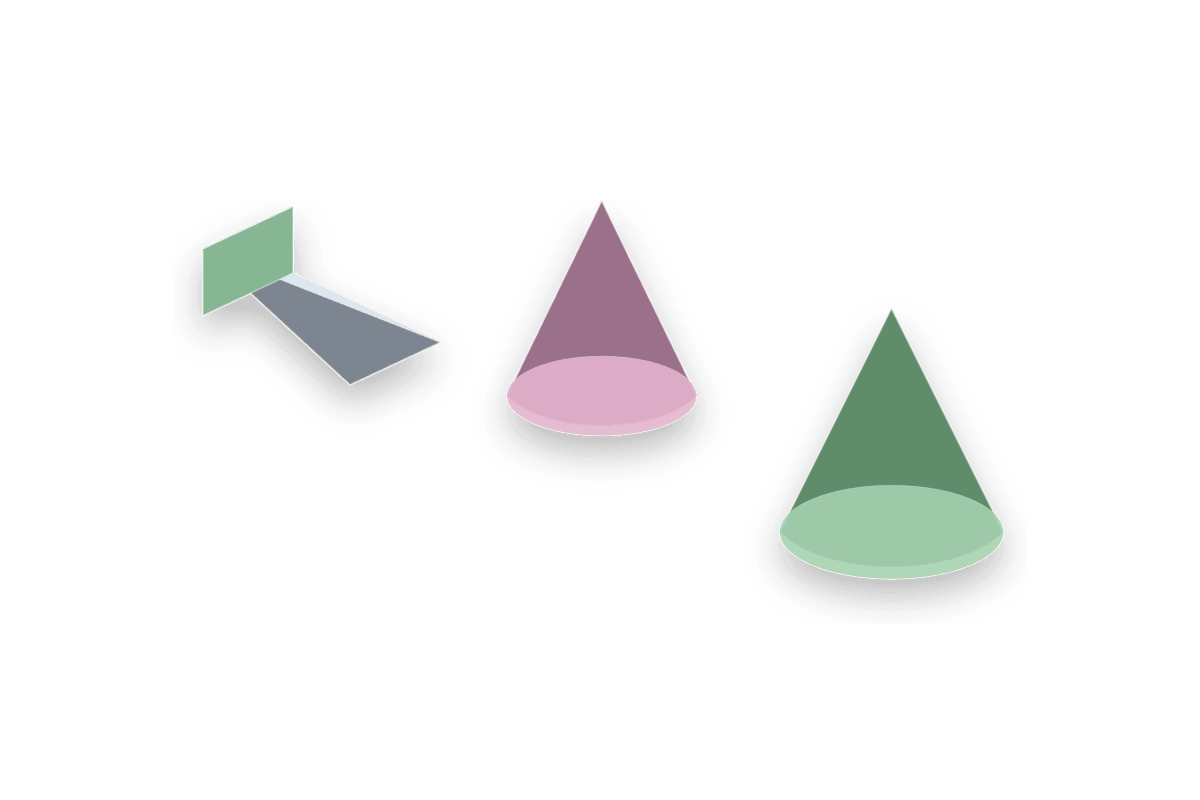
The Cone inherits the radial cylinder base but exposes cone-focused size and orientation controls.
Parameter details
| Parameter / area | Current behavior |
|---|---|
| Cone Radius, Cone Height, Cone Sides, Cone Height Segments, and Cone Cap Radial Segments | Cone Radius, Cone Height, Cone Sides, Cone Height Segments, and Cone Cap Radial Segments are the visible cone controls. |
| Pyramid Amount blends the cone toward a low-sided pyramid profile | Pyramid Amount blends the cone toward a low-sided pyramid profile. |
| Pyramid Sides sets the target side count for pyramid forms; 4 | Pyramid Sides sets the target side count for pyramid forms; 4 creates a square pyramid. |
| Flip Vertically points the tip in the opposite direction along the active axis without turning the mesh inside-out | Flip Vertically points the tip in the opposite direction along the active axis without turning the mesh inside-out. |
| Flip Horizontally lays the cone along the local X axis instead of local Z | Flip Horizontally lays the cone along the local X axis instead of local Z. |
| The tip | The tip is selectable in face editing so dragging it changes size along the tip direction. |
Use it when: use it for markers, spikes, arrows, roof cones, hazards, and directional prototypes.
Sphere
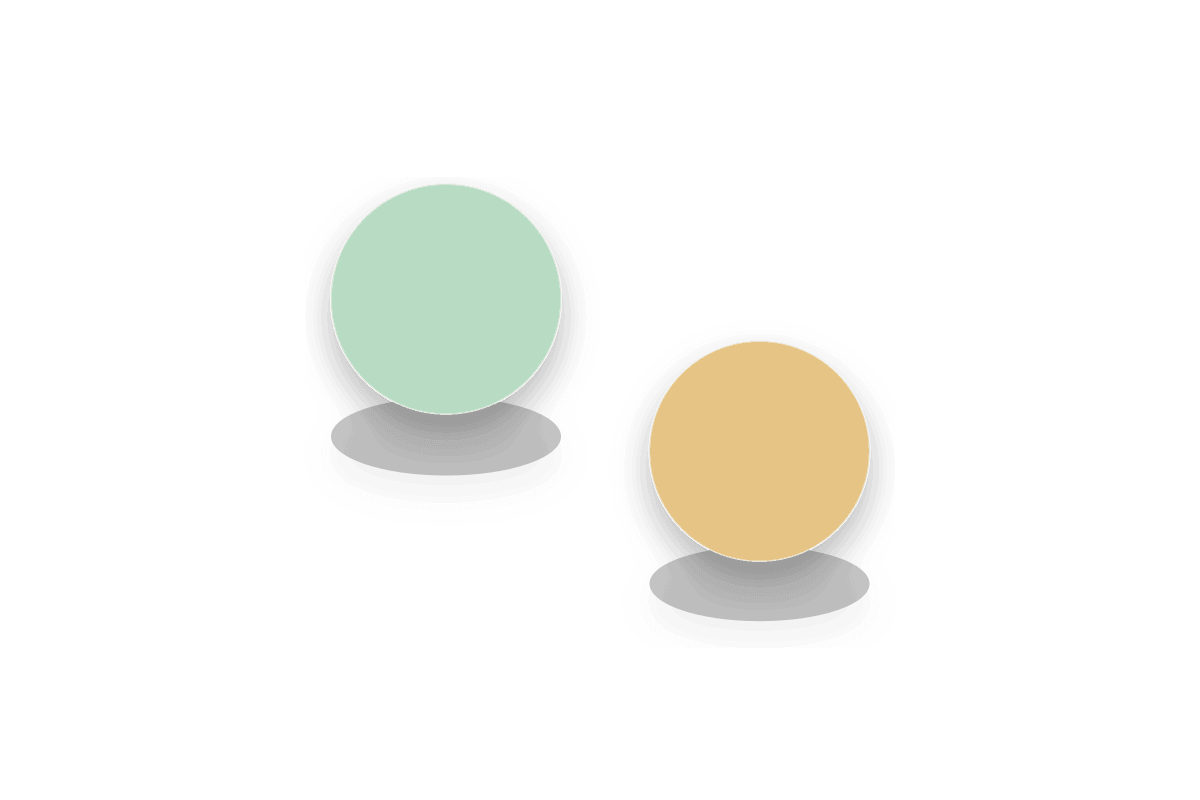
The Sphere is a smooth round primitive that can become a dome/hemisphere.
Parameter details
| Parameter / area | Current behavior |
|---|---|
| Radius | Radius controls the whole shape. |
| Rings and Segments control latitude and longitude tessellation | Rings and Segments control latitude and longitude tessellation. |
| Is Hemisphere | Is Hemisphere builds only the top dome and adds a flat bottom face. |
| Normals | Normals are generated smooth automatically; there is no Smooth Normals parameter. |
Use it when: use it for domes, collision markers, round props, arena volumes, and soft placeholder masses.
Column / Pillar
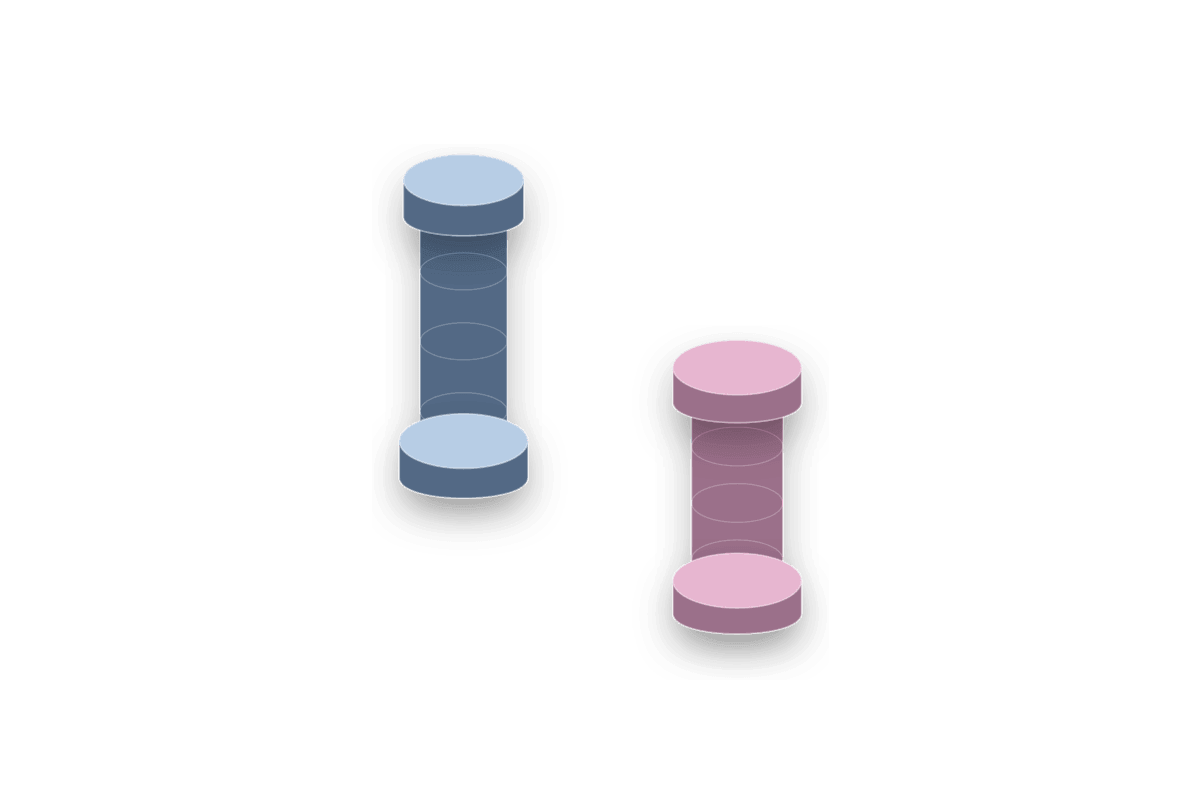
The Column combines a shaft with optional base and capital so structural pillars do not need stacked actors.
Parameter details
| Parameter / area | Current behavior |
|---|---|
| Shaft Radius, Column Height, and Sides define the central post | Shaft Radius, Column Height, and Sides define the central post. |
| Has Base reveals Base Radius and Base Height | Has Base reveals Base Radius and Base Height. |
| Has Capital reveals Capital Radius and Capital Height | Has Capital reveals Capital Radius and Capital Height. |
| The face API | The face API exposes top, bottom, and side/radius edits. |
Use it when: use it for structural supports, decorative pillars, cover posts, ruins, and modular architecture blocking.
Pipe / Tube

The Pipe is a dedicated hollow tube actor. It overlaps with Cylinder inner-gap use, but keeps pipe-specific wall and cap controls.
Parameter details
| Parameter / area | Current behavior |
|---|---|
| Outer Radius and Pipe Thickness define the outer wall and inner radius directly | Outer Radius and Pipe Thickness define the outer wall and inner radius directly. |
| Pipe Length and Horizontal choose vertical or horizontal orientation | Pipe Length and Horizontal choose vertical or horizontal orientation. |
| Capped Ends seals the tube when a closed pipe | Capped Ends seals the tube when a closed pipe is needed. |
| Use Separate Cap Material enables a cap material slot independent from side walls | Use Separate Cap Material enables a cap material slot independent from side walls. |
| Face Material Overrides and Assign/Clear Material Override functions support face-level material assignment | Face Material Overrides and Assign/Clear Material Override functions support face-level material assignment. |
| Path Points can build a multi-segment tube | Path Points can build a multi-segment tube. |
Use it when: use it when pipe wall thickness, capped ends, or pipe-specific face materials matter more than cylinder cap rings.
Arch
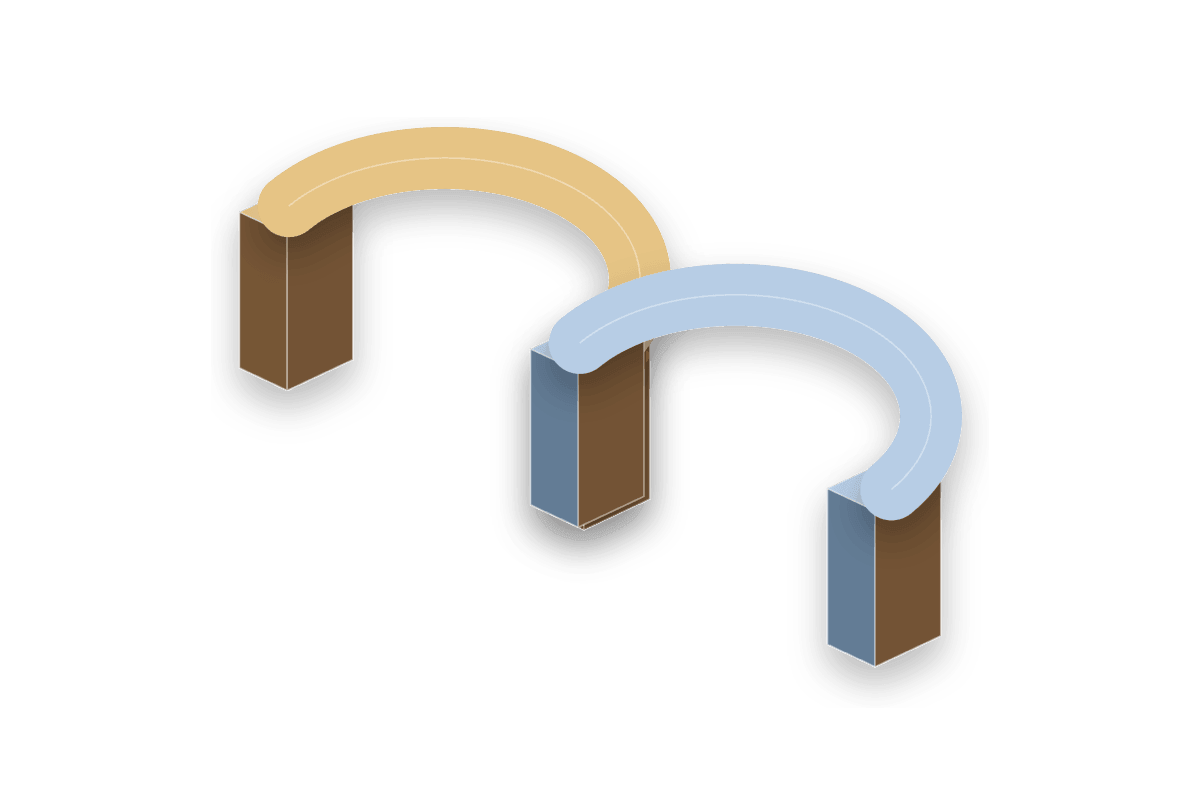
The Arch creates an archway or tunnel segment from radius, wall thickness, depth, and leg height.
Parameter details
| Parameter / area | Current behavior |
|---|---|
| Inner Radius and Wall Thickness define the opening and surrounding shell | Inner Radius and Wall Thickness define the opening and surrounding shell. |
| Arc Angle | Arc Angle supports partial arcs through full circular arcs. |
| Segments | Segments controls curve smoothness. |
| Leg Height | Leg Height adds vertical supports below the curved part. |
| Material Slot 0 | Material Slot 0 controls the curved/top arch body; Material Slot 1 controls legs when legs exist. |
| Editable faces include front, back, top, and inner floor | Editable faces include front, back, top, and inner floor. |
Use it when: use it for door arches, tunnels, sewer mouths, bridges, vaulted openings, and curved cover.
Stairs - Linear Open
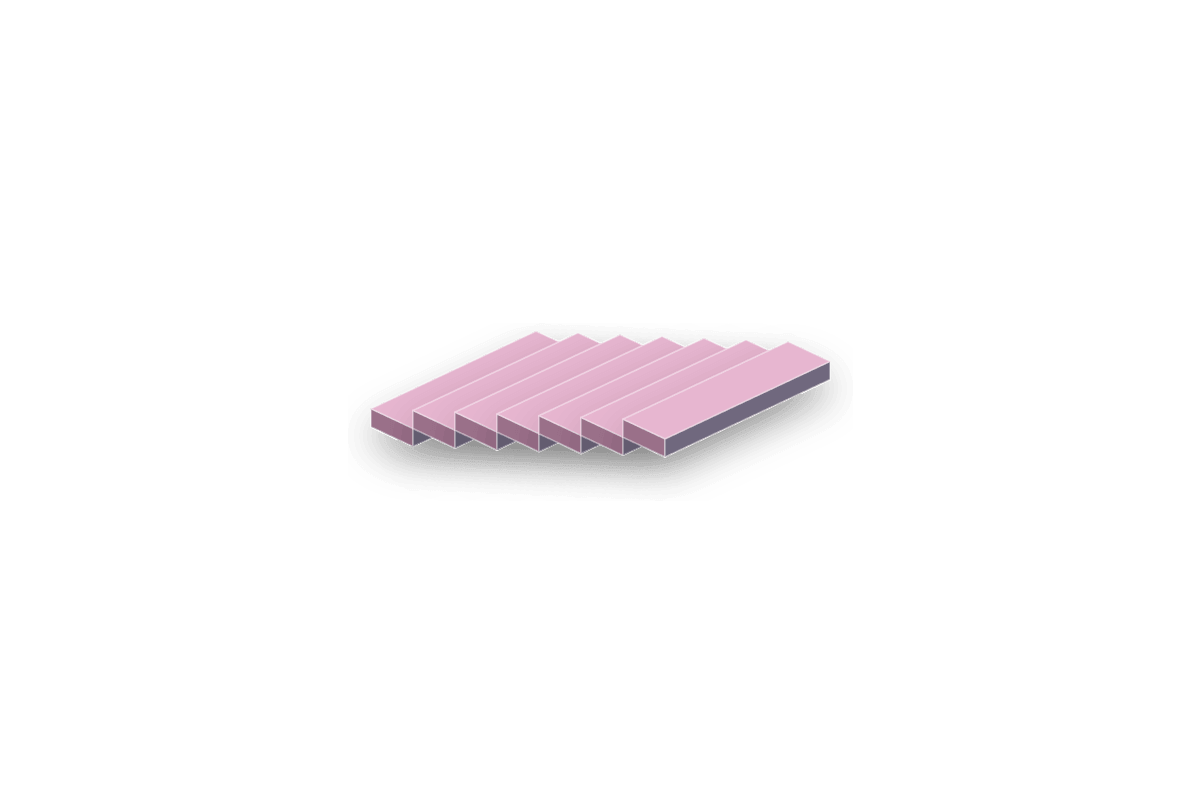
Linear Open stairs keep the underside open so the run reads as separate treads.
Parameter details
| Parameter / area | Current behavior |
|---|---|
| Stair Shape | Stair Shape is Linear. |
| Linear Type | Linear Type is Open. |
| Step Count, Step Width, Step Depth, and Step Height define the straight run | Step Count, Step Width, Step Depth, and Step Height define the straight run. |
| Each tread | Each tread is selectable in face editing, so dragging that step top adjusts stair height from the selected surface. |
| Side Bar and Balustrade | Side Bar and Balustrade controls can add rails, balusters, and optional handrails. |
| Bottom-front and top-back snap points support stacked stair placement | Bottom-front and top-back snap points support stacked stair placement. |
Use it when: use it when you need readable traversal metrics without a filled underside.
Stairs - Linear Closed
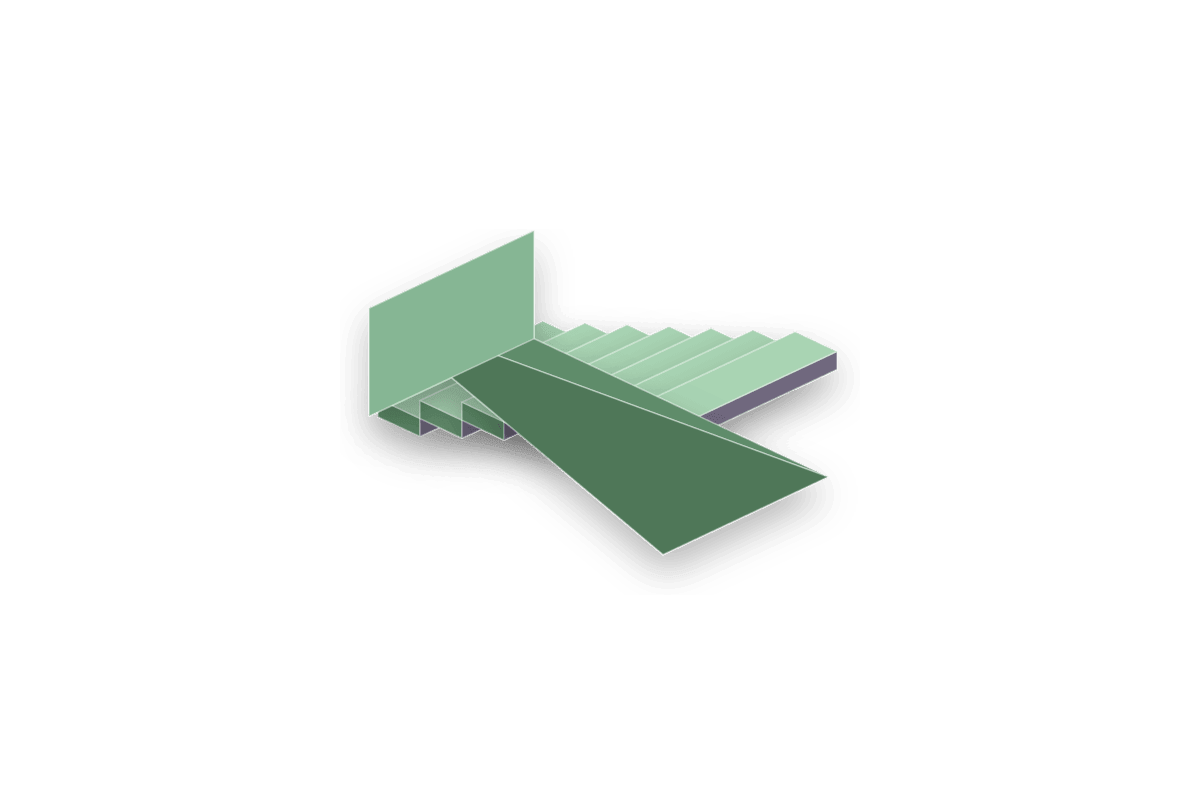
Linear Closed stairs fill the underside with a sloped support surface.
Parameter details
| Parameter / area | Current behavior |
|---|---|
| Stair Shape | Stair Shape is Linear. |
| Linear Type | Linear Type is Closed. |
| The underside becomes a continuous sloped wedge below the tread run | The underside becomes a continuous sloped wedge below the tread run. |
| Step Count, Step Width, Step Depth, and Step Height still control the visible steps | Step Count, Step Width, Step Depth, and Step Height still control the visible steps. |
| Each tread | Each tread is selectable in face editing, so dragging that step top adjusts stair height from the selected surface. |
| Side Bar and Balustrade | Side Bar and Balustrade controls remain available. |
Use it when: use it for blockout stairs that need a solid underside or ramp-like mass.
Stairs - Linear Box
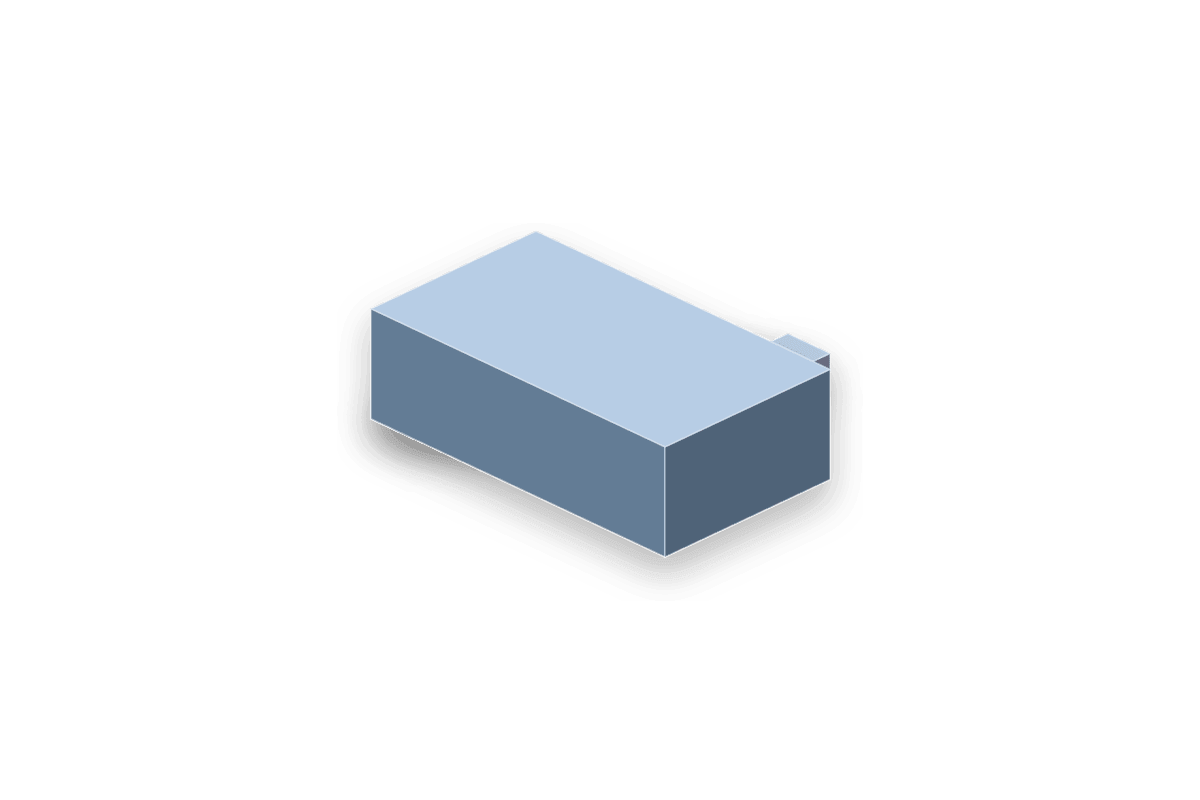
Linear Box stairs generate a boxed mass under the stair flight.
Parameter details
| Parameter / area | Current behavior |
|---|---|
| Stair Shape | Stair Shape is Linear. |
| Linear Type | Linear Type is Box. |
| The generated underside fills as a rectangular stair volume | The generated underside fills as a rectangular stair volume. |
| Step Count, Step Width, Step Depth, and Step Height define the top tread pattern | Step Count, Step Width, Step Depth, and Step Height define the top tread pattern. |
| Each tread | Each tread is selectable in face editing, so dragging that step top adjusts stair height from the selected surface. |
| Box underside | Box underside is useful when the volume should block sightlines or collision underneath. |
Use it when: use it for chunky blockout stair volumes, cover, and closed architectural masses.
Stairs - Spiral
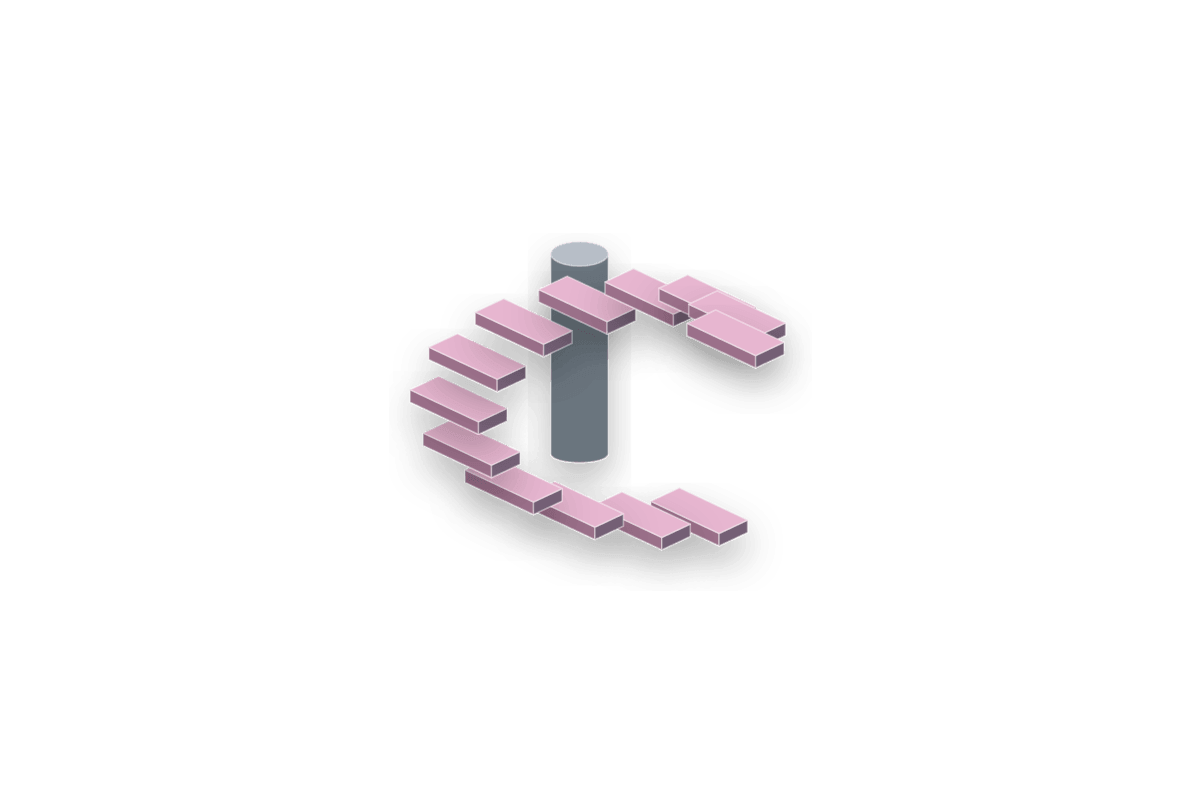
Spiral stairs wrap steps around a center using inner/outer radius and angular controls.
Parameter details
| Parameter / area | Current behavior |
|---|---|
| Stair Shape | Stair Shape is Spiral. |
| Spiral Inner Radius and Spiral Outer Radius define the tread ring | Spiral Inner Radius and Spiral Outer Radius define the tread ring. |
| Step Angle | Step Angle controls angular spacing per step. |
| Counter-Clockwise flips winding direction | Counter-Clockwise flips winding direction. |
| Each step top | Each step top is selectable in face editing, so dragging that surface adjusts stair height. |
| Radial Segments and Column Radius shape the center support and curvature | Radial Segments and Column Radius shape the center support and curvature. |
Use it when: use it for tower traversal, compact vertical routes, and circular room metrics.
Stairs - Circular Platforms
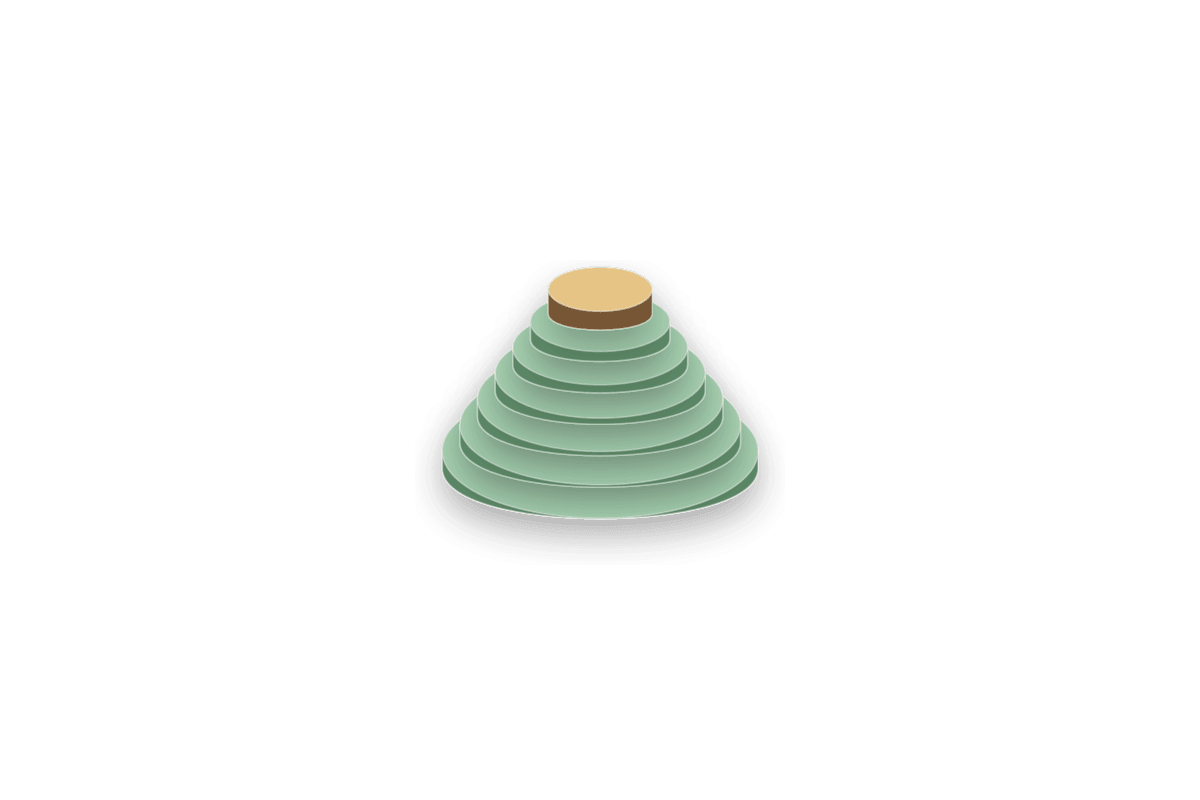
Circular Platform stairs build stacked round tiers instead of a linear flight.
Parameter details
| Parameter / area | Current behavior |
|---|---|
| Stair Shape | Stair Shape is Circular Platforms. |
| Circular Platform Radius | Circular Platform Radius controls the largest platform. |
| Radius Reduction Per Step tapers each higher tier inward | Radius Reduction Per Step tapers each higher tier inward. |
| Platform Sides | Platform Sides controls the roundness or faceted style. |
| Each platform top | Each platform top is selectable in face editing, so dragging that surface adjusts stair height. |
| Step Count and Step Height define vertical tier spacing | Step Count and Step Height define vertical tier spacing. |
Use it when: use it for arena tiers, podiums, circular staging, and radial traversal tests.
L-Shape
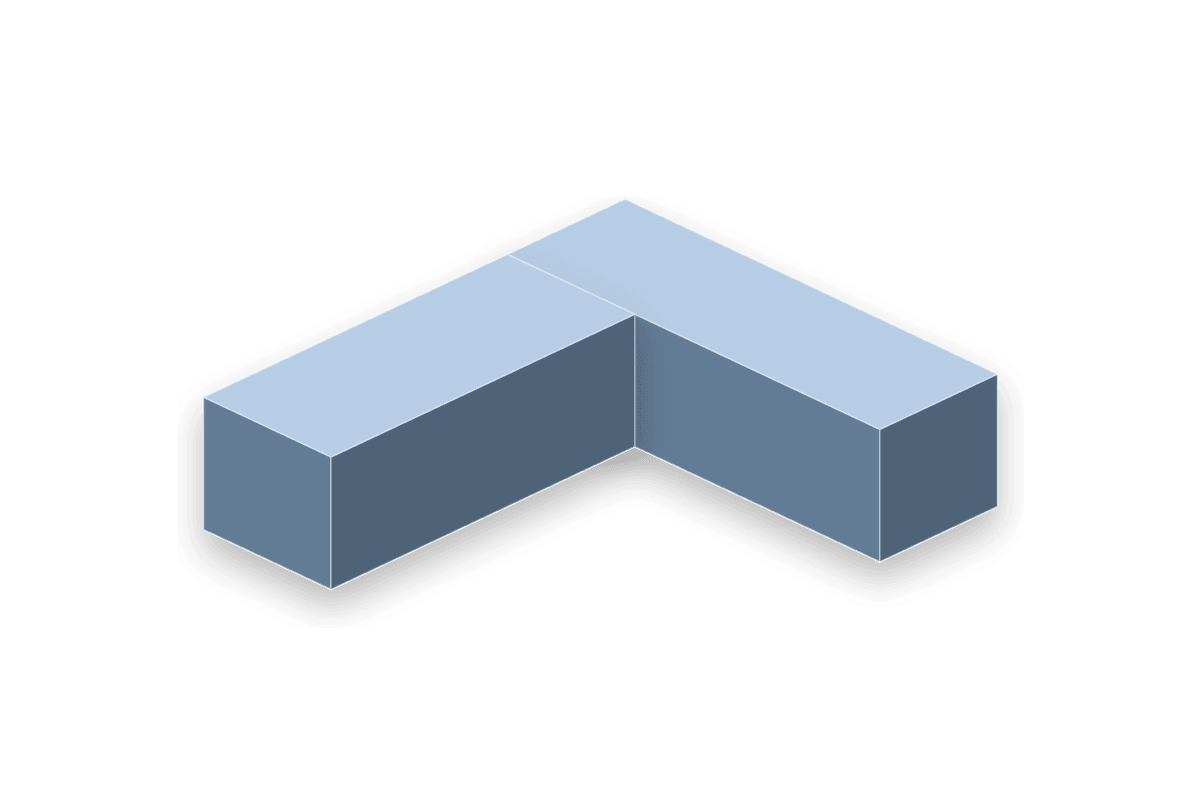
The L-Shape creates two perpendicular wings as one procedural actor.
Parameter details
| Parameter / area | Current behavior |
|---|---|
| Wing A Length | Wing A Length controls the local +X wing. |
| Wing B Length | Wing B Length controls the local +Y wing. |
| Wall Width | Wall Width is the shared corridor/arm width. |
| L Height | L Height controls the vertical extrusion of both wings. |
Use it when: use it for corner rooms, L corridors, wrapped cover blocks, and footprints that should resize as one piece.
Polygon
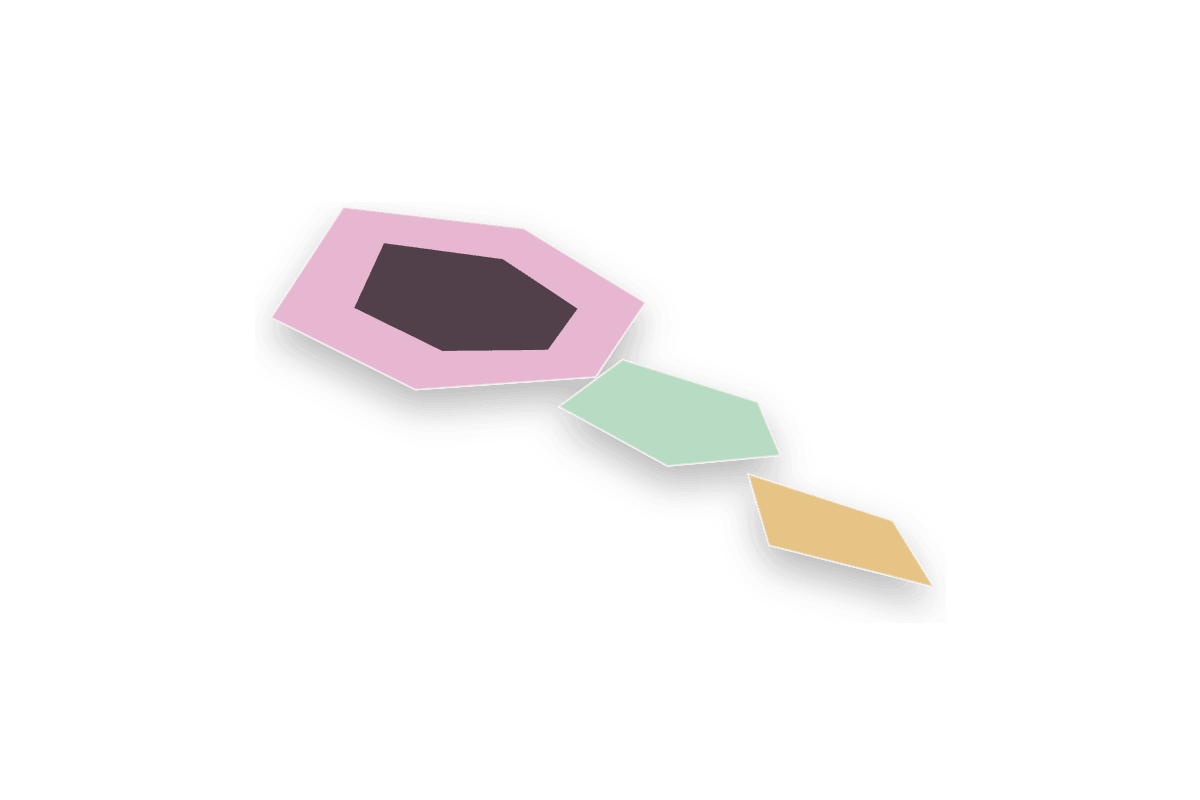
The Polygon builds an N-sided filled or hollow planar/prism shape.
Parameter details
| Parameter / area | Current behavior |
|---|---|
| Radius | Radius controls the circumradius. |
| Thickness extrudes the polygon; zero leaves it flat | Thickness extrudes the polygon; zero leaves it flat. |
| Sides | Sides changes the footprint from triangle to high-sided round-like forms. |
| Cap Filled | Cap Filled toggles between a filled polygon and border-only ring. |
| Border Thickness | Border Thickness controls the ring width when Cap Filled is off. |
Use it when: use it for custom pads, trims, hex platforms, floor symbols, border rings, and stylized footprint blocks.
Door
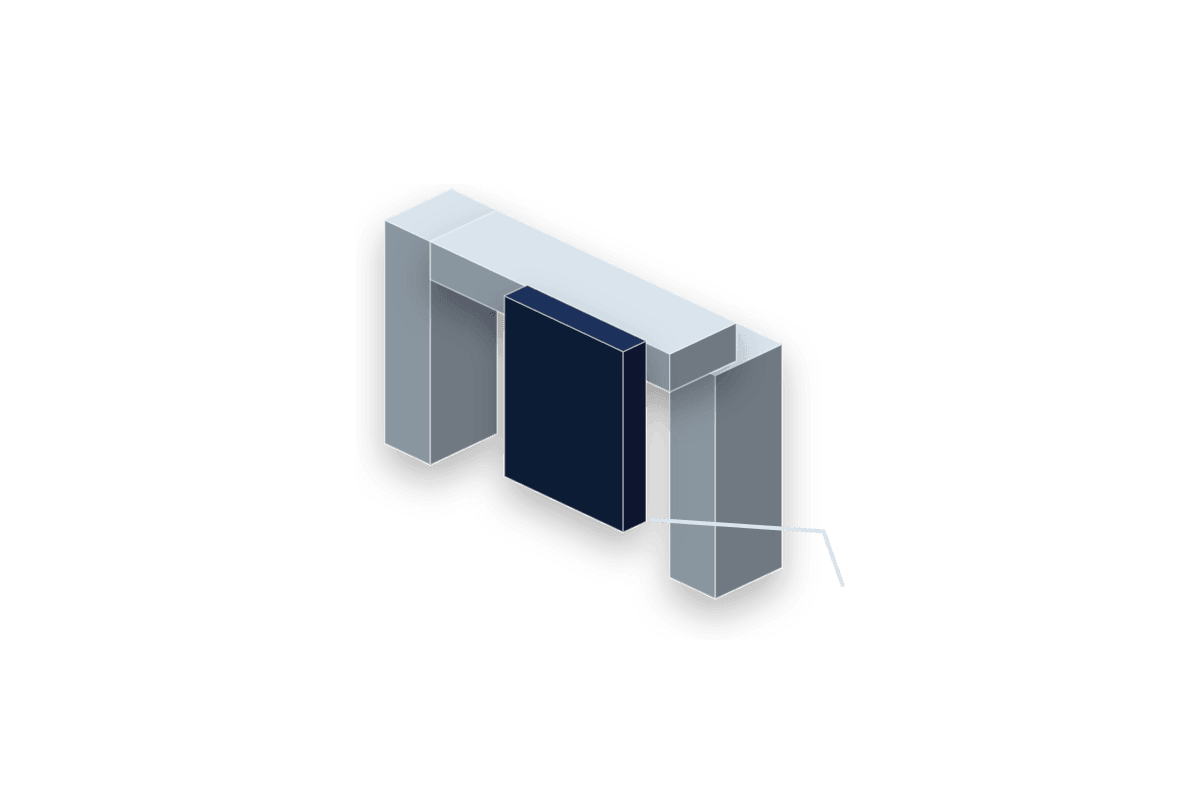
The Door is a runtime-capable hinged panel, not just a static blockout mesh.
Parameter details
| Parameter / area | Current behavior |
|---|---|
| Door Width, Height, and Thickness scale the panel | Door Width, Height, and Thickness scale the panel. |
| The shared Setup Pivot X and Pivot Y values place the hinge anywhere across the door footprint | The shared Setup Pivot X and Pivot Y values place the hinge anywhere across the door footprint. |
| Open Angle, Swing Direction, Play Rate, and Start Open control animation behavior | Open Angle, Swing Direction, Play Rate, and Start Open control animation behavior. |
| Door Mesh | Door Mesh accepts a custom static mesh/material setup. |
| Set Door Open and Toggle Door | Set Door Open and Toggle Door are callable at runtime. |
Use it when: use it for interactive door planning, hinge clearance checks, and Blueprint-ready placeholder doors.
Ladder
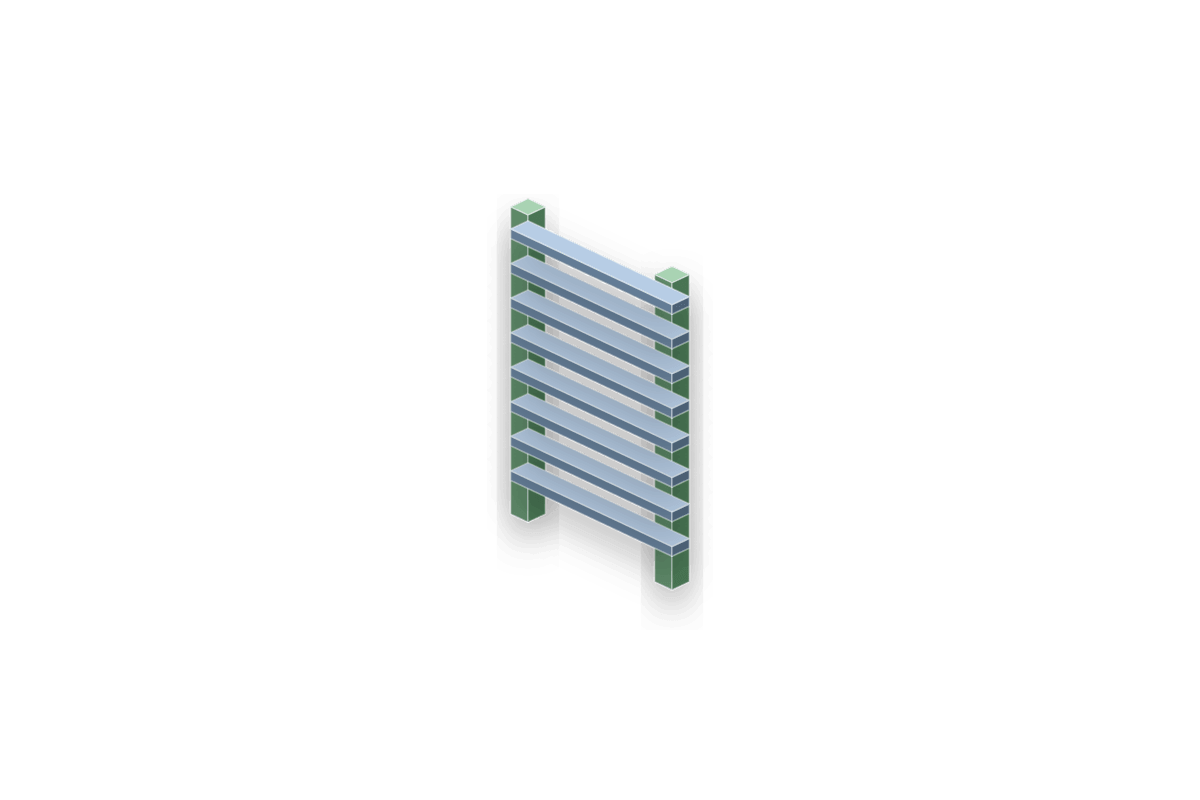
The Ladder is separate from Stairs and builds rails plus rungs with climb support hooks.
Parameter details
| Parameter / area | Current behavior |
|---|---|
| Ladder Height and Ladder Width define the climbable frame | Ladder Height and Ladder Width define the climbable frame. |
| Rail Thickness and Rung Thickness control the geometry thickness | Rail Thickness and Rung Thickness control the geometry thickness. |
| Rung Count and End Rung Inset distribute rungs between the rail ends | Rung Count and End Rung Inset distribute rungs between the rail ends. |
| Top and bottom snap points make stacked ladder layouts easy | Top and bottom snap points make stacked ladder layouts easy. |
| The runtime tick can track a climbing character in the ladder zone | The runtime tick can track a climbing character in the ladder zone. |
Use it when: use it for vertical traversal prototypes where a stair shape would be the wrong gameplay read.
Barrel

The Barrel actor generates a bulged prop-like form with separate body, cap, and hoop sections.
Parameter details
| Parameter / area | Current behavior |
|---|---|
| End Radius, Bulge Depth, Height, Sides, and Height Segments define the barrel body | End Radius, Bulge Depth, Height, Sides, and Height Segments define the barrel body. |
| Stave Count and Stave Groove Depth create vertical wooden grooves | Stave Count and Stave Groove Depth create vertical wooden grooves. |
| Hoop Count, Hoop Width, Hoop Depth, and Hoop Inset create metal bands | Hoop Count, Hoop Width, Hoop Depth, and Hoop Inset create metal bands. |
| When a barrel | When a barrel is selected in ULDK editor mode, each hoop can be selected and dragged independently to override the global hoop width/depth placement. |
| Material Slot 2 - Hoops | Material Slot 2 - Hoops controls the hoop section. |
| Wood Tint and Hoop Tint update default dynamic materials without rebuilding the mesh during color-wheel edits | Wood Tint and Hoop Tint update default dynamic materials without rebuilding the mesh during color-wheel edits. |
Use it when: use it for quick prop blocking, destructible-cover placeholders, storage rooms, docks, and medieval/fantasy set dressing.