Ultimate Level Design Kit
A level blockout toolkit with procedural greybox shapes, editor placement tools, measurements, copy/instance workflows, and spline-based layout helpers.
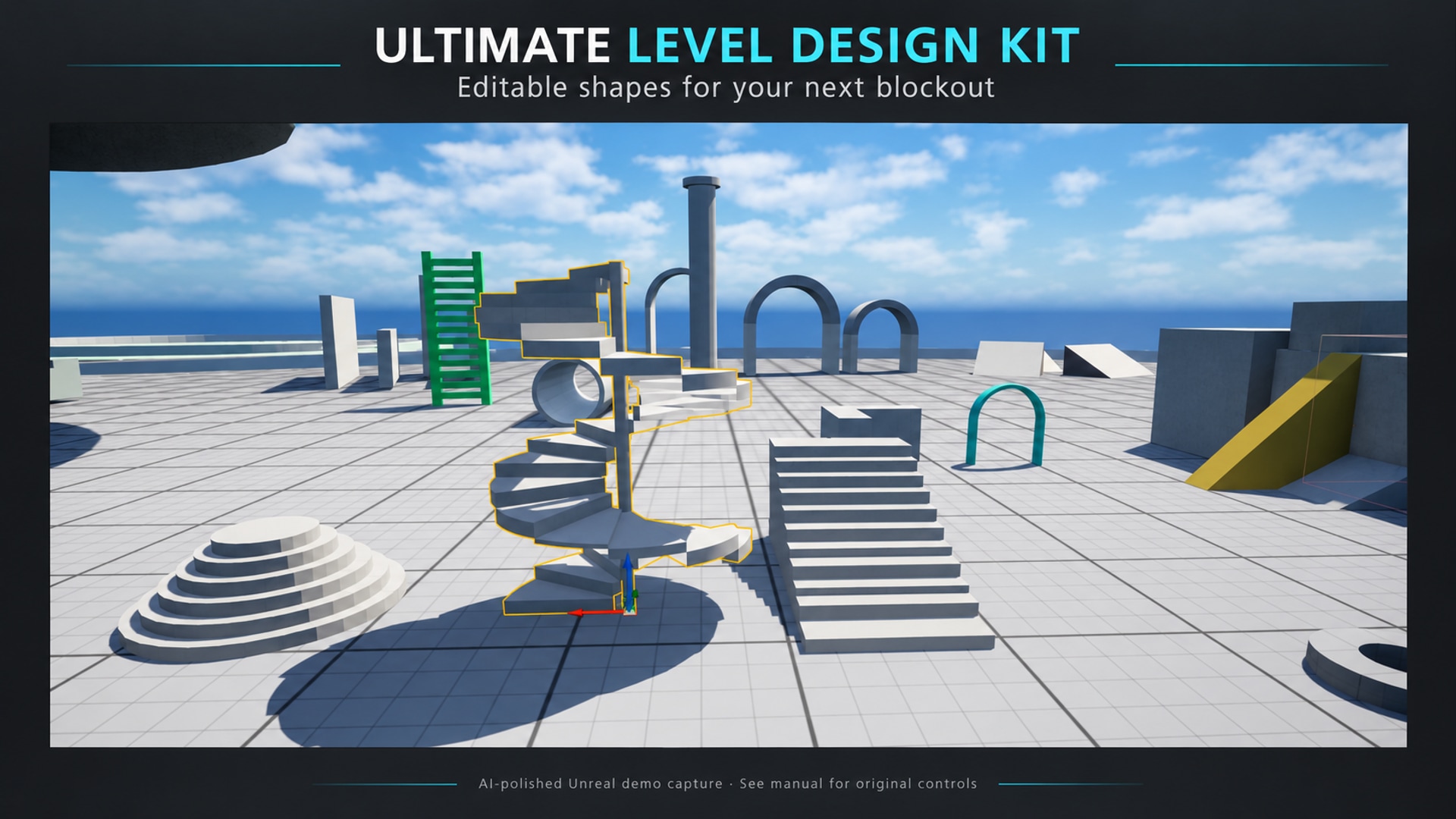
Select image to view full size.
AI-polished scene cards are followed by untouched historical Unreal editor captures. Open the originals to read the controls; the manual links each capture beside its workflow.
Gallery
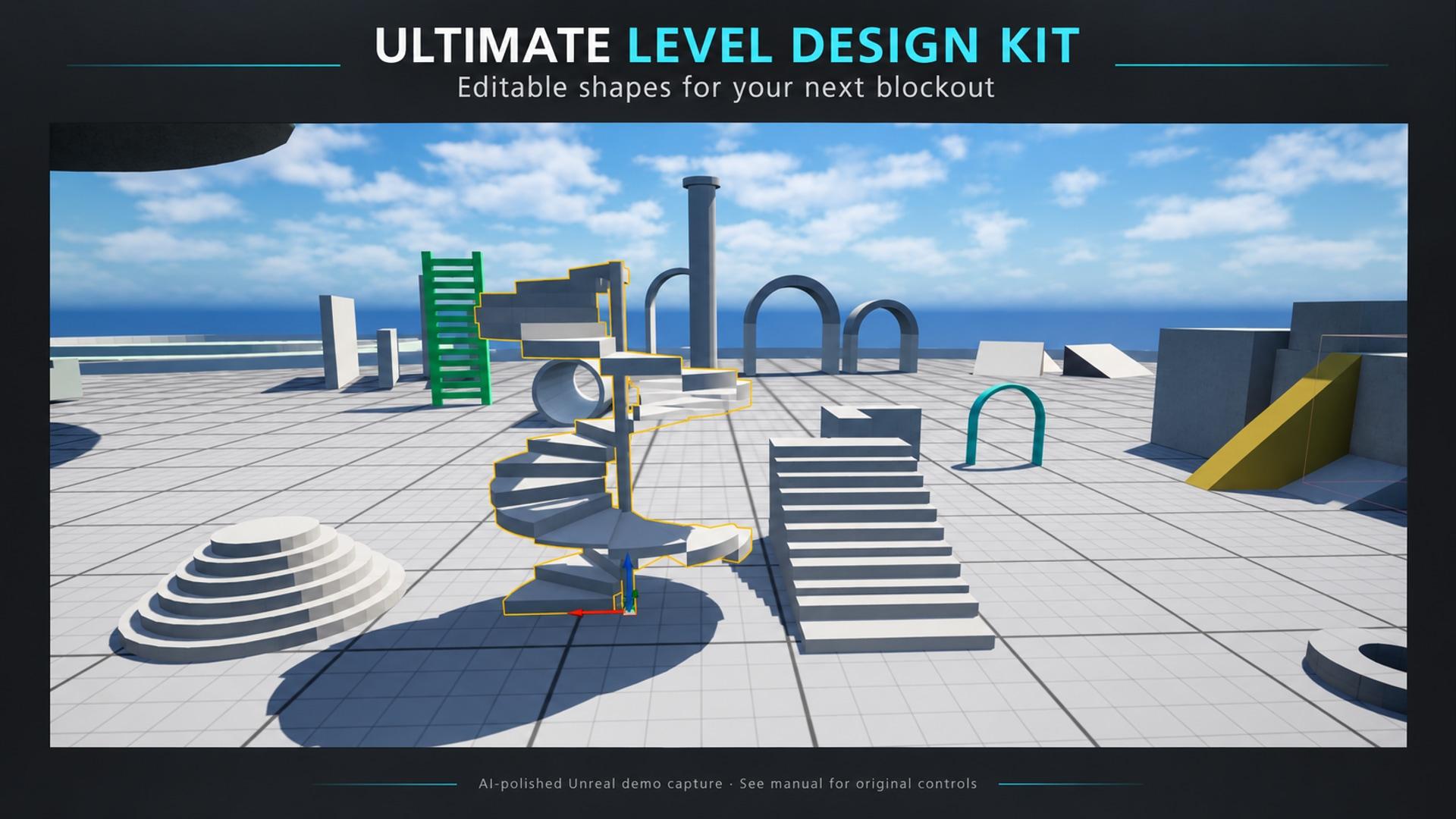
1 / 8
About This Product
Ultimate Level Design Kit is built for fast level prototyping inside the editor. Drop in reusable greybox shapes, resize them from the Details panel, color-code areas, align pieces with snapping, measure spaces, and sketch gameplay intent before final art is ready. The toolkit includes modular building shapes such as boxes, walls, floors, ramps, arches, cylinders, cones, pipes, columns, spheres, ladders, doors, stairs, polygons, and barrel-style forms. It also includes helper actors for measuring distances, placing text labels, copying layouts, creating linked instance output, drawing spline paths, and distributing actors along paths or areas. Designers can work visually: choose a tool, preview placement, click into the viewport, then keep adjusting shape parameters, materials, UVs, copy deltas, and spline layout behavior without leaving the editor.
Features
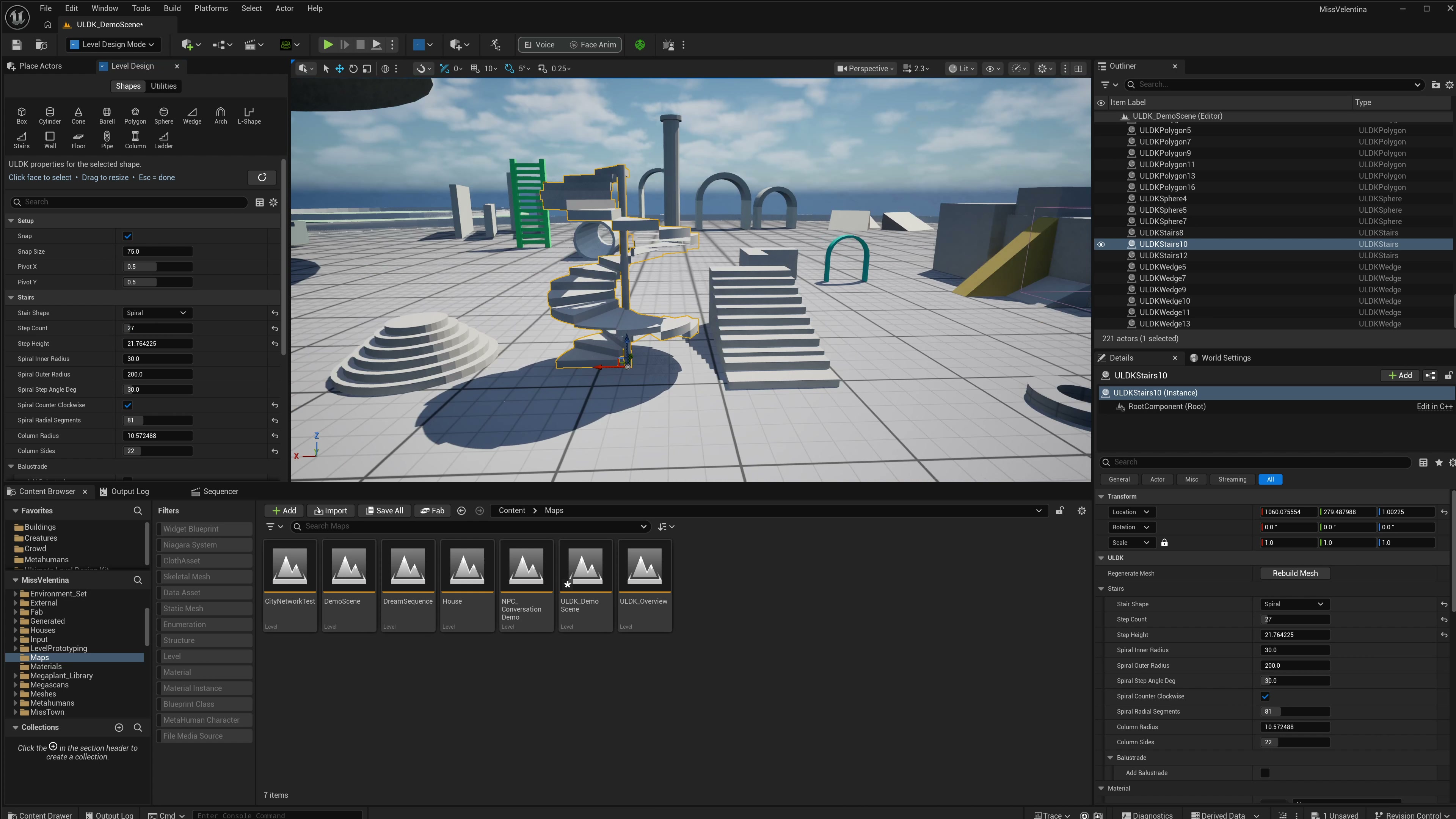
Select image to view full size.
Procedural Shape Library
Block out rooms, platforms, ramps, tunnels, columns, stairs, doors, ladders, pipes, and curved spaces with editable actors instead of imported placeholder meshes.
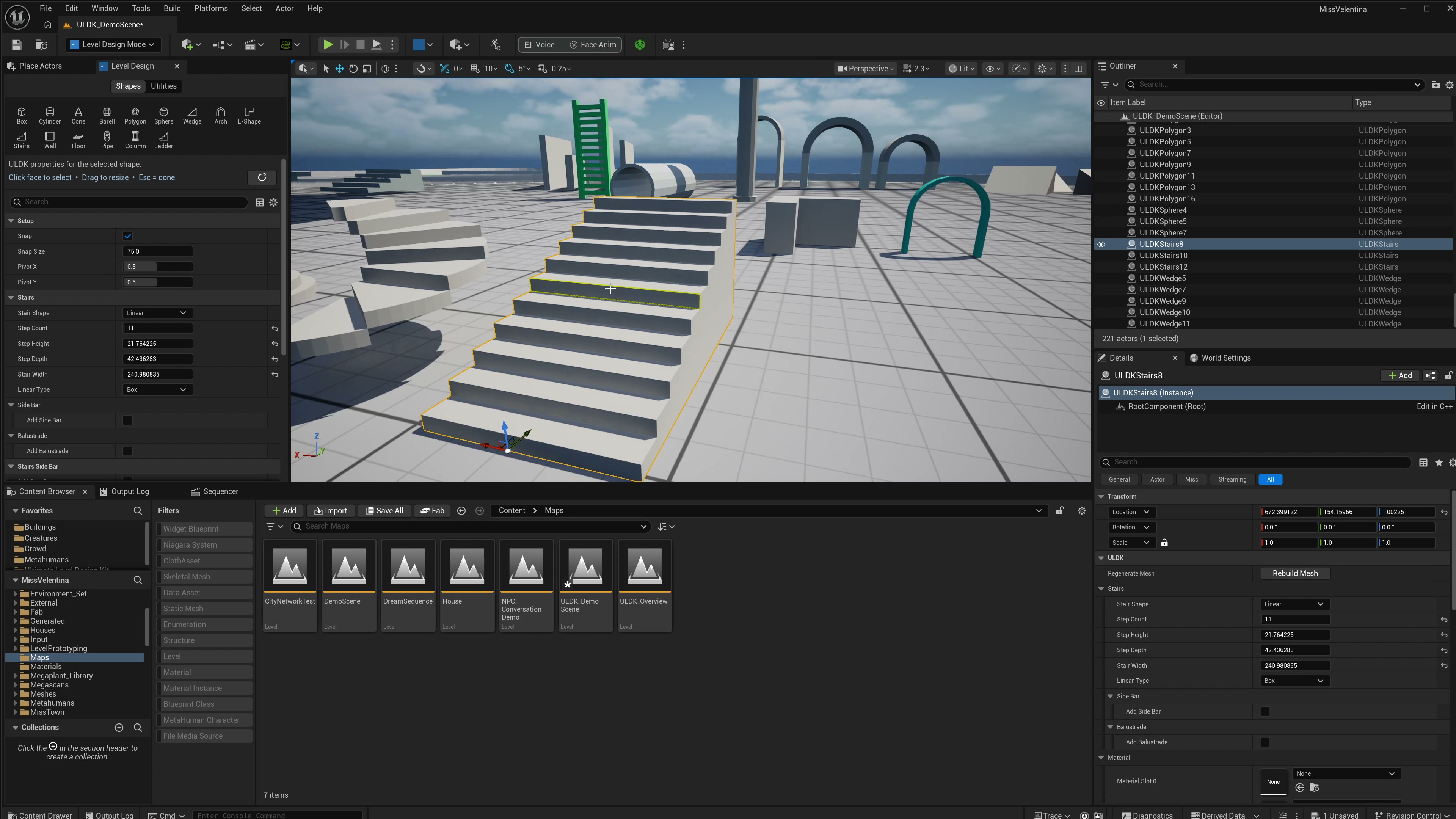
Select image to view full size.
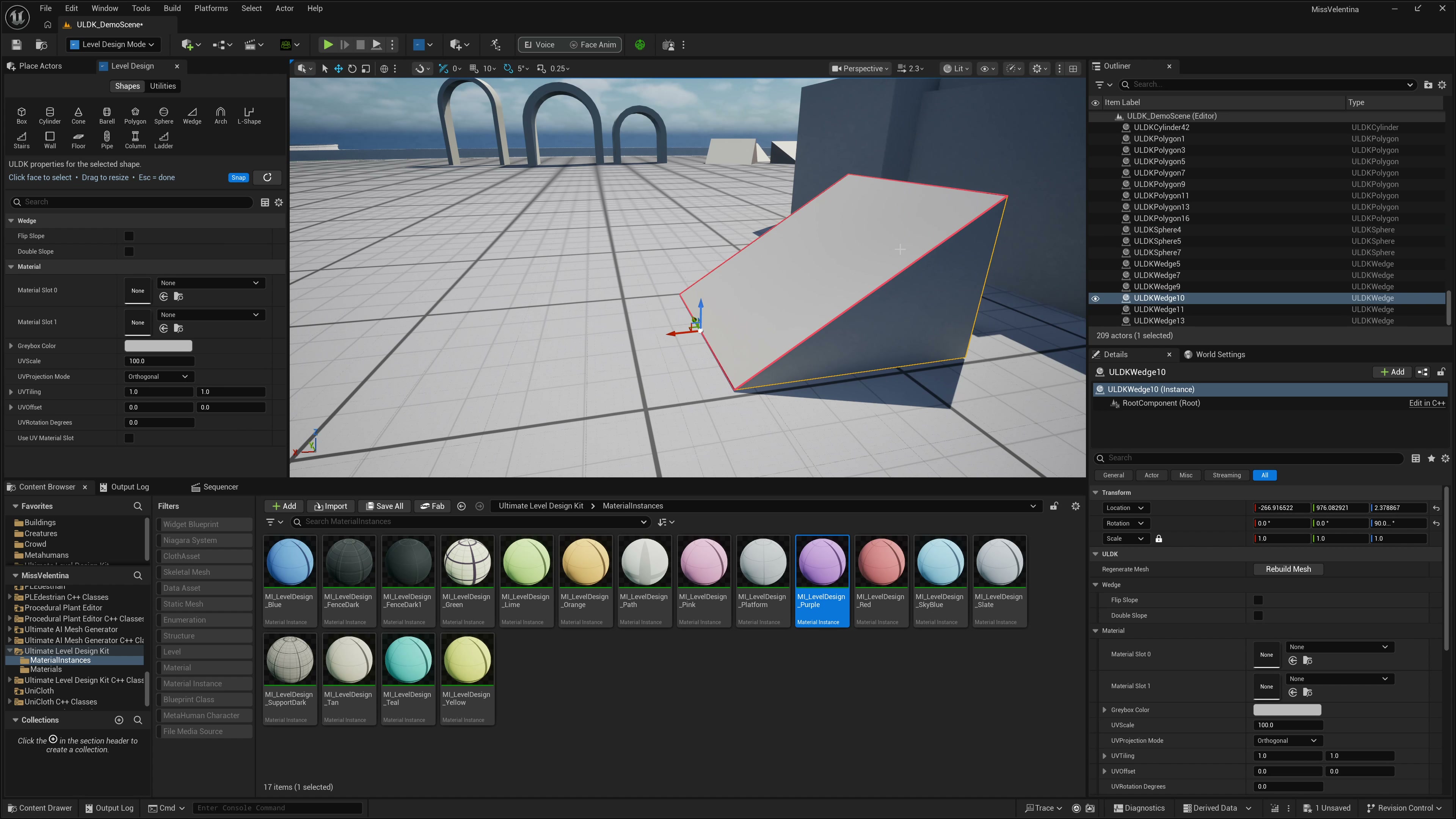
Viewport Placement Workflow
Use the toolkit panel to pick a shape or helper, preview it in the viewport, place it, and keep editing its size and options from the Details panel.
Select image to view full size.
Face Editing for Blockouts
Push, inset, or bevel selectable faces on supported greybox shapes so you can rough in layout details without switching to a modeling package.
Select image to view full size.
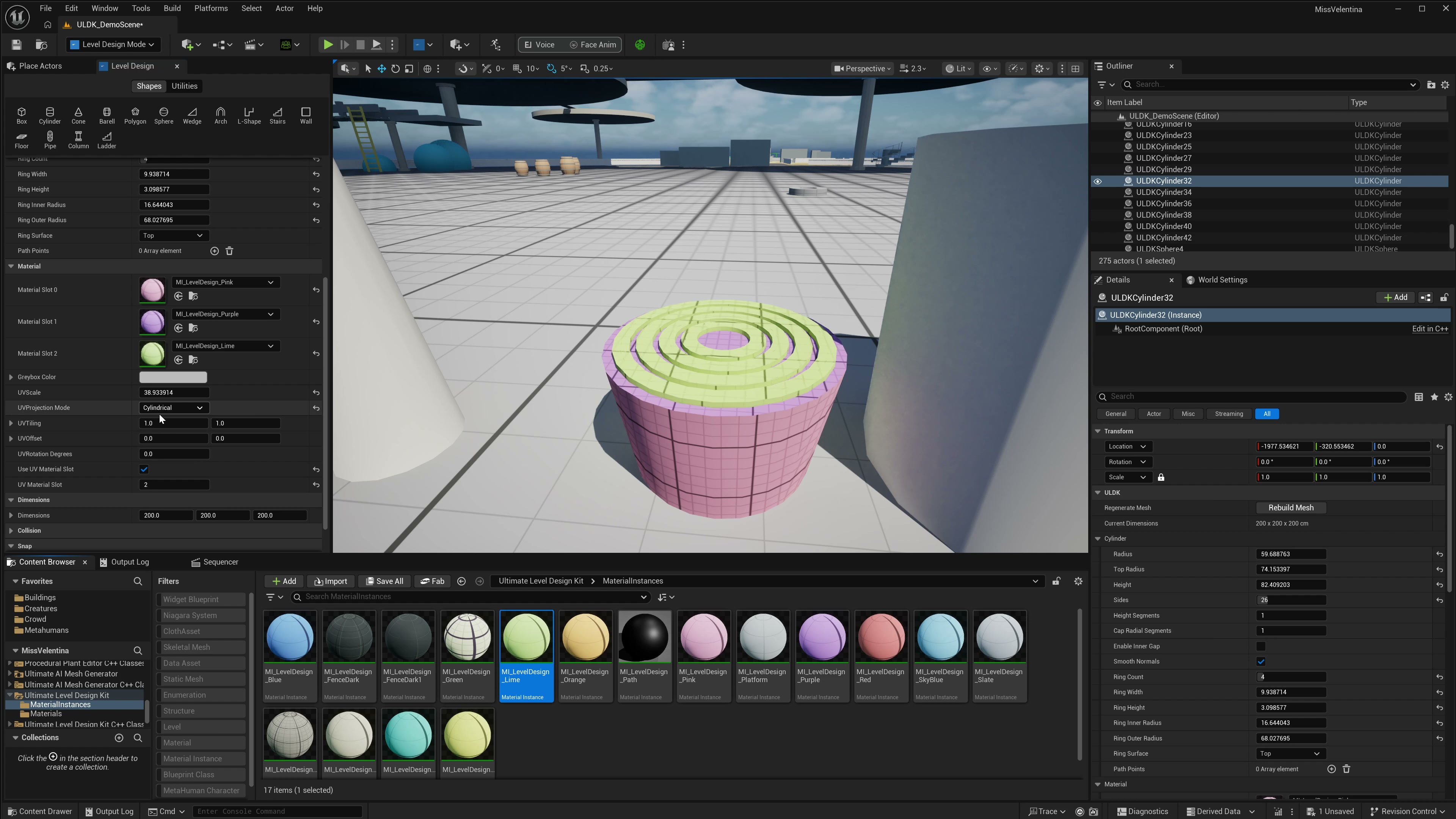
Material Slots and UV Controls
Assign materials to supported surface slots and adjust UV projection, tiling, offset and rotation while inspecting the shape in the viewport.
Select image to view full size.
Measurement and Copy Tools
Measure distances or per-axis offsets while tuning scale and traversal, then duplicate selected source actors with count and transform deltas.
Select image to view full size.
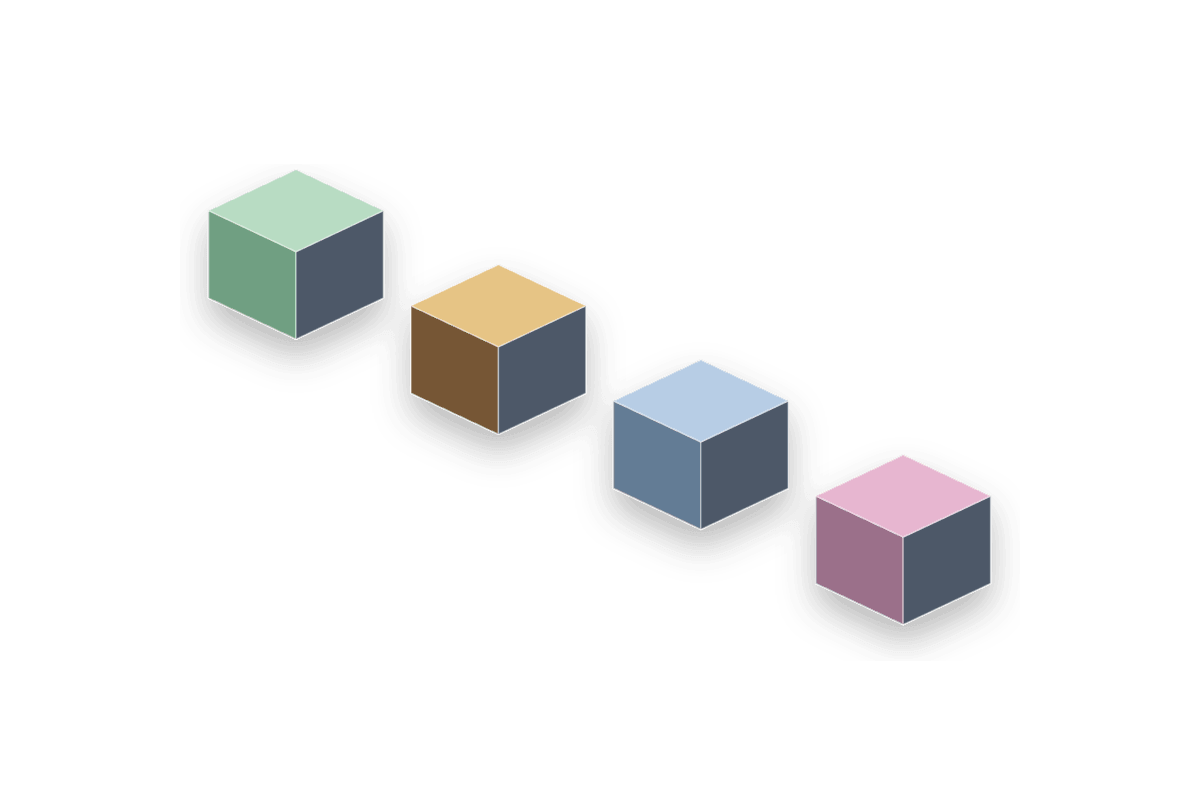
Instance and Text Utilities
Create linked repeated actor output, annotate level intent with 3D text labels, and keep repeated layout work editable from source actors.
Select image to view full size.
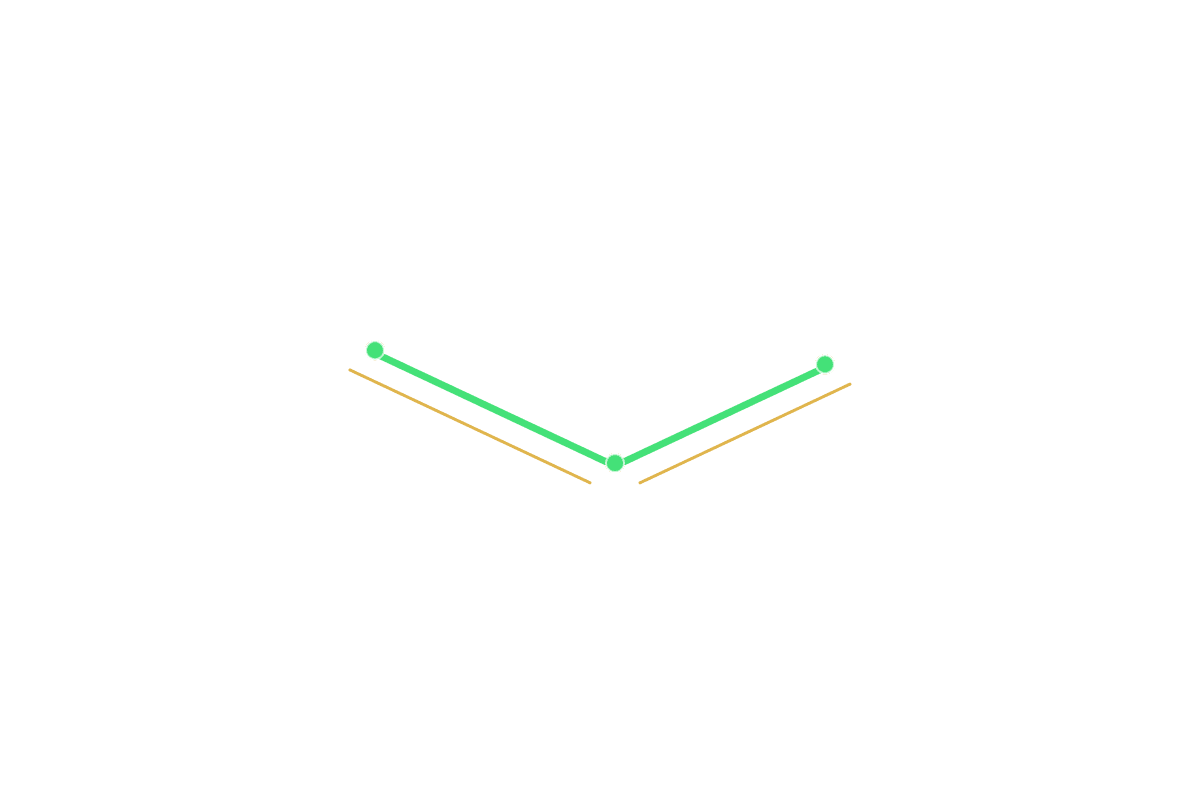
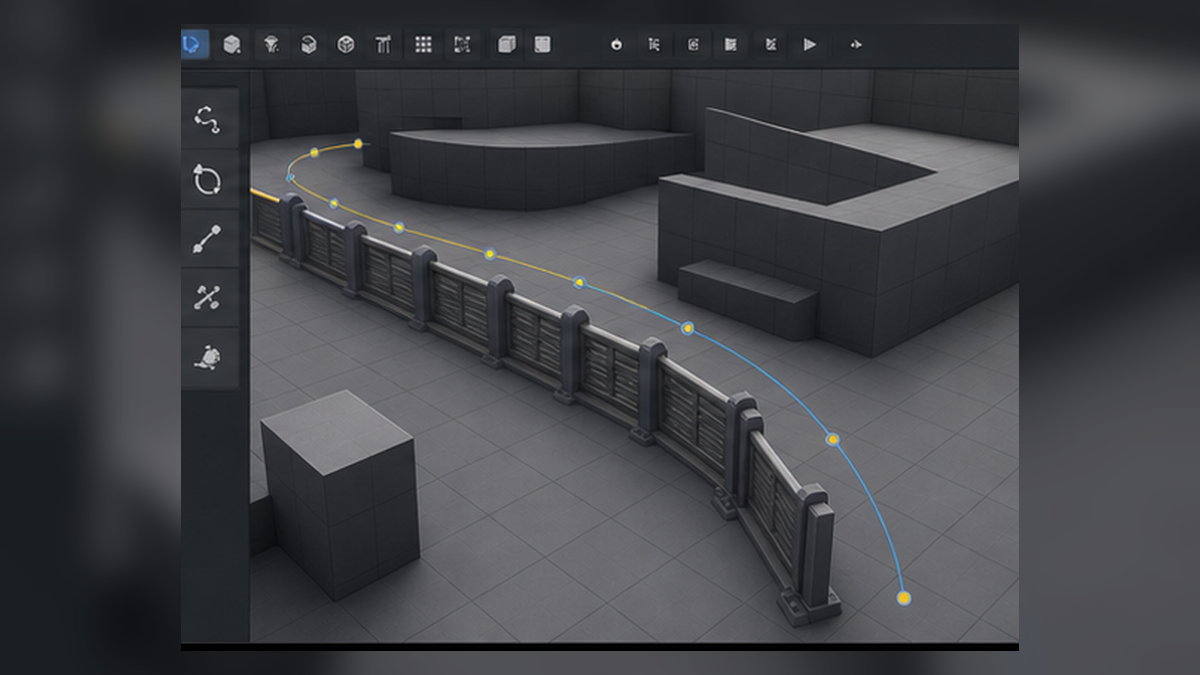
Spline Paths and Actor Placement
Draw paths for roads, fences, spline meshes, pipes, prop runs, or repeated placement. Use fixed spacing, even counts, random distribution, or area fill workflows.
Related Products
More plugins from Athian Games.
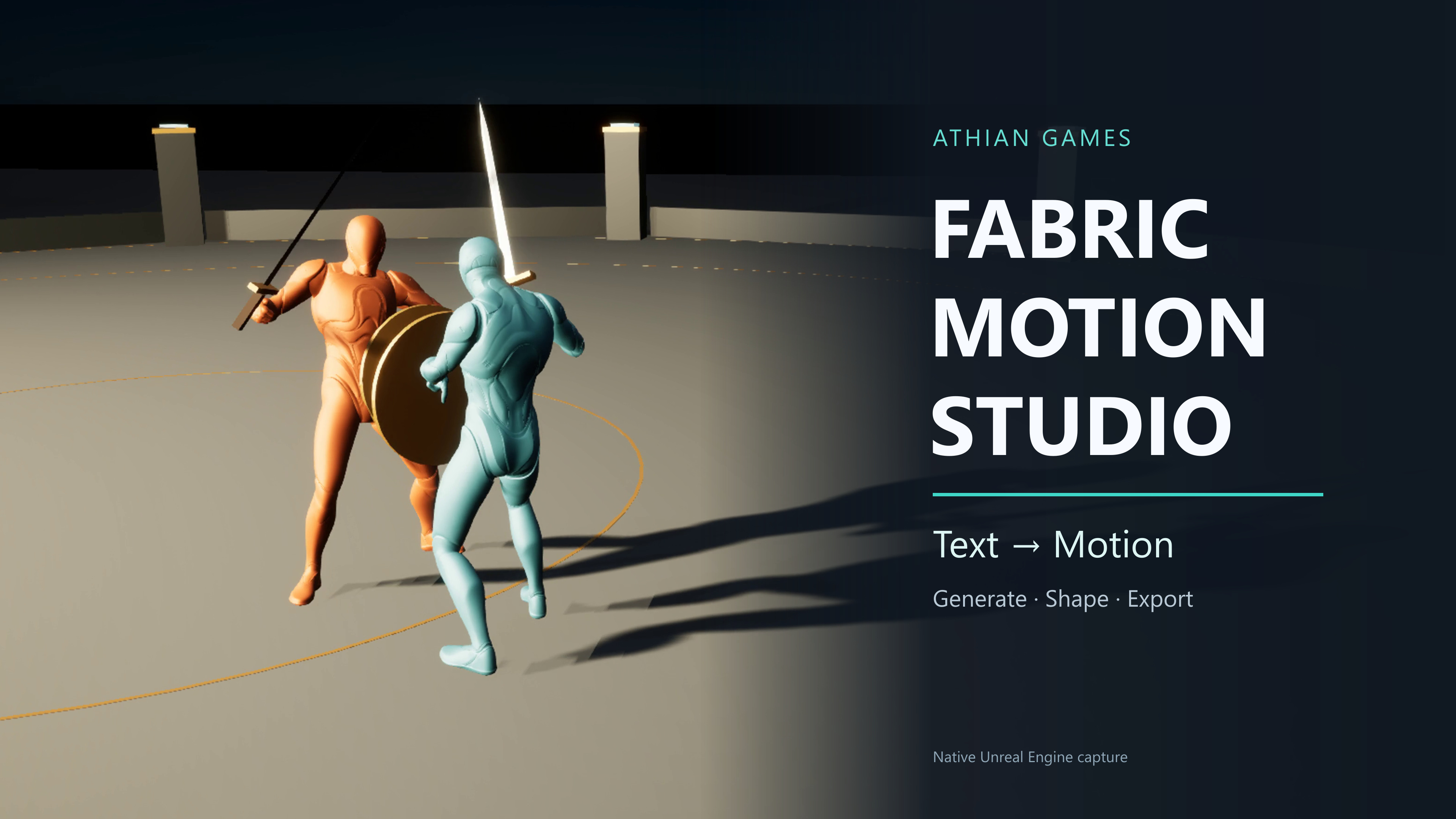
Fabric Motion Studio
Generate motion, shape trajectories and contacts, then export native animation sequences. Explore buffered runtime generation with an offline fallback in the example project.
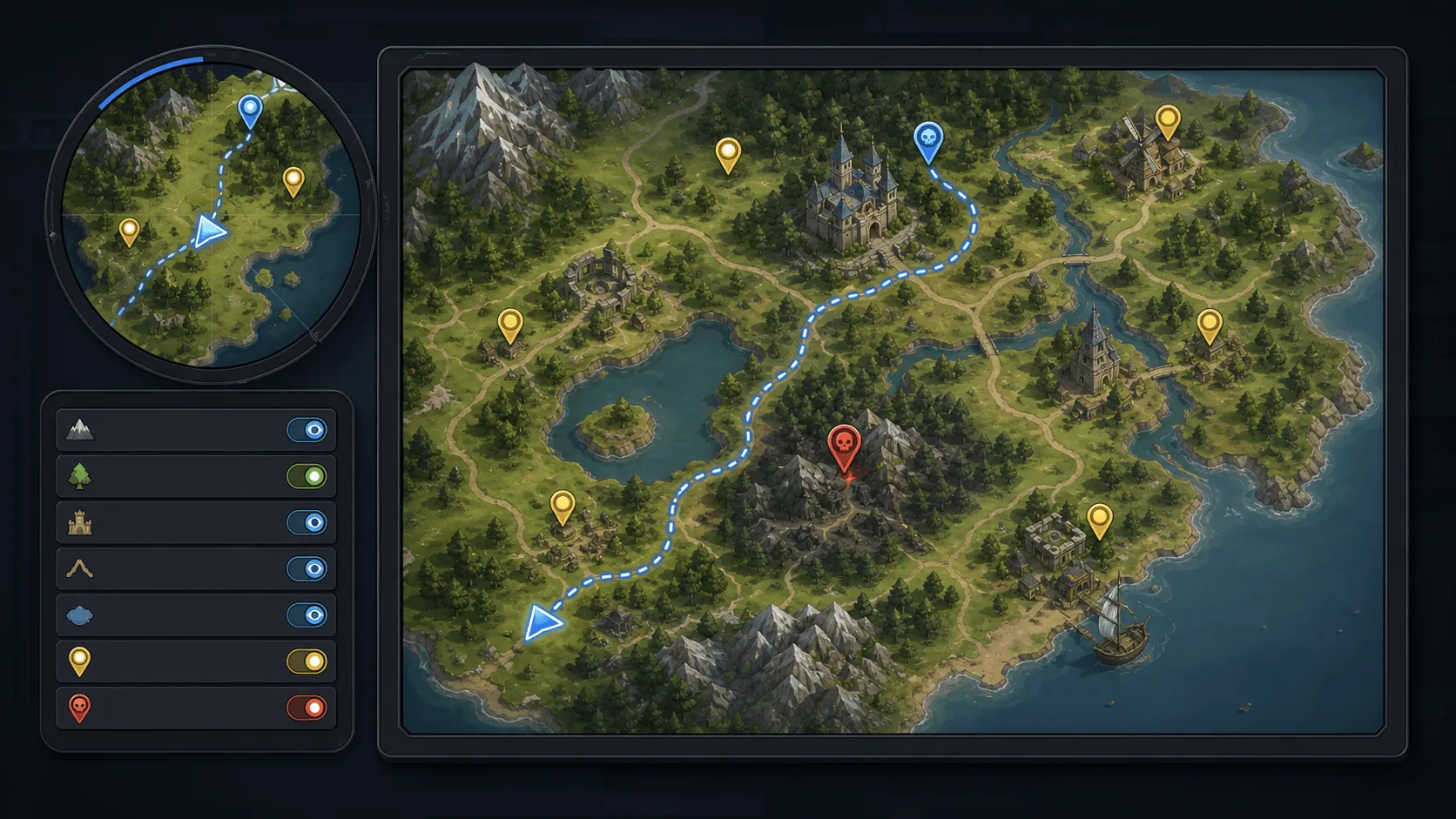
Minimap, Map and Navigation System
Build a fully customized and texture based Minimap, Map and Navigation System for your next big title.
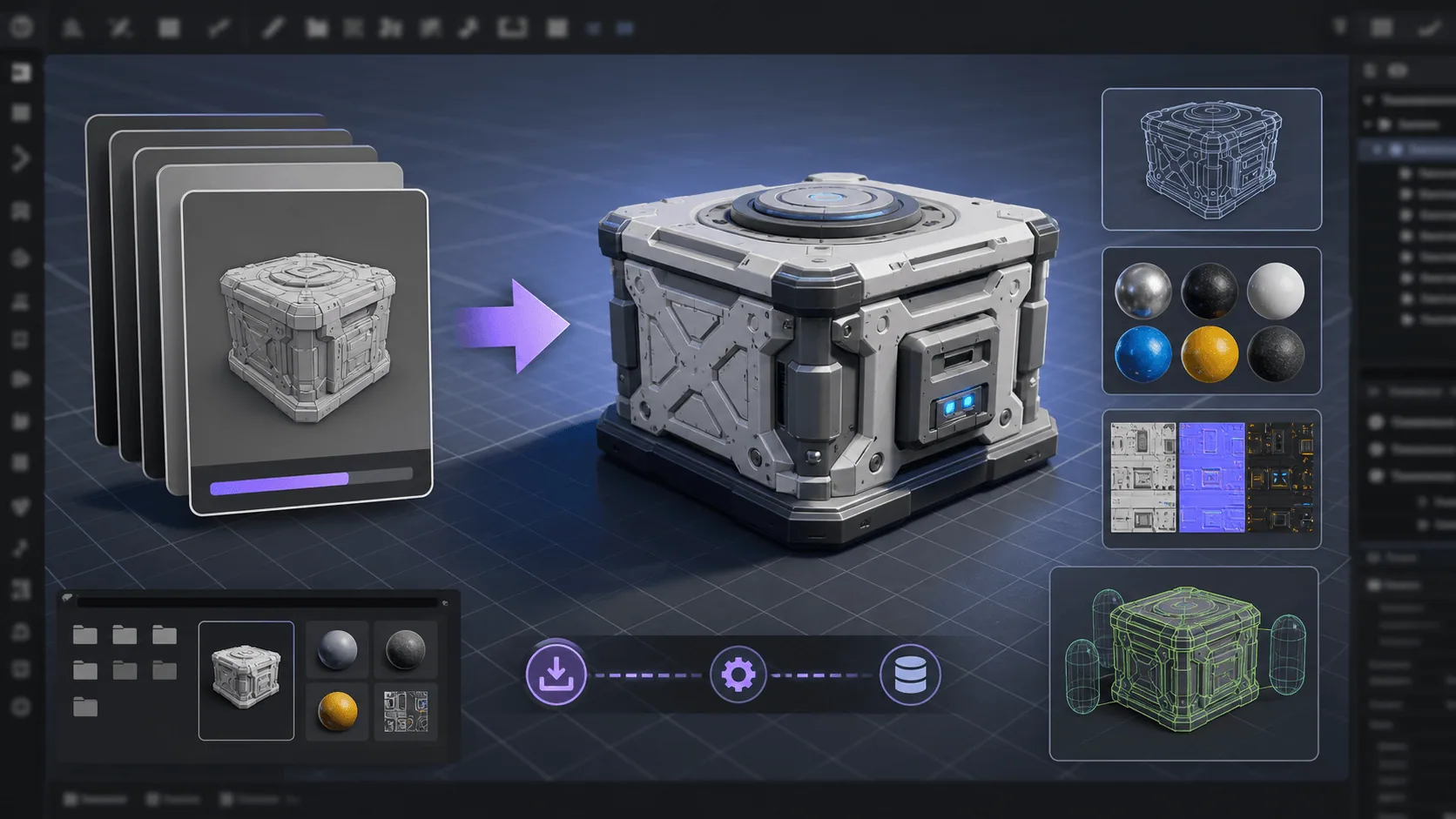
Runtime FBX Import for Unreal Engine
Asynchronously Import FBX files in your Unreal projects, in runtime
Need Help?
Our support team is here to help you get the most out of Ultimate Level Design Kit. Whether you have technical questions, need integration assistance, or want to report an issue, we're ready to assist.