Example project
Download the separate example project. Install the matching Ultimate Level Design Kit plugin separately before opening the project.
What it does
The reference graphics in this manual are illustrations. They are not captures of the Unreal controls.
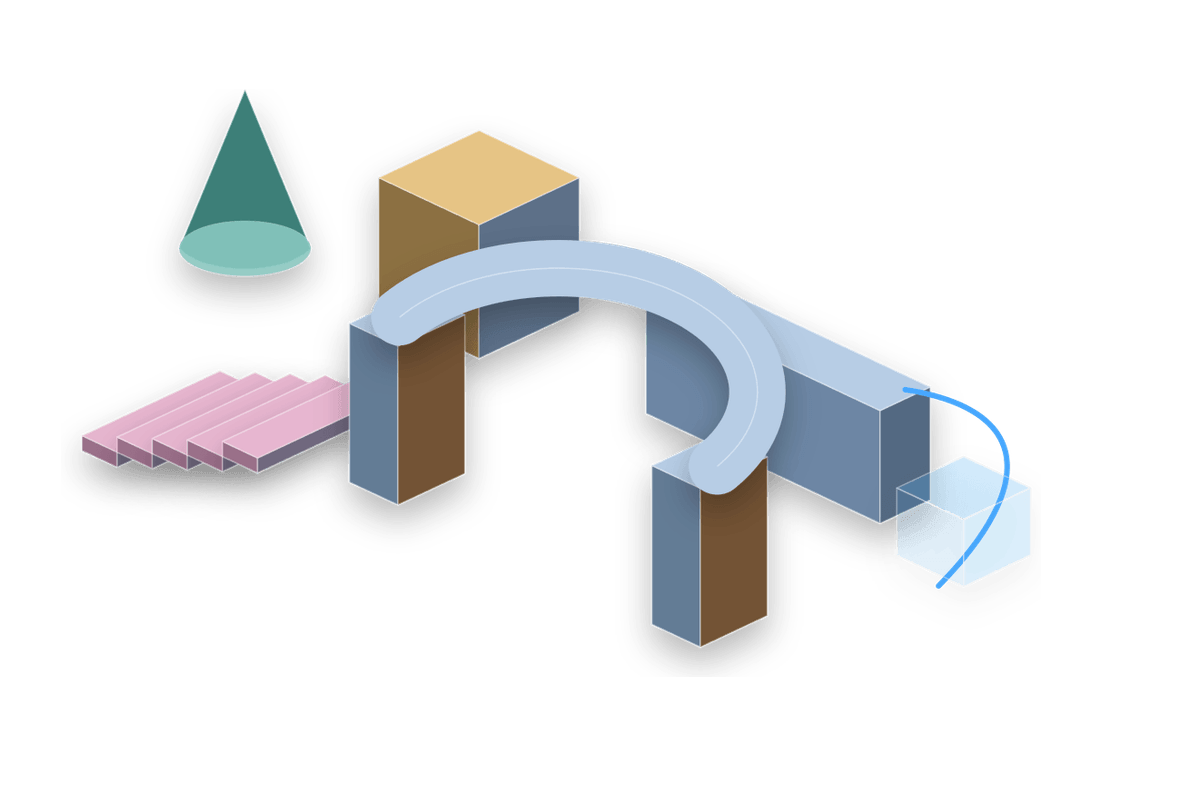
Ultimate Level Design Kit is an Unreal Editor greyboxing toolkit for placing procedural shapes, editing faces, assigning material slots, controlling UVs, measuring space, copying selected actors, and building spline/path layouts without leaving the editor.
The current workflow is viewport-first: select a tool, press Space to enter or freeze the placement preview, adjust values from the editor-mode Details panel, and click in the viewport to place. Recently used tool and tab state are restored when you re-enter the editor mode.
What changed since the previous documentation
| Area | Current behavior |
|---|---|
| Standalone Pipe access | Pipe is available directly from the Shapes toolbar, quick-spawn toolbar, and Place Actors panel with its own radius, length, wall thickness, cap, and material controls. |
| Cone pyramid controls | Cone now exposes Pyramid Amount and Pyramid Sides, so a square or triangular pyramid is discoverable without knowing to manually lower Cone Sides. |
| Preview material | Viz uses the base M_ULDK_VizGhost material directly. There is no separate viz material instance to edit. |
| Material clearing | Clearing Material Slot 0/1 falls back to the ULDK default material instead of keeping a stale custom material. |
| Cylinder rings | Ring Count reveals one Material Slot 2 after slot 1; that slot drives all cap rings and disappears when Ring Count is 0. |
| Cylinder ring surface | Ring Surface chooses Top, Bottom, or Both instead of separate top/bottom booleans. |
| UV slot targeting | Use UV Material Slot lets UV controls affect one generated slot while each slot keeps its own stored UV settings. |
| Smooth normals | Smooth normal controls are intentionally absent. Generated normals are smooth where the shape requires smooth shading. |
| Collision | Default generated shapes use BlockAll and complex collision. Use normal actor/component Details if you need to override collision. |
| Shared setup | The top Setup section is shared by shapes and utilities: Snap toggles ULDK snapping, Snap Size controls the snap distance, and Pivot X/Y controls the normalized pivot. |
| Stair step face selection | Linear, Spiral, Helix, and Circular stairs expose each step top as an individual face-edit surface instead of one coarse staircase top plane. |
| Barrel tinting | Barrel Wood Tint and Hoop Tint update existing material parameters directly during color-wheel edits instead of rebuilding mesh sections or reassigning section materials. |
| Barrel hoop editing | Selected barrels expose individual hoop hit targets in editor mode. Dragging one hoop stores a per-hoop override while the other hoops keep the global settings. |
| Copy and instance | Copy previews all selected sources. Current Instance output creates independent linked level actors: source property edits propagate while instance location and rotation remain independent. |
| Escape behavior | Escape cancels an active preview/tool. After placement, the placed actor is selected for immediate editing. |
| Preview visibility | The preview hides when the mouse is outside the viewport unless the preview has been frozen with Space. |
| Reset | The editor-mode Details panel has a compact reset icon button for resetting selected tool properties to defaults. |
Variant map
| Family | Visible subcategories |
|---|---|
| Stairs | Linear Open, Linear Closed, Linear Box, Spiral/Helix, Circular Platforms, optional side bars and balustrades. |
| Spline Path | Road, Actor Placement, Spline Mesh, Fence, and Pipe modes with Linear, Circular, or Polygonal layouts. |
| Actor Placement | Click, Brush, Grid, and Physics Drop placement with weighted Actor Class or HISM entries. |
| Cylinder and Pipe paths | Cylinder Path Points and Pipe Path Points cover editable multi-segment tube/path forms. |
Main groups
| Group | Tools | Primary use |
|---|---|---|
| Shapes | Box, Wall, Floor, Wedge, Cylinder, Cone, Sphere, Column, Pipe, Arch, Stairs, L-Shape, Polygon, Door, Ladder, Barrel | Blockout geometry, traversal, structural forms, interactable placeholders, props |
| Editor utilities | Editor Mode, Copy Tool, Instance Group, Measure Tool, Text Label | Fast placement, repetition, linked duplicates, notes, measurements |
| Placement and path utilities | Actor Placement, Spline Path | Roads, fences, spline meshes, prop scatter, physics drop piles, point-based layouts |