Create a designed voice
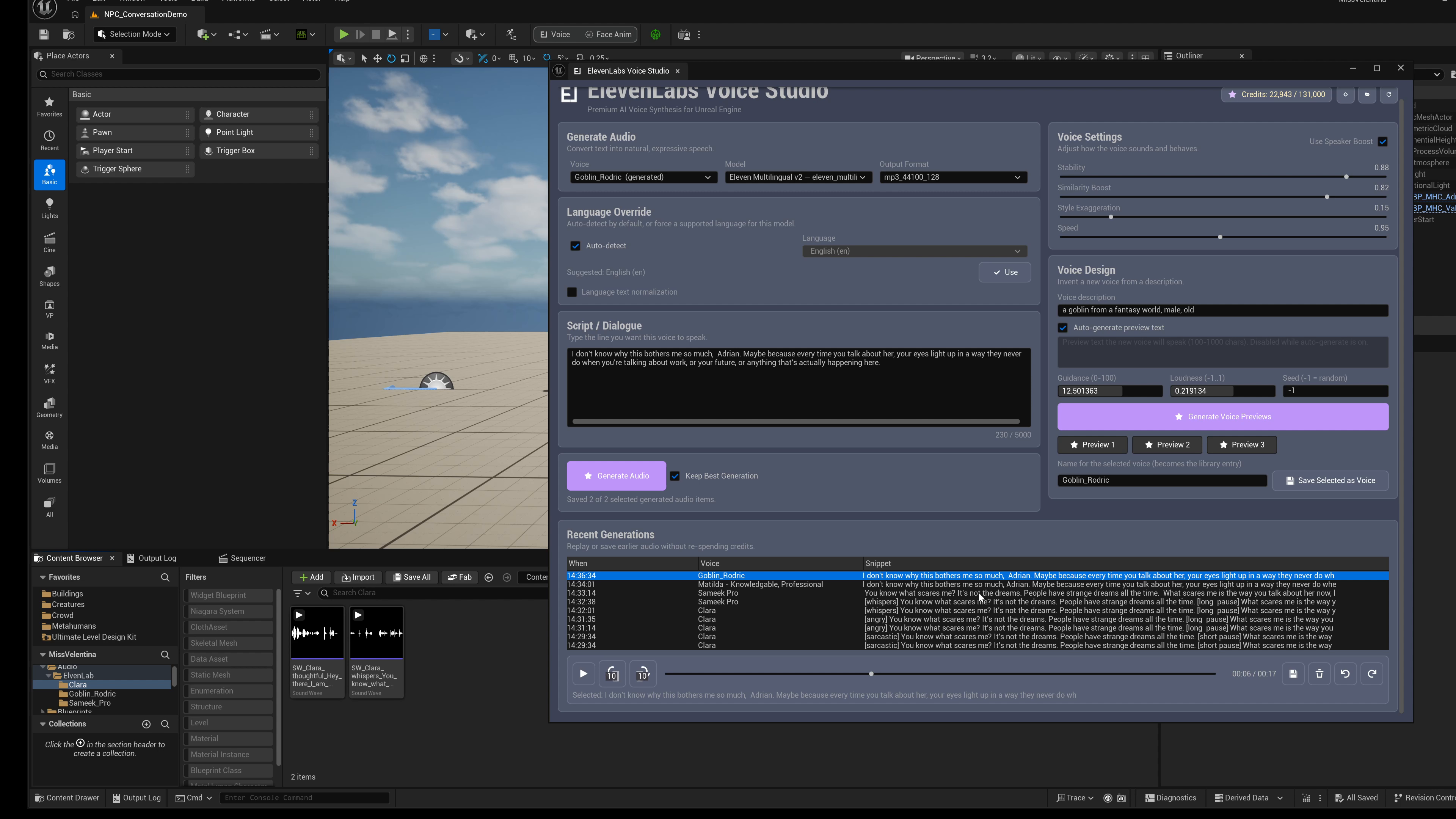
- Open the full Voice Studio panel.
- Find the Voice Design area.
- Describe the voice you want in normal language. The description must contain 20 to 1000 characters.
- Enter sample text that represents the kind of line the character will speak.
- Generate previews.
- Play each preview and choose the best one.
- Give it a name and save it to your voice library.
- Use the refreshed voice list to select it for TTS generation.
Voice design controls
| Control | What it does |
|---|---|
| Description | The natural-language voice direction, from 20 to 1000 characters. |
| Sample Text | The line spoken by the preview samples. |
| Guidance Scale | How strongly the preview should follow your description. |
| Loudness | Target loudness for the generated preview. |
| Seed | -1 leaves the provider seed unspecified. A chosen seed can help compare iterations; it does not guarantee identical provider output. |