ElevenLabs Voice Studio
An editor workflow for ElevenLabs voice generation with Studio, Quick TTS, voice design, SoundWave saving, credit monitoring, and face-animation tools.
Select image to view full size.
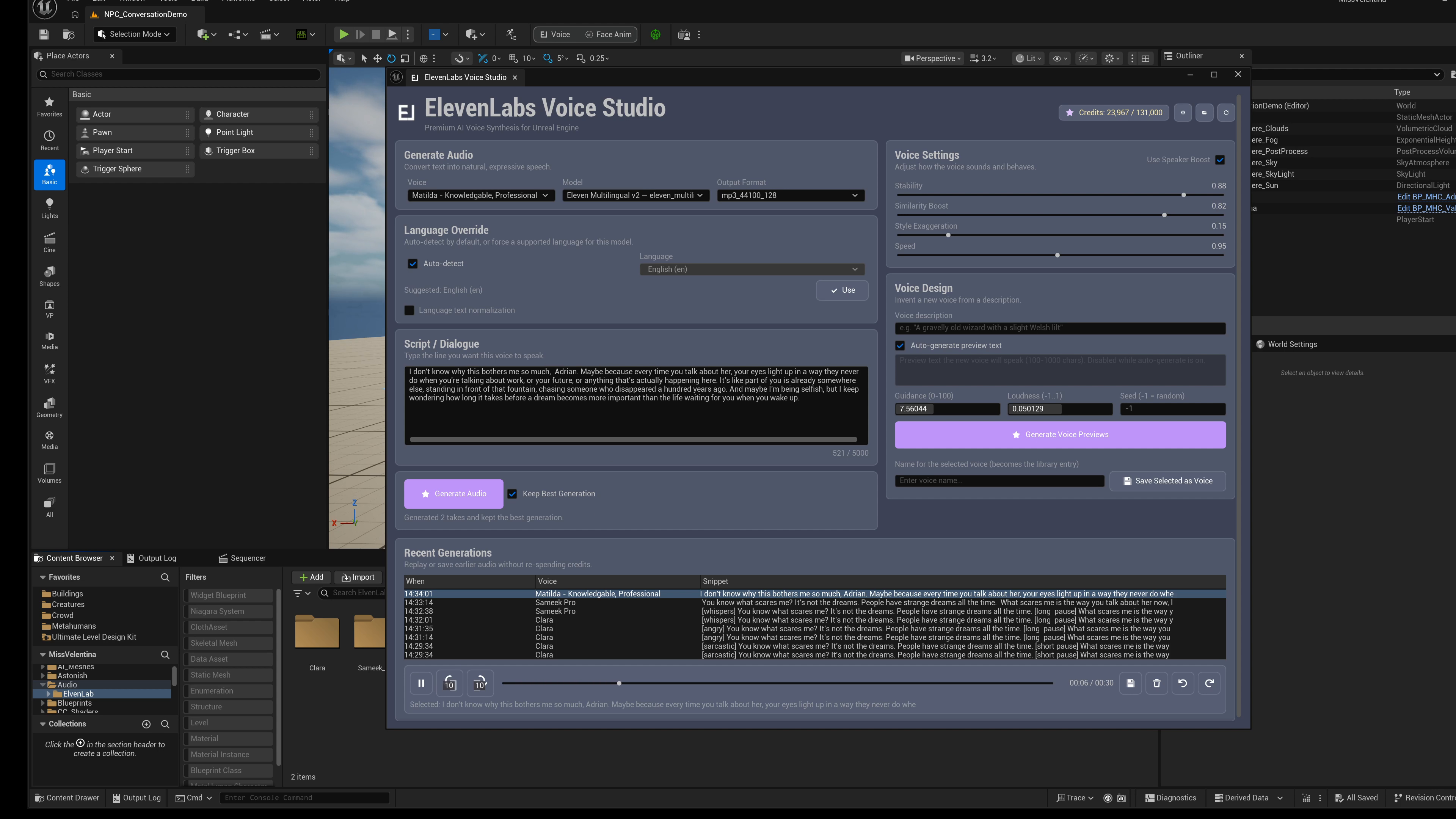
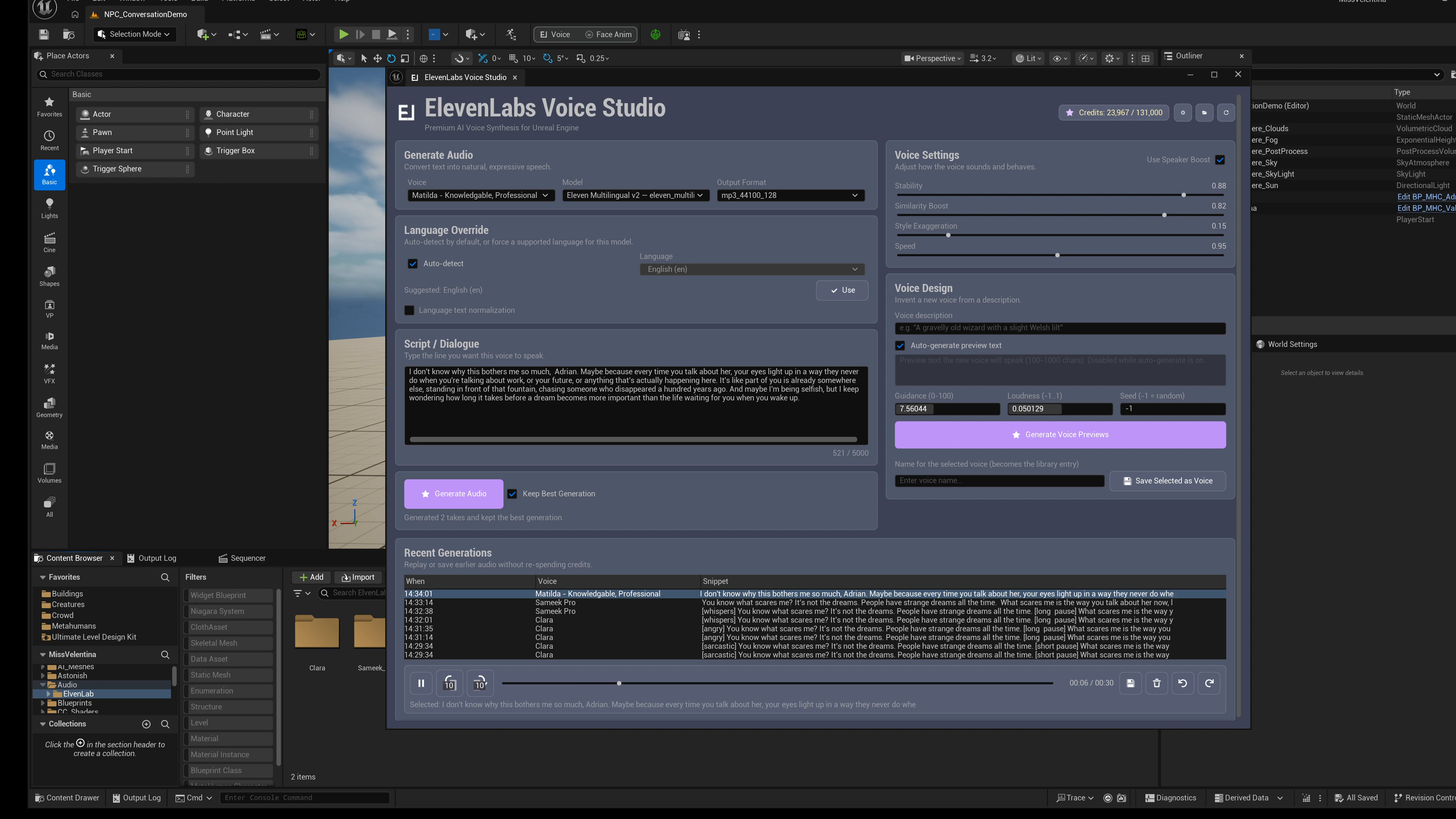
Untouched 4K frames from the June 11 Unreal editor demonstration show the real Studio and Voice Design panels. Open an image at full size to inspect its controls.
Gallery
1 / 2
About This Product
ElevenLabs Voice Studio brings voice generation into the editor so teams can create dialogue, preview it instantly, save it as project audio, and keep production moving without constantly switching tools. The Studio panel gives you voice selection, text input, voice controls, generation history, preview playback, and asset saving. Quick TTS is a compact panel for fast one-line generation. Voice Design lets you describe a new voice, preview samples, and save the result to your account. The included credit meter helps you track usage during a session. For character workflows, the face animation panel can scan saved audio, generate matching facial animation assets, preview them, and help connect audio plus face animation through a Blueprint-friendly persona component. Face animation requires Epic's MetaHuman plugin and a compatible MetaHuman face rig. Speech generation and voice design require your own ElevenLabs account, internet access and API credits. Studio requests two takes per Generate Audio action; Keep Best Generation changes which take is retained, not the number of requests. Quick TTS sends one request per generation action. The credit meter reports usage; it does not impose a spending limit. Generation and importing run in the editor. The runtime component plays saved audio and facial animation assets; it does not generate speech in a packaged game.
Features
Select image to view full size.
Full Voice Studio Panel
Pick a voice, write dialogue and tune delivery. Generate two candidate takes, preview them, save selected audio as SoundWave assets and review session history from one dockable panel.
Quick TTS for Fast Iteration
Choose a voice, paste a line and send one generation request from the compact panel. Preview the result and optionally auto-save it to project audio.
Select image to view full size.
Voice Design Workflow
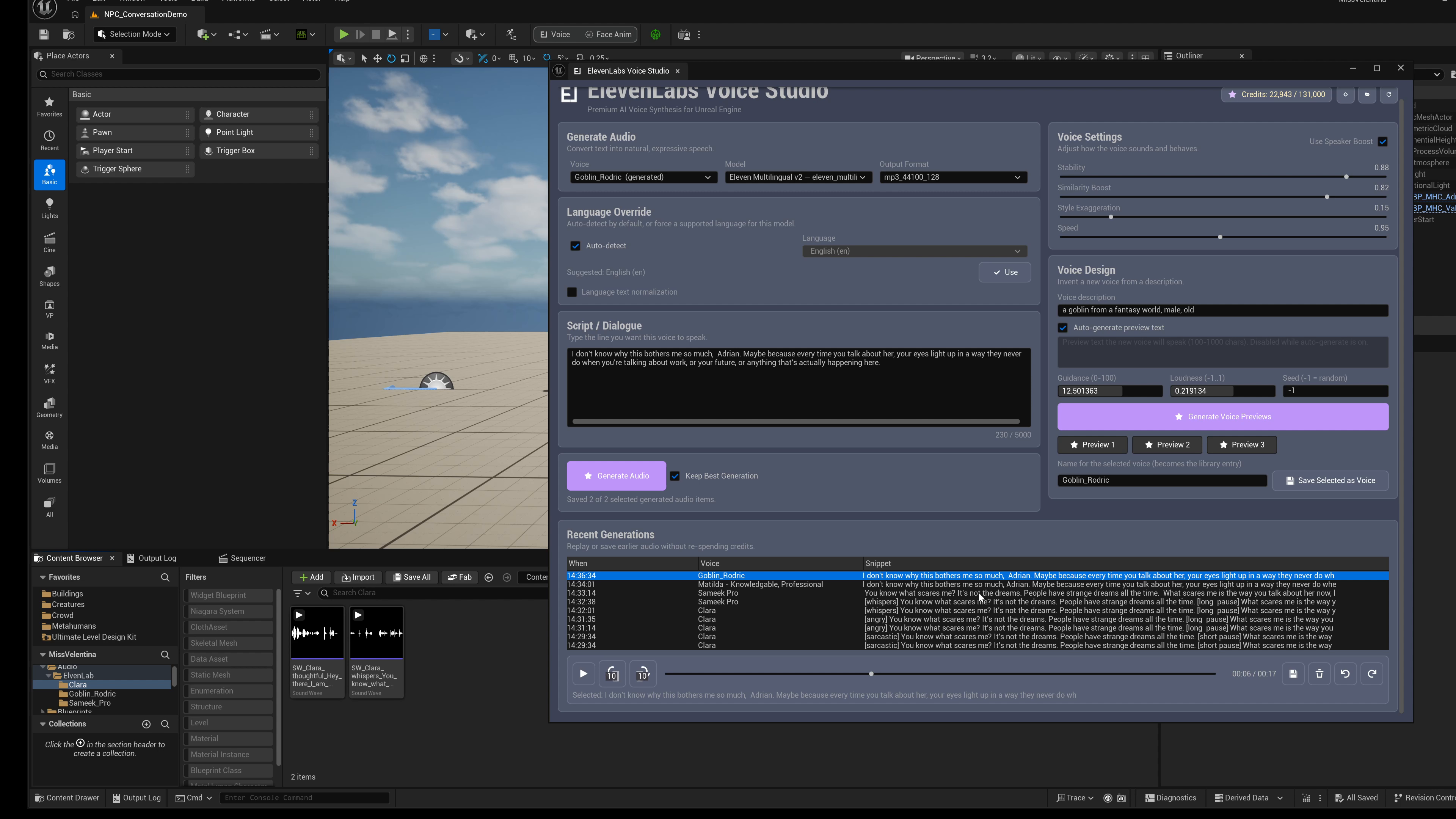
Write a 20-1000 character voice description, generate preview samples, listen to each option, and save the selected voice so it appears in your voice list.
SoundWave Asset Saving
Generated audio can be saved directly into your Content Browser as organized SoundWave assets, ready for cues, dialogue systems, widgets, and Blueprints.
Live Credit Meter
See usage and account status in the panel, with refreshes after generation so voice production stays easier to budget during a session.
Face Animation and Persona Playback
Generate face animation assets from saved audio for a compatible MetaHuman face rig, then play saved audio and its matching facial animation by ID with the included component. Existing animation assets are preserved; choose a new output name when regenerating.
Related Products
More plugins from Athian Games.
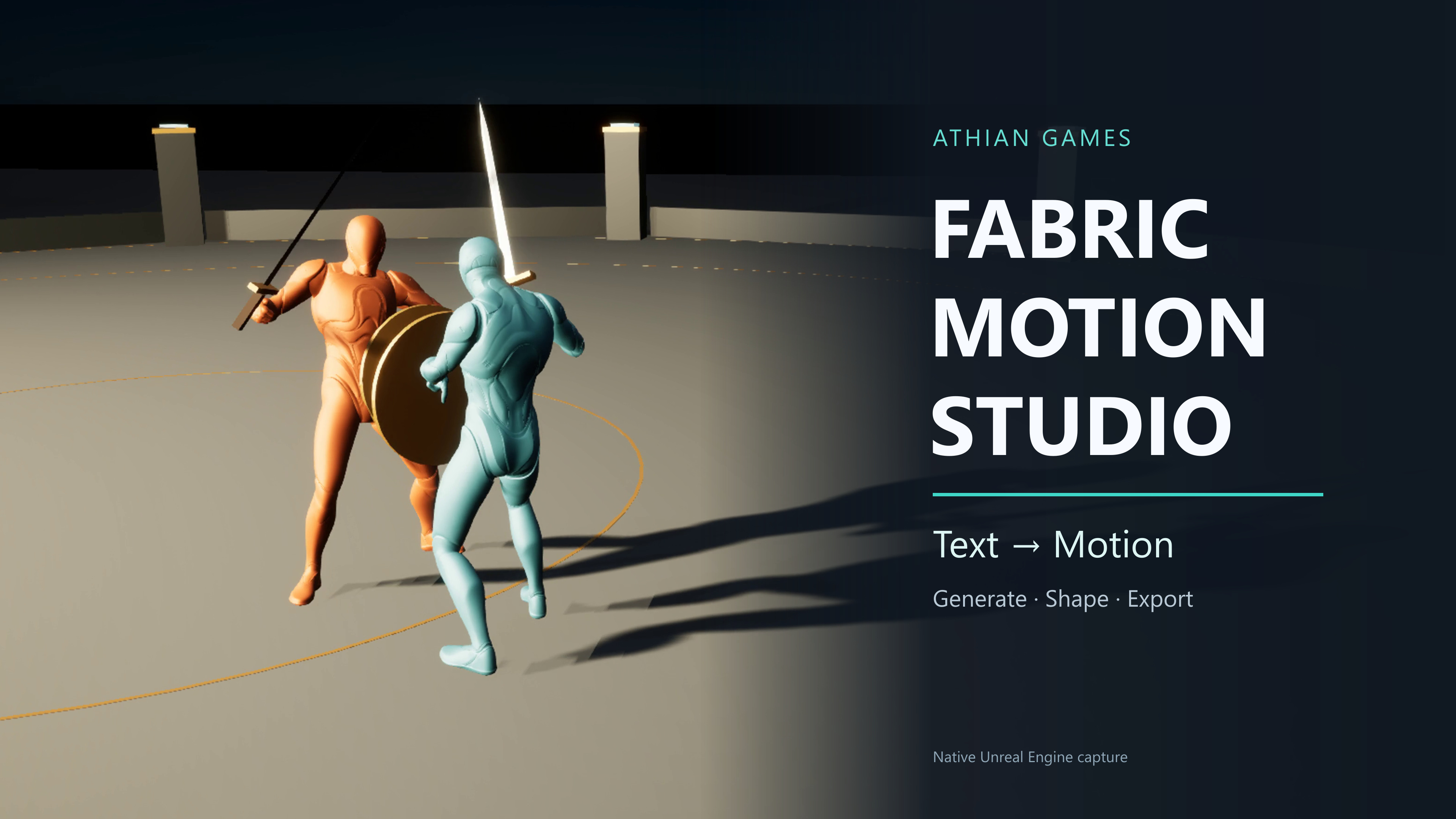
Fabric Motion Studio
Generate motion, shape trajectories and contacts, then export native animation sequences. Explore buffered runtime generation with an offline fallback in the example project.
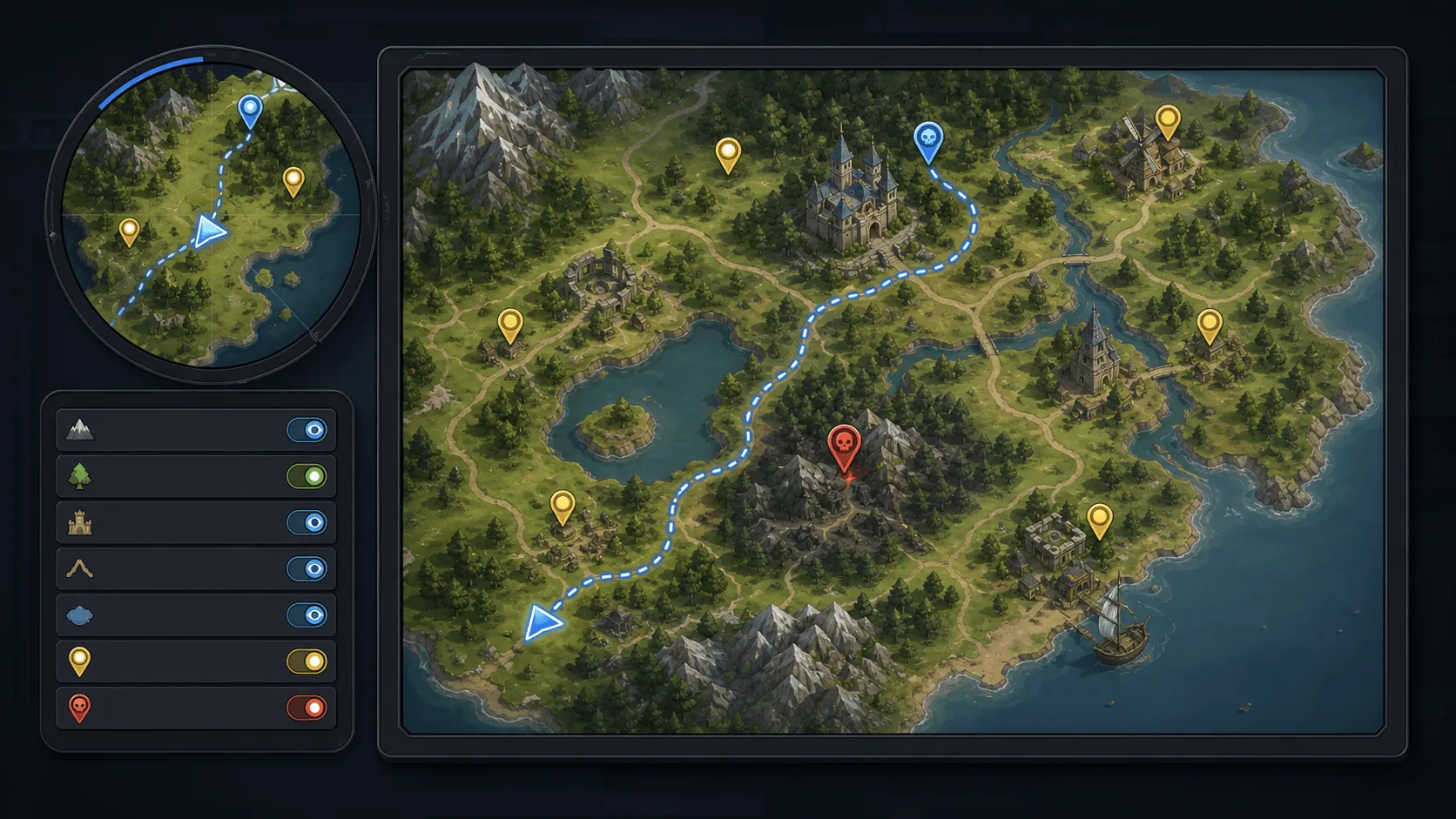
Minimap, Map and Navigation System
Build a fully customized and texture based Minimap, Map and Navigation System for your next big title.
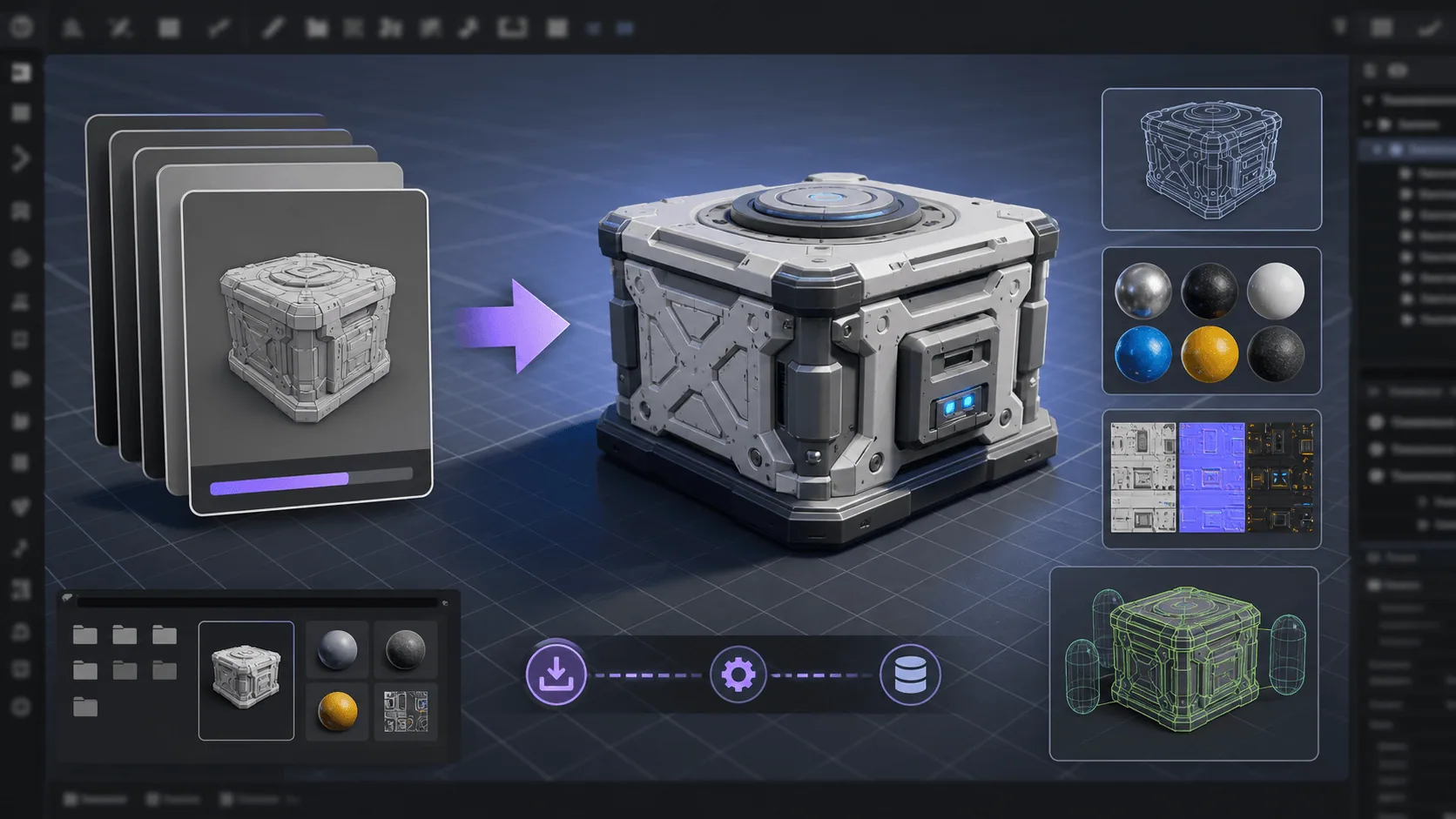
Runtime FBX Import for Unreal Engine
Asynchronously Import FBX files in your Unreal projects, in runtime
Need Help?
Our support team is here to help you get the most out of ElevenLabs Voice Studio. Whether you have technical questions, need integration assistance, or want to report an issue, we're ready to assist.