Set up a radar
- Install Radar System, then enable it in Edit → Plugins. Restart the editor when prompted.
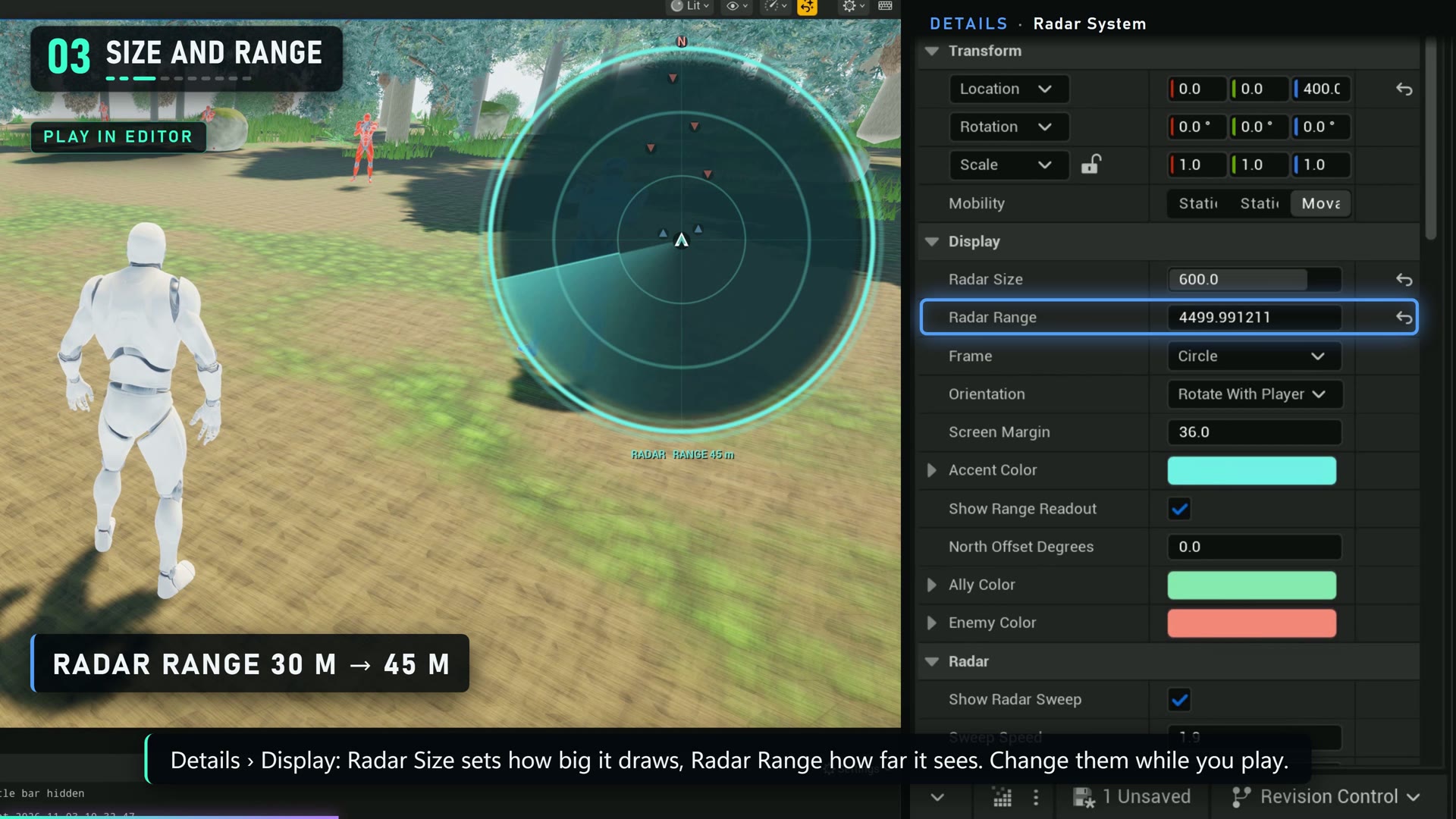
- Place a Radar System actor in your level. Select it to edit the display settings in Details.
- Play the level with a player pawn to see the HUD.
- Open an actor Blueprint and add the Map Marker component. Choose a category, shape and color; compile and play to see the contact.
The example project contains demonstration Blueprints; the plugin must be installed separately when using a plugin-free example download.
If a marker is missing
- Check that Marker Enabled and Show On Radar are enabled on its Map Marker component.
- Check the radar range and the marker's Max Visible Distance. A value of zero means no additional distance limit.
- Check whether the marker's category is visible, and use Clamp To Edge if an out-of-range marker should remain on the rim.