Blueprints
Radar System
A complete radar HUD in one actor: sweep, fading blips, height arrows, proximity alerts and eliminations.
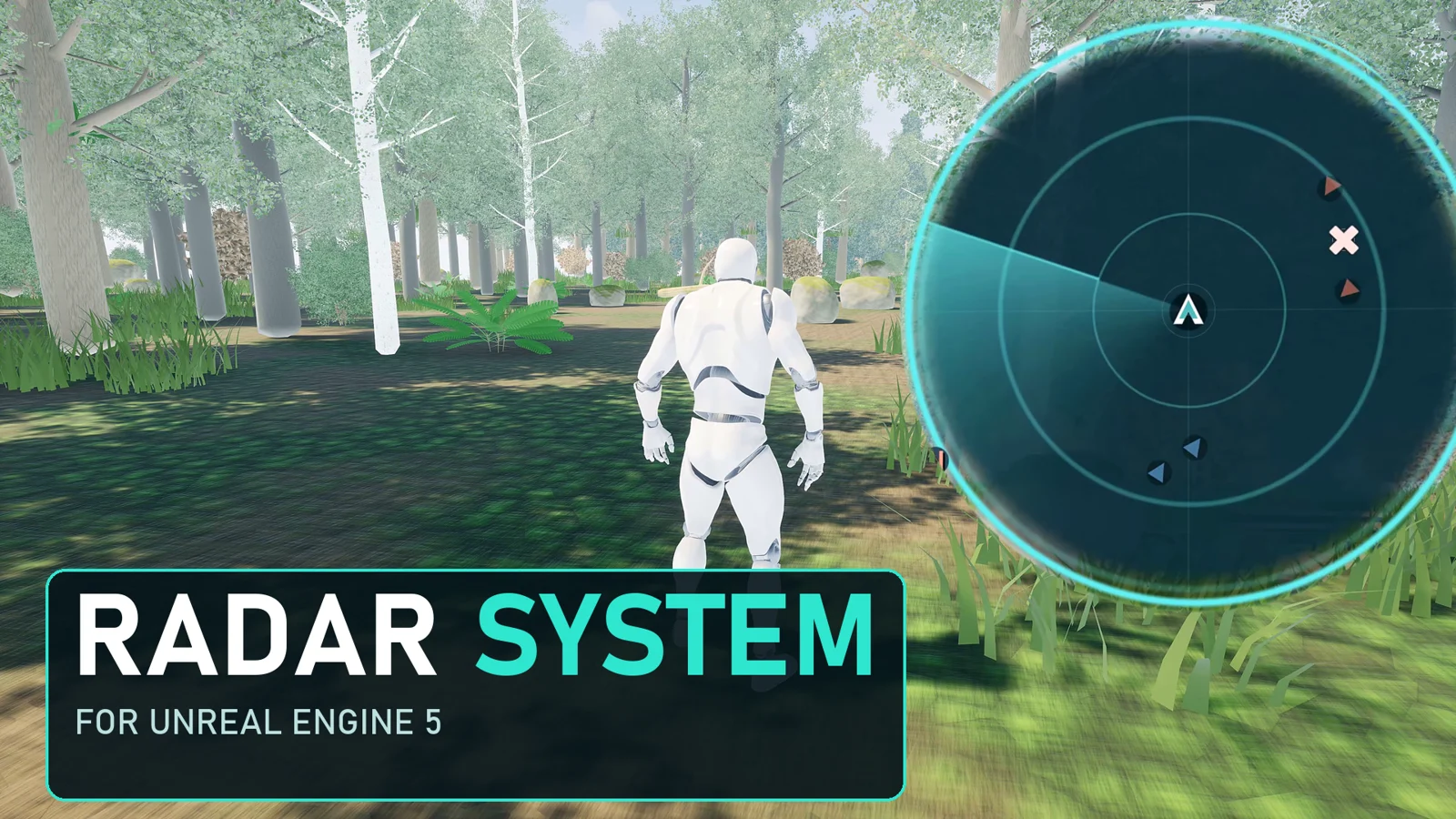
About This Product
Radar System puts a configurable radar HUD in your Unreal Engine game with a single actor. Drop the Radar System actor into a level, add a Map Marker component to any actor you want to track, and press Play. The radar sweeps, fades blips, shows height arrows for contacts above or below you, warns when enemies get close and plays an elimination cross when a contact is removed. Everything can be driven from Blueprint. The plugin installs ready to use from Fab for Unreal Engine 5.7 and 5.8, includes four ready-made marker Blueprints, and comes with a ready-to-open UE 5.8 example project. Minimap, world map and navigation features are part of the separate Minimap, Map and Navigation System product.
Product videos
See it in action
Explore the workflow, follow a tutorial, or watch a demo. Play here or open on YouTube.
Features
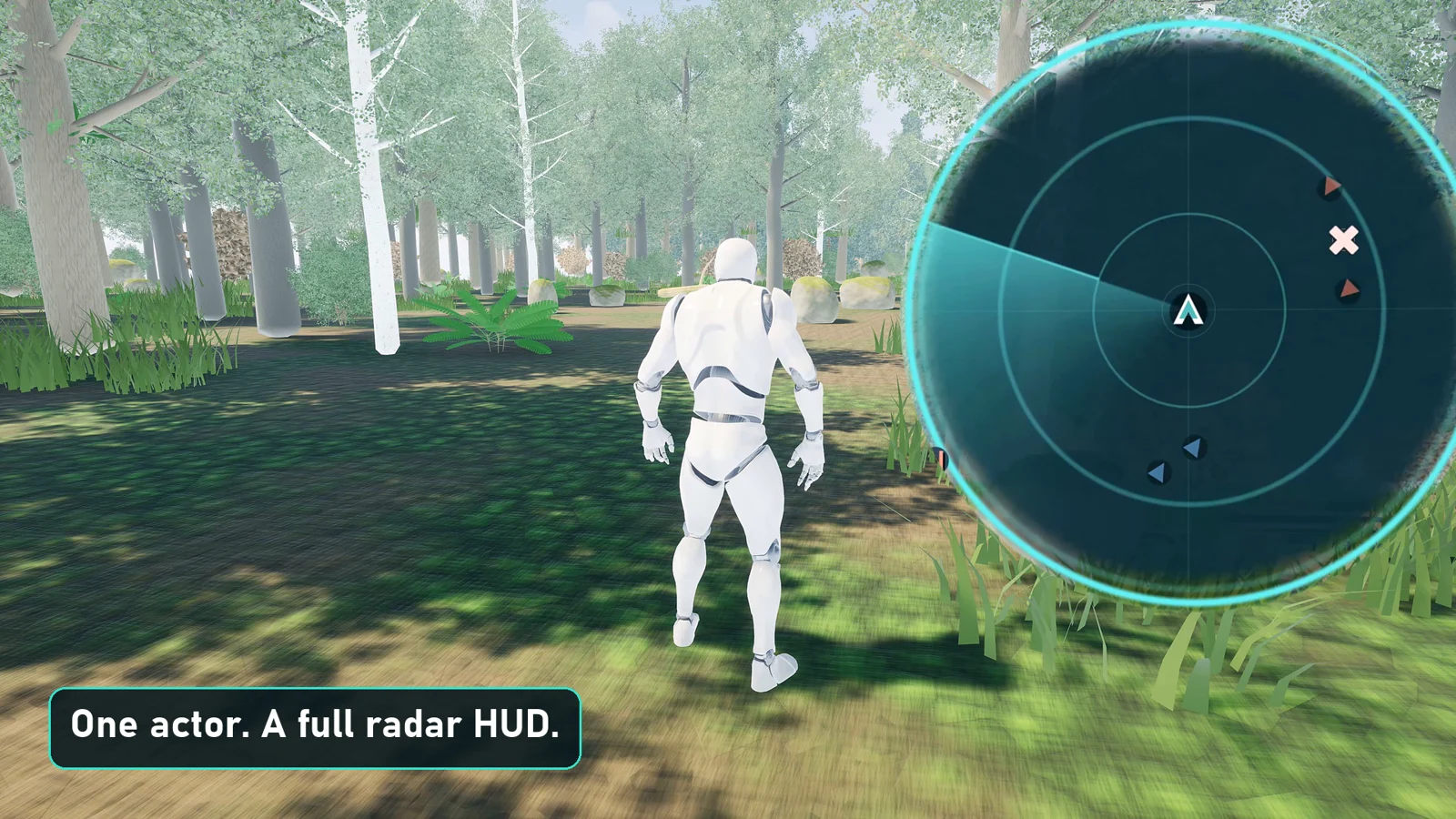
One-Actor Radar HUD
Place the Radar System actor in the level and the radar is created for you, with sweep, rings, range readout and north marker.
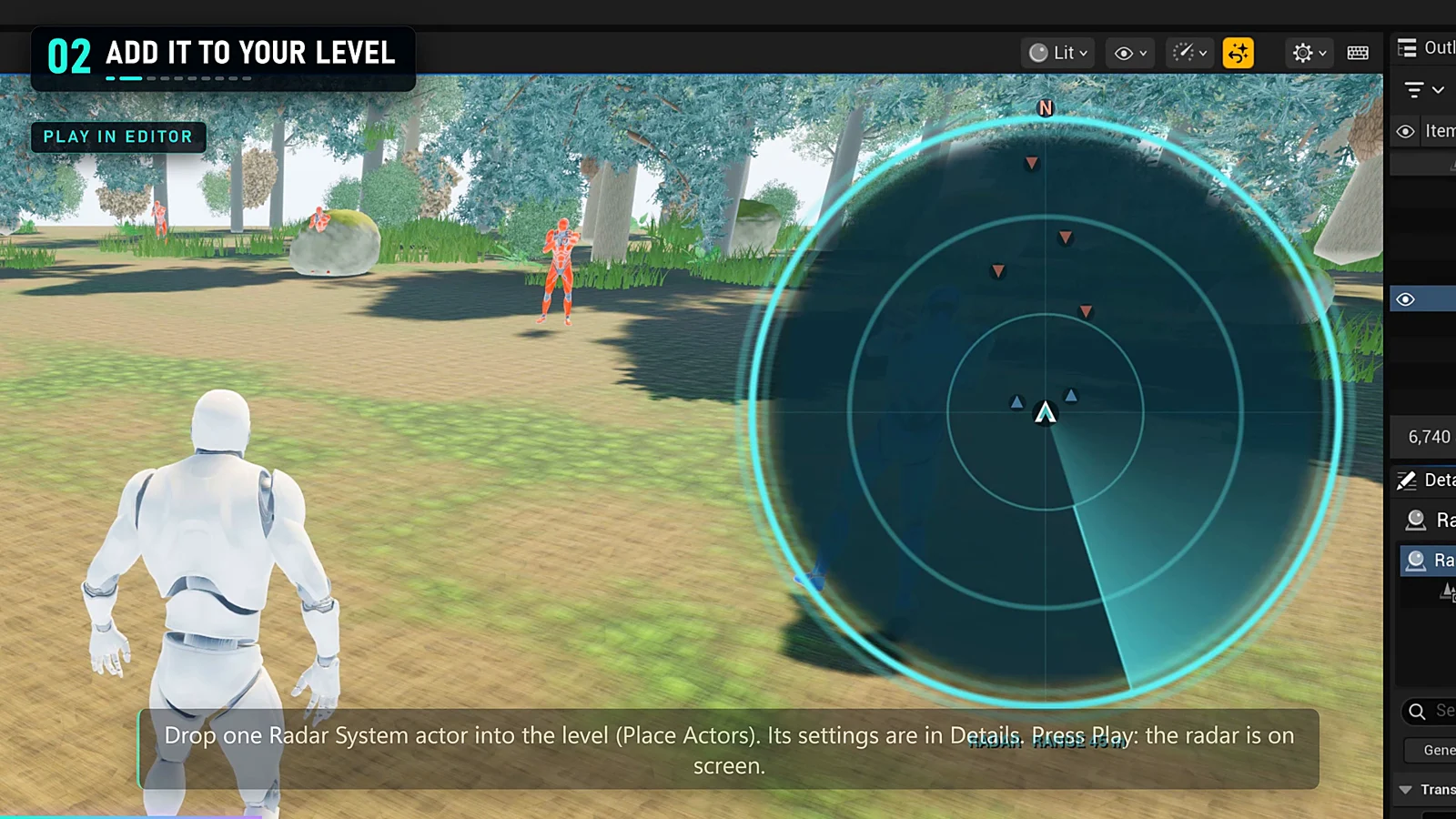
Map Markers and Auto Register
Add a Map Marker component to any actor, or list actor classes to register automatically. Choose category, label, colour, shape and size.
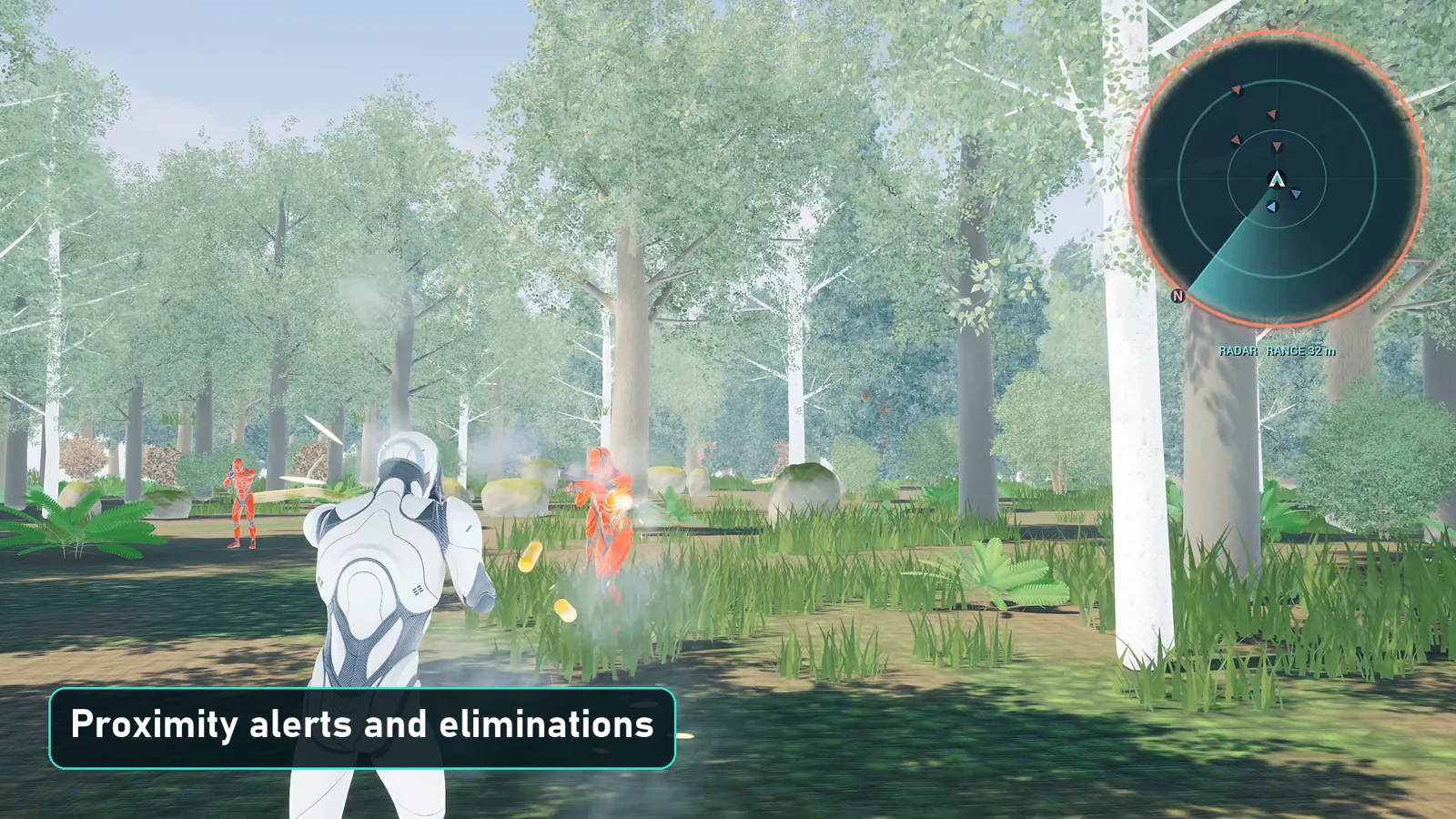
Proximity Alerts and Eliminations
React when an enemy enters the alert radius, and mark contacts eliminated so their blip leaves the radar with a short cross.
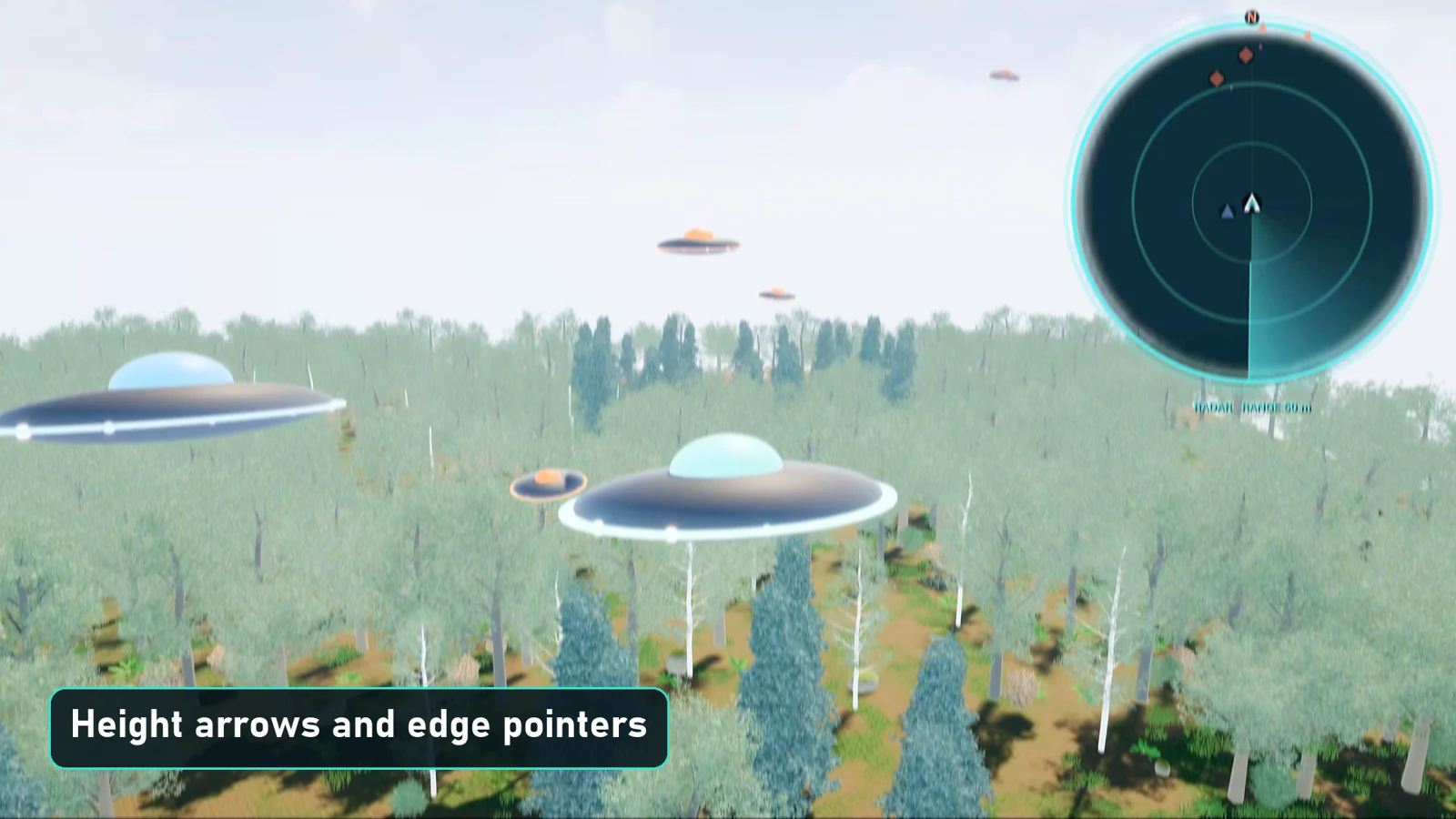
Height Arrows and Edge Pointers
See contacts above or below the player, and pin distant objectives to the rim of the radar as pointers.
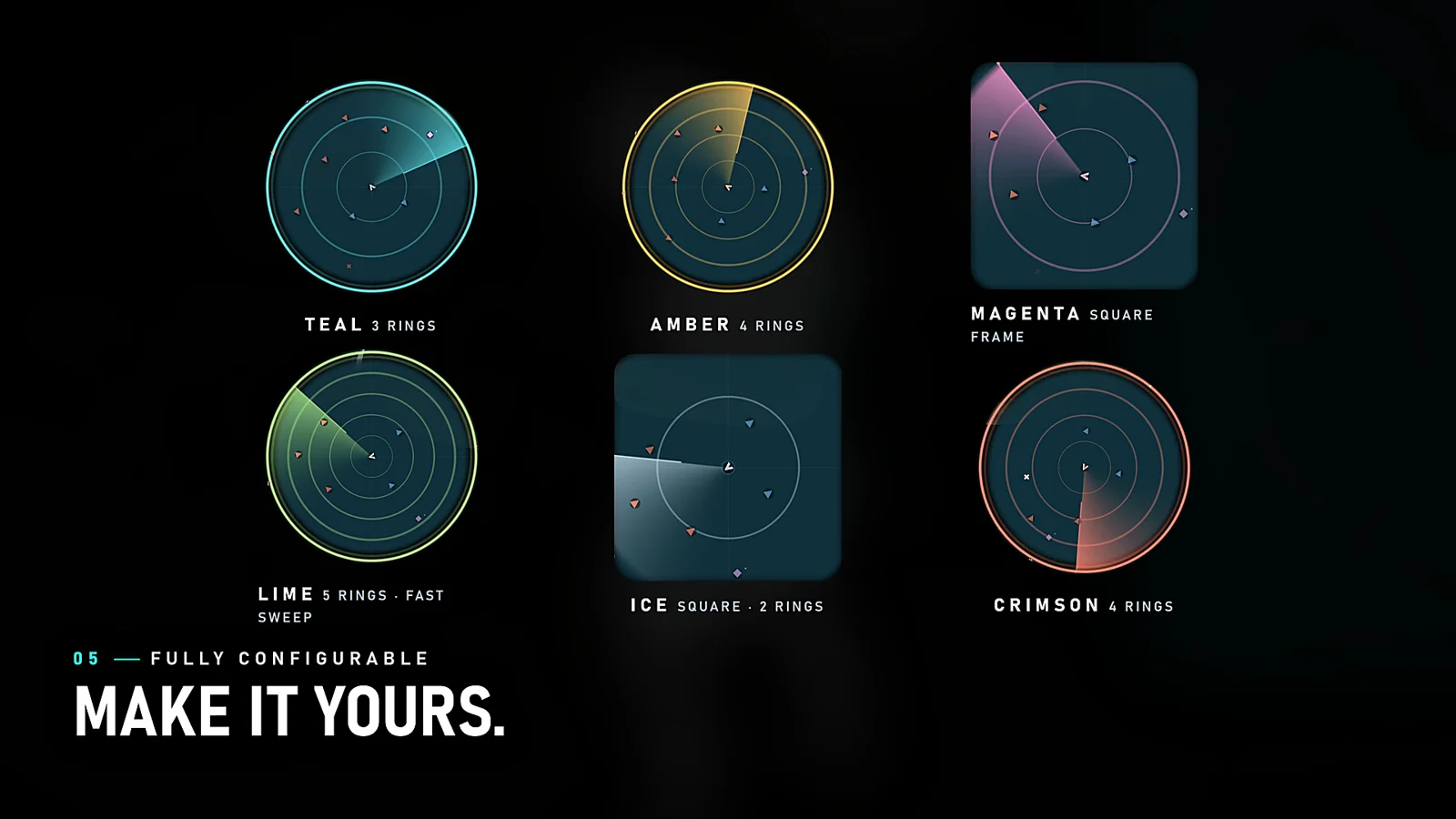
Colours, Frames and Styles
Change accent colour, circle or square frame, ring count, sweep speed and range in the Details panel, even while playing.
Need Help?
Our support team is here to help you get the most out of Radar System. Whether you have technical questions, need integration assistance, or want to report an issue, we're ready to assist.