Back to Products
Mesh To Groom Converter
Convert a sculpted wig or hair-card mesh into a Groom asset, bind it to a skeletal / MetaHuman face, and preview, style, and hand-groom it in a standalone editor - no Alembic cache required.
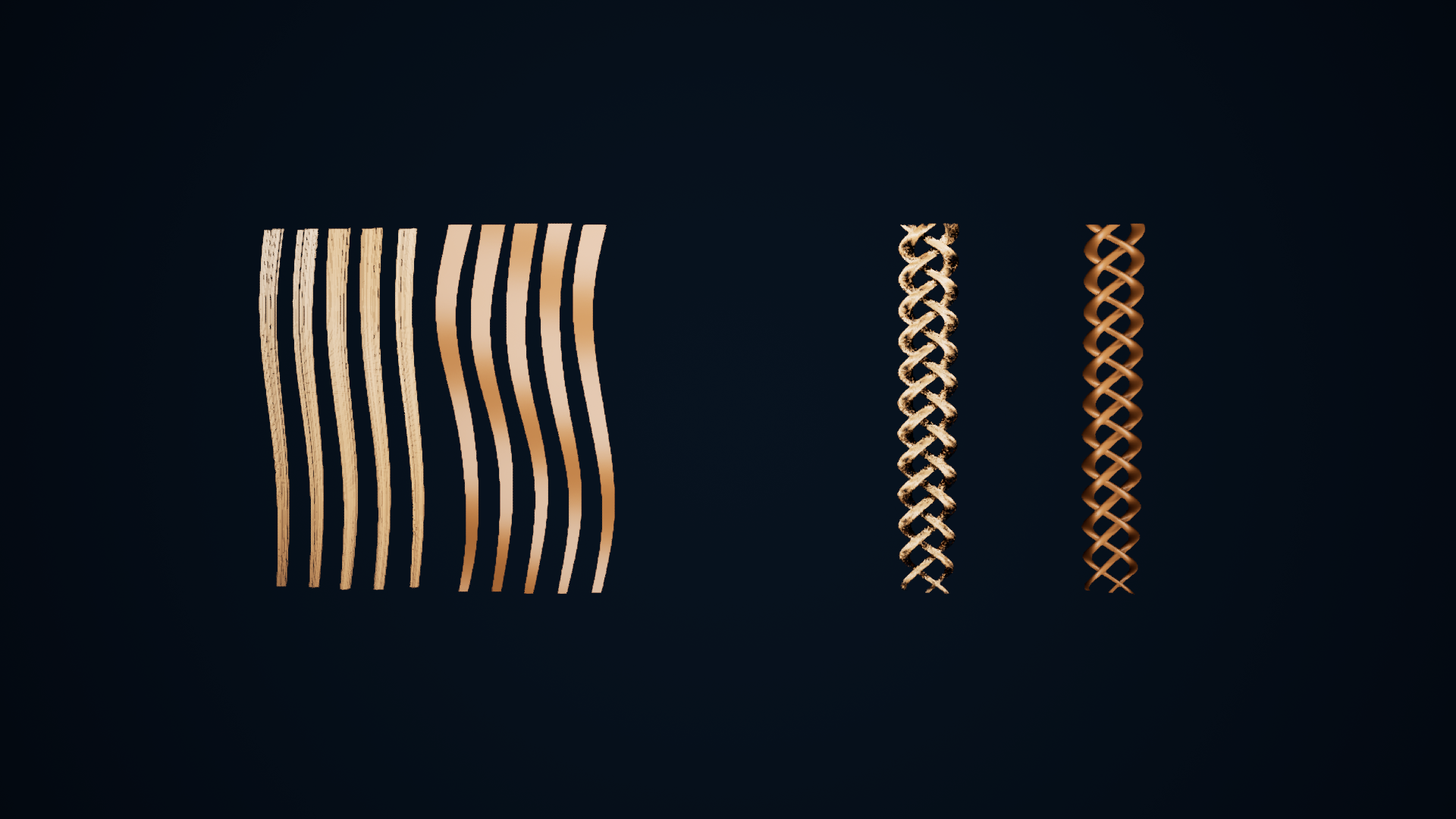
Native Unreal captures compare converted Grooms with original ribbon and braid source meshes. Inspect strand coverage, crossings and visible conversion limits at full size.
Gallery

1 / 3
About This Product
Mesh To Groom Converter turns a hair mesh into a real strand Groom. Import a sculpted wig (Tripo, ZBrush, Blender) or hair cards, open the Mesh To Groom editor, and trace geodesic flow or card centre-lines into strands that Unreal's groom system can simulate, LOD, and bind. Each enabled layer owns its hair groups on the saved groom, with its own meshes, conversion, style, appearance, physics, and replayable brush strokes. Save Groom writes the UGroomAsset and, when a target skeletal mesh is set, rebuilds the UGroomBindingAsset in place so a re-groom never leaves a _Binding1 behind while the character still points at the first bind. Conversion sliders cover strand count, roots, hidden-surface cull, clump, curl, frizz, colour transfer from the mesh texture, and hair physics. Eight viewport brushes (Select, Comb, Grab, Smooth, Cut, Puff, Clump, Noise) record a stroke list that replays after every rebuild, so you can keep raising Strand Count without losing the part you combed. The comparison images show the actual source mesh and converted strands. Shape and coverage depend on source topology and conversion settings; expect to inspect the result from several angles and tune it for your mesh. The plugin ships its editor and runtime code. The separate editable example contains original ribbon and braid geometry exercises; it is not a hairstyle or character library. Hair-card LOD generation uses the experimental engine Hair Card Generator and is still being verified for this release.
Features
Standalone Mesh To Groom Editor
Live viewport, Details, Layers panel, and eight viewport brushes. Create the asset under Create Advanced Asset > Physics > Other, next to Groom Asset.
Edit Hair in Independent Layers
Keep crown, fringe, and braid edits independent. Each enabled layer owns its hair groups, conversion, style, colour, physics, and strokes. Hide affects preview; Enabled controls saved output.
Surface Flow and Card Centerline
Surface Flow traces geodesic flow on sculpted wigs, with root-band and detached-shell rescue for ponytails and buns. Card Centerline converts ribbon / card hair.
In-Place Groom Binding
Save Groom writes the groom and rebuilds the binding in place, so re-grooms never leave a _BindingN while the character still points at the first bind.
Style, Colour, and Brushes
Clump, curl, frizz, length/width taper, and colour transfer from the mesh texture. Comb, Grab, Smooth, Cut, Puff, Clump, and Noise record strokes that survive rebuilds.
Physics and Motion Preview
Enable Simulation is written into the saved groom by default. Preview the result against a skeletal body and animation before saving.
Related Products
More plugins from Athian Games.
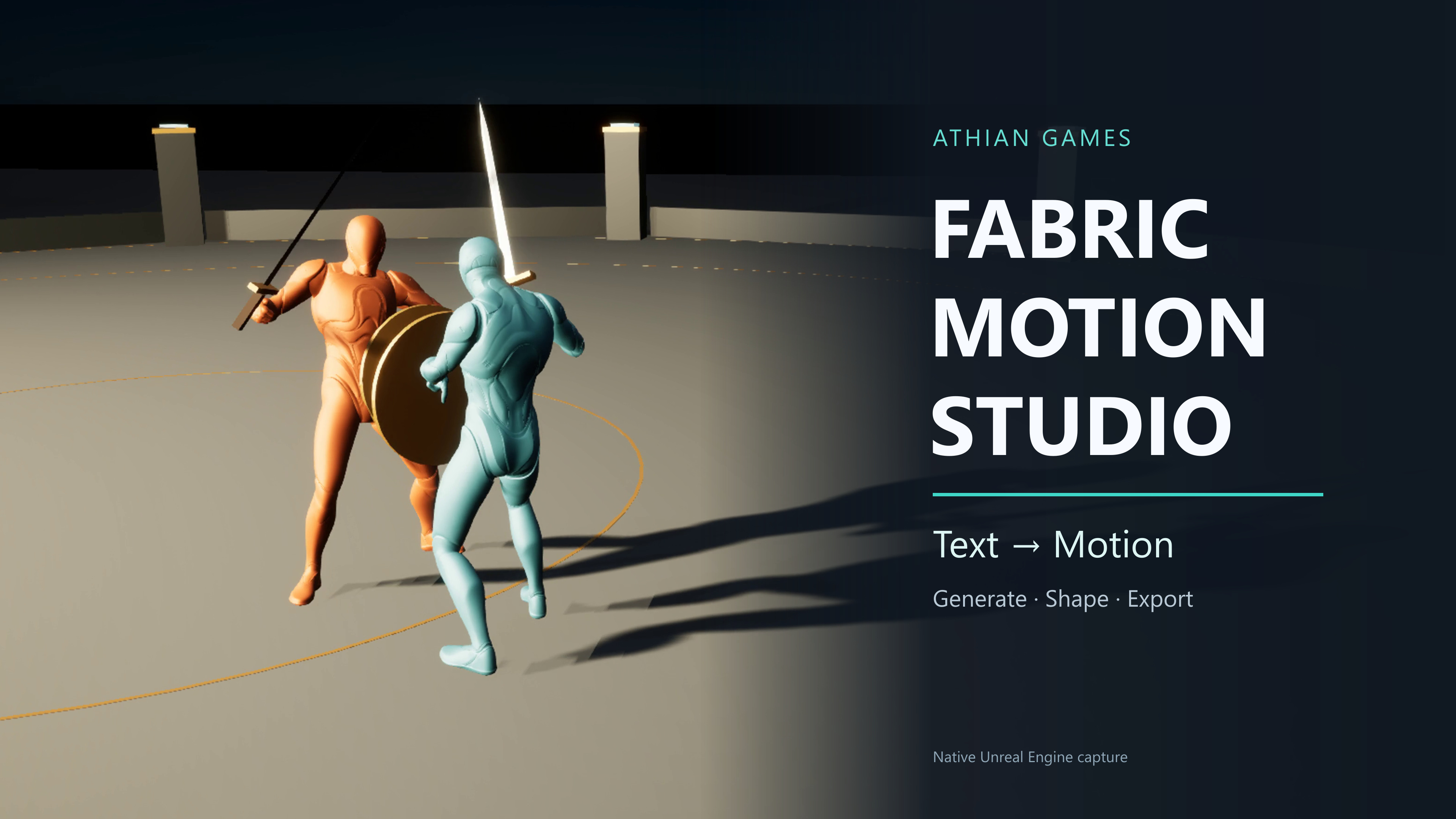
Fabric Motion Studio
Generate motion, shape trajectories and contacts, then export native animation sequences. Explore buffered runtime generation with an offline fallback in the example project.
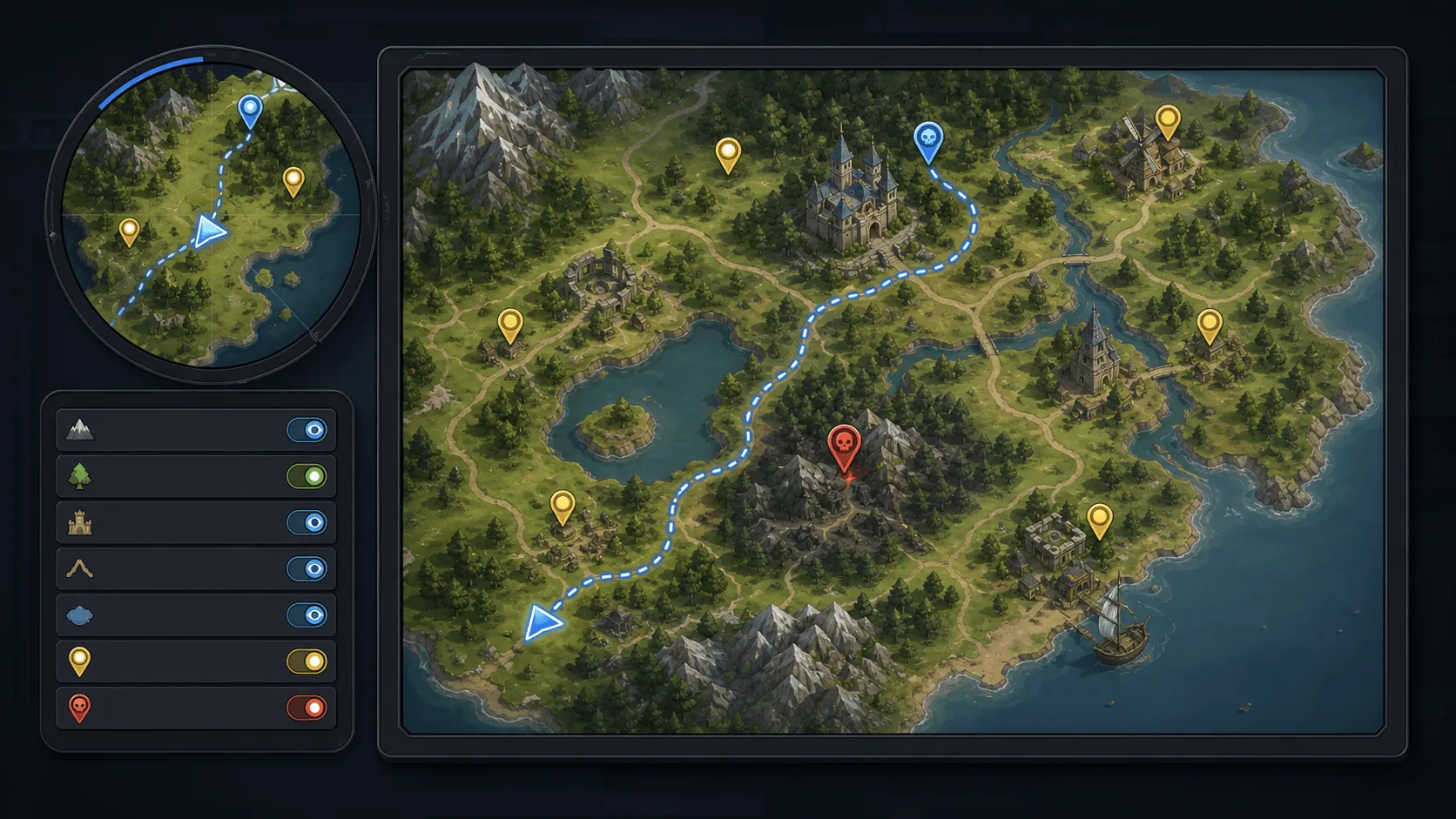
Minimap, Map and Navigation System
Build a fully customized and texture based Minimap, Map and Navigation System for your next big title.
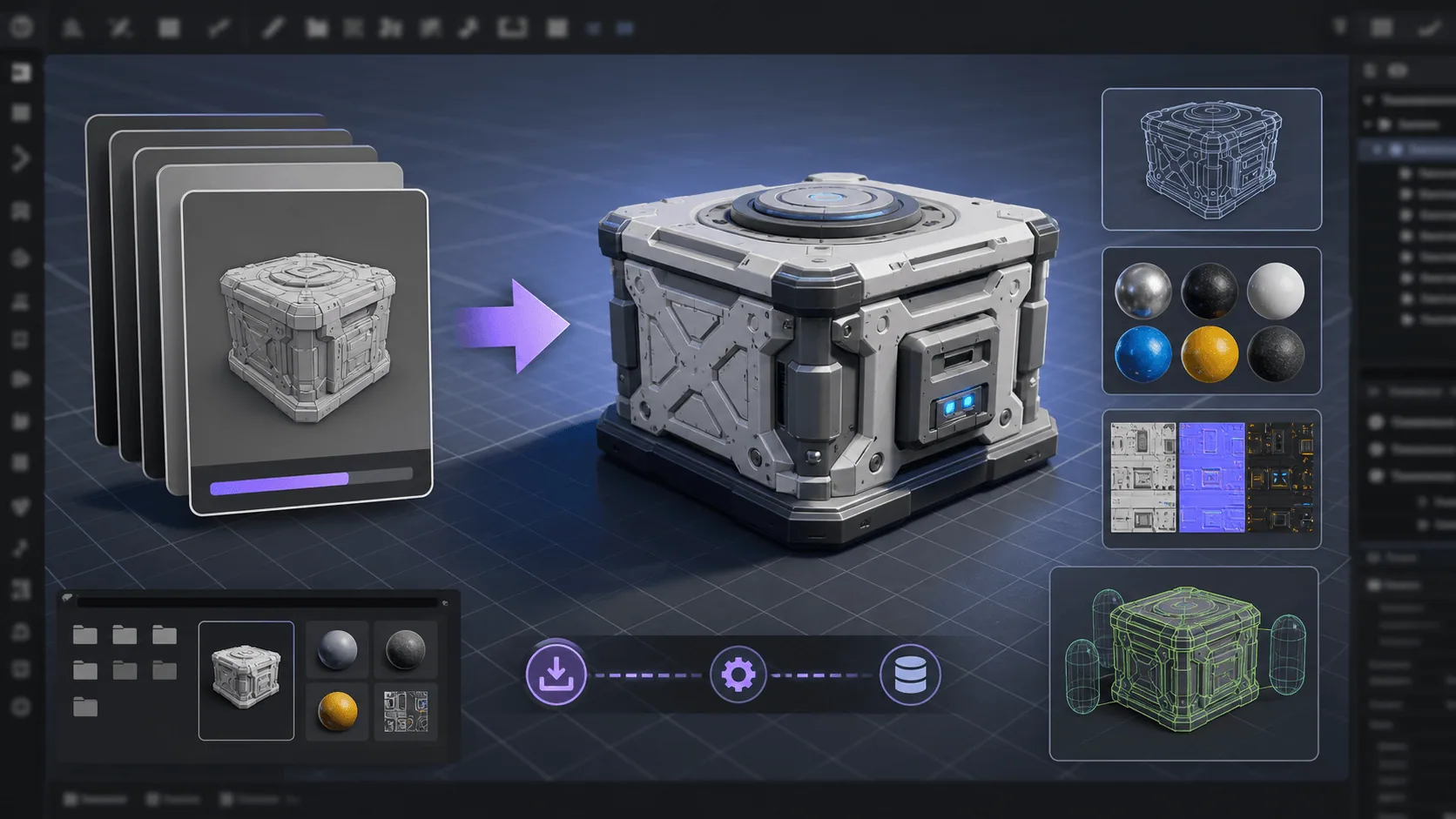
Runtime FBX Import for Unreal Engine
Asynchronously Import FBX files in your Unreal projects, in runtime
Need Help?
Our support team is here to help you get the most out of Mesh To Groom Converter. Whether you have technical questions, need integration assistance, or want to report an issue, we're ready to assist.