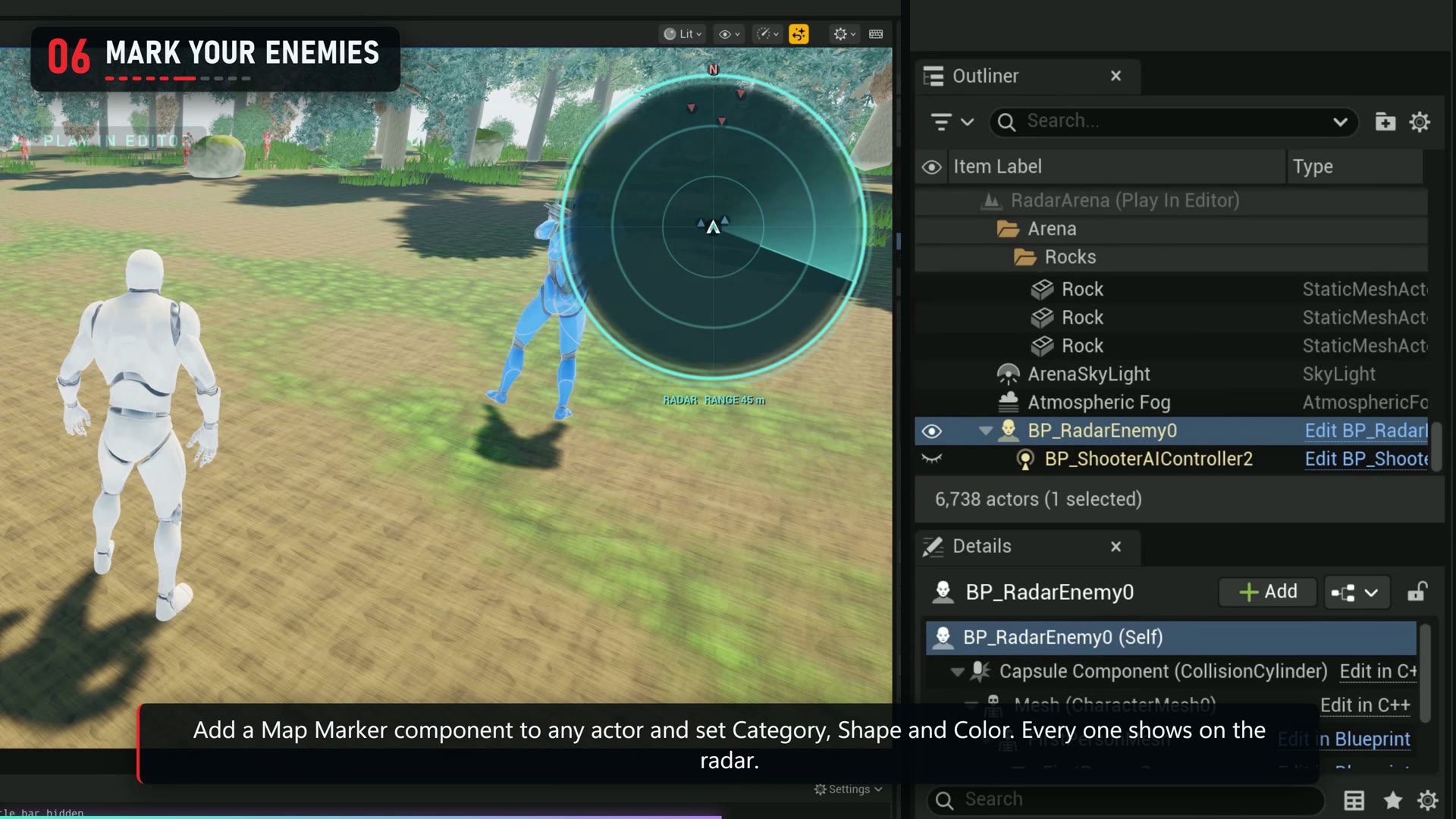
Map Marker component
| Parameter | Default | Effect and use |
|---|---|---|
| Category | Point Of Interest | Choose Ally, Enemy, Objective, Point Of Interest, Vehicle or Custom. |
| Shape / Size | Circle / 1 | Choose a symbol and scale it for readability. |
| Rotate With Actor / Pulse | Off / Off | Orient a directional marker with its actor or pulse it. |
| Max Visible Distance | 0 | Additional visibility limit in centimeters; zero means no limit. |
| Clamp To Edge | Off | Pin an out-of-range contact to the radar rim. |
To remove a fallen contact, call Mark Eliminated on its Map Marker when your game handles its death. The marker leaves a temporary cross at its last position.
Events and runtime controls
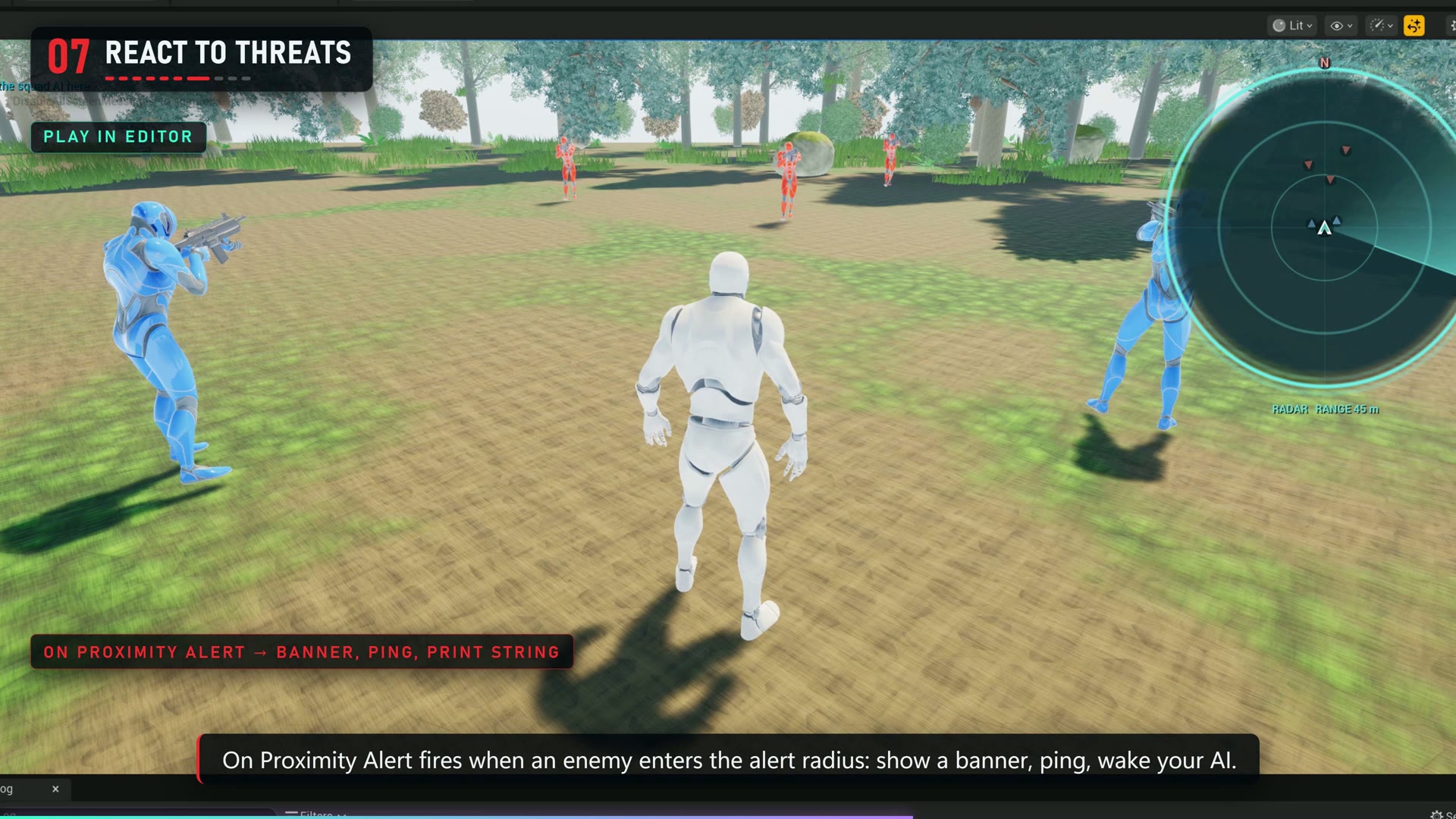
Bind On Proximity Alert on the Radar System actor to react when an enemy enters its alert radius. Use the event's actor and distance in your own response. The example demonstrates a banner and ping.
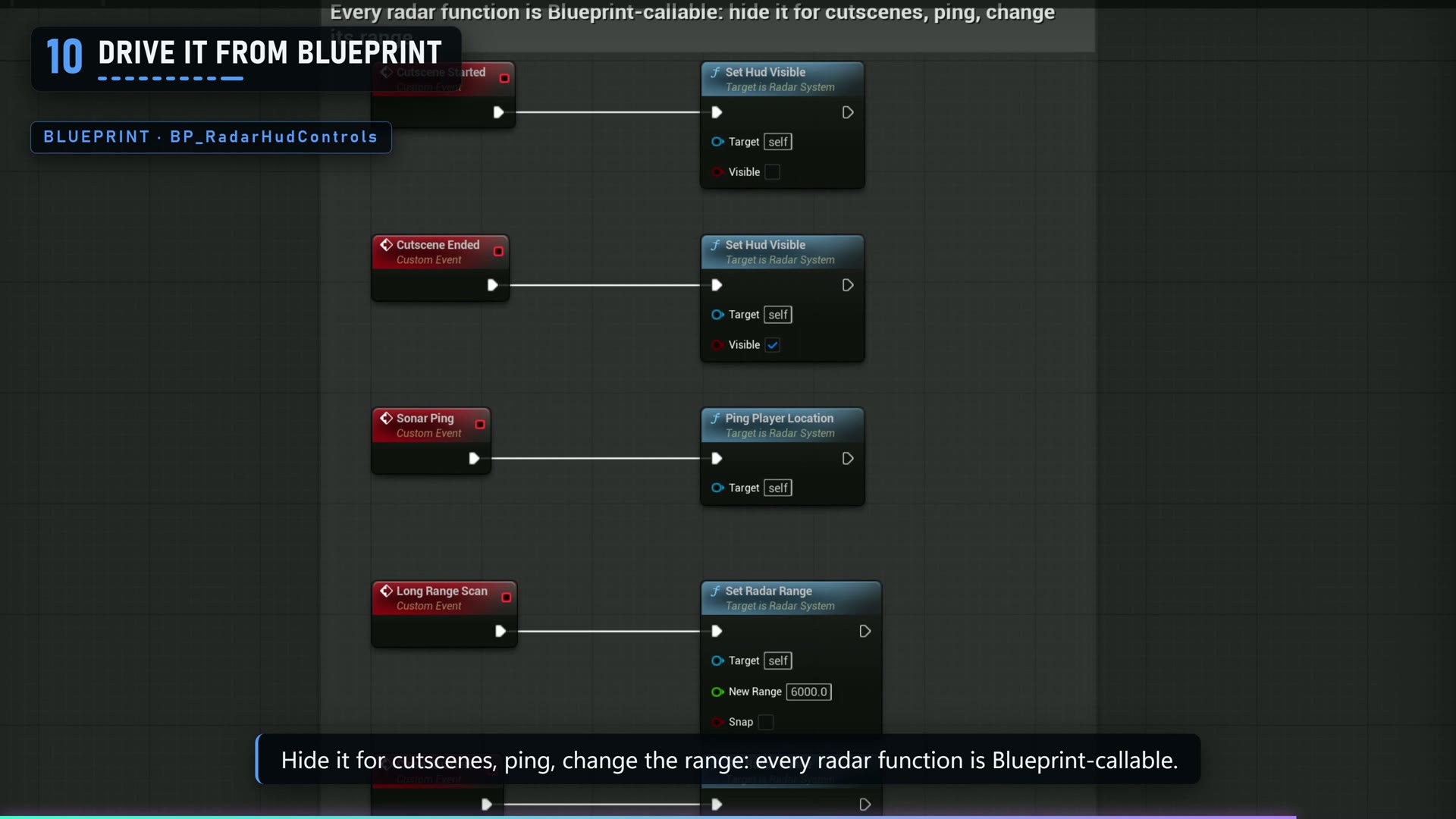
Blueprint calls include Set Radar Range, Zoom In, Zoom Out, Toggle Orientation, Set Category Visible, Ping Player Location and Set HUD Visible. Use Set HUD Visible for cutscenes or menus.