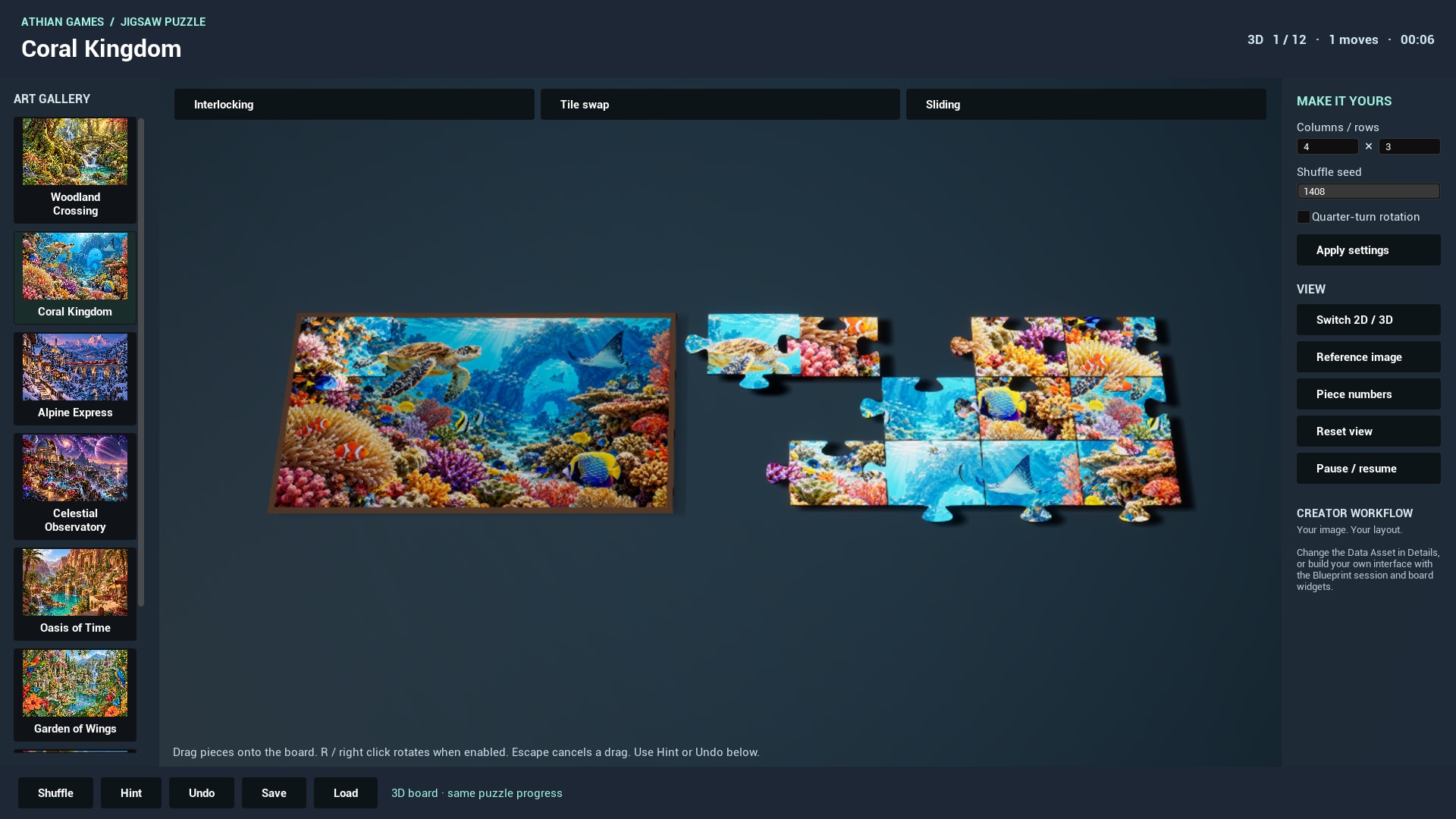
Place and configure
- Add a Jigsaw Puzzle Board Actor to your level and assign Puzzle Definition.
- Keep Preview in Editor enabled to rebuild the board during construction, or use the Rebuild Puzzle Details button after editing a referenced definition.
- Set Board Width and Piece Thickness. Rebuild to regenerate geometry. Supply an Artwork Material only if it supports the Picture texture and Brightness scalar parameters used by the supplied master.
- For the ready-made interaction, use the example's gallery and JigsawDemoGameMode. In a custom controller, convert a pointer ray to the board plane, find the piece, preview it during dragging and place it on release.
| Parameter | Default or example | Effect and use |
|---|---|---|
| Board Width | 620 cm default; Details range 40–10000 cm | Picture width before actor scale. Height follows the texture's aspect ratio; the adjacent tray needs additional room. |
| Piece Thickness | 4 cm default; range 0.2–30 cm | Depth of the generated sides and bottom. Rebuild after changing it. |
| Animation Speed | 12 default; range 1–30 | Interpolation speed when pieces settle into their current session positions. |
| Show Reference | Enabled by default | Show a dark guide image on the backing. Set Reference Visible updates it at runtime. |
| Get Piece at World Location | World Position → Piece Id | Tests silhouettes on the board plane. A result of -1 means no unlocked piece was found. |
| Preview Dragged Piece | Piece Id, World Position, Quarter Turns | Moves the visible mesh without committing session state; Cancel Drag returns it to session state. |
| Place Piece at World Location | Piece Id, World Position, Quarter Turns → bool | Commits an interlocking move and snaps if position/orientation satisfy the definition. |
For custom input: pointer ray → plane intersection → Get Piece at World Location → Preview Dragged Piece while held → Place Piece at World Location on release. For Swap and Sliding call Session.Activate Tile instead. The built-in controller handles mouse dragging and quarter turns. Hints, save/load and undo remain available through the gallery buttons.
The optional gallery camera frames its own board. Standalone board actors can be moved and rotated in your scene; provide a camera and input for your scene's presentation. Piece numbers (2D) and Reset 2D view are disabled while the gallery shows the 3D board.