Ultimate AI Mesh Generator
Online text and image-to-3D plus local TRELLIS.2 image-to-3D, with task history, mesh previews, material import and placement inside Unreal Editor.
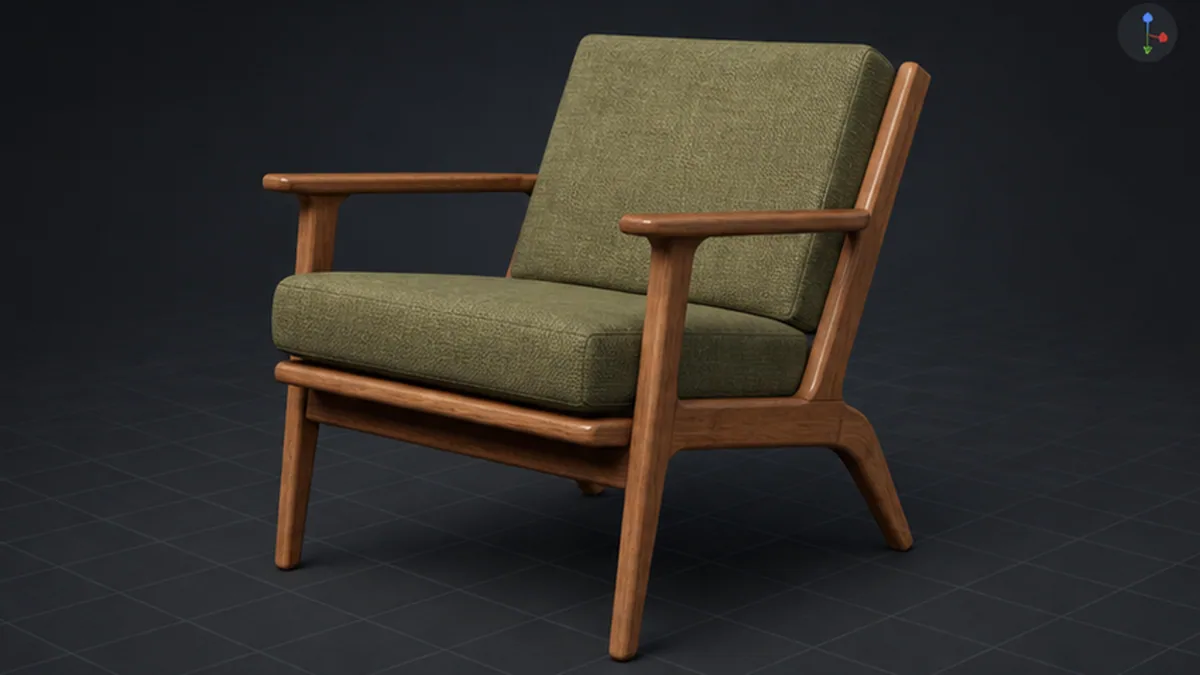
Select image to view full size.
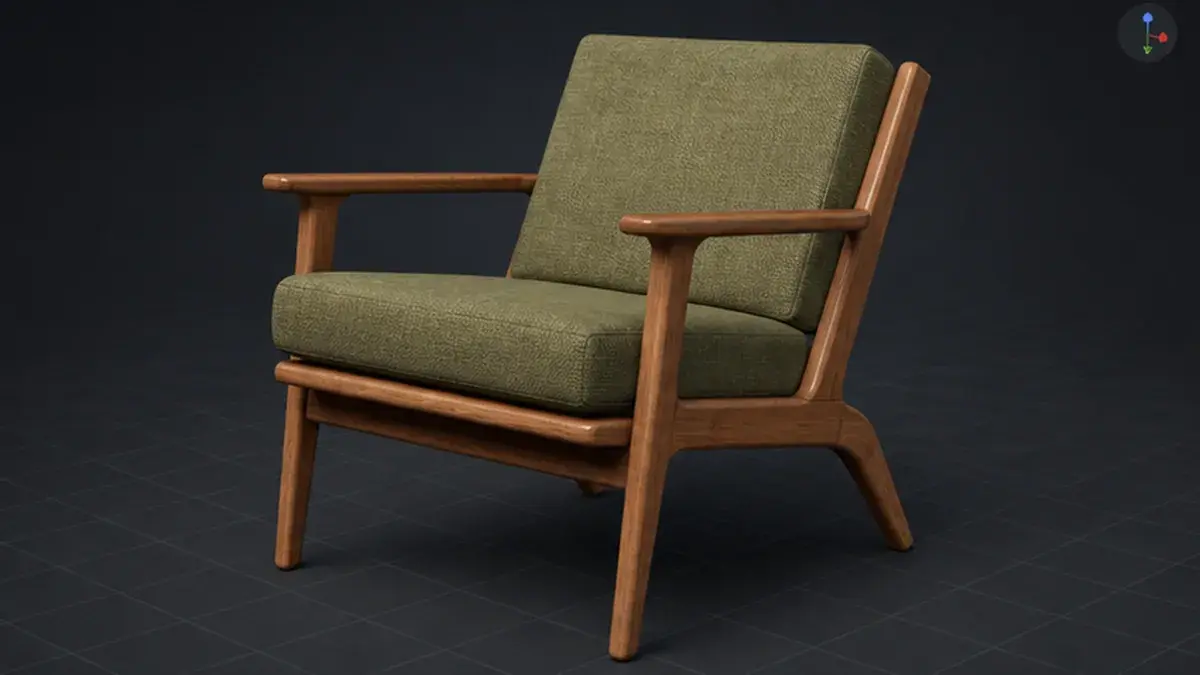
The current cover and feature artwork are workflow illustrations, not native editor screenshots or included mesh assets. The manual documents the implemented online and local controls.
Gallery
1 / 7
About This Product
Ultimate AI Mesh Generator helps artists and designers turn references into usable static mesh assets from inside the editor. Choose a provider, enter a prompt or drop reference images, start a task, monitor progress, and import the finished result into organized Content Browser folders. Online generation connects to Meshy, Tripo3D and Rodin. Each supports text, single-image and multi-image mesh generation. Meshy also provides image generation, retexturing, remeshing, rigging and animation workflows. Available controls depend on the selected provider. Offline (Trellis 2) turns one prepared foreground image into a mesh using a separately installed local backend. The revised worker accepts transparent RGBA PNG input and uses an original UV texture baker; automatic background removal is not included in this path. Check Setup detects installation files, while dependency imports, model caches and GPU generation require separate validation. Choose quality, seed and Draft mode from the same editor panel. Setup and model downloads need internet access and WSL2. The upstream backend requires an NVIDIA CUDA GPU with at least 24 GB VRAM; lower-memory operation is unverified. Generation is designed to run locally after setup; local text-to-3D and multi-image generation are not supported. Preview results, inspect mesh statistics, import meshes with their materials and textures, and place completed results at an AI Mesh Spawn Target. Generation is an editor workflow; imported assets can be used normally in your project. Online services require your own accounts, API credentials and available service credits. The revised local path avoids legacy NVIDIA rasterizer and BRIA background-removal dependencies, but still requires review of component terms, including Meta DINOv3, and authorized cached model files. End-to-end GPU generation and textured-import validation of this release candidate remain pending. Review the local setup and dependency notes before choosing that workflow.
Features
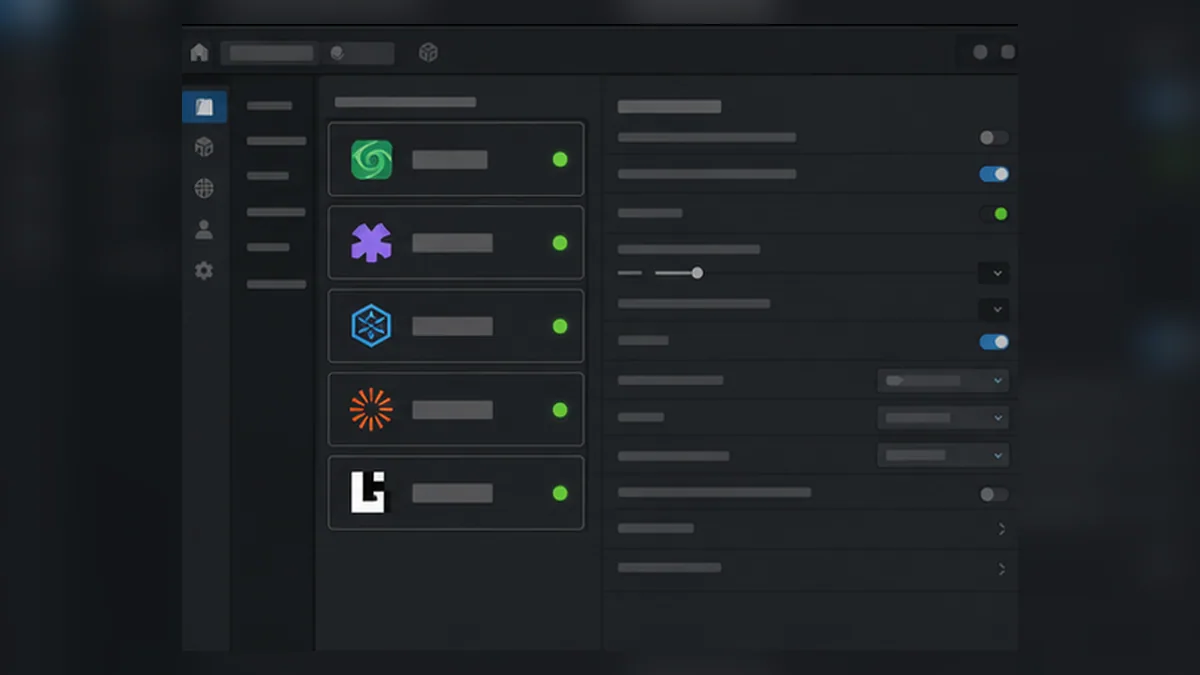
Online Providers and Local Generation
Choose Meshy, Tripo3D or Rodin for online generation, or Offline (Trellis 2) for local single-image reconstruction. Each provider exposes its supported modes.
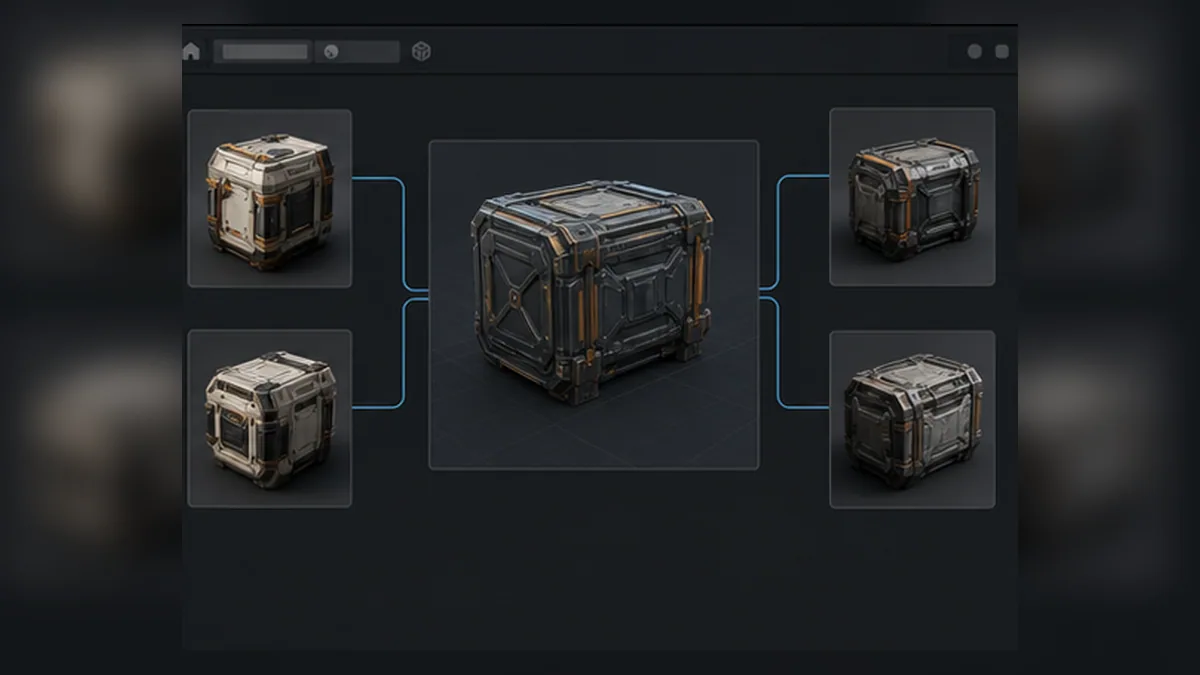
Local Image-to-3D
Detect the local installation with Check Setup, prepare authorized model caches and supply a transparent foreground PNG. Tune Quality, Seed and Draft mode before generation. The revised worker still awaits full GPU validation; component terms apply.
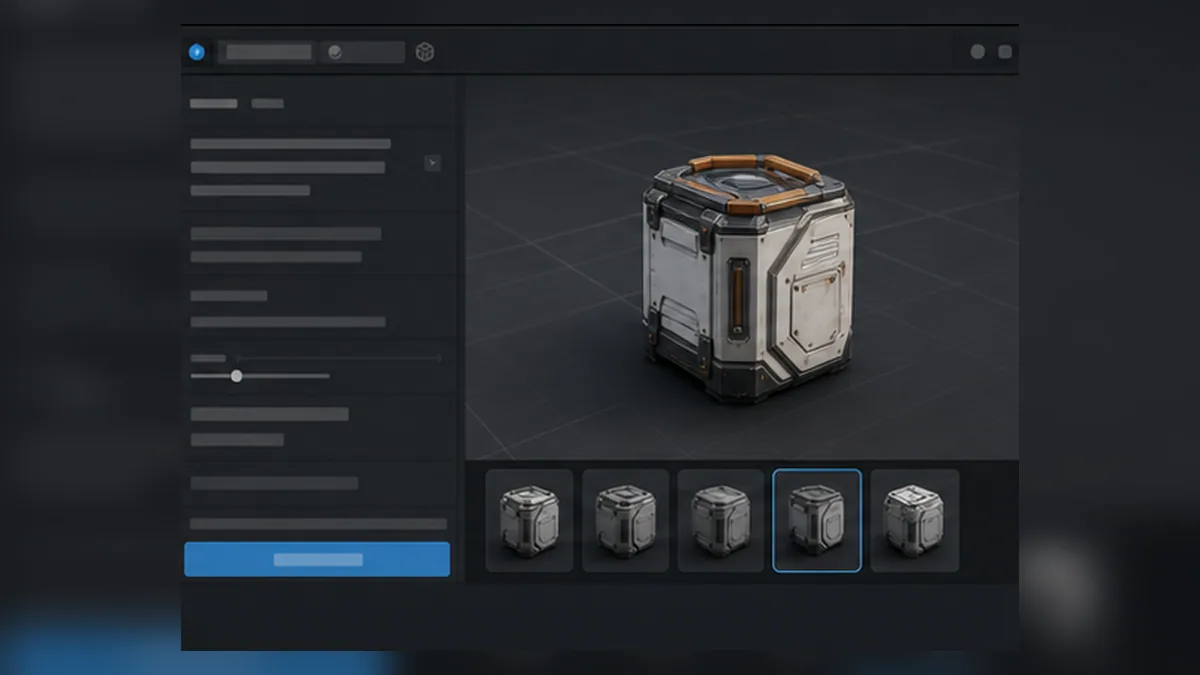
Text-to-3D Generation
Describe an object and generate through a supported online provider without leaving Unreal Editor. Prompt and model options vary by service.
Image and Multi-Image Generation
Use one reference image with online providers or the local backend. Multi-image generation is available through the supported online providers; the local mode accepts one image.
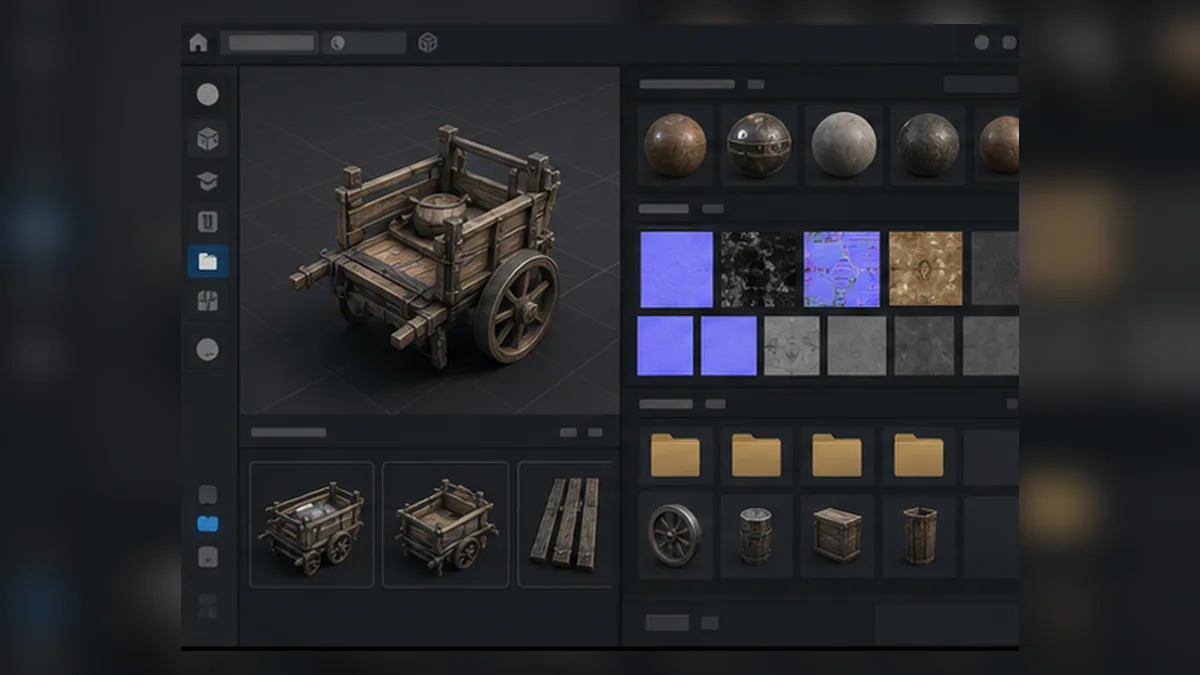
Automatic Import and Organization
Finished results are downloaded, imported as Static Mesh assets, organized into provider folders, and connected to generated materials and texture assets.
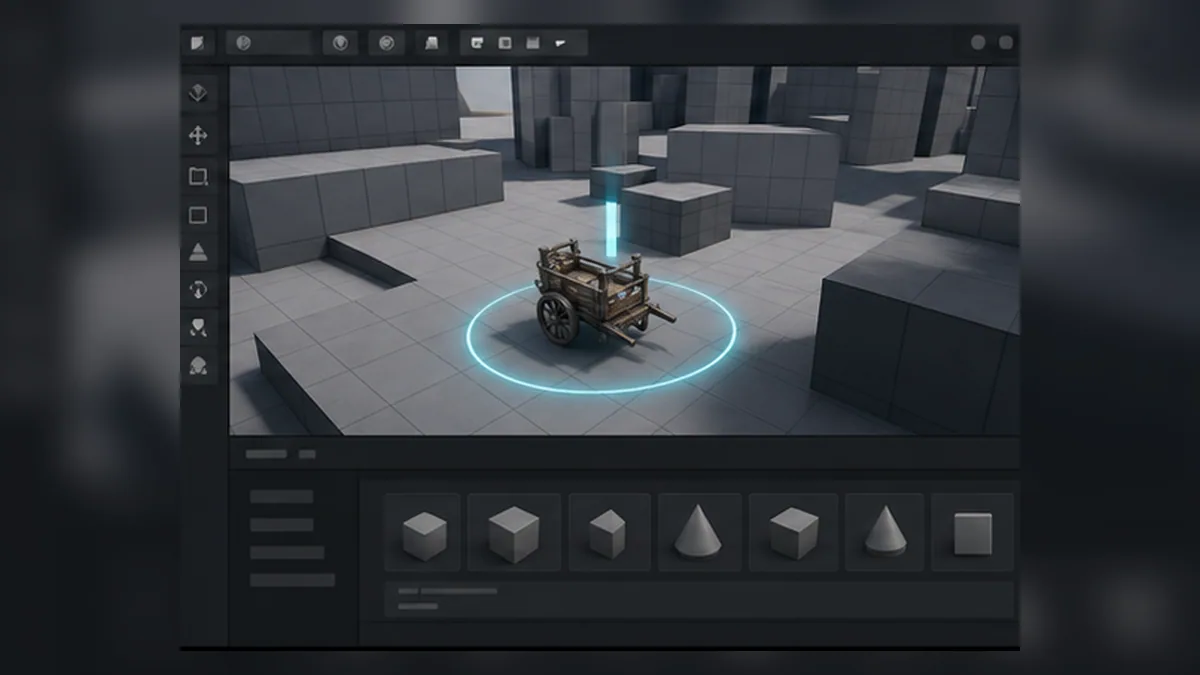
Spawn Target Placement
Place an AI Mesh Spawn Target in the level before generation and the finished mesh can appear at that target when the import completes.
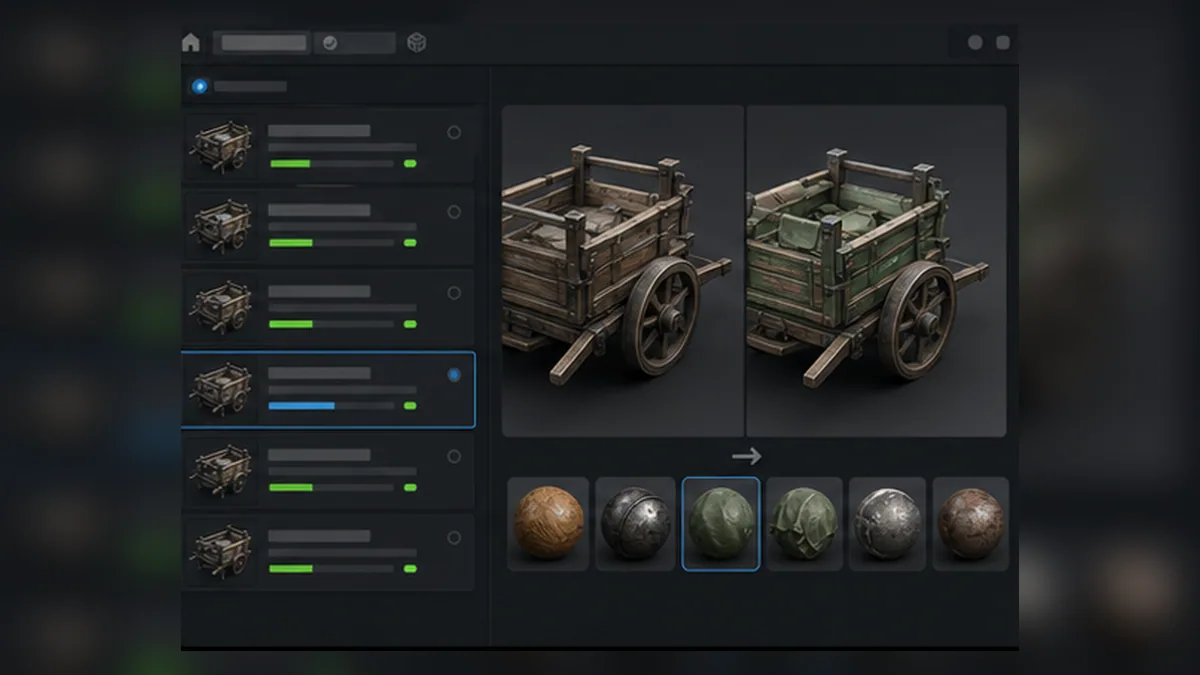
Task History and Retexture Flow
Reopen previous tasks, refresh status, re-import results and save files. Meshy tasks also offer the supported retexture, remesh, rig and animation workflows.
Related Products
More plugins from Athian Games.
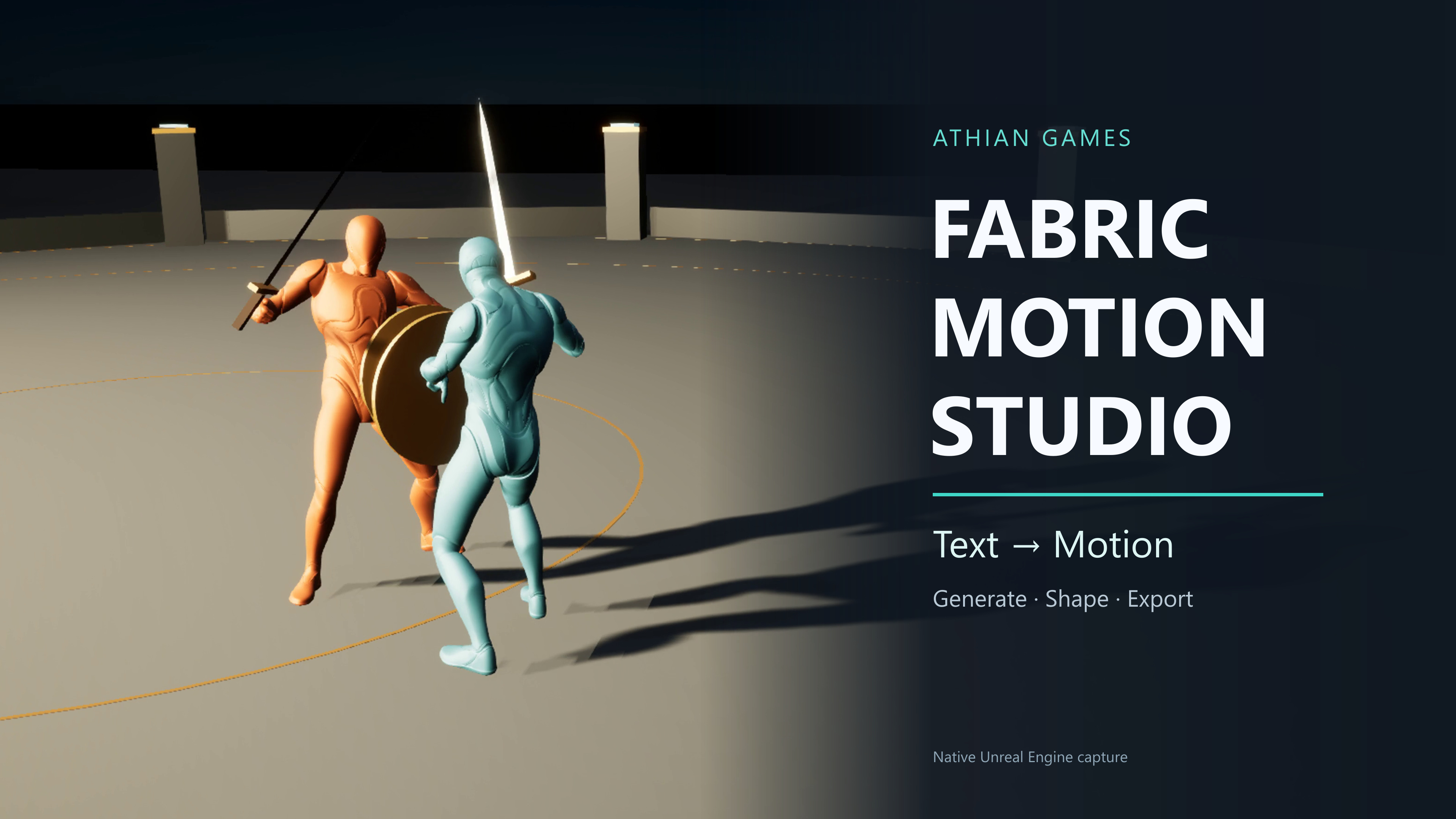
Fabric Motion Studio
Generate motion, shape trajectories and contacts, then export native animation sequences. Explore buffered runtime generation with an offline fallback in the example project.
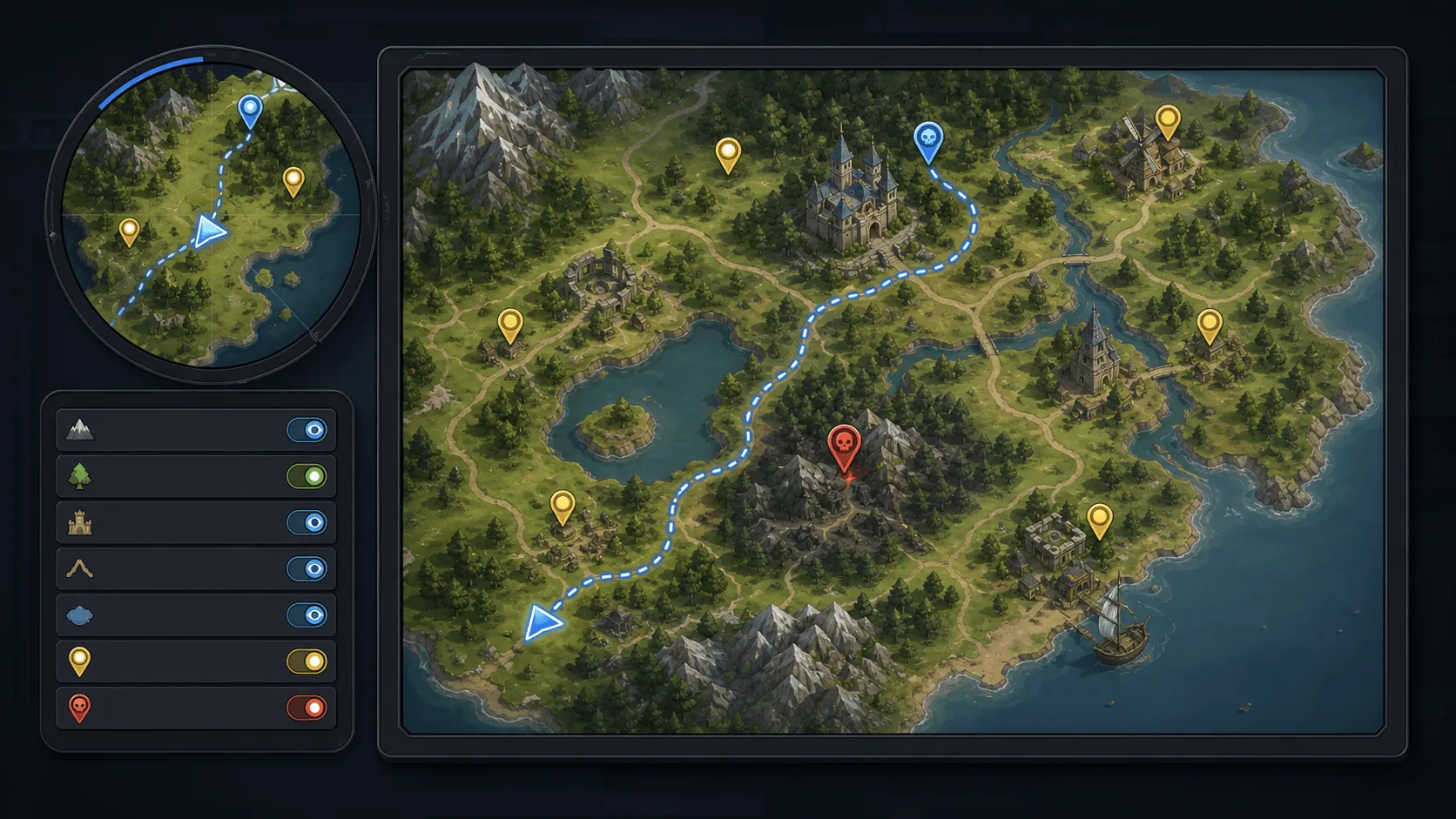
Minimap, Map and Navigation System
Build a fully customized and texture based Minimap, Map and Navigation System for your next big title.
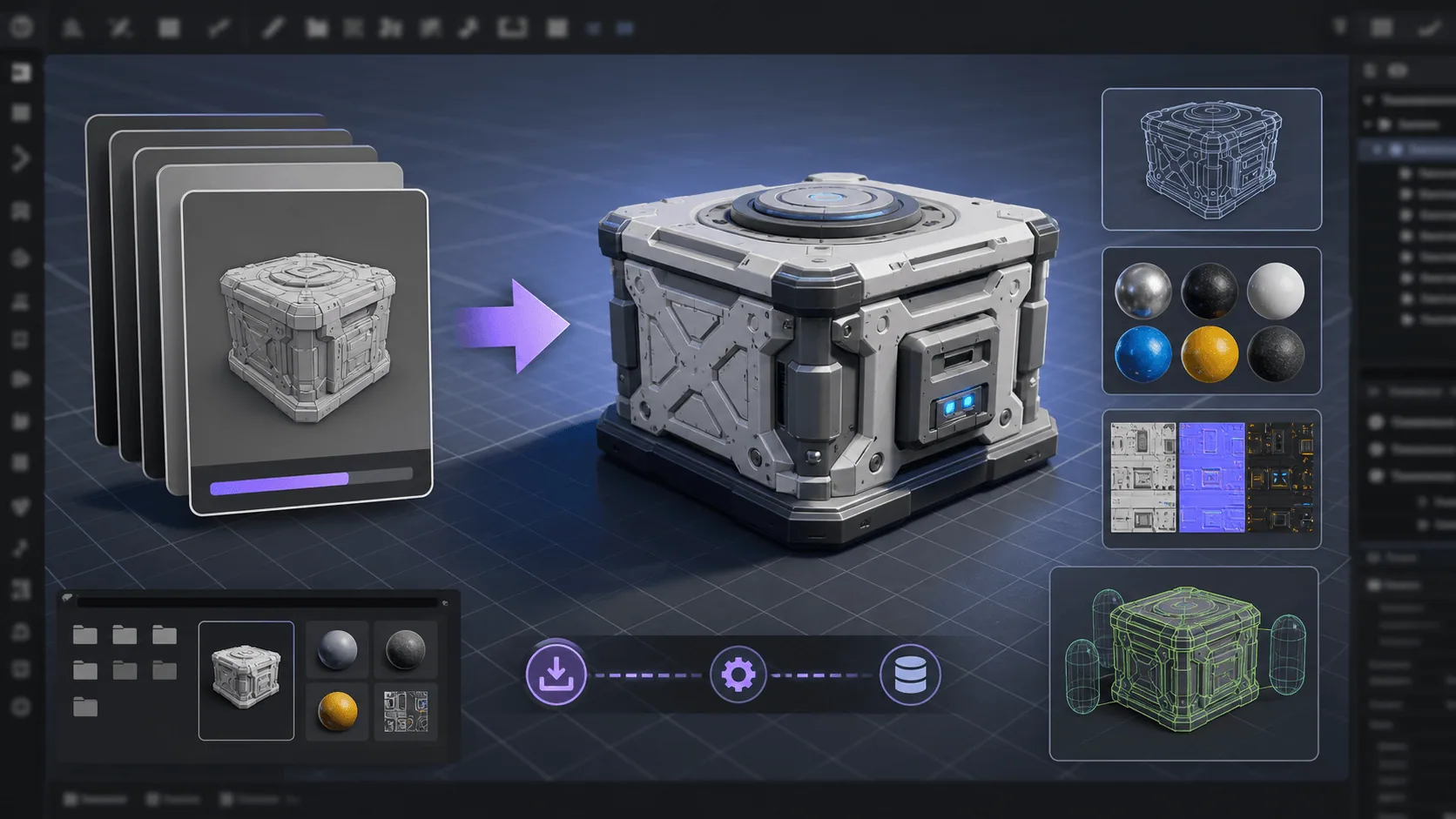
Runtime FBX Import for Unreal Engine
Asynchronously Import FBX files in your Unreal projects, in runtime
Need Help?
Our support team is here to help you get the most out of Ultimate AI Mesh Generator. Whether you have technical questions, need integration assistance, or want to report an issue, we're ready to assist.