Back to Products
TreeView for UMG
Blueprint-ready tree view widget with custom rows, nested nodes, selection, and expansion events.
About This Product
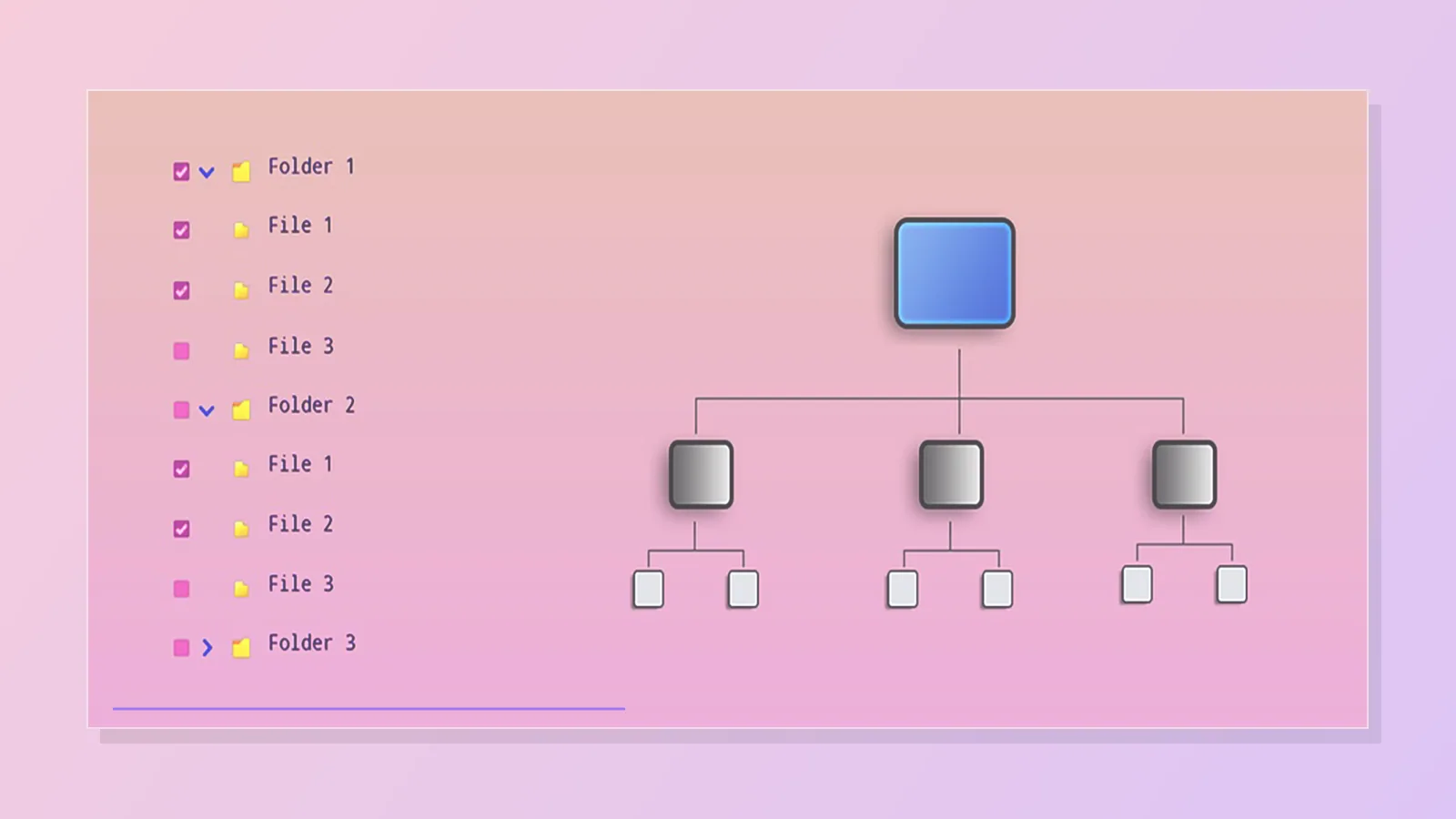
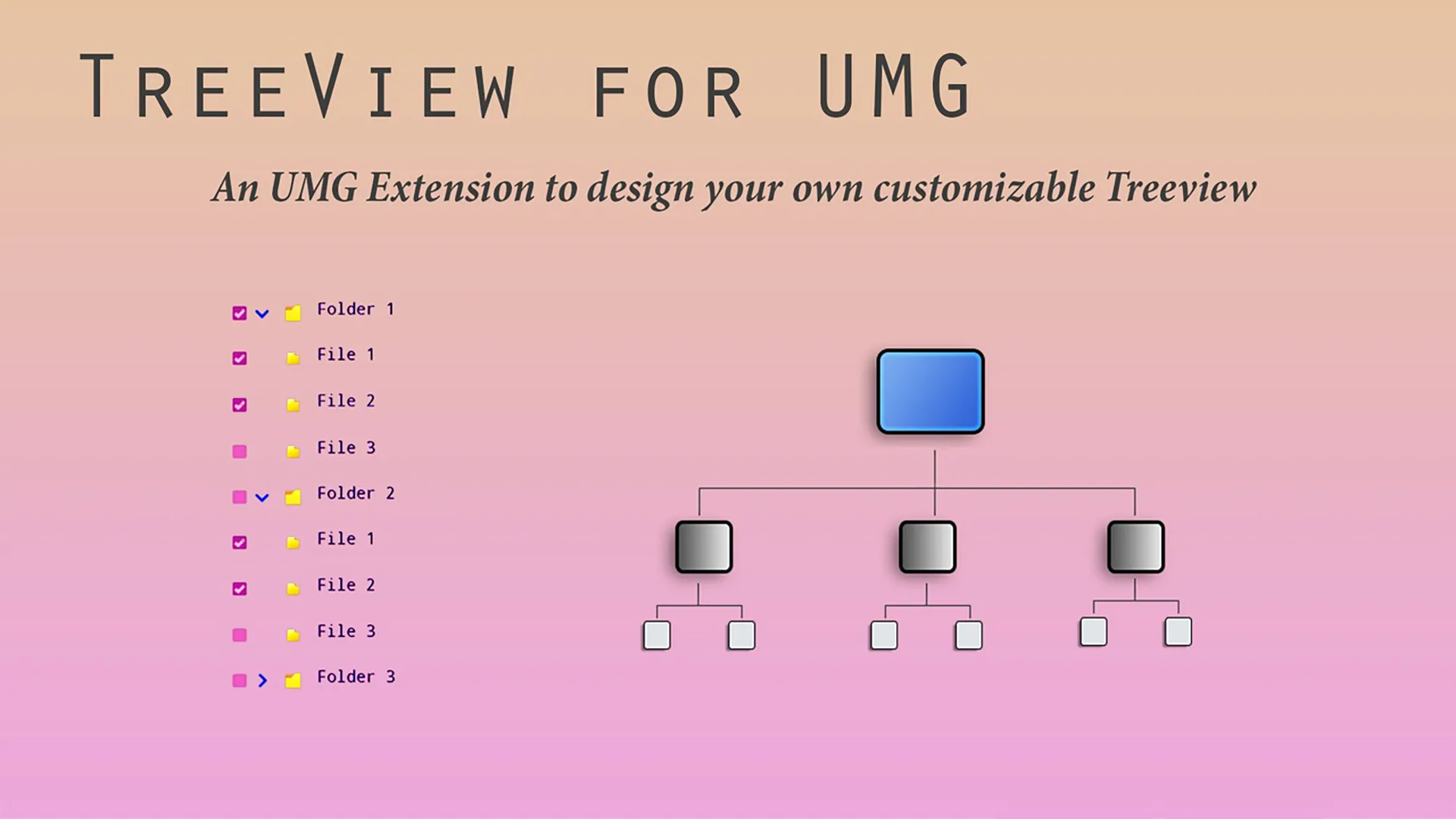
TreeView for UMG lets you build clean nested tree views directly inside Widget Blueprints. You can set up nodes in the Widget Designer, or build the node list from Blueprint at runtime and call Create Tree when your data is ready. Use it for inventories, quest logs, settings pages, file browsers, skill trees, debug menus, editor-style tools, and any UI that needs expandable parent and child rows. Rows can use the default look, one shared custom widget, or different custom widgets for specific parents or node ids.
Features
Designer or Blueprint Setup
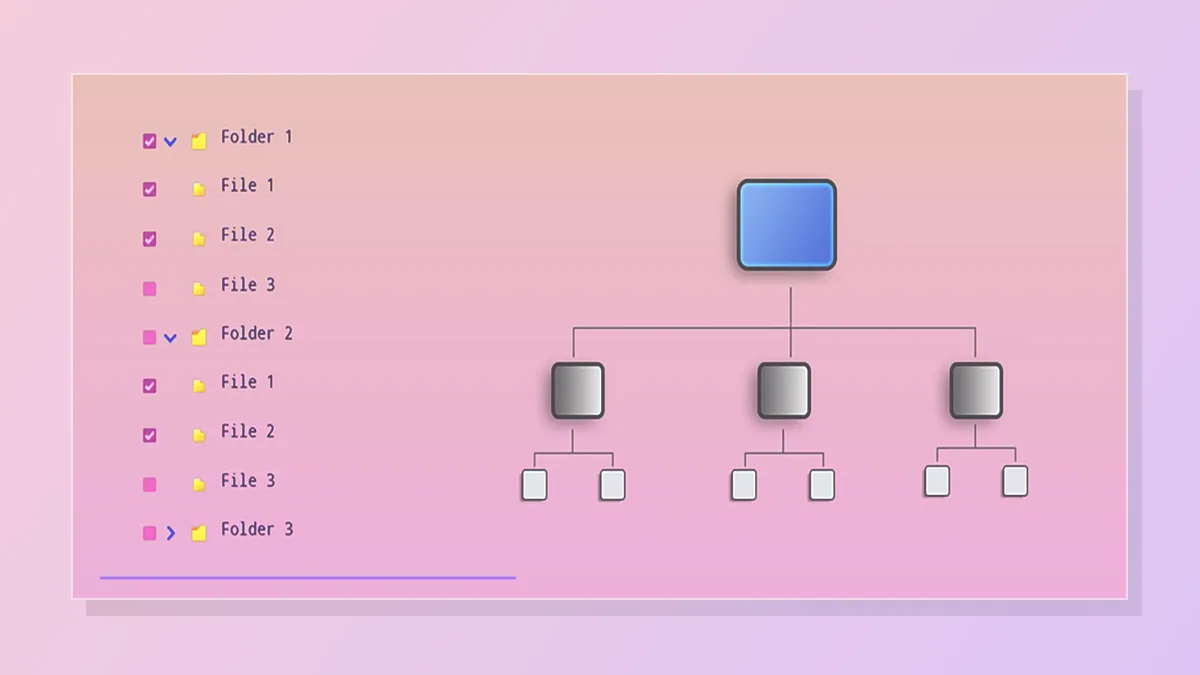
Create the tree in the Widget Designer, or fill the Tree Nodes array from Blueprint and call Create Tree at runtime.
Custom Row Widgets
Use one default row widget for the whole tree, or assign different row widgets by parent id or node id.
Selection and Expansion Events
React when a row is selected, expanded, collapsed, or generated so your UI can update immediately.
Blueprint Control
Expand, collapse, toggle, and select nodes from Blueprint for guided UI flows or gamepad-driven menus.
Per-Node Data
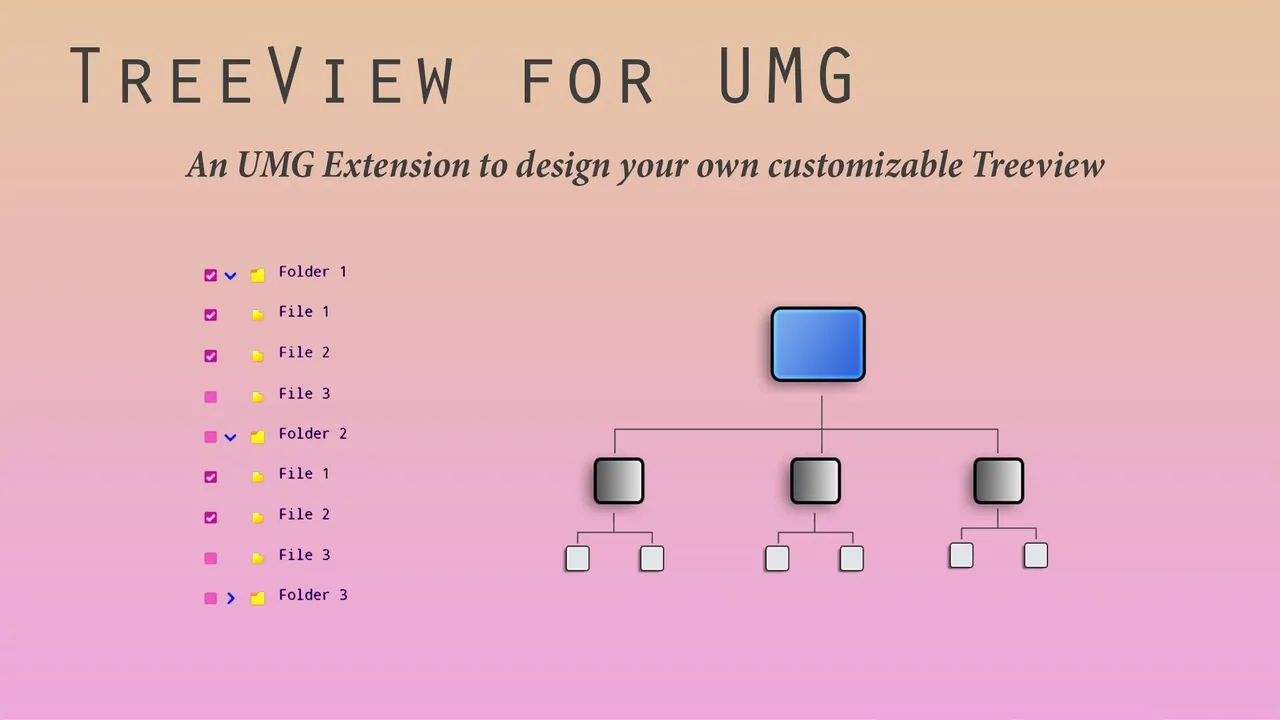
Store display names, parent links, padding, and extra string values per node for flexible UI behavior.
Style Controls
Tune row style, text style, scrollbar style, tree padding, row padding, and expander visibility from the widget details.
Need Help?
Our support team is here to help you get the most out of TreeView for UMG. Whether you have technical questions, need integration assistance, or want to report an issue, we're ready to assist.